Which Bambu Lab H2 printer to buy: H2S, H2D, H2D Pro or H2C
Four printers share the same enclosed chassis and the same 350 °C nozzle, and the price runs from about 1,200 € to about 3,650 €. Here is what you actually pay extra for at each step, and who should stop where.
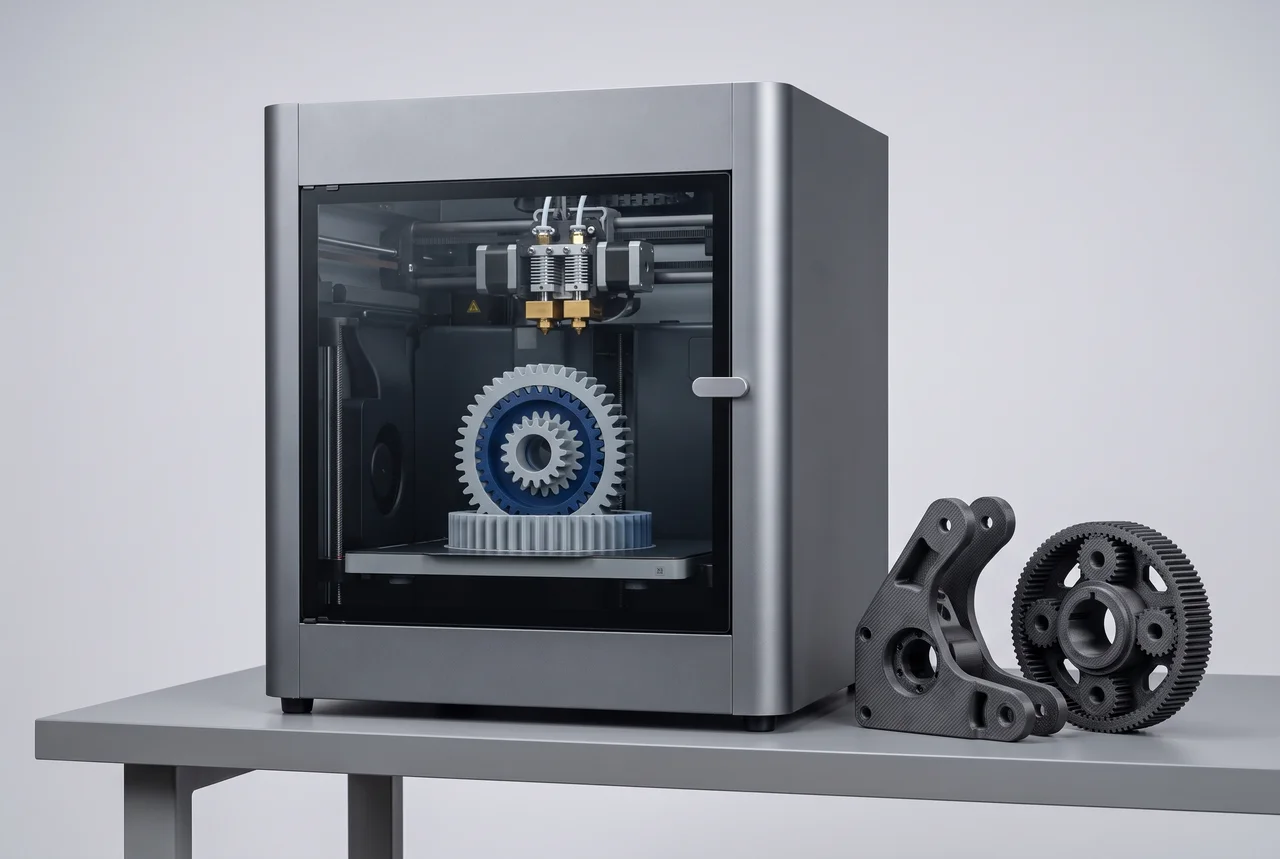
The H2 line looks confusing because the four machines are nearly identical on paper. Same outer footprint, same enclosed chamber, same CoreXY motion, same 0.4 mm standard nozzle, same 350 °C nozzle and 120 °C bed limits, mesh auto-leveling on all of them. None runs Klipper natively. What changes is the number of extruders, how multicolor works, the build volume by a few millimetres, and above all the price.
The numbers below come from our catalog data. Where a price is a range, it is the estimate we hold, not a quote from a shop, so check the current price before you buy.
The four at a glance
| H2S | H2D | H2C | H2D Pro | |
|---|---|---|---|---|
| Price in the catalog | about 1,150–1,250 € | 1,899 € | 2,249 € | about 3,500–3,800 € |
| Build volume (mm) | 340 × 320 × 340 | 350 × 320 × 325 | 330 × 320 × 325 | 350 × 320 × 325 |
| Extruders | one | two | two | two |
| Multicolor accessory needed | yes | yes | yes | no |
| Weight | 30 kg | 31 kg | 32.5 kg | 31 kg |
The spread is the point: the cheapest and the dearest differ by roughly 2,400 €, and the printable area barely moves. So the question is never "which one prints bigger". It is "which of these features will I use often enough to pay for".
Bambu Lab H2S: the one to buy if you print one material at a time
The H2S has a single extruder and costs about 700 € less than the H2D. In exchange you get the tallest build in the family, 340 mm on Z against 325 mm, and Developer Mode, which opens MQTT access for custom integrations. If you want to hook the printer into your own monitoring or automation, this is the only one of the four where our data lists that channel.
What you give up is printing two materials in the same job without stopping to swap. That matters if you print supports in a soluble or different material. It matters much less if most of your parts are one PLA or PETG. My position: most people who are looking at this line for the first time should start here, because the enclosure, the temperatures and the ecosystem are the same as on the dearer machines.
The direct comparison is on our page H2D vs H2S.
Bambu Lab H2D: the second extruder
The H2D at 1,899 € adds the second extruder and a slightly wider bed, 350 mm on X. It also handles laser engraving and cutting workflows through Bambu Suite, which the H2S also lists, so that is not a reason to choose one over the other.
Buy it if two materials in one print is a real need: a support material that separates cleanly, or two colors without a change mid-job. Do not buy it for the extra 10 mm of bed. It also needs an accessory for multicolor printing, so count that in the budget. Outside Bambu Studio you lose automatic dual-nozzle offset calibration and Material CodeSync, even though third-party slicers such as PrusaSlicer, SuperSlicer and Cura can send standard G-code to it.
Bambu Lab H2C: for a lot of colors
The H2C costs 2,249 €, 350 € more than the H2D. The bed is a little narrower, 330 mm on X against 350 mm, and it is the heaviest at 32.5 kg. Our data lists up to 24 colors for it against 4 on the H2D, and that is the reason to pay the difference.
If you make multicolor models regularly, such as figurines, signs or anything with a long palette, the H2C is the one that makes the extra money worth it. If you print mostly in one or two colors, it is the wrong purchase: you pay for a capability you will not use, and you get less width than the H2D.
See the numbers side by side in H2C vs H2D.
Bambu Lab H2D Pro: a business decision
The H2D Pro has the same 350 × 320 × 325 mm volume and the same 350 °C nozzle as the H2D. Our data has one meaningful difference on the spec sheet: multicolor printing does not need an extra accessory. Its price in the catalog is about 3,500–3,800 €, close to double the H2D.
For a hobbyist that is very hard to justify, and I would not recommend it on the specs we hold. It makes sense only if you have a specific reason to want the Pro variant, such as a workshop with a fleet of machines where uniform setup and no add-on hardware matters more than the invoice. Otherwise, take the H2D and spend the difference on filament.
The page H2D vs H2D Pro has the full list.
What to pick
- You print one material at a time, or you are new to the line: H2S.
- You need two materials in one job: H2D.
- You make many-color models: H2C.
- You run a shop and want the no-accessory variant: H2D Pro.
If none of these fits and your budget is closer to 500 € than 1,500 €, the H2 line is not your range. The P2S sits at 519 € in our catalog and is the printer to look at first. For a cross-brand look at the top of the range, we also have H2S vs Creality K2 Plus.
One last note on how to read this page: we have not printed with these machines for this guide. Everything here is from manufacturer specifications and our catalog, so treat it as a way to narrow the field, not as a test result.