Atomstack A40 Pro V2 vs xTool M1 Ultra
Technical comparison · Diode laser (405–460 nm)
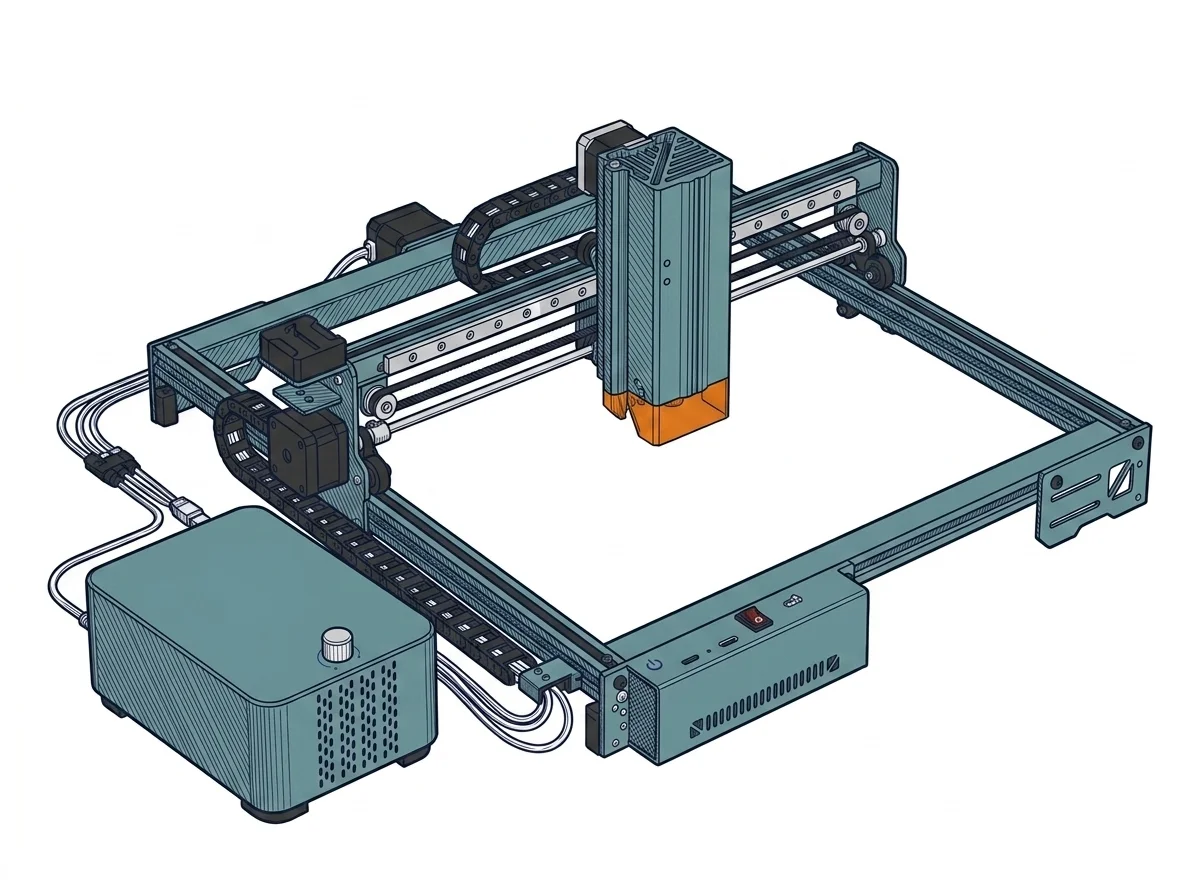
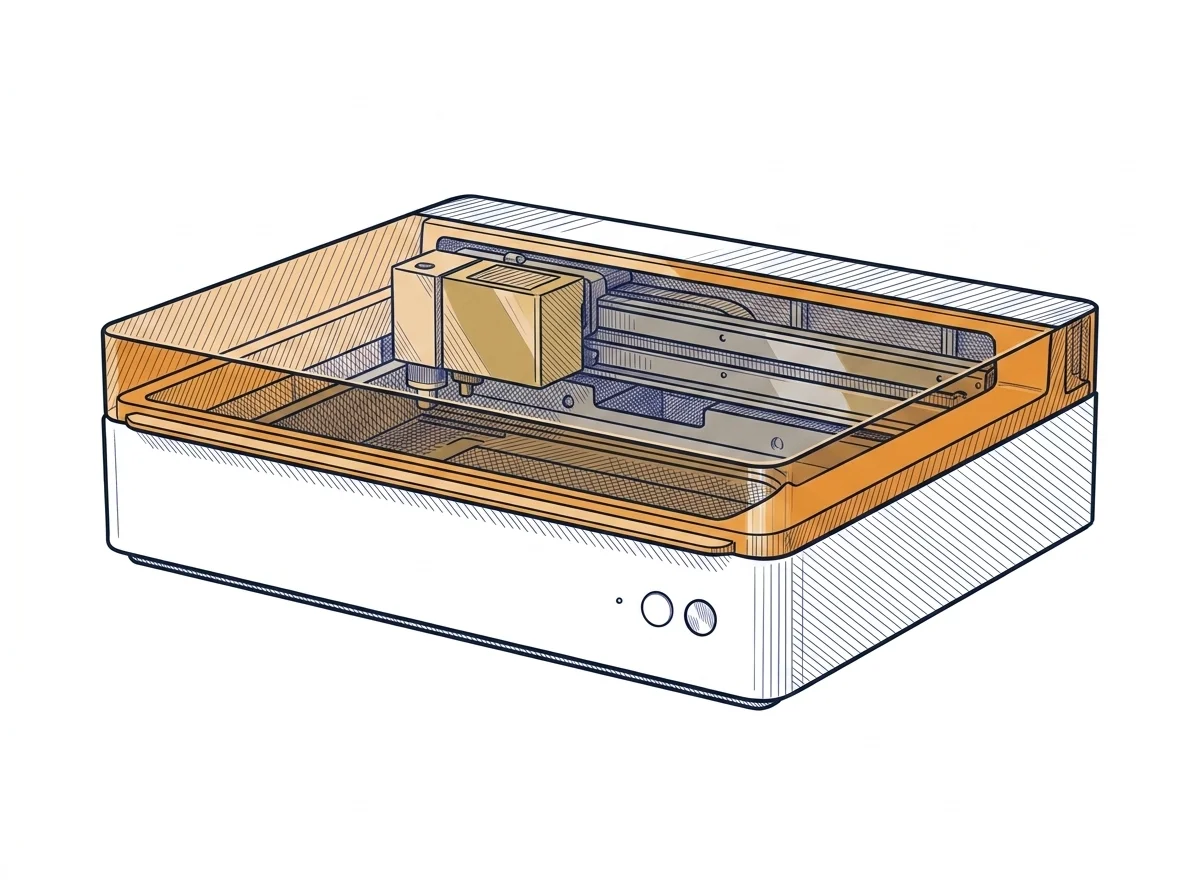
A40 Pro V2 and M1 Ultra aren't fighting for the same job: the first is a 40W diode laser built to cut, the second a 10W hybrid machine that bundles laser, blade cutting and inkjet printing into one closed unit. The question isn't which has the better spec sheet — it's which workflow you actually need.
| Parameter | ||
|---|---|---|
| Awards | — | |
| Identity | ||
| Launch year | 2024 | 2024 |
| Use tier | F3 — Advanced | F2 — Intermediate |
| Price | ||
| Price (€) | ~700–1000 € | 1299 € |
| Universal specs | ||
| Dimensions (W×D×H) (cm) | — | 62 × 49.8 × 17.8 cm |
| Weight (kg) | — | 12 kg |
| Work area (mm) | 400 × 400 mm | 385 × 300 mm |
| Power (W) | — | 180 W |
| Maximum speed | 400 mm/s | 400 mm/s |
| Declared precision | 0.02 mm | — |
| Category specs | ||
| Work area (short side) (mm) | 400 mm | 300 mm |
| Rated power (W) | 40 W | 10 W |
| Source technology | Diode | Diode |
| Max travel speed (mm/s) | 400 mm/s | 400 mm/s |
| Max processing speed (mm/s) | 400 mm/s | 400 mm/s |
| Wavelength (nm) | 455 nm | 455 nm |
| Min resolution (µm) | 20 µm | — |
| Autofocus | No | Yes |
| Rotary included/compatible | No | No |
| Passthrough | No | No |
| Supported software | Proprietary, LightBurn | Proprietary |
| Frame | Open, optional enclosure | — |
| Air assist | Optional | — |
| Fume extraction | Optional filter | — |
| Ecosystem | ||
| Cloud dependency | No | No |
| Software notes | The system offers extended compatibility with the industry's leading standard software, ensuring operational flexibility across both Windows and macOS platforms. It fully supports LightBurn, the preferred choice for professional users seeking advanced management of layers, cutting parameters, and vectorization, as well as LaserGRBL, an open-source alternative ideal for simpler and more immediate engraving operations. Additionally, the machine is compatible with the manufacturer's proprietary mobile application, enabling remote control and file transmission via local Wi-Fi. This triple option allows users to adapt their workflow to specific project needs, supporting common vector and raster file formats such as NC, DXF, BMP, and JPG. | Control is managed exclusively via xTool Creative Space (XCS), the proprietary software compatible with major desktop and mobile operating systems. XCS handles the multi-tool ecosystem, allowing seamless switching from laser cutting setup to blade cutting or inkjet printing within the same project. The software supports standard vector and raster file formats and includes automatic path optimization tools. Due to the complex multi-tool architecture, the system does not offer native compatibility with industry-standard software like LightBurn, binding the user to the manufacturer's official interface, which receives regular updates. |
MakerSpecs Awards
Best price Advanced
The lowest list price among advanced Diode laser (405–460 nm) machines: €850. The second cheapest starts at €1000. (Excluding manufacturer or retailer discounts.)
How we assign awards →Nessun riconoscimento in questa fascia.
The differences that matter
- Rated power: 40W on the A40 Pro V2 vs 10W on the M1 Ultra — decides how thick a material you cut in a single pass.
- Ecosystem: open (LightBurn plus proprietary) on the A40 Pro V2, closed (XCS only) on the M1 Ultra.
- Multi-tool: only the M1 Ultra bundles blade cutting and inkjet printing into the same chassis.
- Autofocus: present on the M1 Ultra, absent on the A40 Pro V2.
- Work area: 400×400 mm on the A40 Pro V2 vs 385×300 mm on the M1 Ultra.
Which one to choose
Choose A40 Pro V2 if…
Pick the A40 Pro V2 if the job is cutting: 40W of rated power against the M1 Ultra's 10W means fewer passes through thick wood and acrylic. Software is open too — LightBurn alongside the proprietary app — so you're not locked into one interface.
Choose M1 Ultra if…
Pick the M1 Ultra if a project mixes materials and techniques in one continuous workflow: switching from laser to blade cutting or inkjet printing without swapping hardware, with autofocus built in, makes sense for paper, vinyl or card projects rather than cutting thick wood. XCS software is the only route here — no LightBurn.
Where to buy
Paid link: the price for you does not change. Methodology
As an Amazon Associate I earn from qualifying purchases.
MakerSpecs is an independent atlas. We don't sell products: the purchase links are the same as on the two product sheets and don't influence the verdict. The sheets have the complete data.