Ortur H20 20W vs xTool S1 40W
Technical comparison · Diode laser (405–460 nm)
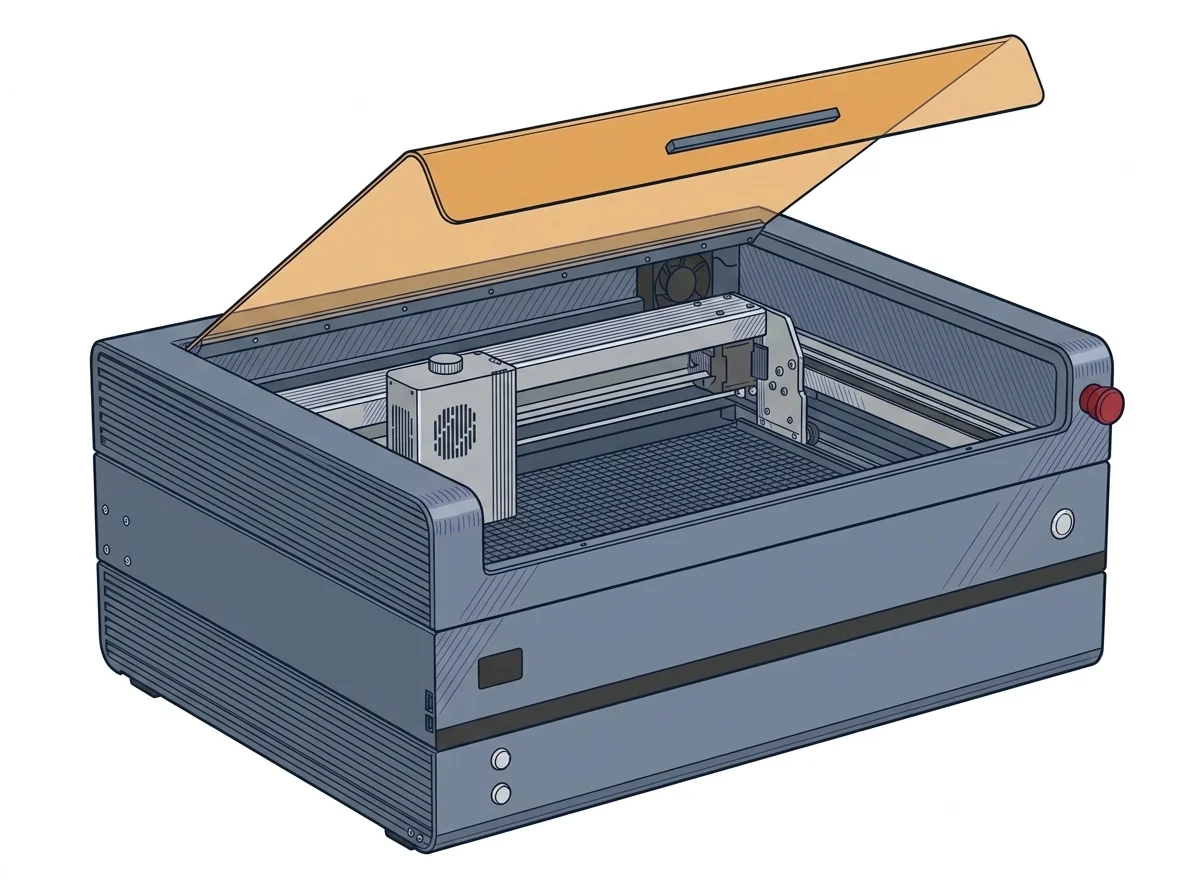
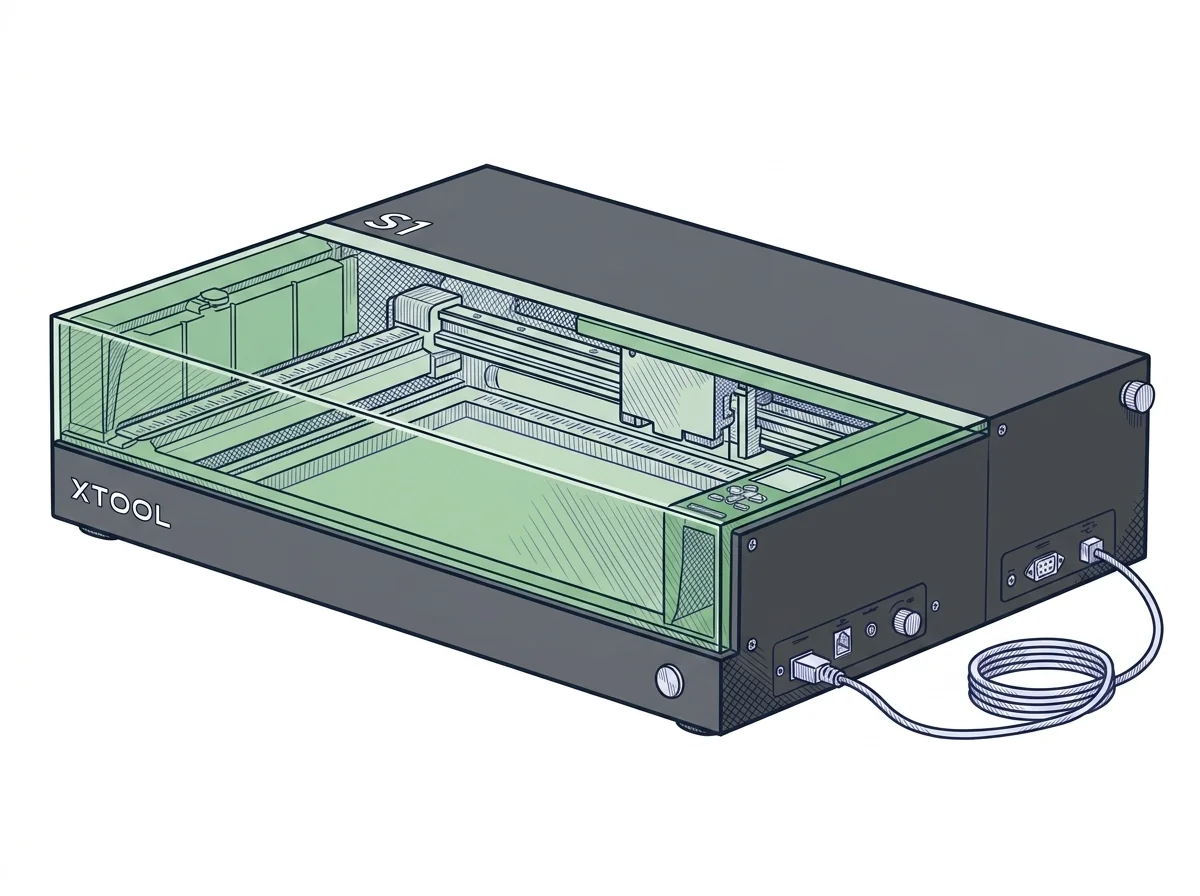
Two desktop diode lasers with different power, 20 W against 40 W rated, and about €850 apart: they are not machines to put in a race. The choice is between a larger bed with autofocus and passthrough, or the machine that costs less.
| Parameter | ||
|---|---|---|
| Identity | ||
| Launch year | 2024 | 2023 |
| Use tier | F2 — Intermediate | F2 — Intermediate |
| Price | ||
| Price (€) | ~1200–1600 € | ~2000–2500 € |
| Universal specs | ||
| Dimensions (W×D×H) (cm) | 63.5 × 38.1 × 25.4 cm | 76.5 × 56.1 × 18.3 cm |
| Weight (kg) | 22.82 kg | 20 kg |
| Work area (mm) | 420 × 300 mm | 498 × 319 mm |
| Z-axis height (mm) | 98 mm | — |
| Power (W) | 144 W | — |
| Voltage (V) | 240 V | — |
| Maximum speed | 20000 mm/min | 600 mm/s |
| Declared precision | 0.01 mm | 0.01 mm |
| Category specs | ||
| Work area (short side) (mm) | 300 mm | 319 mm |
| Rated power (W) | 20 W | 40 W |
| Source technology | Diode | Diode |
| Max travel speed (mm/s) | 333.33 mm/s | 600 mm/s |
| Max processing speed (mm/s) | 333.33 mm/s | 600 mm/s |
| Max cut depth per material | 10mm (legno morbido) | — |
| Wavelength (nm) | 445 nm | 455 nm |
| Min resolution (µm) | 10 µm | — |
| Autofocus | No | Yes |
| Rotary included/compatible | No | No |
| Passthrough | No | Yes |
| Supported software | Proprietary, LightBurn, Other | Proprietary, LightBurn |
| Laser class | Class 1 | — |
| Frame | Closed | — |
| Air assist | Included | — |
| Fume extraction | Exhaust port | — |
| Ecosystem | ||
| Cloud dependency | No | No |
| Software notes | Compatible with LightBurn, LaserGRBL, and Ortur's proprietary app. Supports connectivity via WiFi, USB, and TF card. | Device control is primarily managed through the proprietary xTool Creative Space software, an intuitive and constantly updated application ideal for managing graphic workflows and calibrating cutting and engraving parameters. For users requiring professional features or established workflows, the machine guarantees compatibility with LightBurn, the industry standard. The software integration allows for surface mapping and automatic positioning without the need for traditional cameras, simplifying file preparation in both Windows and macOS environments via USB or Wi-Fi connections. |
The differences that matter
- About €1,400 vs about €2,250 → €850 apart, which on the xTool buys power and convenience.
- Autofocus and passthrough present vs absent → on the Ortur you set the distance to the material by hand at every change of thickness.
- Bed 420×300 mm vs 498×319 mm → on the Ortur a piece 450 mm wide does not fit.
- 20,000 mm/min vs 36,000 mm/min declared → for the same job the xTool finishes fast passes sooner.
Which one to choose
Choose H20 20W if…
You engrave and cut on a 420×300 mm bed, with a declared top speed of 20,000 mm/min and a declared cut of up to 10 mm in soft wood. You work with LightBurn, LaserGRBL or the Ortur app, and connect by Wi-Fi, USB or TF card. You spend about €1,400. The trade-off: no autofocus, no passthrough and a smaller bed.
Choose S1 40W if…
You work with bigger or longer pieces: a 498×319 mm bed with passthrough, autofocus and a declared top speed of 36,000 mm/min at 40 W. You use xTool Creative Space or LightBurn, with surface mapping without a camera. It costs about €850 more, a figure to weigh before choosing.
Where to buy
Paid link: the price for you does not change. Methodology
MakerSpecs is an independent atlas. We don't sell products: the purchase links are the same as on the two product sheets and don't influence the verdict. The sheets have the complete data.