Atomstack Swift vs xTool S1 40W
Technical comparison · Diode laser (405–460 nm)
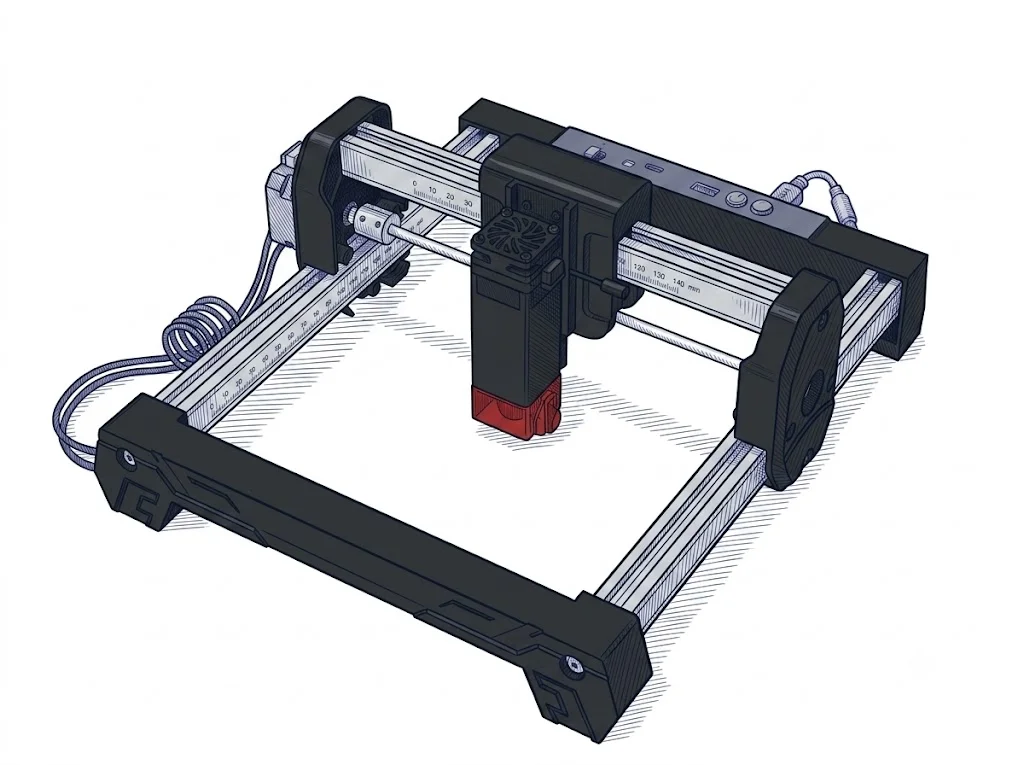
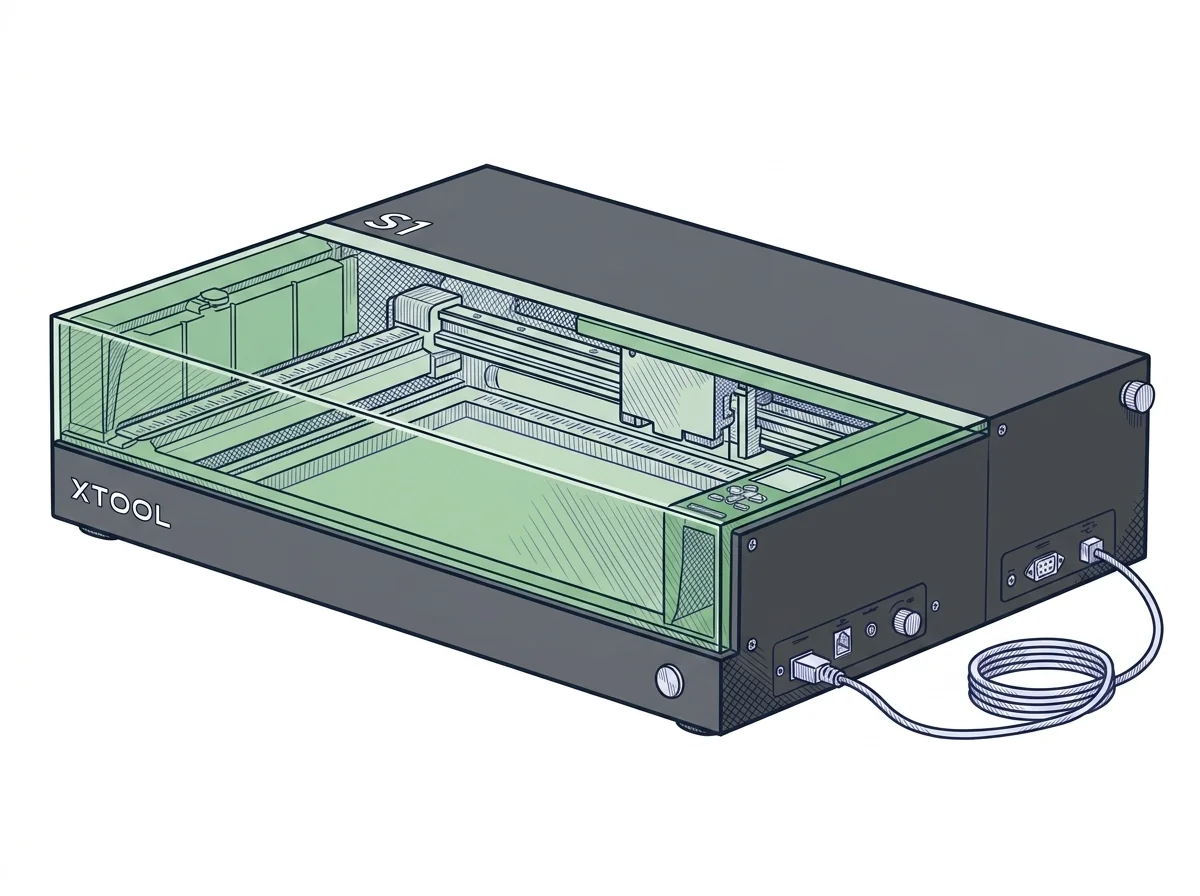
The Swift and the xTool S1 40W don't compete for the same job: the price gap is roughly tenfold (€215 vs €2250), and the S1 40W's declared 40 W power has no stated equivalent on the Swift. The Swift is built for engraving small pieces cheaply, the S1 40W for cutting thicker material with autofocus and passthrough for longer pieces.
| Parameter | ||
|---|---|---|
| Identity | ||
| Launch year | 2025 | 2023 |
| Use tier | F2 — Intermediate | F2 — Intermediate |
| Price | ||
| Price (€) | ~150–280 € | ~2000–2500 € |
| Universal specs | ||
| Dimensions (W×D×H) (cm) | — | 76.5 × 56.1 × 18.3 cm |
| Weight (kg) | 2.83 kg | 20 kg |
| Work area (mm) | 300 × 300 mm | 498 × 319 mm |
| Maximum speed | 400 mm/s | 600 mm/s |
| Declared precision | 0.06 mm | 0.01 mm |
| Category specs | ||
| Work area (short side) (mm) | 300 mm | 319 mm |
| Rated power (W) | — | 40 W |
| Source technology | Diode | Diode |
| Max travel speed (mm/s) | 400 mm/s | 600 mm/s |
| Max processing speed (mm/s) | 166.67 mm/s | 600 mm/s |
| Wavelength (nm) | — | 455 nm |
| Min resolution (µm) | 60 µm | — |
| Autofocus | No | Yes |
| Rotary included/compatible | No | No |
| Passthrough | — | Yes |
| Supported software | LightBurn, Other | Proprietary, LightBurn |
| Air assist | Optional | — |
| Ecosystem | ||
| Cloud dependency | No | No |
| Software notes | The AtomStack Swift supports the most widely used laser control software, including LaserGRBL (free, Windows only) and LightBurn (paid, compatible with Windows, macOS, and Linux). It connects via USB or Wi-Fi, providing excellent flexibility for sending g-code files directly to the machine. | Device control is primarily managed through the proprietary xTool Creative Space software, an intuitive and constantly updated application ideal for managing graphic workflows and calibrating cutting and engraving parameters. For users requiring professional features or established workflows, the machine guarantees compatibility with LightBurn, the industry standard. The software integration allows for surface mapping and automatic positioning without the need for traditional cameras, simplifying file preparation in both Windows and macOS environments via USB or Wi-Fi connections. |
The differences that matter
- Price: ~€215 vs ~€2250 → about a tenfold gap, machines for different budgets.
- Declared power: 40 W on the S1 40W, not stated on the Swift → the S1 40W is built for cutting, not just engraving.
- Declared processing speed: 166.67 mm/s vs 600 mm/s → the S1 40W works much faster.
- Autofocus and passthrough: absent on the Swift, present on the S1 40W → the S1 40W handles thicker and longer material without manual focusing.
Which one to choose
Choose Swift if…
Anyone wanting to engrave logos or small objects on a 300×300 mm area without needing to cut gets the Swift at about €215, the cheapest option. The trade-off is a declared processing speed of 166.67 mm/s, no autofocus and no passthrough for longer material.
Choose S1 40W if…
Anyone cutting thicker or longer material gets a declared 40 W power on the S1 40W, a processing speed of 600 mm/s, autofocus, and passthrough to exceed the 319 mm depth of the work area. The trade-off is a price of about €2250, roughly ten times the Swift's.
Where to buy
Paid link: the price for you does not change. Methodology
MakerSpecs is an independent atlas. We don't sell products: the purchase links are the same as on the two product sheets and don't influence the verdict. The sheets have the complete data.