Ortur R2 vs Sculpfun S30 Ultra 22W
Technical comparison · Diode laser (405–460 nm)
The R2 and the S30 Ultra 22W are both diode lasers, but with opposite logic: the R2 is compact, affordable and locked into its proprietary software; the S30 Ultra works on an area almost 5 times larger and is open to LightBurn. The right pick depends on the size of what you're engraving, not on power.
| Parameter | ||
|---|---|---|
| Identity | ||
| Launch year | 2025 | 2023 |
| Use tier | F2 — Intermediate | F2 — Intermediate |
| Price | ||
| Price (€) | ~480–600 € | 999.99 € |
| Universal specs | ||
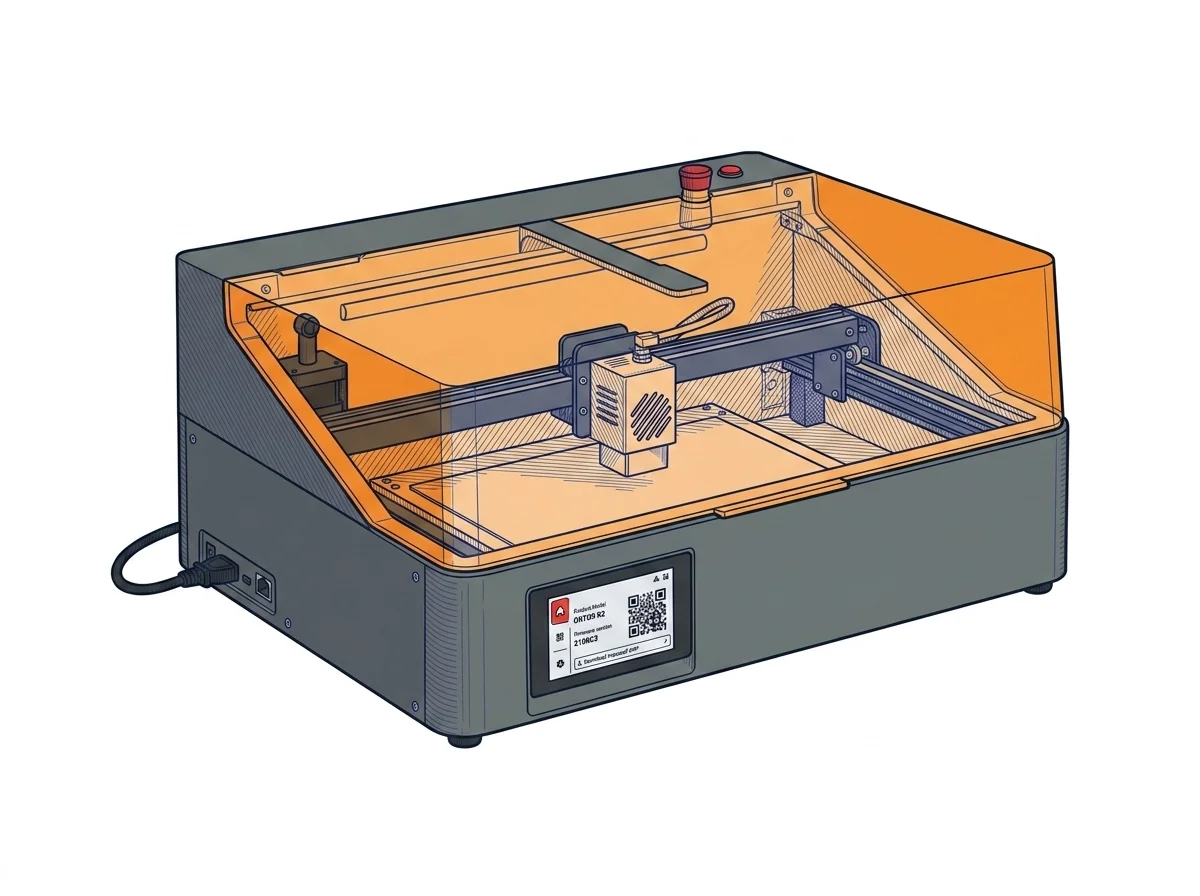
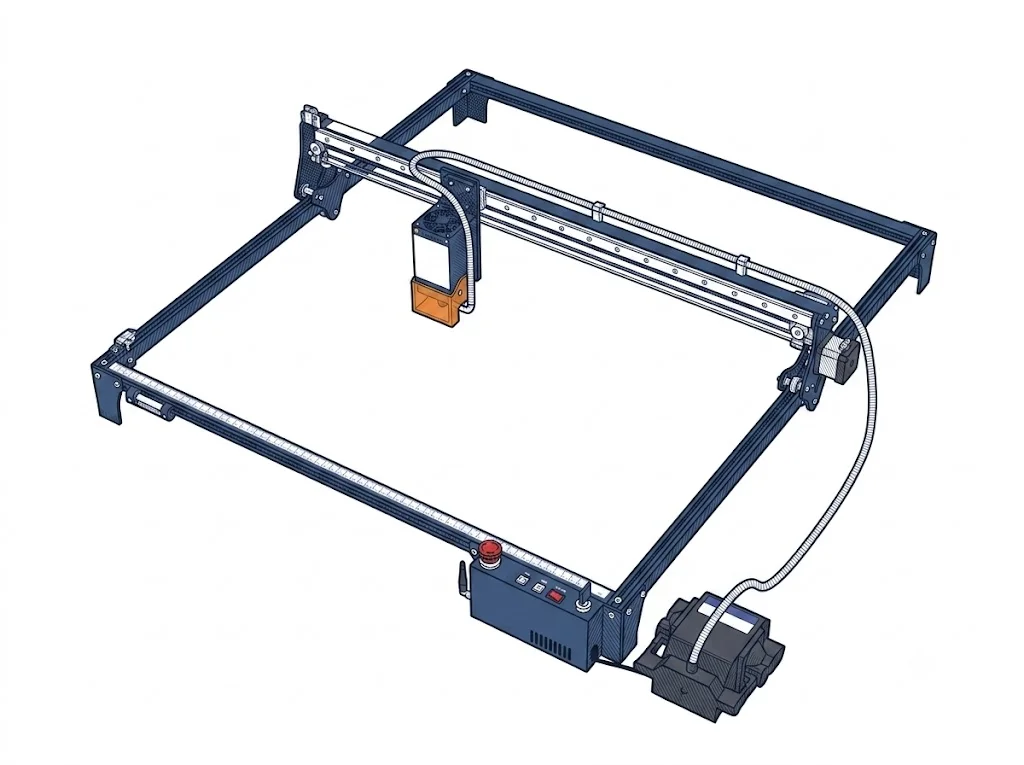
| Dimensions (W×D×H) (cm) | 47 × 40 × 21.4 cm | 80 × 84 × 22 cm |
| Weight (kg) | 10.5 kg | — |
| Work area (mm) | 300 × 210 mm | 590 × 595 mm |
| Maximum speed | 20000 mm/min | — |
| Declared precision | 0.01 mm | 0.005 mm |
| Category specs | ||
| Work area (short side) (mm) | 210 mm | 590 mm |
| Rated power (W) | 10.0 W | 22 W |
| Source technology | Diode | Diode |
| Max travel speed (mm/s) | 333.33 mm/s | — |
| Max processing speed (mm/s) | 333.33 mm/s | — |
| Max cut depth per material | — | 15 mm (balsa wood), 10 mm (plywood) |
| Wavelength (nm) | 450 nm | 455 nm |
| Min resolution (µm) | 10.0 µm | 5 µm |
| Autofocus | No | No |
| Rotary included/compatible | No | No |
| Passthrough | — | No |
| Supported software | Proprietary | LightBurn, Other |
| Laser class | Class 1 | — |
| Frame | Closed | — |
| Air assist | Included | Included |
| Fume extraction | Exhaust port | — |
| Ecosystem | ||
| Cloud dependency | No | No |
| Software notes | The Ortur R2 operates exclusively with Ortur's proprietary mobile and desktop app, offering template-based design, sketch-to-engrave, and material-aware presets. No support for LightBurn, LaserGRBL, or any G-code sender; the control board uses a closed protocol. The built-in color touchscreen allows uploading files via USB for offline, PC-free repetition of the last 8 jobs. This simplifies use but prevents custom power/speed curves or integration with external camera systems. | Fully compatible with third-party software such as LightBurn and LaserGRBL. No proprietary apps required; connection is handled via USB or integrated Bluetooth. |
The differences that matter
- Work area: the S30 Ultra 22W offers 590×595 mm versus 300×210 mm on the R2
- Price: the R2 costs about €460 less
- Software: the R2 only works with the proprietary Ortur app; the S30 Ultra supports LightBurn and LaserGRBL
Which one to choose
Choose R2 if…
you work on small pieces and want to save almost €500: the R2 costs €540 versus €999.99 for the S30 Ultra, with a simplified workflow through the proprietary app that skips learning LightBurn.
Choose S30 Ultra 22W if…
you need to engrave or cut large surfaces: 590×595 mm versus 300×210 mm on the R2, almost five times the space. In exchange you pay double, but get LightBurn and LaserGRBL compatibility, useful if you want custom power curves.
Where to buy
MakerSpecs is an independent atlas. We don't sell products: the purchase links are the same as on the two product sheets and don't influence the verdict. The sheets have the complete data.