Ortur Laser Master H10 20W vs Ortur LM3 40W
Technical comparison · Diode laser (405–460 nm)
Two Ortur diode lasers with the same top speed, 20,000 mm/min: what changes is bed space and engraving fineness. The LM3 gives more bed and cuts thicker stock, the H10 costs less and states a much finer resolution.
| Parameter | ||
|---|---|---|
| Identity | ||
| Launch year | 2025 | 2023 |
| Use tier | F2 — Intermediate | F2 — Intermediate |
| Price | ||
| Price (€) | ~450–600 € | ~600–800 € |
| Universal specs | ||
| Dimensions (W×D×H) (cm) | — | 65.8 × 62.5 × 15 cm |
| Work area (mm) | 300 × 300 mm | 400 × 380 mm |
| Maximum speed | 20000 mm/min | 20000 mm/min |
| Declared precision | 0.01 mm | 0.08 mm |
| Category specs | ||
| Work area (short side) (mm) | 300.0 mm | 380.0 mm |
| Rated power (W) | 20.0 W | 20.0 W |
| Source technology | Diode | Diode |
| Max processing speed (mm/s) | 333.33 mm/s | 333.33 mm/s |
| Max cut depth per material | 12mm Pine, 8mm Plywood, 8mm Black Acrylic | 15mm Pine, 10mm Plywood, 8mm Black Acrylic |
| Wavelength (nm) | 450 nm | — |
| Min resolution (µm) | 10.0 µm | 80.0 µm |
| Autofocus | No | No |
| Rotary included/compatible | No | No |
| Passthrough | No | — |
| Supported software | Proprietary, LightBurn, Other | Proprietary, LightBurn, Other |
| Frame | — | Open, optional enclosure |
| Air assist | — | Optional |
| Fume extraction | — | Optional filter |
| Ecosystem | ||
| Cloud dependency | No | No |
| Software notes | The open protocol GRBL firmware allows for use with three environments: the proprietary Ortur app (free iOS/Android, smartphone control for quick operations), LightBurn (laser diode license ~$60, the de facto standard for advanced workflows with vector management, arrays, and material profiles), and LaserGRBL (free, open-source, Windows, for direct control at no additional cost). The open protocol does not lock the user into the Ortur ecosystem and ensures compatibility with third-party software updates. For repetitive production or complex files, LightBurn remains the recommended choice by the category community. | The LM3 uses firmware based on the open GRBL protocol, compatible with LightBurn (diode license ~$60 one-time), LaserGRBL (free, open-source), and the proprietary Ortur iOS/Android app with selectable novice and advanced modes. LightBurn offers advanced variable power control, path optimization, and optional camera alignment; LaserGRBL covers basic engraving tasks at no additional cost. The open GRBL protocol ensures compatibility with third-party tools and standard G-code generators. Communication is via USB; the Ortur app allows remote job launching via Wi-Fi without a connected PC. |
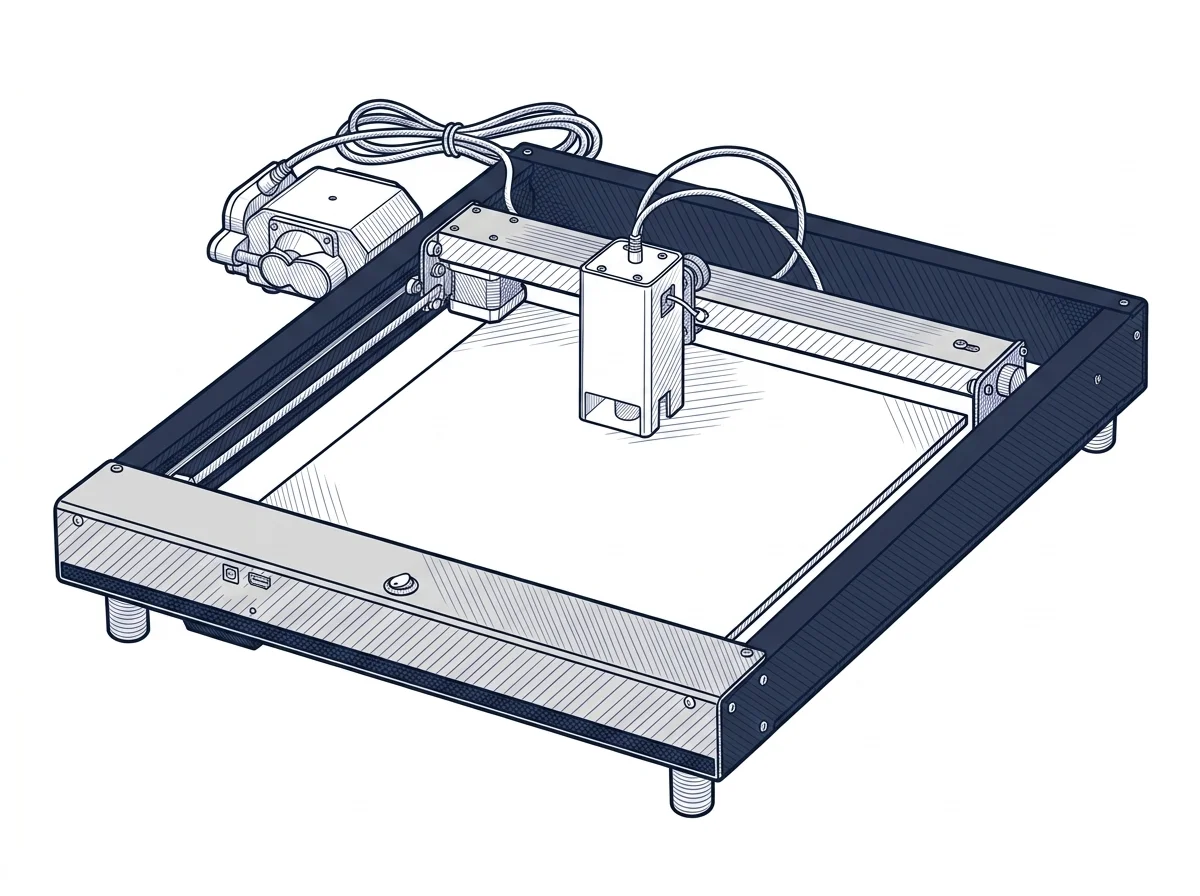
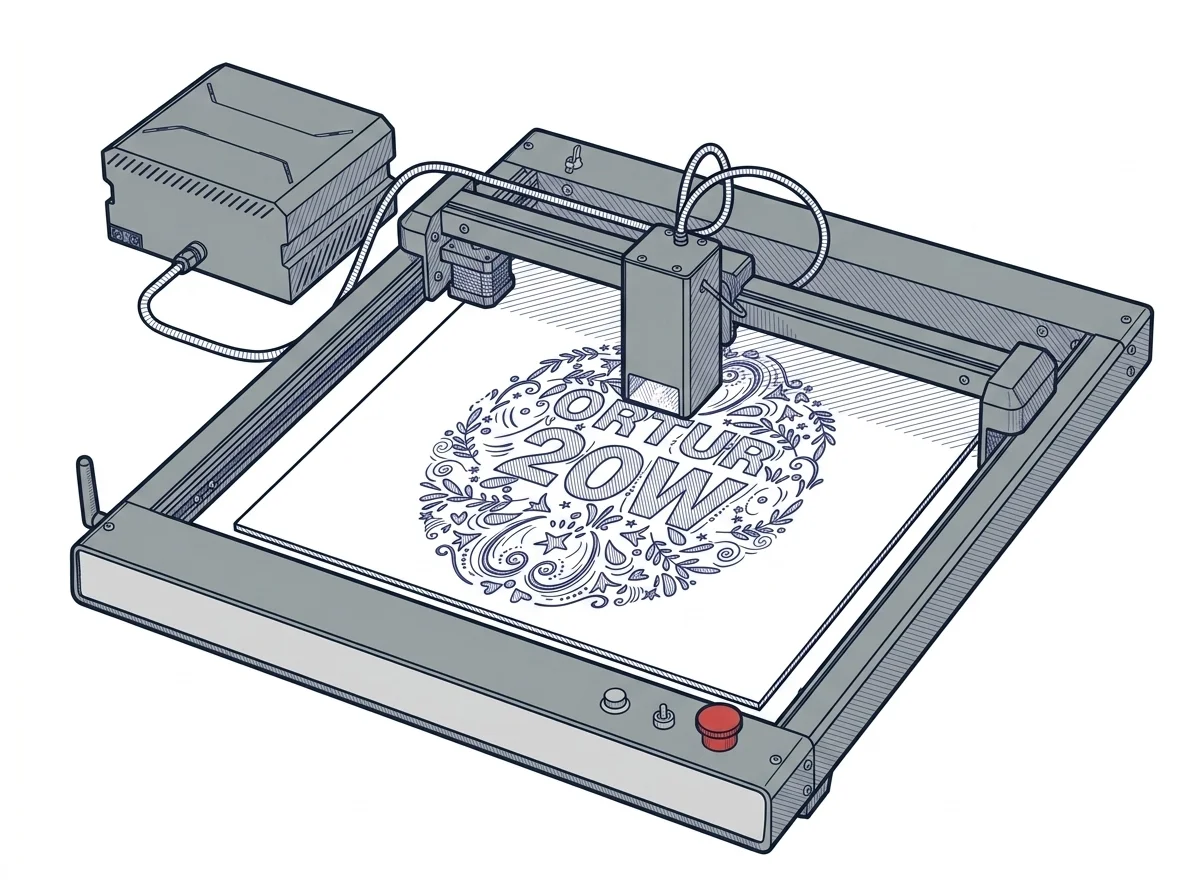
The differences that matter
- Work area: 300×300 mm against 400×380 mm → panels that fit on the LM3 must be split across two positionings on the H10.
- Price: the H10 costs about €175 less (€525 against €700).
- Stated minimum resolution: 10 µm against 80 µm → the H10 reproduces text and small details better.
- Cutting, manufacturer-stated values (up to): pine 12 mm against 15 mm, plywood 8 mm against 10 mm → the LM3 reaches greater thicknesses.
Which one to choose
Choose Laser Master H10 20W if…
you engrave small items such as tags, keyrings or small wooden parts, where fine detail matters and the piece fits the bed. When a piece doesn't fit you have to split it or change machine, and in thick wood the cut stops sooner.
Choose LM3 40W if…
you work whole panels and sheets without repositioning them and cut thicker wood and plywood. The LM3 has an open frame: enclosure, air assist and fume filter are optional extras. You accept a much coarser minimum resolution on fine engraving.
Where to buy
Paid link: the price for you does not change. Methodology
As an Amazon Associate I earn from qualifying purchases.
MakerSpecs is an independent atlas. We don't sell products: the purchase links are the same as on the two product sheets and don't influence the verdict. The sheets have the complete data.