Laser Master H10 20W
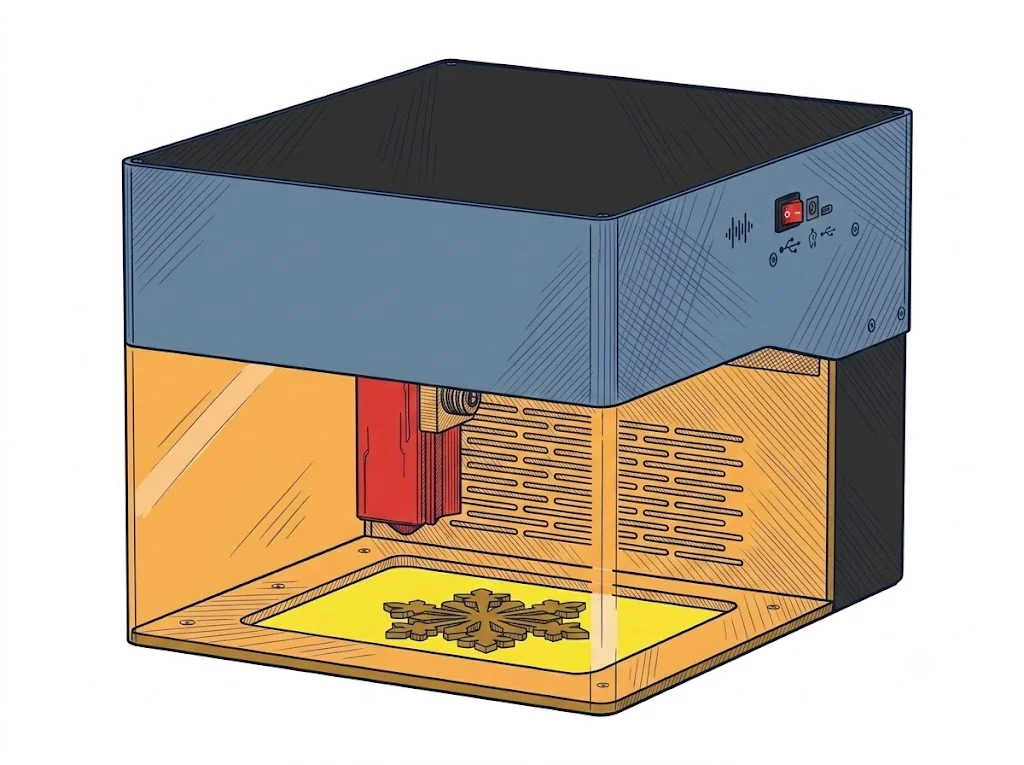
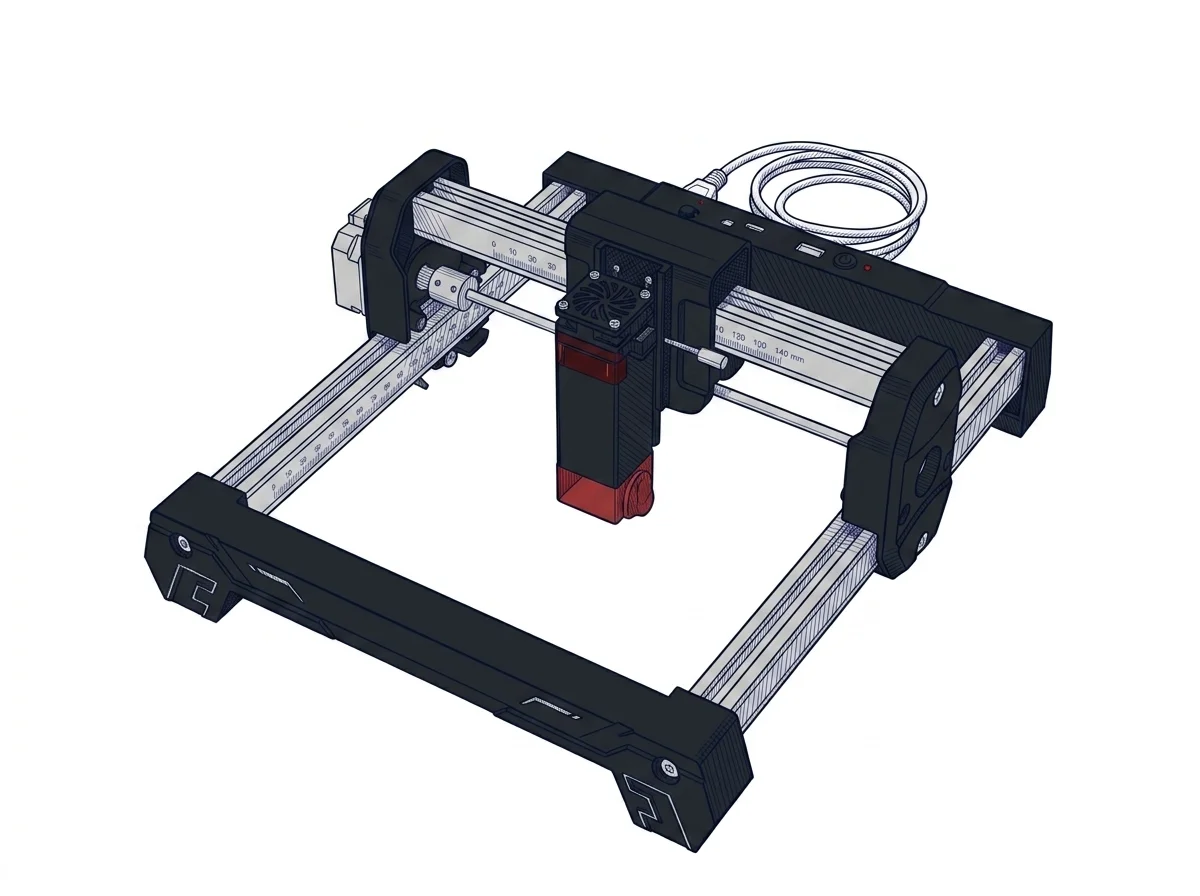
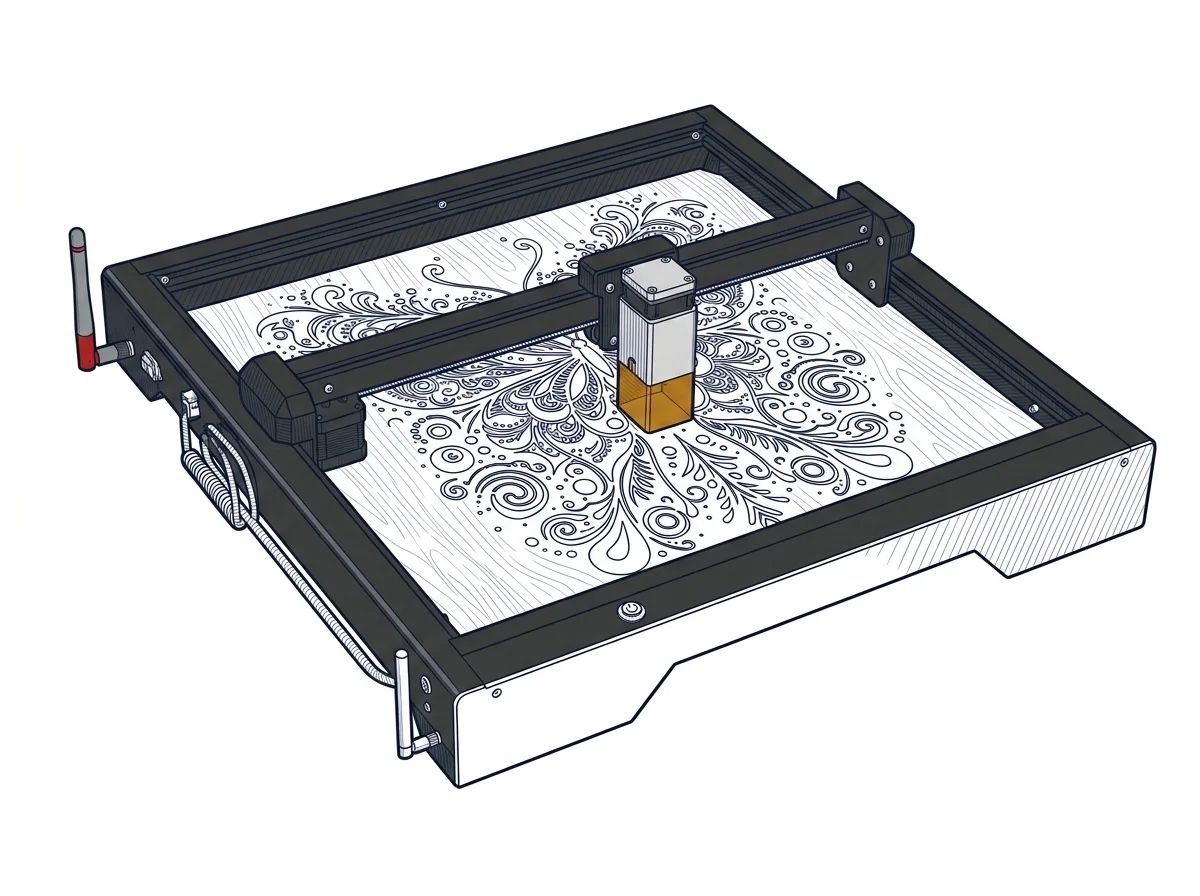
The H10 20W starts at $379.99 for the base configuration and reaches $649.99 for the bundle with a 40L/min air pump and LEP1.0 accessories; the direct competitor, the Ortur LM3 20W, starts at $329.99 but offers a 400x400mm workspace expandable to 400x850mm versus the H10's fixed 300x300mm. The flat X-axis structure lowers the center of gravity compared to traditional gantries, reducing vibrations at 20,000mm/min—a real advantage for photo engraving at 0.01mm resolution on small batches. The ideal profile is a semi-professional maker working on formats up to 300x300mm (labels, jewelry, personalized items) and prioritizing mechanical stability, 6-monitor security, and a pre-assembled setup over a work surface. Those handling parts larger than 300mm or looking for the lowest cost per watt will find the LM3 20W or the xTool D1 Pro 20W (~$499, 430×390mm area) to be alternatives with more work area at the same or lower cost.
MakerSpecs is an independent atlas. We don't sell products.
| Parameter | Value | Source |
|---|---|---|
| Work area | 300 × 300 mm (11.8 × 11.8 in) | manufacturer website |
| Maximum speed | 20000 mm/min | manufacturer website |
| Declared precision | 0.01 mm | manufacturer website |
| Work area (short side) | 300.0 mm | Compiled by editorial team |
| Rated power | 20.0 W | Compiled by editorial team |
| Source technology | Diode | Compiled by editorial team |
| Max processing speed | 333.33 mm/s | Compiled by editorial team |
| Max cut depth per material | 12mm Pine, 8mm Plywood, 8mm Black Acrylic | Compiled by editorial team |
| Wavelength | 450 nm | Compiled by editorial team |
| Min resolution | 10.0 µm | Compiled by editorial team |
| Autofocus | False | Compiled by editorial team |
| Rotary included/compatible | False | Compiled by editorial team |
| Passthrough | False | Compiled by editorial team |
| Supported software | Proprietary, LightBurn, Other | Compiled by editorial team |
Material compatibilities will be available in a future version.
Software
The open protocol GRBL firmware allows for use with three environments: the proprietary Ortur app (free iOS/Android, smartphone control for quick operations), LightBurn (laser diode license ~$60, the de facto standard for advanced workflows with vector management, arrays, and material profiles), and LaserGRBL (free, open-source, Windows, for direct control at no additional cost). The open protocol does not lock the user into the Ortur ecosystem and ensures compatibility with third-party software updates. For repetitive production or complex files, LightBurn remains the recommended choice by the category community.
Reviews from those who use this machine every day will be available in the next version of the platform.
How we verify this sheet
Technical data verified on the manufacturer's official website (recording date shown above). Editorial notes, market positioning and anomaly flags are assisted by the MakerSpecs AI system as a second reader, always validated by the author before publication. Read the full methodology →
Similar machines to consider
Other products Ortur
Updates to this sheet and Manufacturer Notes
-
Specifications updated: nome
-
Sheet published Specifications updated: