Laser Master 2 S2 1.6W
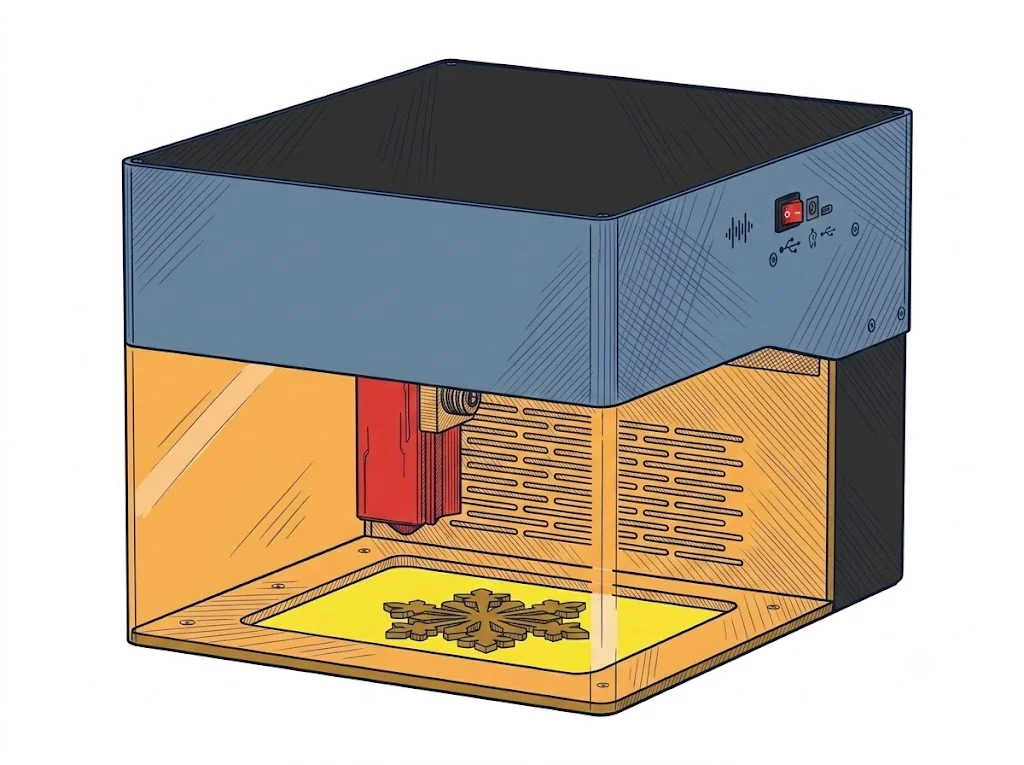
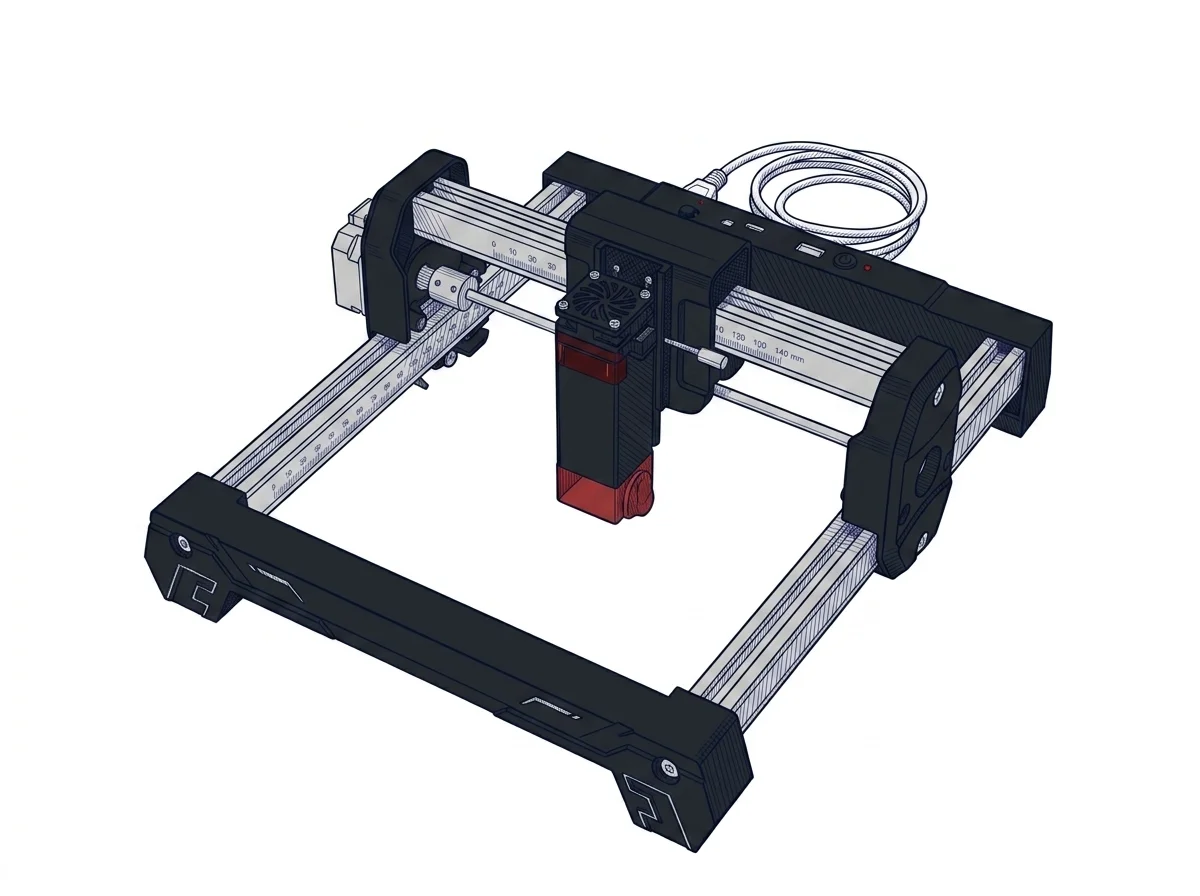
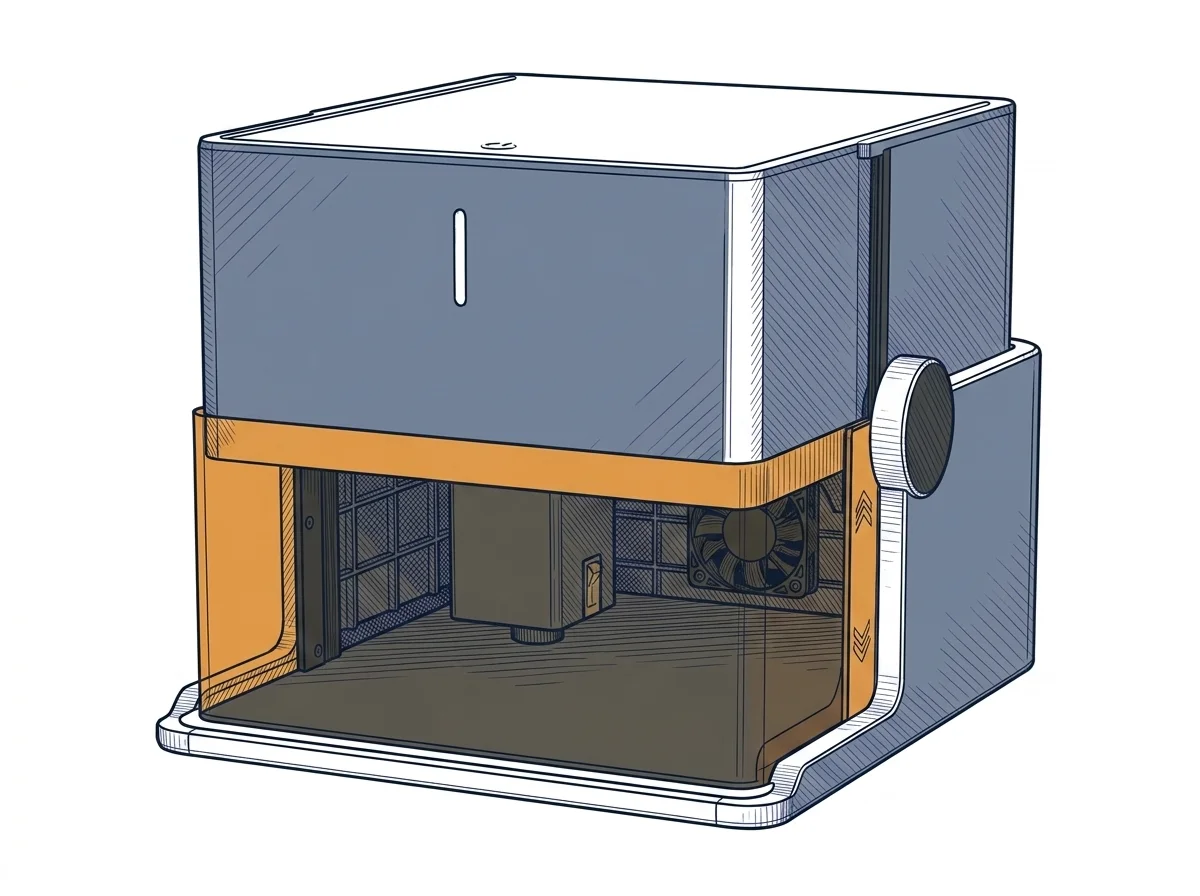
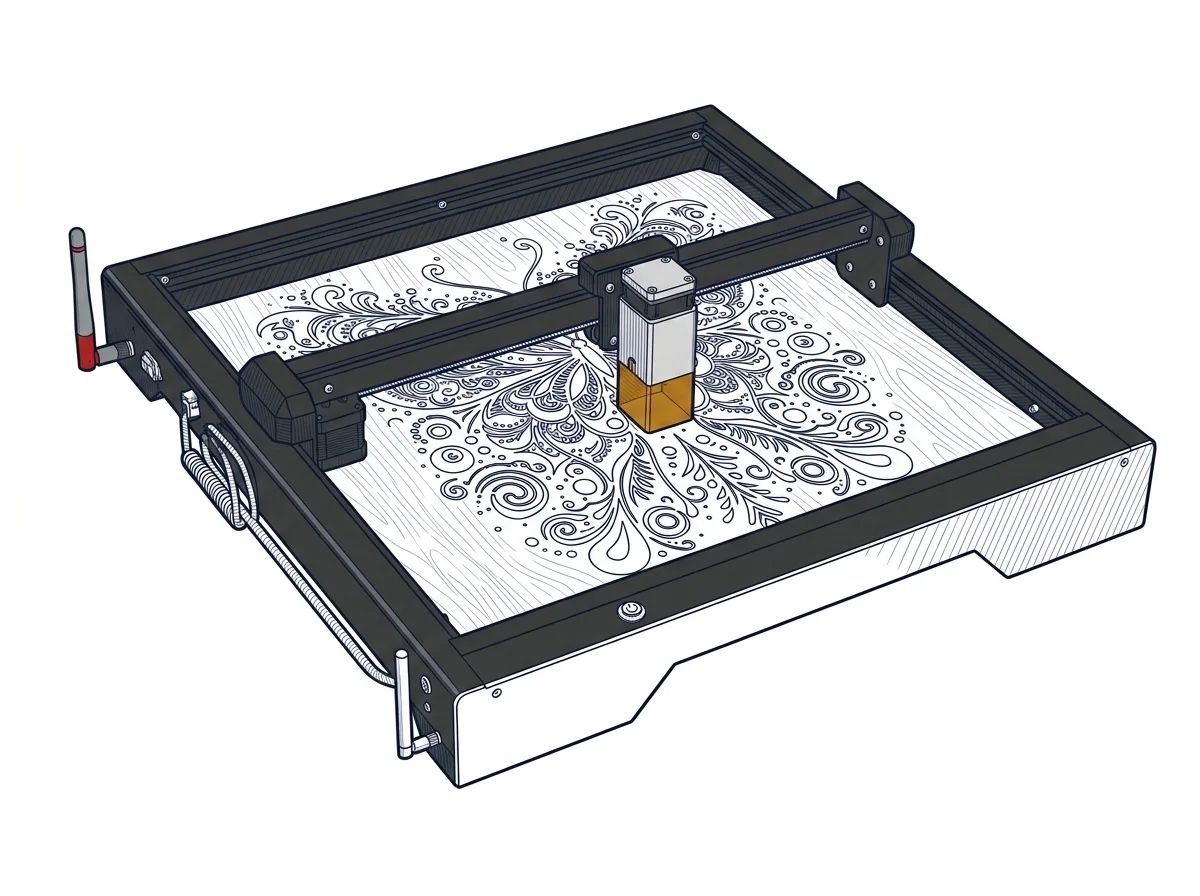
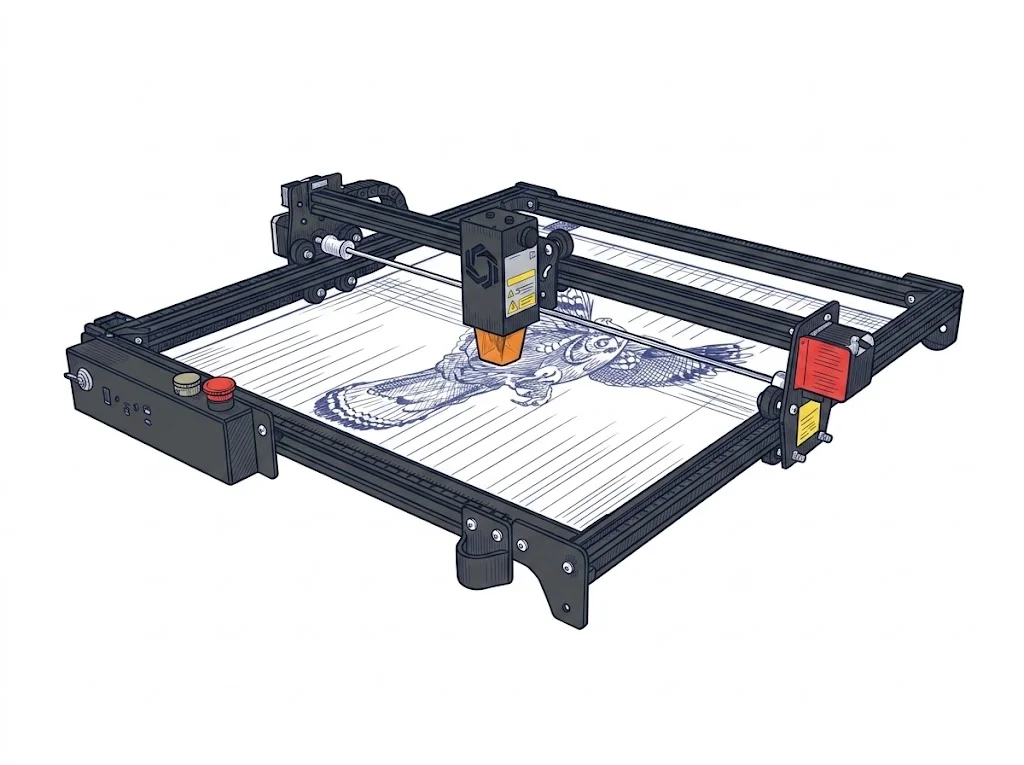
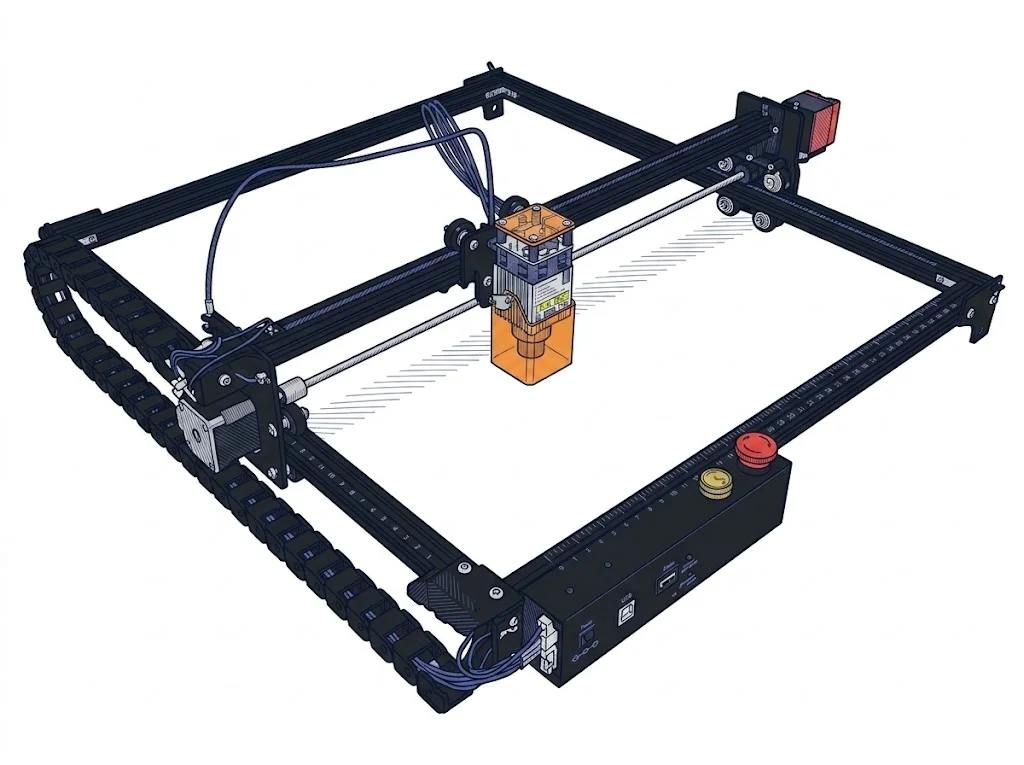
The Ortur Laser Master 2 S2 with a 1.6W module is positioned as an entry-level machine primarily intended for hobbyists, beginners, and DIY enthusiasts approaching the world of laser engraving for the first time. The open-gantry structure and low optical power make this model ideal for detailed engravings on soft materials such as wood, cardboard, leather, and paper. However, the limited power of the 1.6W diode makes it unsuitable for cutting operations, except for extremely thin materials (like paper or very light balsa) requiring multiple passes. It is therefore an excellent choice for learning and creative surface personalization projects, but inadequate for those needing a true desktop cutting machine.
MakerSpecs is an independent atlas. We don't sell products.
| Parameter | Value | Source |
|---|---|---|
| Work area | 390 × 410 mm (15.4 × 16.1 in) | manufacturer website |
| Maximum speed | 10000 mm/min | manufacturer website |
| Work area (short side) | 390 mm | Compiled by editorial team |
| Rated power | 1.6 W | Compiled by editorial team |
| Source technology | Diode | Compiled by editorial team |
| Max travel speed | 166.67 mm/s | Compiled by editorial team |
| Max processing speed | 166.67 mm/s | Compiled by editorial team |
| Wavelength | 450 nm | Compiled by editorial team |
| Autofocus | False | Compiled by editorial team |
| Rotary included/compatible | False | Compiled by editorial team |
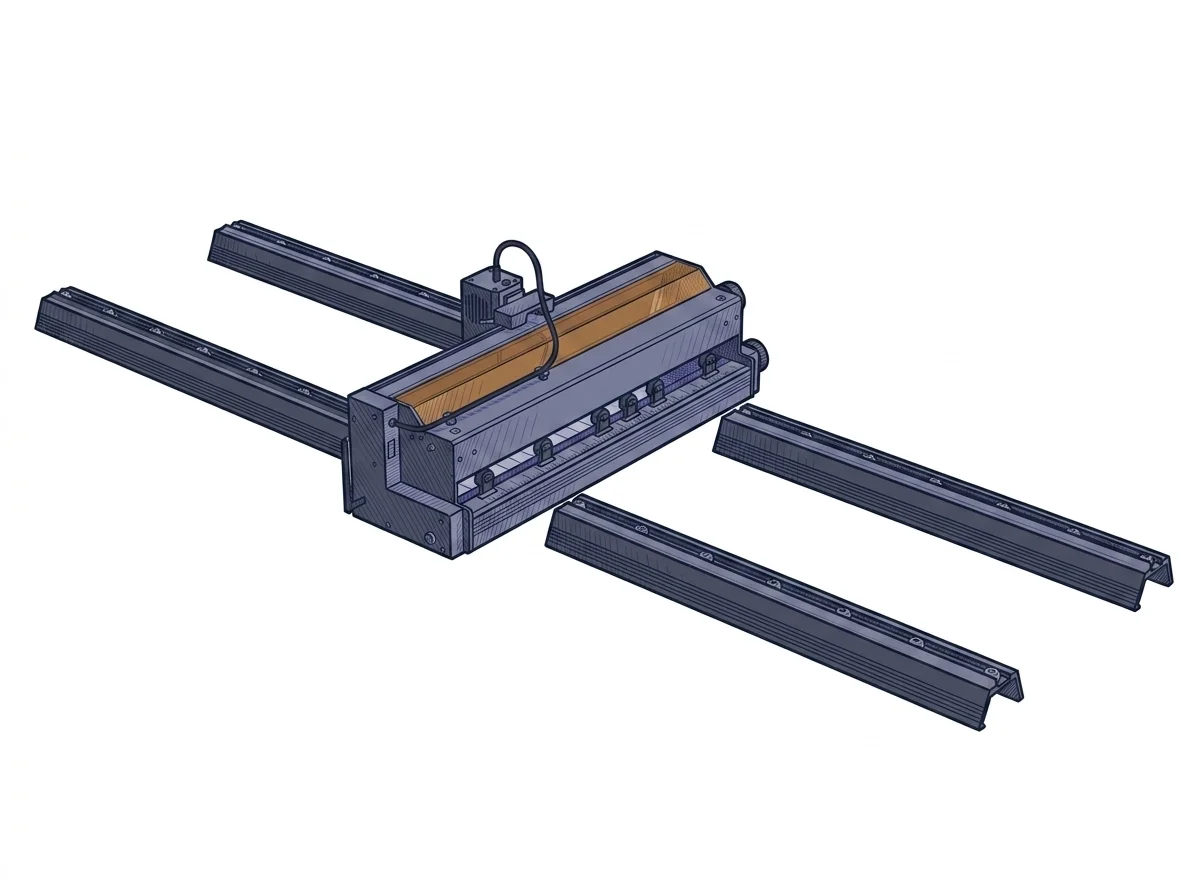
| Passthrough | True | Compiled by editorial team |
| Supported software | LightBurn, Other | Compiled by editorial team |
Material compatibilities will be available in a future version.
Software
This machine offers complete compatibility with the main control software currently available for diode lasers, thanks to the adoption of the 32-bit GRBL standard protocol and firmware. Users can manage engraving operations using established and well-documented programs such as LightBurn (paid software, ideal for advanced workflows and users of all operational levels) and LaserGRBL (free and open-source, perfect for those operating on Windows systems). The connection typically occurs via a standard USB cable, ensuring stable communication between the host computer and the machine's motherboard while executing the generated toolpath. The use of closed proprietary software is not required, thus offering maximum operational flexibility.
Reviews from those who use this machine every day will be available in the next version of the platform.
How we verify this sheet
Technical data verified on the manufacturer's official website (recording date shown above). Editorial notes, market positioning and anomaly flags are assisted by the MakerSpecs AI system as a second reader, always validated by the author before publication. Read the full methodology →
Similar machines to consider
Other products Ortur
Updates to this sheet and Manufacturer Notes
-
Sheet published Specifications updated: attribute.work speed max mm s Price updated (from 150 € to 150 €)
-
Specifications updated: sku / modello, area di lavoro, nome, attribute.software, attribute.passthrough, attribute.rotary included, attribute.autofocus, attribute.wavelength nm, attribute.travel speed max mm s, attribute.laser source tech, attribute.laser power w, attribute.work area short mm Price updated (from 240 € to 240 €)