Atomstack Swift vs Sculpfun iCube Pro Max 10W
Technical comparison · Diode laser (405–460 nm)
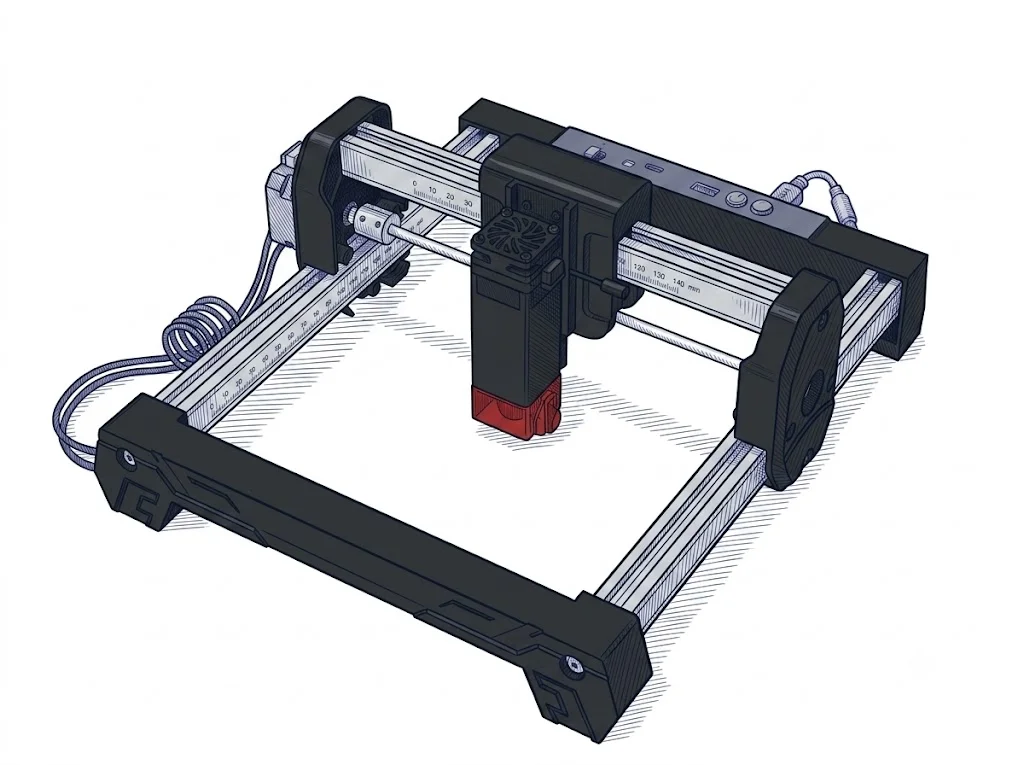
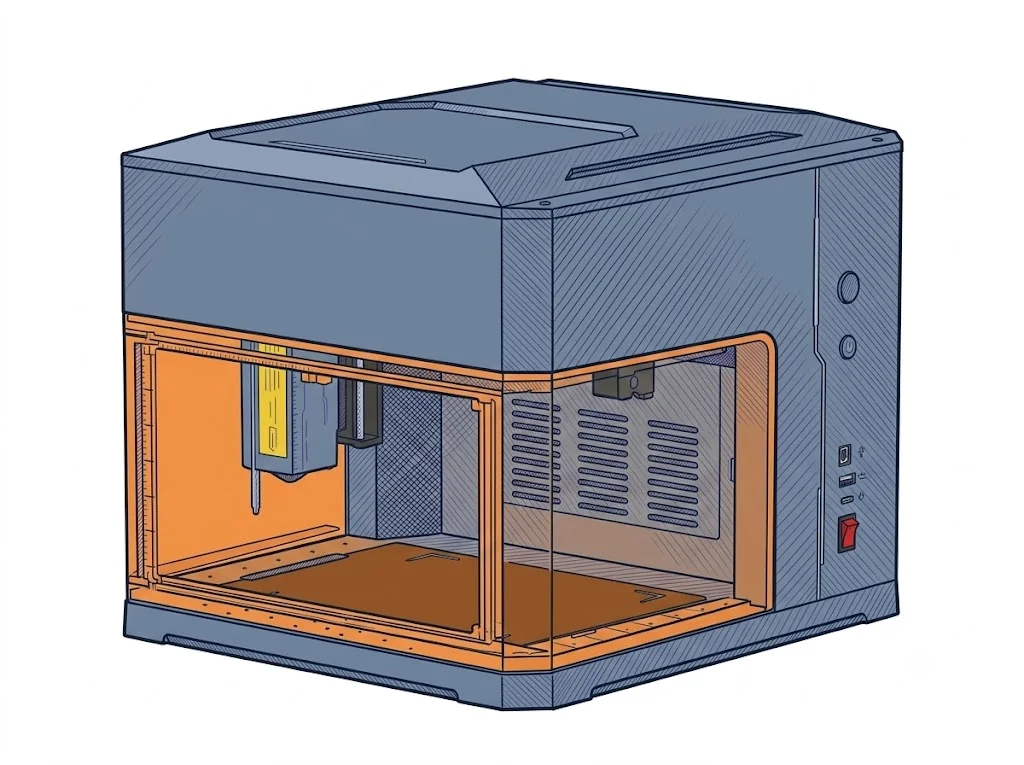
Atomstack Swift and Sculpfun iCube Pro Max 10W are both diode lasers for the intermediate class, but they start from opposite premises: a much bigger work area for the Swift, a stated 10W power rating and passthrough for the iCube Pro Max 10W.
| Parameter | ||
|---|---|---|
| Identity | ||
| Launch year | 2025 | 2023 |
| Use tier | F2 — Intermediate | F2 — Intermediate |
| Price | ||
| Price (€) | ~150–280 € | 459.99 € |
| Universal specs | ||
| Dimensions (W×D×H) (cm) | — | 30 × 26.2 × 22.6 cm |
| Weight (kg) | 2.83 kg | 3.2 kg |
| Work area (mm) | 300 × 300 mm | 120 × 120 mm |
| Z-axis height (mm) | — | 50 mm |
| Maximum speed | 400 mm/s | 10000 mm/min |
| Declared precision | 0.06 mm | 0.01 mm |
| Category specs | ||
| Work area (short side) (mm) | 300 mm | 120 mm |
| Rated power (W) | — | 10 W |
| Source technology | Diode | Diode |
| Max travel speed (mm/s) | 400 mm/s | 166.67 mm/s |
| Max processing speed (mm/s) | 166.67 mm/s | 166.67 mm/s |
| Max cut depth per material | — | 10mm light wood / 5mm acrylic (Single Pass) |
| Wavelength (nm) | — | 455 nm |
| Min resolution (µm) | 60 µm | — |
| Autofocus | No | No |
| Rotary included/compatible | No | No |
| Passthrough | — | Yes |
| Supported software | LightBurn, Other | Proprietary, LightBurn, Other |
| Air assist | Optional | — |
| Fume extraction | — | Filter included |
| Ecosystem | ||
| Cloud dependency | No | No |
| Software notes | The AtomStack Swift supports the most widely used laser control software, including LaserGRBL (free, Windows only) and LightBurn (paid, compatible with Windows, macOS, and Linux). It connects via USB or Wi-Fi, providing excellent flexibility for sending g-code files directly to the machine. | Fully compatible with LightBurn and LaserGRBL for PC control. It also supports the dedicated mobile Sculpfun App via Bluetooth connection. |
The differences that matter
- Price: Swift costs €244.99 less than iCube Pro Max 10W → more budget left for accessories or extra material.
- Work area: 300×300 mm on Swift vs 120×120 mm on iCube Pro Max 10W → mid-to-large pieces fit in a single pass only on the Swift.
- Stated power: 10W on iCube Pro Max 10W, not specified on Swift's spec sheet.
- Passthrough: present on iCube Pro Max 10W, not specified on Swift → material longer than the work area only passes through on the iCube.
Which one to choose
Choose Swift if…
The Swift costs €244.99 less than the iCube Pro Max 10W and covers a 300×300 mm area against the rival's 120×120 mm: a mid-size panel or board fits in a single pass, where the iCube would need repositioning the piece more than once. For working larger surfaces without moving the material, it's the more direct pick on both price and space.
Choose iCube Pro Max 10W if…
The iCube Pro Max 10W states a 10W power rating and passthrough for material longer than the work area, features the Swift's spec sheet doesn't list. It makes sense if those two points matter for your case, or for reasons outside the spec sheet like availability or local support.
Where to buy
Paid link: the price for you does not change. Methodology
As an Amazon Associate I earn from qualifying purchases.
MakerSpecs is an independent atlas. We don't sell products: the purchase links are the same as on the two product sheets and don't influence the verdict. The sheets have the complete data.