Atomstack P1 Ultra vs xTool F1 Lite
Technical comparison · Diode laser (405–460 nm)
Both are diode lasers, but they are not the same kind of machine: the xTool F1 is a galvo system, fast and with double the rated power, while the P1 is a portable engraver at around €300. The choice is between slow, cheap engraving and a laser that works at a different pace.
| Parameter | ||
|---|---|---|
| Identity | ||
| Launch year | 2024 | 2024 |
| Use tier | F1 — Entry | F2 — Intermediate |
| Price | ||
| Price (€) | ~250–350 € | ~550–650 € |
| Universal specs | ||
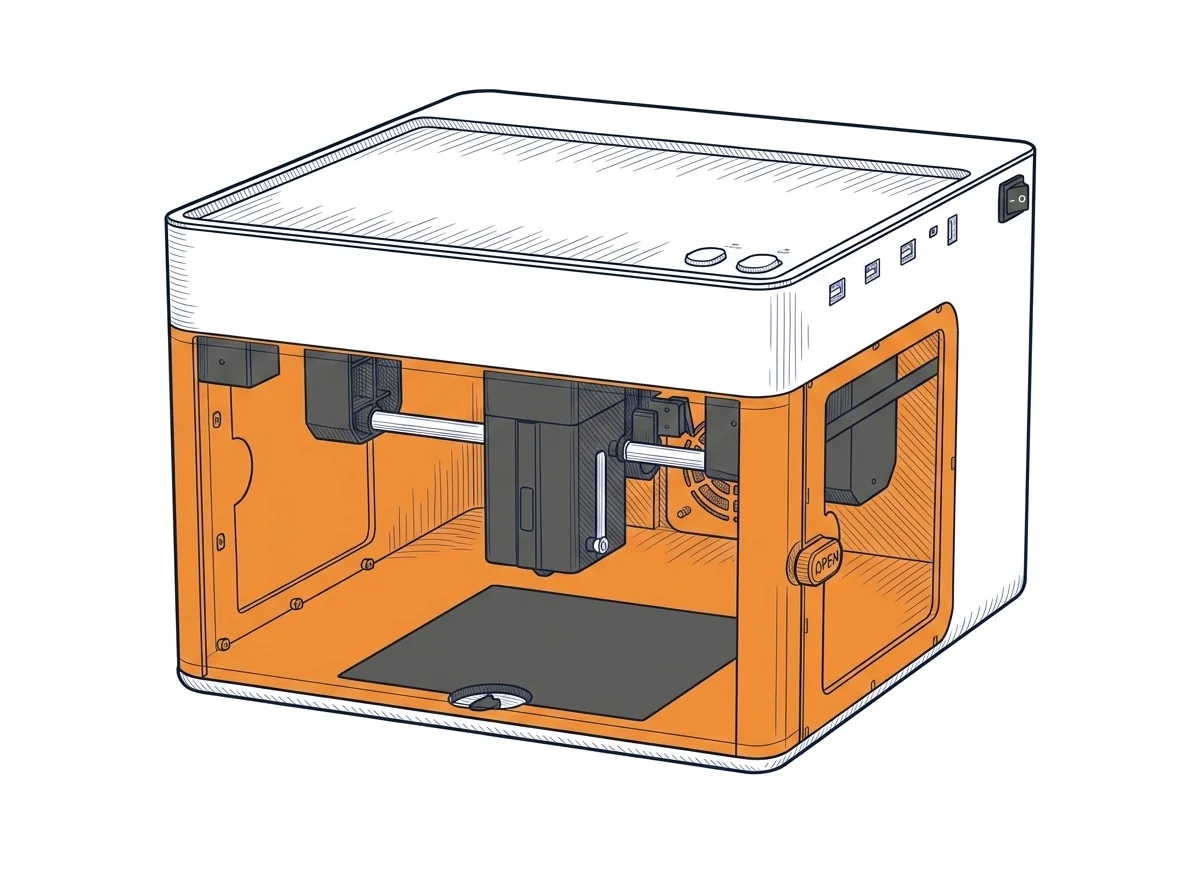
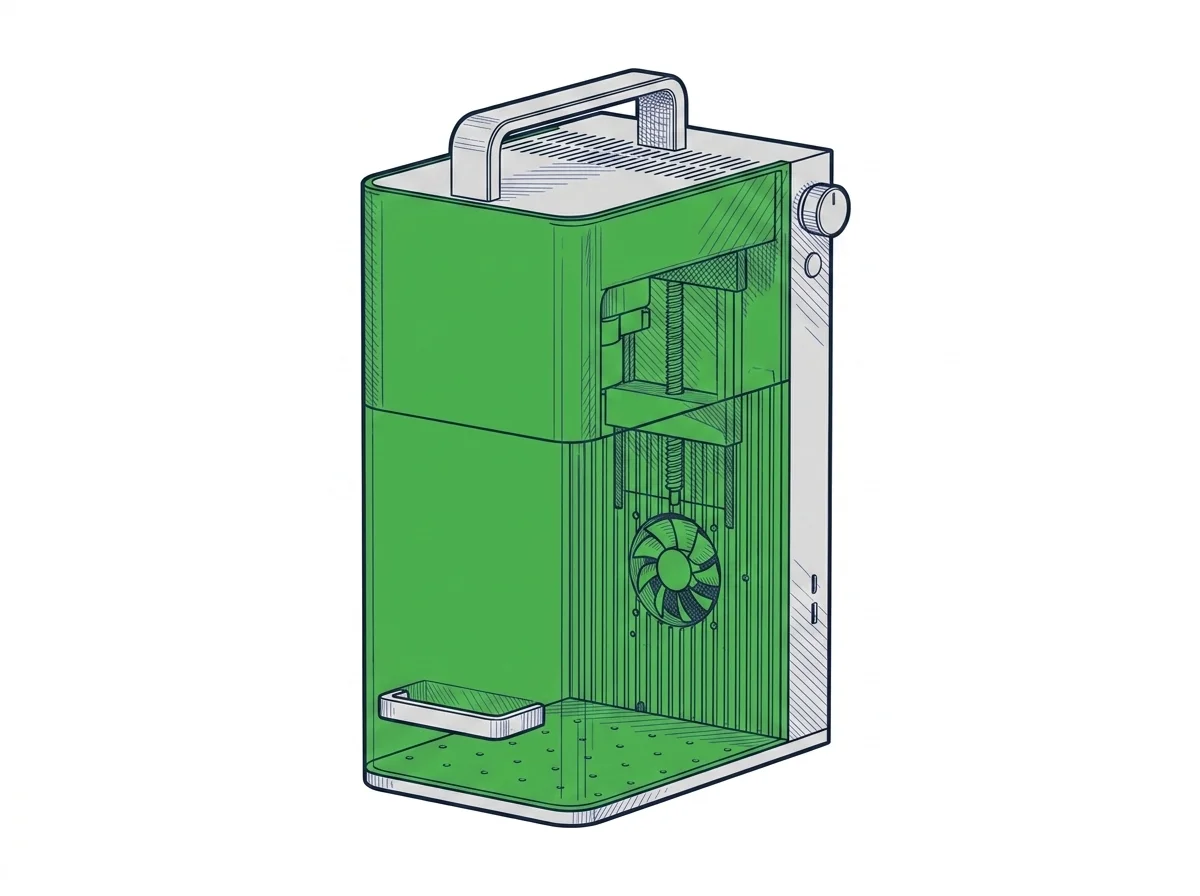
| Dimensions (W×D×H) (cm) | 26.5 × 30.3 × 18.5 cm | 17.9 × 23.5 × 33.4 cm |
| Weight (kg) | 3 kg | 4.6 kg |
| Work area (mm) | 130 × 130 mm | 115 × 115 mm |
| Z-axis height (mm) | 0 mm | — |
| Power (W) | 24 W | 84 W |
| Voltage (V) | 24 V | 24 V |
| Maximum speed | 180 mm/s | 4000 mm/s |
| Declared precision | 0.01 mm | 0.00199 mm |
| Category specs | ||
| Work area (short side) (mm) | 130 mm | 115.0 mm |
| Rated power (W) | 5 W | 10.0 W |
| Source technology | Diode | Diode |
| Max travel speed (mm/s) | 180 mm/s | — |
| Max processing speed (mm/s) | 180 mm/s | 4000.0 mm/s |
| Max cut depth per material | Balsa wood up to 3-4mm, acrylic up to 2-3mm in multiple passes | 8mm basswood, 6mm black acrylic |
| Wavelength (nm) | 455 nm | — |
| Min resolution (µm) | 10 µm | 1.99 µm |
| Autofocus | No | — |
| Rotary included/compatible | No | No |
| Passthrough | No | — |
| Supported software | LightBurn, Other | Proprietary |
| Fume extraction | Optional filter | — |
| Ecosystem | ||
| Cloud dependency | No | No |
| Software notes | The system offers versatile compatibility and can be controlled either through industry-standard software solutions or via dedicated mobile applications. It fully supports LightBurn for users seeking advanced control over engraving parameters and complex project management, alongside LaserGRBL, an open-source option ideal for Windows environments. Furthermore, the integrated wireless connectivity allows operation through the proprietary smartphone and tablet application, optimizing the workflow for quick engravings directly from graphic files stored on mobile devices without needing a permanent physical computer connection. | The xTool F1 Lite is compatible with xTool Studio (proprietary, free, Windows and macOS). The galvo system uses a proprietary protocol: LaserGRBL is not compatible as it requires GRBL firmware on a gantry controller. LightBurn introduced experimental galvo support in version 1.4+, but compatibility with the F1 Lite's specific controller is not officially certified by xTool, making the experience unguaranteed. In practice the user is tied to xTool Studio, which handles core functions but does not offer the flexibility of community profiles, macros, and advanced layers available in LightBurn for GRBL gantry lasers. |
The differences that matter
- Top speed 240,000 mm/min against 10,800 → a small plaque engraved on the xTool F1 takes a fraction of the time
- Rated power 10 W against 5 W; cutting up to 8 mm basswood and 6 mm black acrylic against 3–4 mm balsa and 2–3 mm acrylic in several passes (manufacturer's stated values) → deep cuts stay realistic only on the xTool F1
- Software: LightBurn and LaserGRBL on the P1, only xTool Studio on the xTool F1 → LightBurn profiles and macros only work with the P1
Which one to choose
Choose P1 Ultra if…
you engrave wood or cardboard at home with LightBurn or LaserGRBL and don't need to cut thick stock. You spend about €300 and get the larger work area, but accept 5 W rated power and long engraving times; the stated cuts stop at 3–4 mm of balsa and 2–3 mm of acrylic, in several passes.
Choose F1 Lite if…
you make small items in batches and time per piece matters. It costs about €600, the work area is smaller, and you are tied to xTool Studio: LaserGRBL isn't compatible and xTool doesn't certify LightBurn support.
Where to buy
Paid link: the price for you does not change. Methodology
MakerSpecs is an independent atlas. We don't sell products: the purchase links are the same as on the two product sheets and don't influence the verdict. The sheets have the complete data.