Atomstack A20 Pro V2 vs Ortur F10
Technical comparison · Diode laser (405–460 nm)
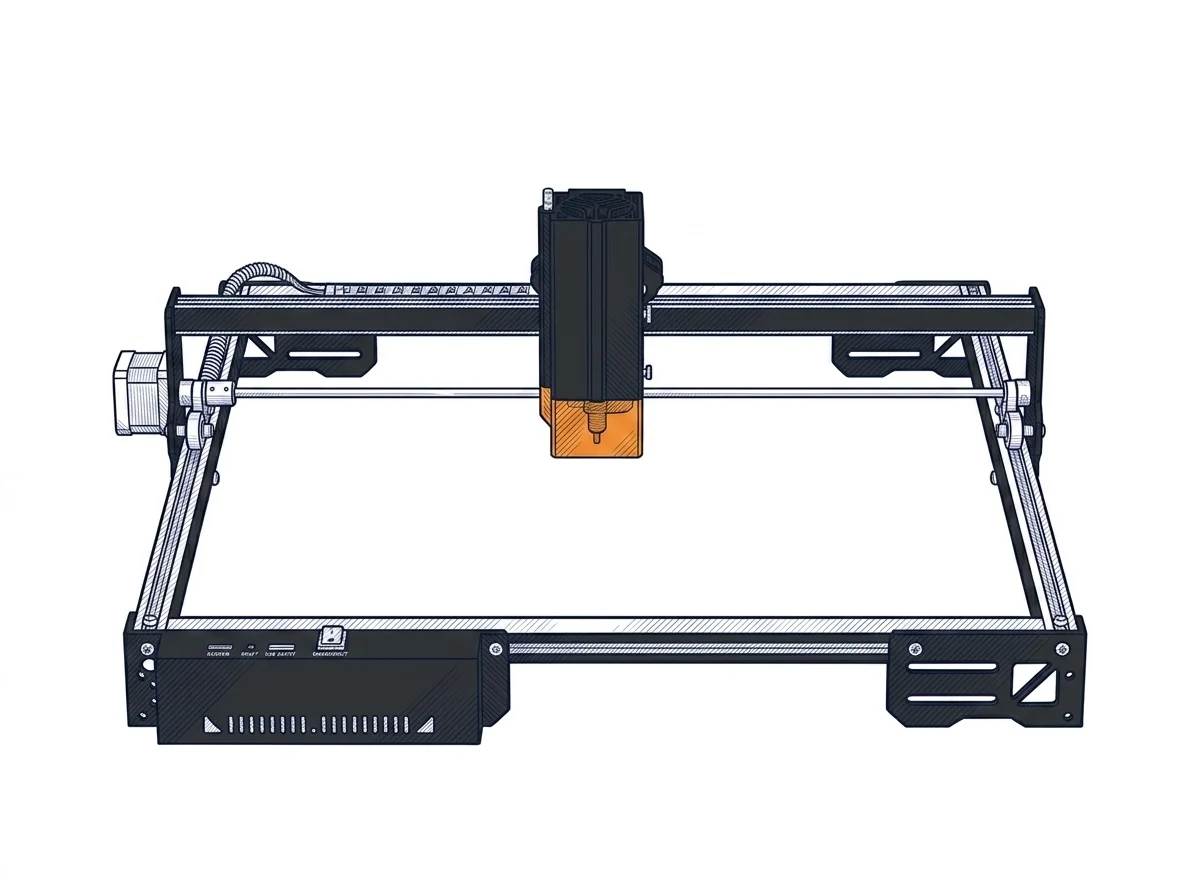
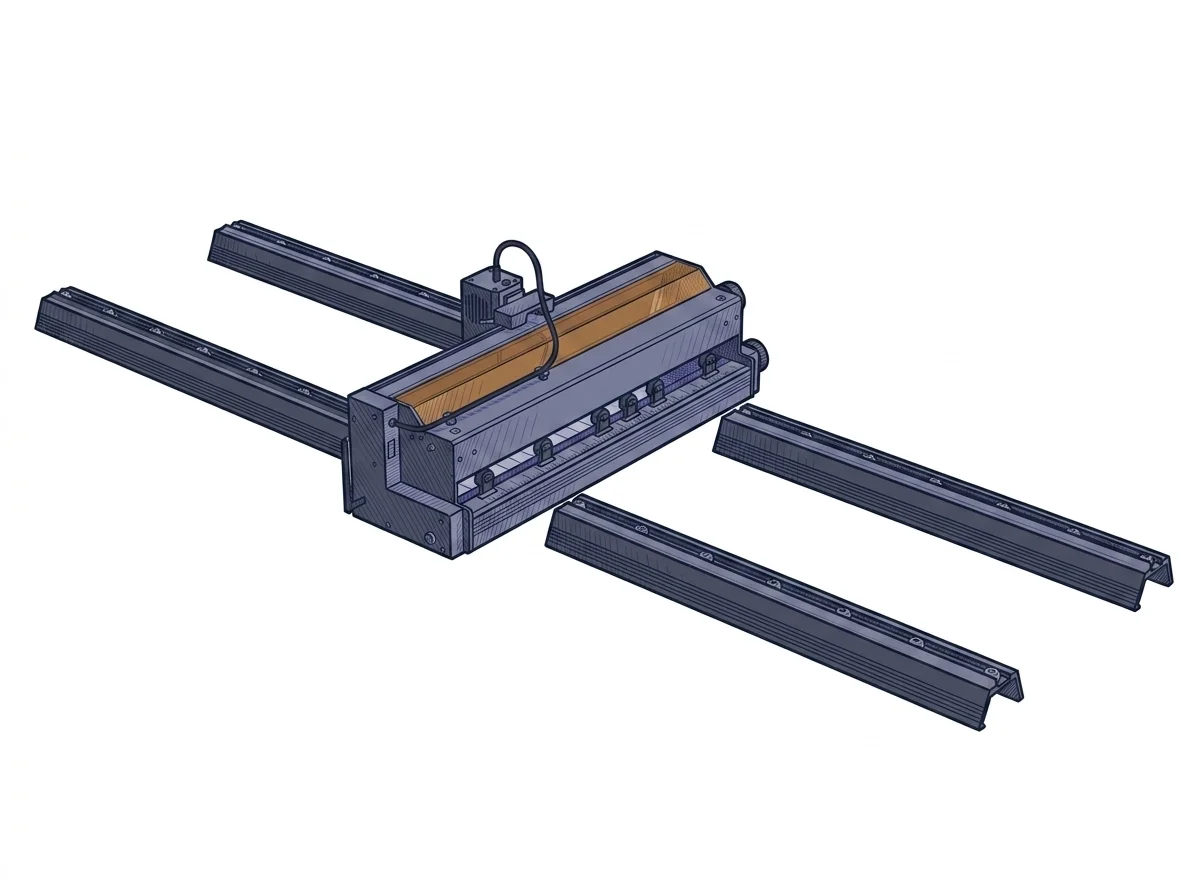
These are not the same kind of machine: the A20 Pro V2 is a 20 W (rated) diode laser with a fixed 400 × 365 mm bed, while the F10 works with a conveyor belt and is rated at 10 W. Indicative prices are close (€450 and €425), so what decides is how the parts get under the laser.
| Parameter | ||
|---|---|---|
| Identity | ||
| Launch year | 2024 | 2025 |
| Use tier | F2 — Intermediate | F2 — Intermediate |
| Price | ||
| Price (€) | ~300–600 € | ~350–500 € |
| Universal specs | ||
| Weight (kg) | 6 kg | — |
| Work area (mm) | 400 × 365 mm | — |
| Power (W) | 120 W | — |
| Maximum speed | 400 mm/s | — |
| Declared precision | 0.02 mm | — |
| Category specs | ||
| Work area (short side) (mm) | 365 mm | — |
| Rated power (W) | 20 W | 10 W |
| Source technology | Diode | Diode |
| Max travel speed (mm/s) | 400 mm/s | — |
| Max processing speed (mm/s) | 400 mm/s | — |
| Wavelength (nm) | 455 nm | — |
| Autofocus | No | — |
| Rotary included/compatible | No | — |
| Passthrough | No | — |
| Supported software | Proprietary, LightBurn, Other | LightBurn, Other |
| Frame | Open, optional enclosure | — |
| Air assist | Optional | — |
| Fume extraction | Optional filter | — |
| Ecosystem | ||
| Cloud dependency | No | No |
| Software notes | The software compatibility of the device is extensive and aligns with the industrial standards of the maker sector. It natively supports both LaserGRBL, a free and open-source option suitable for basic engraving operations, and LightBurn, the most popular paid professional platform for advanced management of layers, cutting parameters, and complex vector formats. Control can be managed directly via a wired USB connection from a computer or in offline mode, using memory cards to load processing files. The machine responds to standard G-code commands, allowing experienced users fine customization of acceleration and speed parameters through the configuration of the internal firmware, without constraints linked to proprietary and closed-source cloud ecosystems. | Machine operation relies on industry-standard control solutions, ensuring high flexibility and straightforward deployment. It is fully compatible with LightBurn, the leading premium software for advanced vector layouts and parameter tuning, which is vital for maximizing the efficiency of the conveyor belt system. For budget-conscious setups, the system also supports LaserGRBL, a capable open-source alternative for straightforward workflows. The hardware operates without any cloud dependence, meaning all file processing and execution tasks occur locally via a USB connection, protecting user data privacy and guaranteeing complete operational autonomy in any workshop environment without requiring an active internet connection during production runs. |
The differences that matter
- Conveyor belt vs fixed bed → on the F10 parts advance under the laser; on the A20 Pro V2 you work within 400 × 365 mm.
- Rated power 10 W vs 20 W → the F10 has less margin for speed and passes on harder materials (manufacturer-declared values).
- Prices €450 and €425 → about €25 apart: price is not what decides.
Which one to choose
Choose A20 Pro V2 if…
Engraving and cutting single pieces placed by hand on the bed: twice the rated power leaves room to run faster or use fewer passes on the same material. The limit is the 400 × 365 mm bed, and every piece is positioned by hand.
Choose F10 if…
Runs of identical pieces that the belt advances one after another, without repositioning each by hand: this is where the belt matters more than power. You accept half the rated power, so slower work or more passes on the same material.
Where to buy
Paid link: the price for you does not change. Methodology
As an Amazon Associate I earn from qualifying purchases.
MakerSpecs is an independent atlas. We don't sell products: the purchase links are the same as on the two product sheets and don't influence the verdict. The sheets have the complete data.