xTool M1 Ultra 20W vs xTool S1 20W
Technical comparison · Diode laser (405–460 nm)
xTool M1 Ultra 20W and S1 20W have the same optical power and cost about the same. They serve different jobs, though: the M1 Ultra combines laser engraving, blade cutting and inkjet printing on one bench, while the S1 is a laser cutter with a much larger bed.
| Parameter | ||
|---|---|---|
| Identity | ||
| Launch year | 2024 | 2023 |
| Use tier | F2 — Intermediate | F2 — Intermediate |
| Price | ||
| Price (€) | ~1300–1600 € | ~1300–1600 € |
| Universal specs | ||
| Dimensions (W×D×H) (cm) | 62 × 49.8 × 17.8 cm | 76.5 × 56.1 × 18.3 cm |
| Weight (kg) | 24.44 kg | 20 kg |
| Work area (mm) | 300 × 300 mm | 498 × 330 mm |
| Z-axis height (mm) | — | 42 mm |
| Maximum speed | 400 mm/s | 600 mm/s |
| Declared precision | — | 0.01 mm |
| Category specs | ||
| Work area (short side) (mm) | 300 mm | 330 mm |
| Rated power (W) | 20 W | 20 W |
| Source technology | Diode | Diode |
| Max travel speed (mm/s) | 400 mm/s | 600 mm/s |
| Max processing speed (mm/s) | 400 mm/s | 600 mm/s |
| Max cut depth per material | — | 10 mm wood |
| Wavelength (nm) | 455 nm | 455 nm |
| Autofocus | Yes | Yes |
| Rotary included/compatible | No | No |
| Passthrough | No | Yes |
| Supported software | Proprietary | Proprietary, LightBurn |
| Ecosystem | ||
| Cloud dependency | No | No |
| Software notes | System management relies primarily on the proprietary xTool Creative Space software, specifically developed to coordinate the machine's multi-function ecosystem. This application allows users to switch easily between laser engraving or cutting, blade die-cutting, and inkjet printing, while managing alignment via integrated sensors. The software is available for major desktop and mobile operating systems and supports both online and offline workflows. Although the interface is optimized to simplify the user experience, professionals accustomed to industry-standard platforms like LightBurn might experience operational limitations, as full support for the multi-tool capabilities strictly requires the manufacturer's official application. | The machine is managed through dual software compatibility that expands the user's operational possibilities. The proprietary program, developed directly by the manufacturer, provides an accessible interface and simplified positioning functions via sensors, facilitating workflow management even for less experienced operators. For professional contexts or advanced customization needs, the unit fully supports LightBurn, the industry standard for laser cutting. This integration allows the management of detailed parameters, complex vectorization, and customized material libraries. The machine operates primarily in local mode via USB connection or Wi-Fi network, reducing dependency on external cloud services and ensuring operational continuity even in the absence of a stable internet connection. |
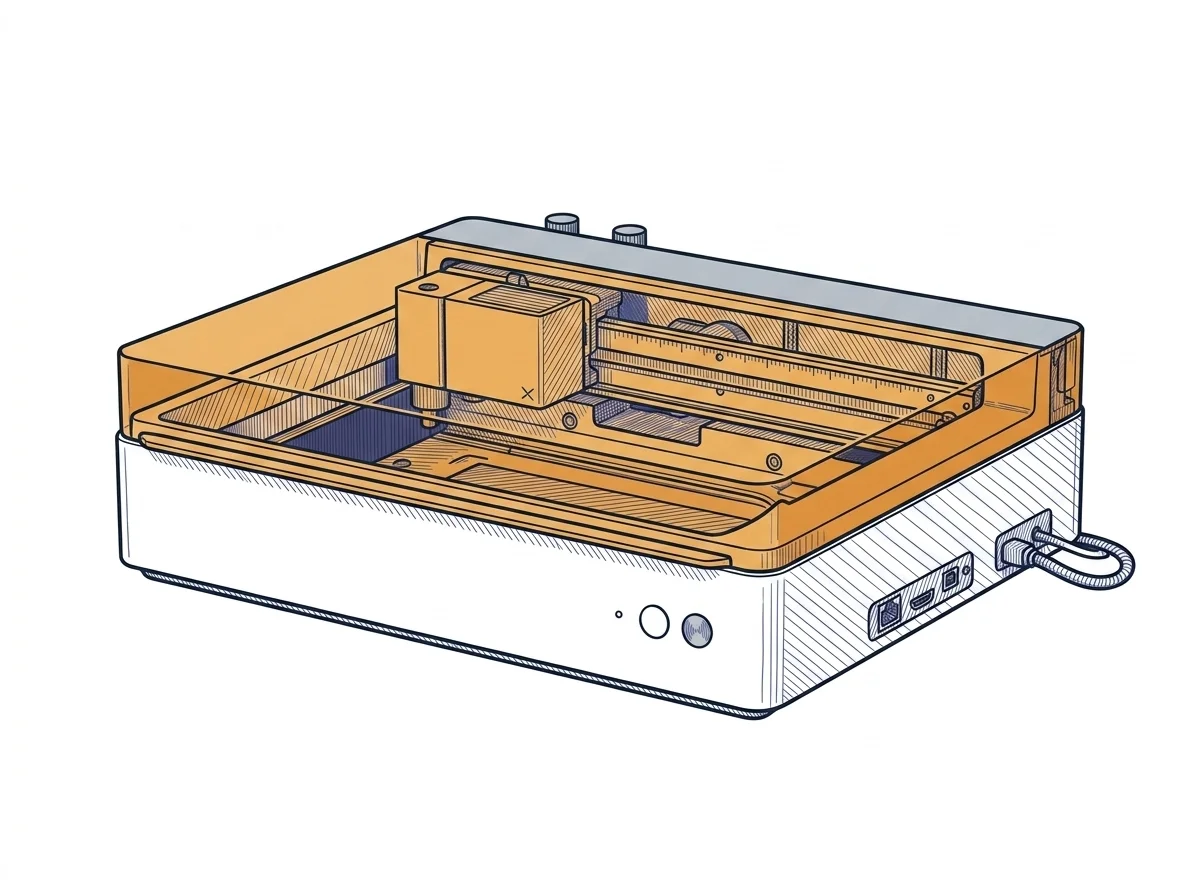
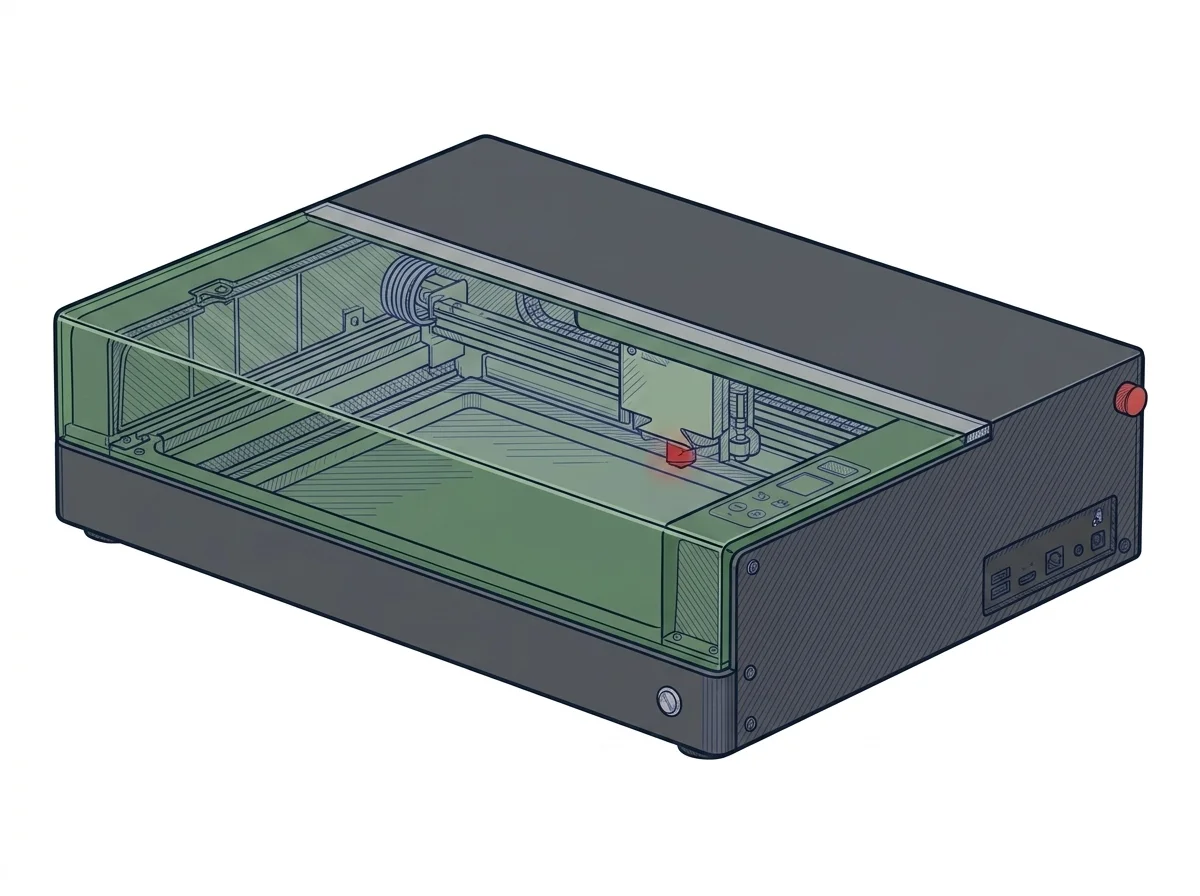
The differences that matter
- Price about 1300–1600 € for both → the choice is not about budget.
- Bed 300 × 300 mm against 498 × 330 mm → the S1 takes panels nearly 50 cm wide, the M1 Ultra stops at 30.
- Passthrough only on the S1 → material longer than the bed is worked by sliding it through.
- xTool Creative Space only against xTool plus LightBurn → anyone already working in LightBurn uses the S1; on the M1 Ultra the multi-tool functions need the manufacturer's app.
Which one to choose
Choose M1 Ultra 20W if…
Projects that alternate laser engraving, blade cutting and inkjet printing, all from xTool Creative Space, which also handles alignment through its sensors. The trade-off: a small bed, and LightBurn is not among the supported software, because the multi-tool functions run through the manufacturer's application.
Choose S1 20W if…
Wide sheets and panels, or material longer than the bed that is fed through the passthrough; wood cutting is stated up to 10 mm. LightBurn works too. The trade-off is size: 76.5 × 56.1 cm against 62 × 49.8 cm.
Where to buy
Paid link: the price for you does not change. Methodology
As an Amazon Associate I earn from qualifying purchases.
MakerSpecs is an independent atlas. We don't sell products: the purchase links are the same as on the two product sheets and don't influence the verdict. The sheets have the complete data.