Snapmaker 2.0 A350 vs Snapmaker 2.0 F350
Technical comparison · Fused filament fabrication (FFF/FDM)
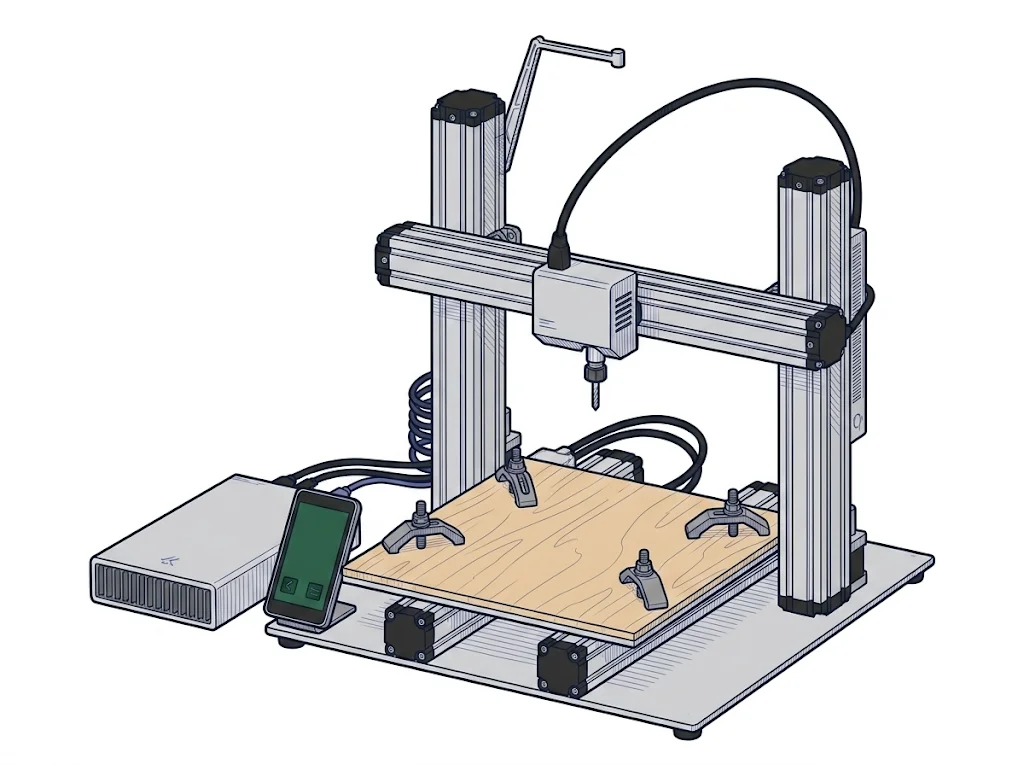
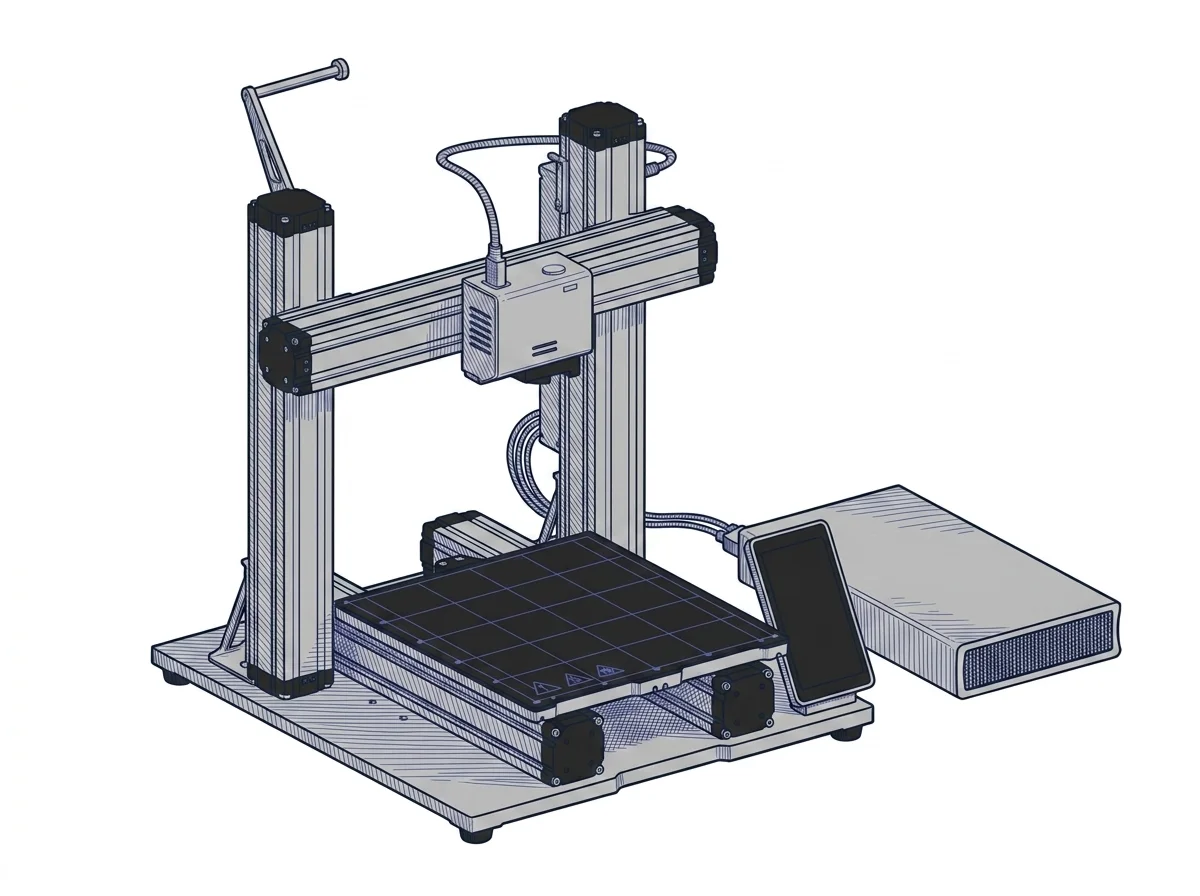
Two open-frame Snapmaker 2.0 machines with the same print bed and the same nozzle limit. The difference that decides: the A350 is a modular 3-in-1 and costs about €650 more, the F350 is bought to 3D print.
| Parameter |
 2.0 A350
Snapmaker
F2 · Intermediate
2.0 A350
Snapmaker
F2 · Intermediate
|
|
|---|---|---|
| Identity | ||
| Launch year | 2020 | 2021 |
| Use tier | F2 — Intermediate | F2 — Intermediate |
| Price | ||
| Price (€) | ~1500–1800 € | 999 € |
| Universal specs | ||
| Dimensions (W×D×H) (cm) | 49.5 × 50.6 × 58 cm | 49.5 × 50.6 × 58 cm |
| Weight (kg) | 21.6 kg | 24.2 kg |
| Work area (mm) | 320 × 350 mm | 320 × 350 mm |
| Z-axis height (mm) | 330 mm | 330 mm |
| Power (W) | 320 W | 320 W |
| Voltage (V) | — | 220 V |
| Maximum speed | 100 mm/s | — |
| Declared precision | 0.005 mm | 0.05 mm |
| Category specs | ||
| Footprint X×Y (short side) (mm) | 320 mm | 320 mm |
| Build height Z (mm) | 330 mm | 330 mm |
| Kinematics | Cartesian | Cartesian |
| Max nozzle temperature (°C) | 275 °C | 275 °C |
| Max bed temperature (°C) | 80 °C | 80 °C |
| Max print speed (mm/s) | 100 mm/s | — |
| Enclosed chamber | No | No |
| Filament sensor | Yes | Yes |
| Auto bed leveling | Mesh | Mesh |
| Standard nozzle diameter (mm) | 0.4 mm | 0.4 mm |
| Multi-extruder | No | No |
| Native Klipper | No | No |
| Input shaper | No | No |
| Multicolor printing | No | No |
| Multicolor requires accessory | No | No |
| Max colors | 1 | 1 |
| Ecosystem | ||
| Cloud dependency | No | No |
| Software notes | The proprietary Snapmaker Luban software is designed to manage all three main functions of the machine (3D printing, laser processing, and CNC routing) within a single interface, significantly simplifying the workflow for users approaching mixed manufacturing. For pure 3D printing, the control board still accepts standard G-code generated by third-party slicers such as Ultimaker Cura or PrusaSlicer, providing advanced users with greater control over specific extrusion and movement settings. | The printer is managed by the proprietary Snapmaker Luban software, which is free, intuitive, and offers pre-configured profiles for common materials. However, it is also fully compatible with leading third-party slicers such as Ultimaker Cura, PrusaSlicer, and Simplify3D. The machine is equipped with Wi-Fi connectivity and a USB port for flexible file transfer, along with a built-in 5-inch Android touchscreen for seamless local control, without requiring any cloud connectivity. |
The differences that matter
- Setup: the A350 is a modular 3-in-1, with 3D printing, laser and CNC in a single interface → it is the only one of the two built to change job on the same bench.
- Price: €1,650 against €999 → the F350 costs about €650 less, with the same declared bed size and maximum temperatures.
Which one to choose
Choose 2.0 A350 if…
The A350 is for people who want one bench for three jobs, 3D printing, laser engraving and CNC milling, all run from Luban. You pay about €650 more for 3D printing that the data show as identical: a 320 × 350 mm bed, a nozzle up to 275 °C, a heated bed up to 80 °C, no enclosure.
Choose 2.0 F350 if…
The F350 is for people who only want to print: Luban with ready-made profiles for common materials, or Cura, PrusaSlicer and Simplify3D, files over Wi-Fi or USB and a 5-inch Android touchscreen, no cloud. You give up the A350's 3-in-1 setup.
Where to buy
Paid link: the price for you does not change. Methodology
As an Amazon Associate I earn from qualifying purchases.
Filaments for these printers
The most chosen spools among the materials both printers can print according to their specifications.
- ELEGOO PLA PLA1.75 mm1 kg Check the price on Amazon →
- Bambu Lab PLA PLA1.75 mm1 kg Check the price on Amazon →
- SUNLU PETG (Polyethylene Terephthalate Glycol) PETG (Polyethylene Terephthalate Glycol)1.75 mm1 kg Check the price on Amazon →
- SUNLU PLA PLA1.75 mm1 kg Check the price on Amazon →
- OVERTURE PETG (Polyethylene Terephthalate Glycol) PETG (Polyethylene Terephthalate Glycol)High speed1.75 mm1 kg Check the price on Amazon →
Paid link: the price for you does not change. Methodology
As an Amazon Associate I earn from qualifying purchases.
MakerSpecs is an independent atlas. We don't sell products: the purchase links are the same as on the two product sheets and don't influence the verdict. The sheets have the complete data.