Ortur Laser Master 2 Pro S2 5W vs xTool S1 40W
Technical comparison · Diode laser (405–460 nm)
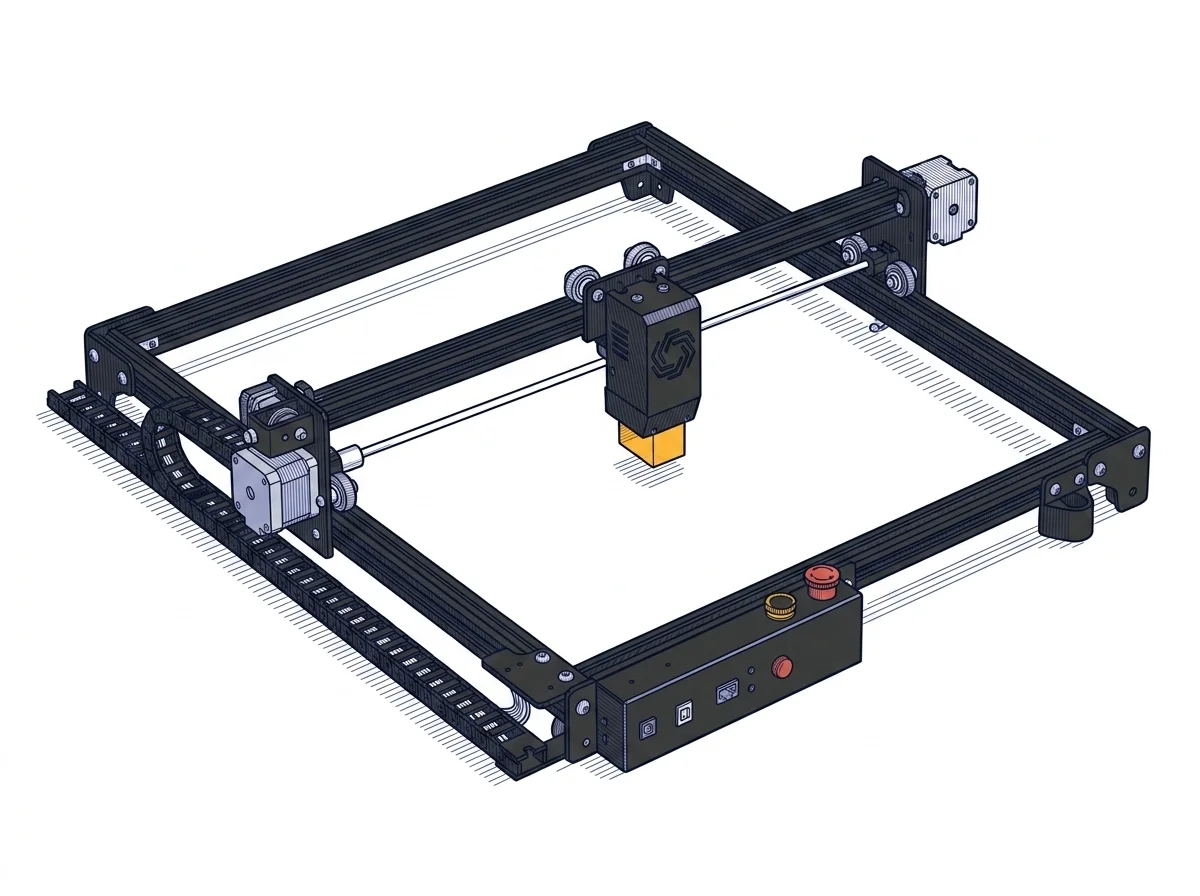
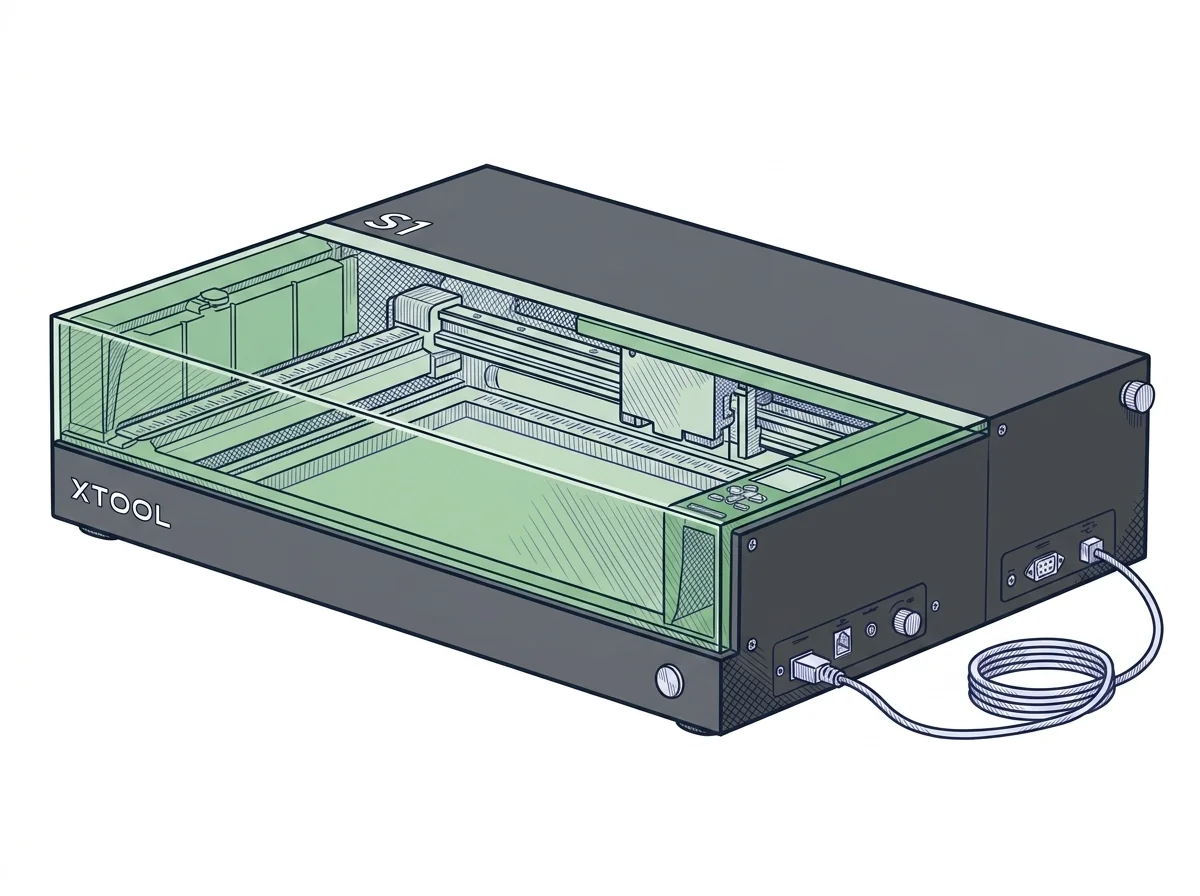
Ortur Laser Master 2 Pro S2 5W and xTool S1 40W aren't competing for the same budget: the first costs €329, the second almost seven times as much. Rated power jumps from 5.5W to 40W, a difference that changes what the machine can cut, not just what it costs.
| Parameter | ||
|---|---|---|
| Identity | ||
| Launch year | 2021 | 2023 |
| Use tier | F2 — Intermediate | F2 — Intermediate |
| Price | ||
| Price (€) | 329 € | ~2000–2500 € |
| Universal specs | ||
| Dimensions (W×D×H) (cm) | 60 × 57 × 13 cm | 76.5 × 56.1 × 18.3 cm |
| Weight (kg) | 3.5 kg | 20 kg |
| Work area (mm) | 400 × 400 mm | 498 × 319 mm |
| Power (W) | 48 W | — |
| Voltage (V) | 24 V | — |
| Maximum speed | 10000 mm/min | 600 mm/s |
| Declared precision | 0.01 mm | 0.01 mm |
| Category specs | ||
| Work area (short side) (mm) | 400 mm | 319 mm |
| Rated power (W) | 5.5 W | 40 W |
| Source technology | Diode | Diode |
| Max travel speed (mm/s) | 250 mm/s | 600 mm/s |
| Max processing speed (mm/s) | 250 mm/s | 600 mm/s |
| Max cut depth per material | Wood: 12 mm, Acrylic: 5 mm | — |
| Wavelength (nm) | 445 nm | 455 nm |
| Min resolution (µm) | 12.5 µm | — |
| Autofocus | No | Yes |
| Rotary included/compatible | No | No |
| Passthrough | Yes | Yes |
| Supported software | LightBurn, Other | Proprietary, LightBurn |
| Air assist | Included | — |
| Ecosystem | ||
| Cloud dependency | No | No |
| Software notes | The operational management of the engraver is guaranteed by full compatibility with the most popular software in the industry, making workflow integration highly flexible. Users can utilize LightBurn, an advanced commercial program that has become the gold standard for those requiring complex editing tools and granular control over cutting parameters. Alternatively, the motherboard natively supports LaserGRBL, a free and open-source software solution, particularly suitable for beginners due to its intuitive interface. The connection between the computer and the machine occurs physically via a standard USB cable, ensuring stable and low-latency data transfer, without any need for an internet connection or reliance on cloud-based platforms. | Device control is primarily managed through the proprietary xTool Creative Space software, an intuitive and constantly updated application ideal for managing graphic workflows and calibrating cutting and engraving parameters. For users requiring professional features or established workflows, the machine guarantees compatibility with LightBurn, the industry standard. The software integration allows for surface mapping and automatic positioning without the need for traditional cameras, simplifying file preparation in both Windows and macOS environments via USB or Wi-Fi connections. |
The differences that matter
- Price: €329 for the Ortur against roughly €2250 for the xTool — seven times as much, different spending categories.
- Rated power: 5.5W against 40W — decides the maximum thickness you can cut in one pass, not just speed.
- Auto-focus only on the S1: skips manual focusing on every material change.
- Rated travel speed: 600 mm/s on the S1 against 250 mm/s on the Ortur.
Which one to choose
Choose Laser Master 2 Pro S2 5W if…
At €329 with a 400×400 mm work area, the Laser Master 2 Pro S2 cuts wood up to 12 mm and acrylic up to 5 mm — enough for engraving and thin-material cutting at hobby level. It's the pick for anyone starting out with LightBurn or LaserGRBL without a lab-grade budget.
Choose S1 40W if…
The S1's rated 40W lets it cut thicker material in a single pass, something the Ortur's 5.5W laser can't do regardless of how many passes you run. Auto-focus removes manual focusing on every material change, and the rated 600 mm/s travel speed cuts time on repeat jobs. It's a machine for anyone working thicker materials regularly, not for occasional engraving.
Where to buy
Paid link: the price for you does not change. Methodology
MakerSpecs is an independent atlas. We don't sell products: the purchase links are the same as on the two product sheets and don't influence the verdict. The sheets have the complete data.