Ortur Laser Master H10 10W vs Ortur Laser Master 3 (LM3) 20W
Technical comparison · Diode laser (405–460 nm)
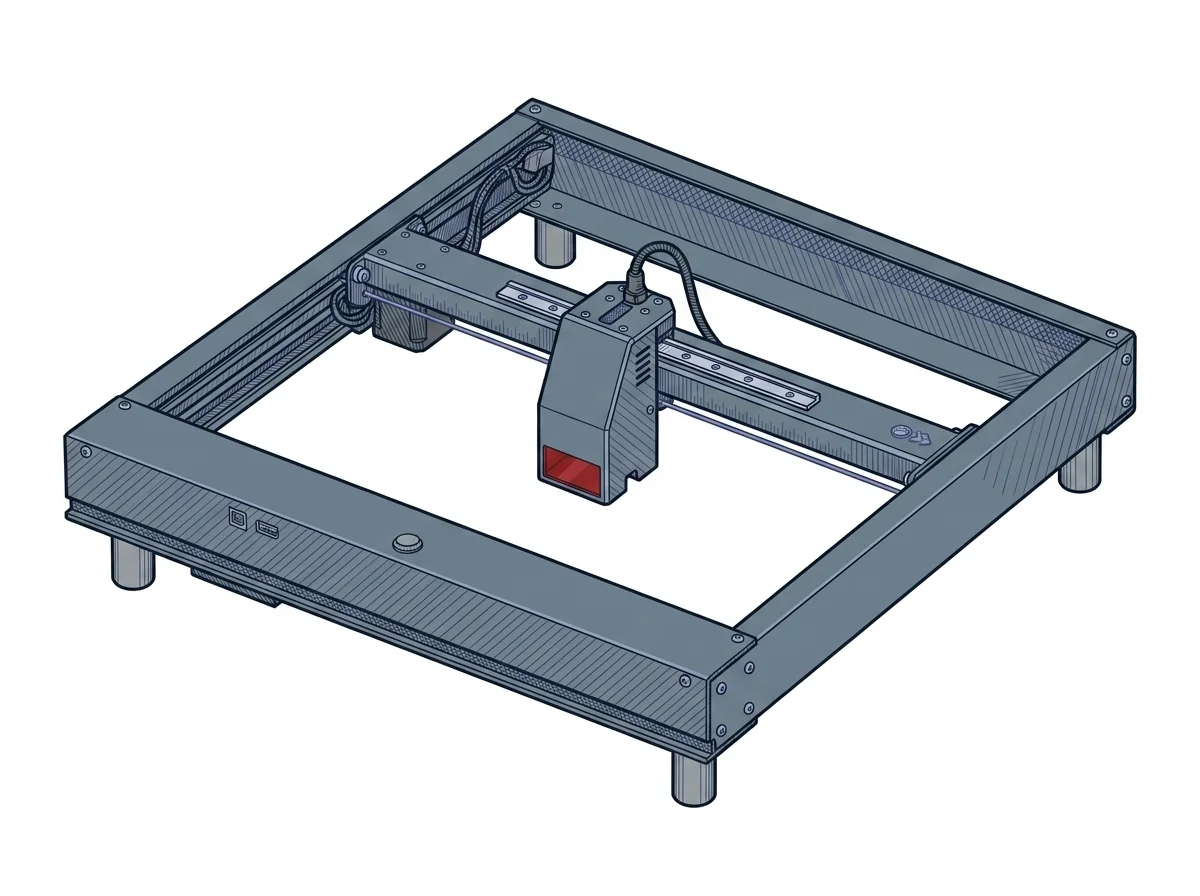
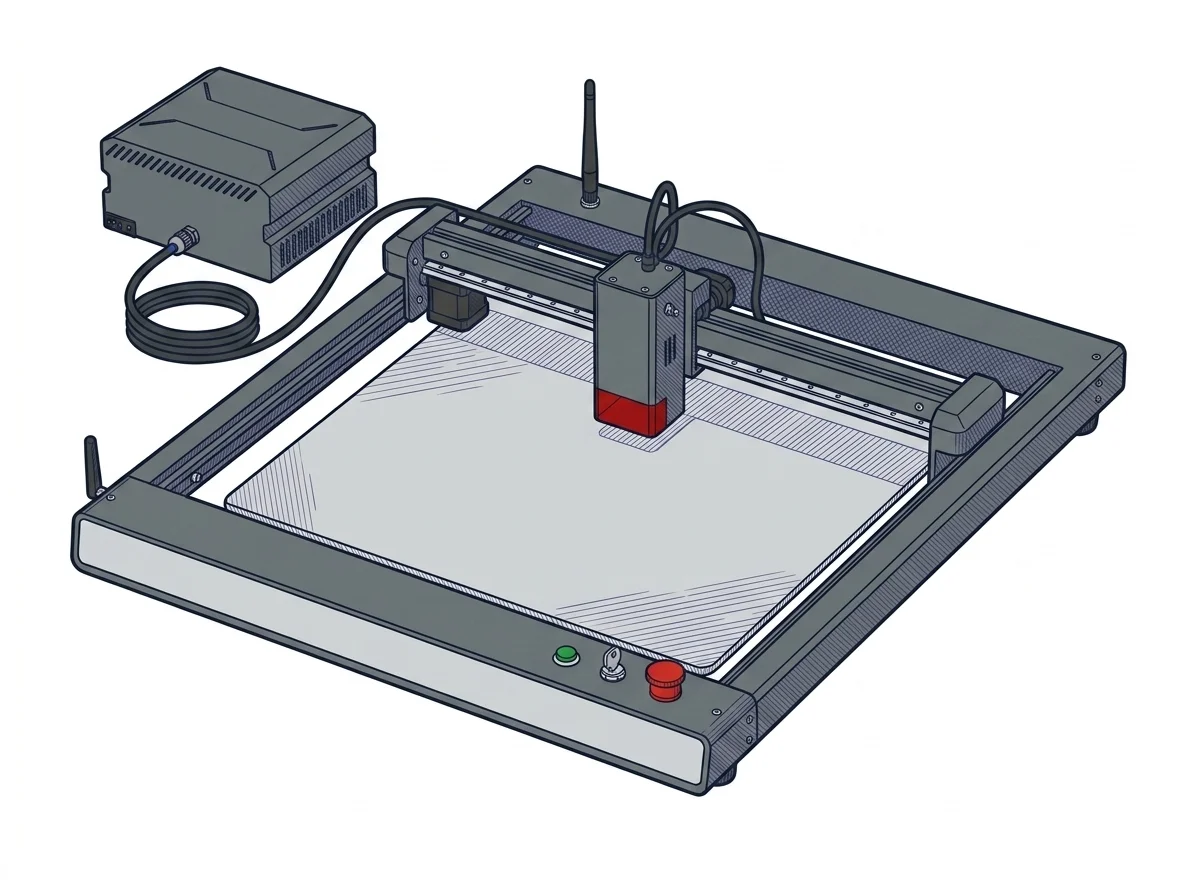
Choosing between these two diode lasers mainly comes down to cut thickness in a single pass: the declared power doubles from the H10 10W to the OLM3 20W, and with it the manufacturer's declared cut depth.
| Parameter | ||
|---|---|---|
| Identity | ||
| Launch year | 2024 | 2023 |
| Use tier | F2 — Intermediate | F2 — Intermediate |
| Price | ||
| Price (€) | ~300–450 € | ~800–1050 € |
| Universal specs | ||
| Dimensions (W×D×H) (cm) | 55.8 × 50.7 × 13 cm | 58 × 55 × 15 cm |
| Weight (kg) | 7.5 kg | — |
| Work area (mm) | 300 × 300 mm | 400 × 380 mm |
| Power (W) | 144 W | 96 W |
| Voltage (V) | 24 V | 24 V |
| Maximum speed | 20000 mm/min | 20000 mm/min |
| Declared precision | 0.0125 mm | 0.01 mm |
| Category specs | ||
| Work area (short side) (mm) | 300 mm | 380 mm |
| Rated power (W) | 10 W | 20 W |
| Source technology | Diode | Diode |
| Max travel speed (mm/s) | 333.3 mm/s | 333.33 mm/s |
| Max processing speed (mm/s) | 333.3 mm/s | 333.33 mm/s |
| Max cut depth per material | 6 mm basswood, 5 mm black acrylic | 15mm Pine, 10mm Plywood, 8mm Black Acrylic |
| Wavelength (nm) | 445 nm | 445 nm |
| Min resolution (µm) | 12.5 µm | 12.5 µm |
| Autofocus | No | No |
| Rotary included/compatible | No | No |
| Passthrough | No | Yes |
| Supported software | Proprietary, LightBurn, Other | LightBurn, Other |
| Frame | — | Open, optional enclosure |
| Air assist | — | Included |
| Ecosystem | ||
| Cloud dependency | No | No |
| Software notes | The versatility of the Laser Master H10 10W is reflected in its broad software compatibility, designed to adapt to various workflows. Novice users can take advantage of the proprietary Ortur application, recently updated to offer an intuitive interface directly from mobile devices via Wi-Fi connectivity. Professionals and advanced hobbyists benefit from full compatibility with LightBurn and LaserGRBL, the industry-standard software for advanced laser parameter control. In addition to Wi-Fi, the machine offers flexible control options via USB port, SD card reader, and WebUI interface, allowing the equipment to operate independently from a computer during lengthy tasks and eliminating the risk of unexpected interruptions. | Fully compatible with LightBurn and LaserGRBL via USB or Wi-Fi. It also offers the proprietary Ortur Laser Explorer app for controlling and sending jobs directly from a smartphone. |
The differences that matter
- Price: €375 on the H10 10W against €925 on the OLM3 20W → the budget more than doubles.
- Declared power: 10 W on the H10 against 20 W on the OLM3 → changes the thickness cuttable in one pass.
- Declared cut depth: up to 6 mm basswood/5 mm acrylic on the H10 against up to 15 mm pine/8 mm acrylic on the OLM3.
- Passthrough: only on the OLM3 20W, useful for pieces longer than the work bed.
Which one to choose
Choose Laser Master H10 10W if…
Anyone engraving or cutting thin materials — basswood up to 6 mm, black acrylic up to 5 mm, declared figures — spends less than half (€375 against €925) and works on a 300×300 mm area. The trade-off is staying within those declared thickness limits and no passthrough for pieces longer than the bed.
Choose Laser Master 3 (LM3) 20W if…
Anyone cutting thicker material in a single pass — pine up to 15 mm, plywood up to 10 mm, black acrylic up to 8 mm, declared figures — also gets the larger work area (400×380 mm) and a passthrough for pieces longer than the bed. The trade-off is a price more than double.
Where to buy
Paid link: the price for you does not change. Methodology
As an Amazon Associate I earn from qualifying purchases.
MakerSpecs is an independent atlas. We don't sell products: the purchase links are the same as on the two product sheets and don't influence the verdict. The sheets have the complete data.