Elegoo Mars 4 vs Elegoo Mars 4 Ultra
Technical comparison · Resin 3D printing
Both resin printers share the same monochrome screen, build area and XY resolution, so the choice is about daily use. It comes down to spending less and loading files by USB stick, or paying more to print faster and send files from the PC.
| Parameter | ||
|---|---|---|
| Identity | ||
| Launch year | 2023 | 2023 |
| Use tier | F2 — Intermediate | F2 — Intermediate |
| Price | ||
| Price (€) | ~180–260 € | 329 € |
| Universal specs | ||
| Dimensions (W×D×H) (cm) | 22.7 × 22.7 × 43.85 cm | 22.7 × 22.7 × 44.35 cm |
| Weight (kg) | 5.2 kg | 7.1 kg |
| Work area (mm) | 153.36 × 77.76 mm | 153.36 × 77.76 mm |
| Z-axis height (mm) | 175 mm | 165 mm |
| Power (W) | — | 72 W |
| Category specs | ||
| Build area XY (short side) (mm) | 77.76 mm | 77.76 mm |
| XY resolution (µm) | 18 µm | 18 µm |
| Light source | Mono LCD | Mono LCD |
| Print speed (mm/h) | 70 mm/h | 150 mm/h |
| Tilt / peel system | Standard FEP | Film ACF |
| Ecosystem | ||
| Cloud dependency | No | No |
| Software notes | The operation of the machine is primarily managed via third-party slicing software widely utilized within the resin 3D printing industry. The system natively supports file formats generated by programs such as ChiTuBox and Voxeldance Tango, offering the user the flexibility to choose their preferred interface for model preparation, support generation, and exposure parameter optimization. There is no native Wi-Fi connectivity or dedicated cloud management in this standard version; therefore, the transfer of print-ready files occurs traditionally via a USB port located on the machine body, ensuring a stable, independent, and completely offline workflow. | The system utilizes an open software ecosystem, ensuring compatibility with the main slicing programs on the market, including ChituBox and Voxeldance Tango. The machine integrates built-in Wi-Fi connectivity for the remote transfer of print files via the official application or compatible software, eliminating the need to use physical USB drives for every operation. The internal firmware is based on an optimized version of Linux, which improves the responsiveness of the user interface on the built-in touch screen display and optimizes the handling of complex data originating from 9K files. Exposure parameters and resin profiles can be managed directly from the chosen software, offering precise control over curing times and axis movement speeds. |
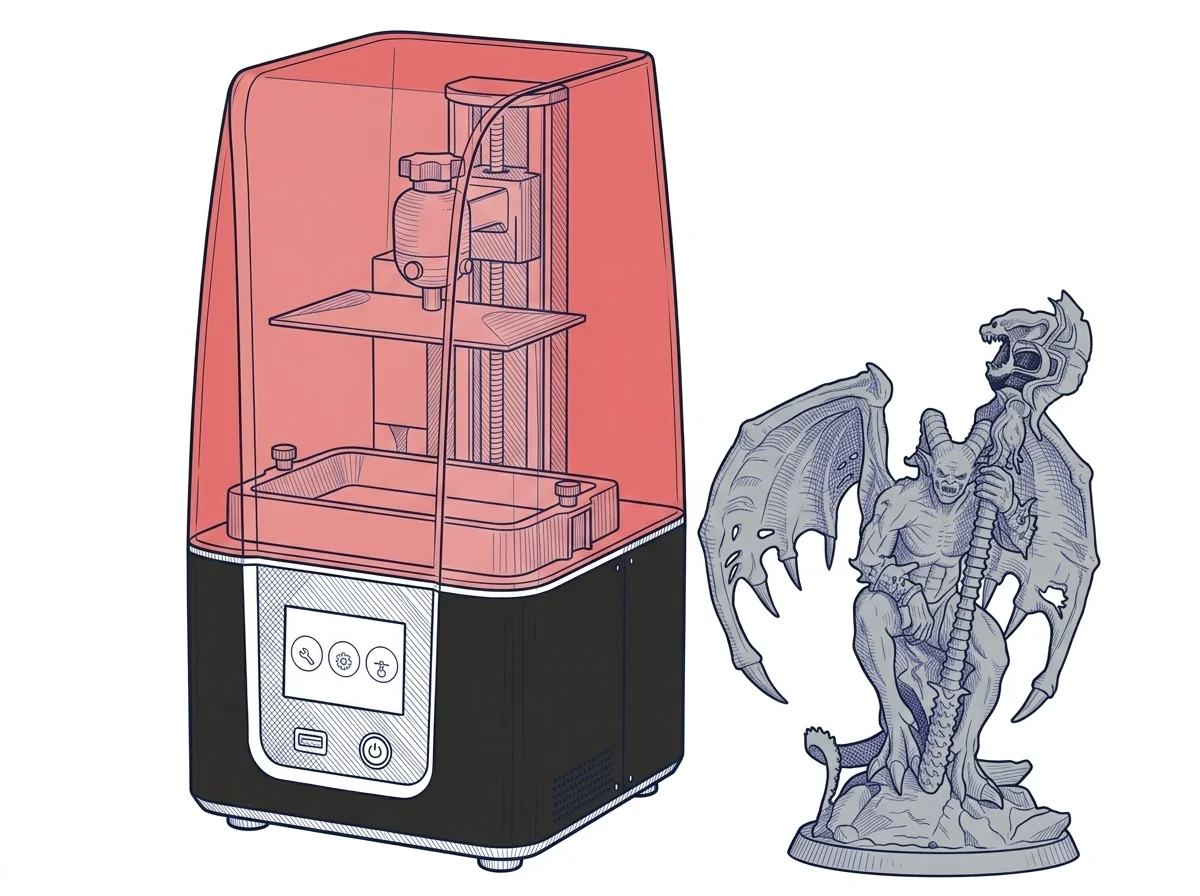
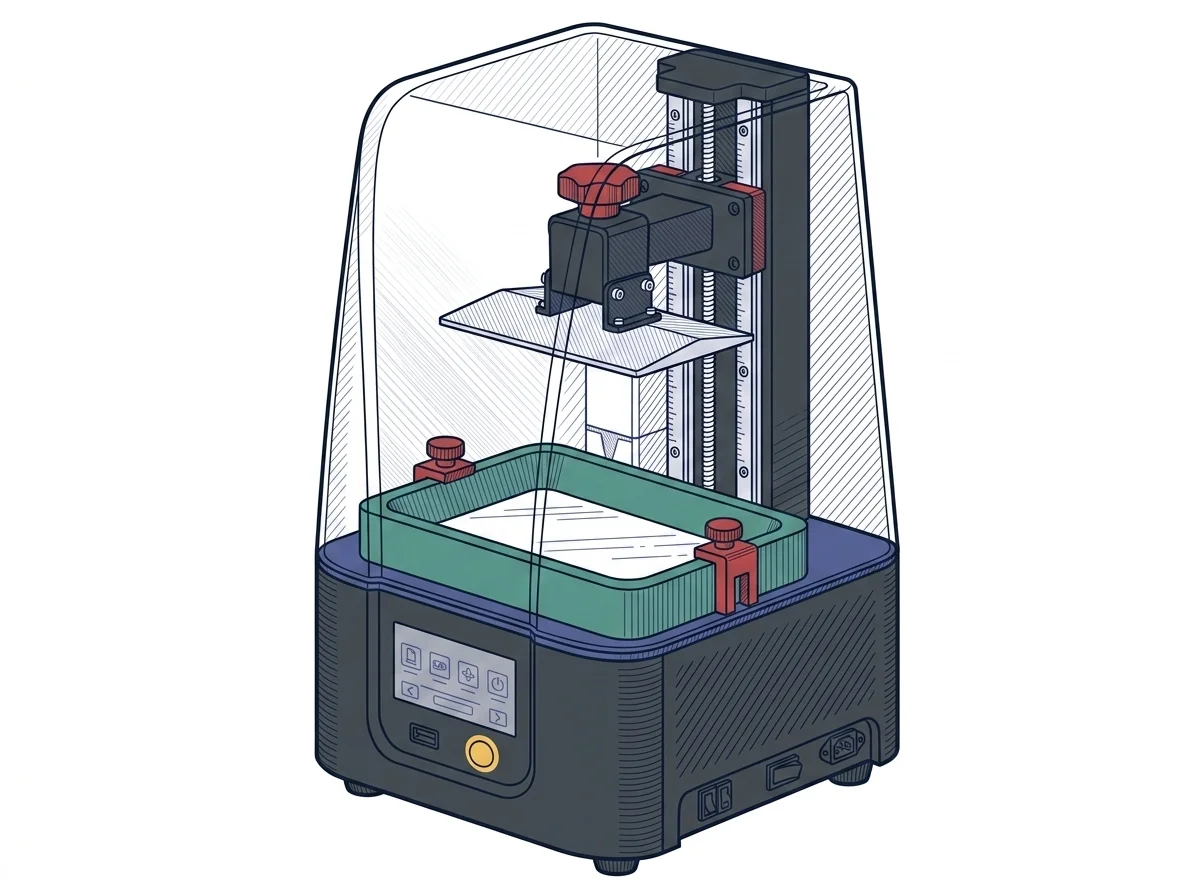
The differences that matter
- Print speed as declared by the manufacturer, 70 mm/h against 150 mm/h → a 60 mm tall part goes from about 51 minutes to about 24 minutes of lifting alone.
- Wi-Fi on the Ultra only → files reach the machine from the PC with no stick; the Mars 4 stays an offline USB workflow.
- ACF film versus standard FEP → the vat-bottom material you replace is different.
- Price: about €220 against €329 → the Ultra costs about €110 more.
Which one to choose
Choose Mars 4 if…
You print miniatures and small parts a few times a week and don't mind carrying a USB stick from the PC to the machine. You get the same build area and XY detail, and a Z axis 10 mm taller, for a much lower price. The trade-off: no Wi-Fi, so every job goes through the stick, and longer print times when the part is tall.
Choose Mars 4 Ultra if…
You start several prints a day, maybe batches of tall parts, and each hour saved on a single job matters more than around a hundred euros. Wi-Fi lets you send the file from the computer without touching the stick, and the ACF film replaces the standard FEP. The trade-off: the machine costs about 110 euros more, weighs almost 2 kg more and its Z travel is 10 mm shorter.
Where to buy
Paid link: the price for you does not change. Methodology
As an Amazon Associate I earn from qualifying purchases.
MakerSpecs is an independent atlas. We don't sell products: the purchase links are the same as on the two product sheets and don't influence the verdict. The sheets have the complete data.