Elegoo Centauri 2 Combo vs Elegoo Neptune 3 Pro
Technical comparison · Fused filament fabrication (FFF/FDM)
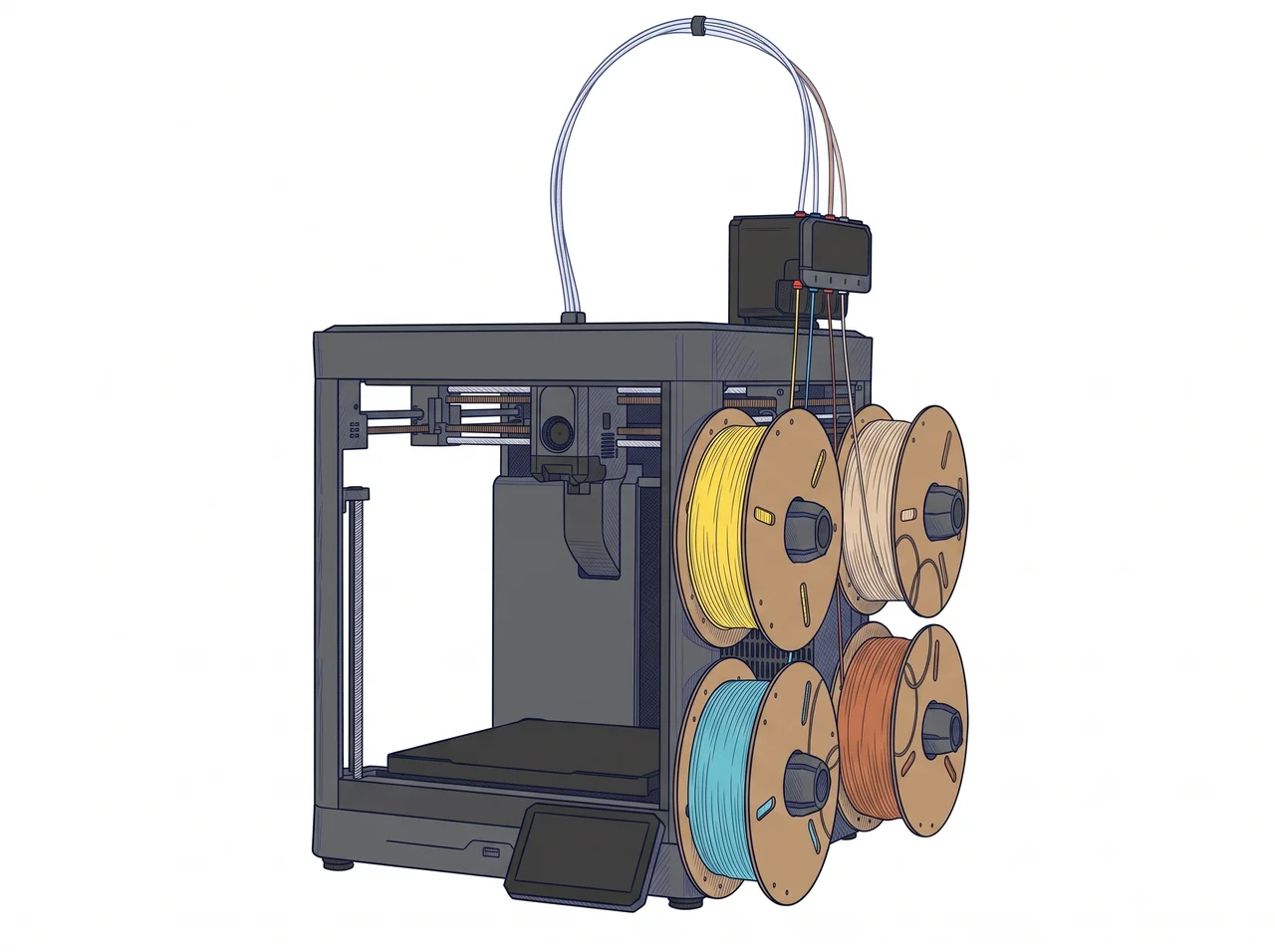
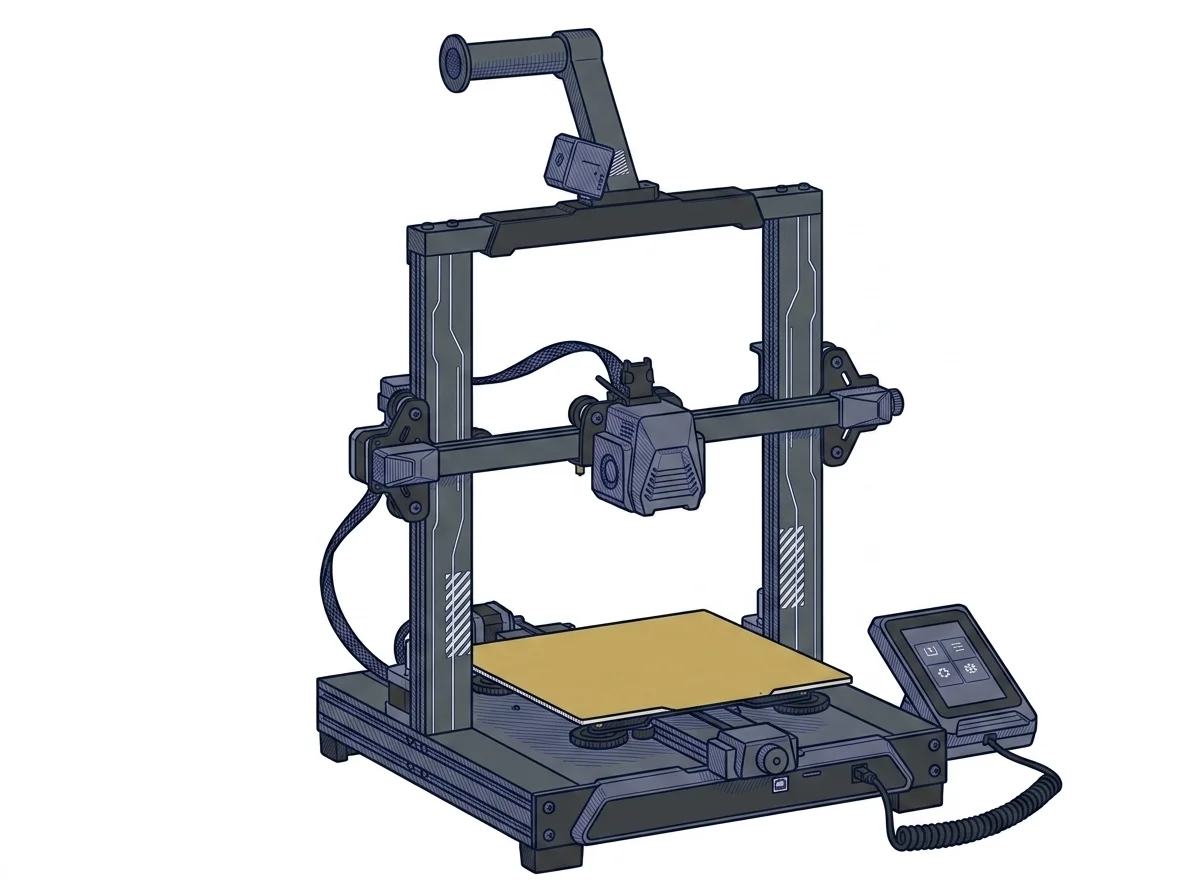
Two FDM printers in the same mid-range category but built differently: the Centauri 2 Combo is a CoreXY with four-color printing included, the Neptune 3 Pro is a single-color Cartesian that runs offline. The choice comes down to one question: do you need parts in several colors?
| Parameter | ||
|---|---|---|
| Identity | ||
| Launch year | — | 2022 |
| Use tier | F2 — Intermediate | F2 — Intermediate |
| Price | ||
| Price (€) | — | ~199–259 € |
| Universal specs | ||
| Dimensions (W×D×H) (cm) | — | 47.5 × 44.5 × 51.5 cm |
| Weight (kg) | — | 8.1 kg |
| Work area (mm) | 256 × 256 mm | 225 × 225 mm |
| Z-axis height (mm) | 256 mm | 280 mm |
| Power (W) | — | 350 W |
| Voltage (V) | — | 230 V |
| Maximum speed | 500 mm/s | 180 mm/s |
| Declared precision | — | 0.1 mm |
| Category specs | ||
| Footprint X×Y (short side) (mm) | 256 mm | 225 mm |
| Build height Z (mm) | 256 mm | 280 mm |
| Kinematics | CoreXY | Cartesian |
| Max nozzle temperature (°C) | — | 260 °C |
| Max bed temperature (°C) | — | 100 °C |
| Max print speed (mm/s) | 500 mm/s | 180 mm/s |
| Enclosed chamber | — | No |
| Filament sensor | Yes | Yes |
| Auto bed leveling | — | Mesh |
| Standard nozzle diameter (mm) | — | 0.4 mm |
| Multi-extruder | — | No |
| Native Klipper | — | No |
| Input shaper | — | No |
| Multicolor printing | Yes | No |
| Multicolor requires accessory | No | — |
| Max colors | 4 | 1 |
| Ecosystem | ||
| Cloud dependency | No | No |
| Software notes | Four-color printing runs through the CANVAS system included in the Combo version. | The operating system is based on the open-source Marlin firmware, ensuring broad compatibility and stability for the user. The printer is supported by major slicing software on the market, such as Ultimaker Cura and PrusaSlicer, for which official preset profiles or easily configurable community profiles exist. Operational management is handled via a practical removable capacitive touchscreen, featuring a simple interface for manual control and monitoring. The machine operates entirely offline, reading G-code files via a MicroSD card or direct USB cable connection, without any dependency on cloud services or wireless networks. |
The differences that matter
- Four colors against one → with the Combo's CANVAS system the object comes out multicolor; on the Neptune 3 Pro it stays single-color.
- Maximum speed 500 against 180 mm/s (manufacturer-declared values) → the same part takes the Neptune much longer.
- Build area 256 × 256 mm against 225 × 225 mm → a part 240 mm wide only fits on the Centauri.
- Height 256 mm against 280 mm → a part 270 mm tall only fits on the Neptune.
Which one to choose
Choose Centauri 2 Combo if…
You print demo pieces, place cards or decorative objects in several colors in one job, and you want the machine to handle the color changes. The trade-off is print height, a little lower than the Neptune's: a tall part at the other machine's limit will not fit here.
Choose Neptune 3 Pro if…
You print useful objects in one color, such as brackets, spare parts and containers, from files on a MicroSD card or USB, with no network or cloud and ready-made profiles for Cura and PrusaSlicer. The trade-off is plain: one color at a time, no enclosed chamber and longer print times for the same part. List price is about €199–259.
Where to buy
Paid link: the price for you does not change. Methodology
As an Amazon Associate I earn from qualifying purchases.
MakerSpecs is an independent atlas. We don't sell products: the purchase links are the same as on the two product sheets and don't influence the verdict. The sheets have the complete data.