Creality SPARKX i7 vs Snapmaker Original
Technical comparison · Fused filament fabrication (FFF/FDM)
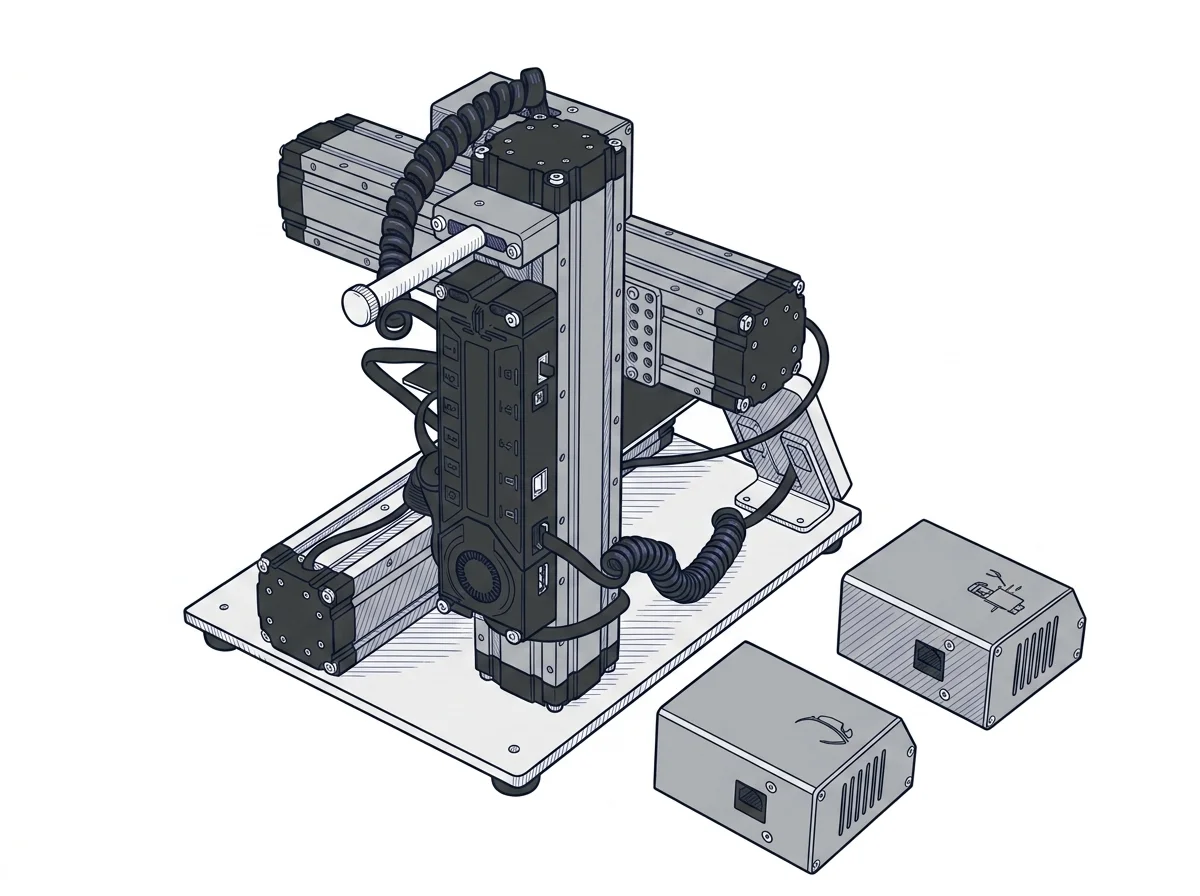
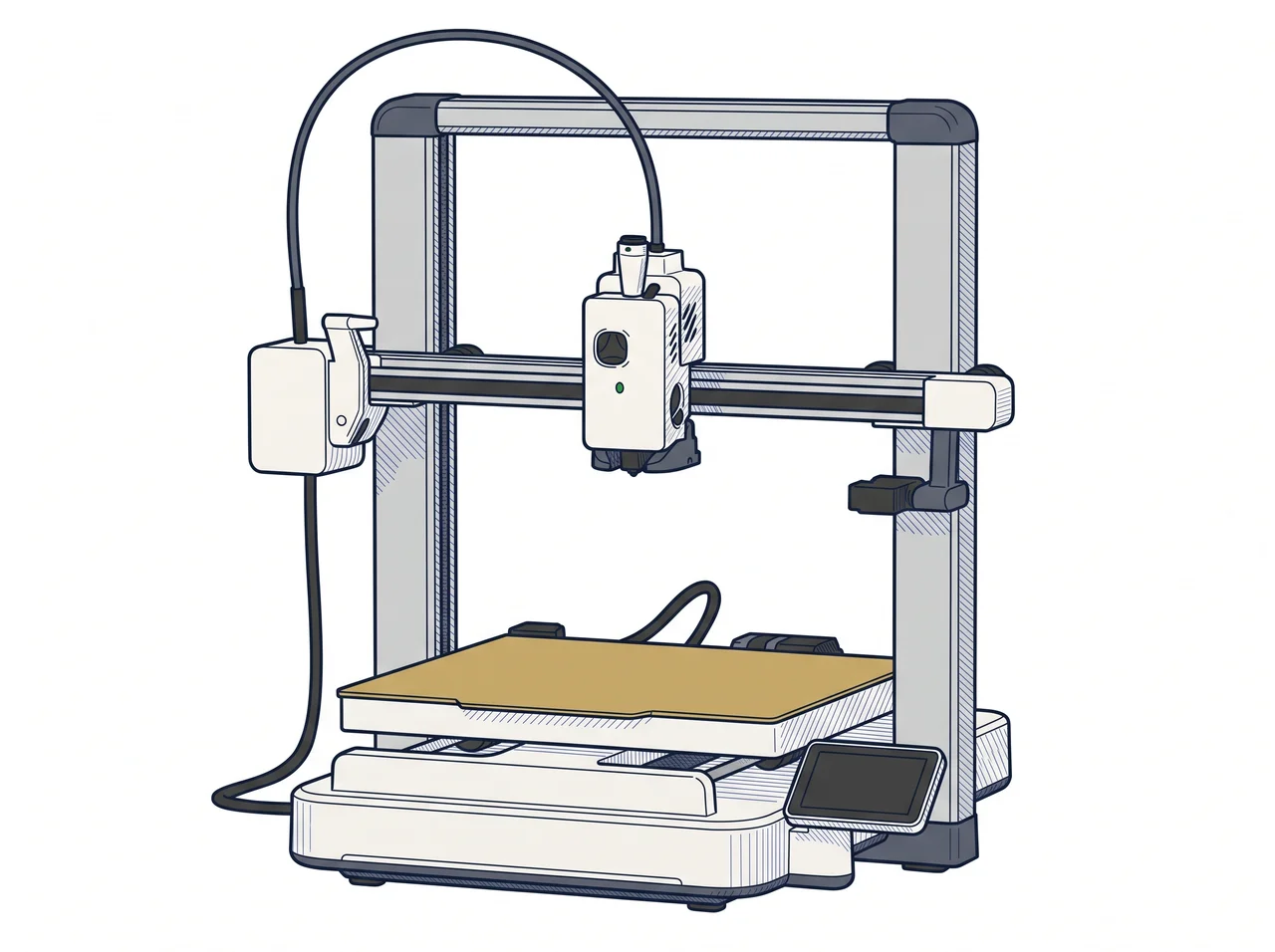
This is a choice between a dedicated 3D printer and a machine that prints, mills and laser-engraves. If the job is printing only, the SPARKX i7 gives more build space and more colors; if you also need CNC and laser work, the Original 3-in-1 is the only one of the two that does it.
| Parameter |
 Original
Snapmaker
F2 · Intermediate
Original
Snapmaker
F2 · Intermediate
|
|
|---|---|---|
| Identity | ||
| Launch year | — | 2017 |
| Use tier | F1 — Entry | F2 — Intermediate |
| Price | ||
| Price (€) | ~200–450 € | ~400–850 € |
| Universal specs | ||
| Dimensions (W×D×H) (cm) | — | 27.2 × 33.5 × 28.9 cm |
| Weight (kg) | 9.12 kg | 4.5 kg |
| Work area (mm) | 260 × 260 mm | 125 × 125 mm |
| Z-axis height (mm) | 255 mm | 125 mm |
| Maximum speed | 500 mm/s | 100 mm/s |
| Declared precision | — | 0.005 mm |
| Category specs | ||
| Footprint X×Y (short side) (mm) | 260 mm | 125 mm |
| Build height Z (mm) | 255 mm | 125 mm |
| Kinematics | — | Cartesian |
| Max nozzle temperature (°C) | 300 °C | 250 °C |
| Max bed temperature (°C) | 100 °C | 80 °C |
| Max print speed (mm/s) | 500 mm/s | 100 mm/s |
| Enclosed chamber | No | No |
| Filament sensor | Yes | No |
| Standard nozzle diameter (mm) | 0.4 mm | 0.4 mm |
| Multi-extruder | — | No |
| Native Klipper | — | No |
| Input shaper | Yes | No |
| Multicolor printing | Yes | No |
| Max colors | 4 | 1 |
| Ecosystem | ||
| Cloud dependency | No | No |
| Software notes | — | Natively compatible with Snapmaker Luban, the proprietary software specifically designed to manage the machine's three different functions within a single environment. The printer is based on standard Marlin firmware and supports G-code formats, allowing the use of third-party slicers like Cura or Simplify3D for 3D printing. For CNC and laser operations, it is possible to use external programs such as Autodesk Fusion 360, LaserGRBL, or LightBurn, exporting compatible toolpaths via the interface or USB port. |
The differences that matter
- Build volume 260 × 260 × 255 mm vs 125 × 125 × 125 mm → a 20 cm part fits whole only on the SPARKX i7
- Up to 4 colors vs 1 → multicolor models can only be printed on the SPARKX i7
- Nozzle 300 °C and bed 100 °C vs 250 °C and 80 °C → more demanding materials only on the SPARKX i7
- Printing, CNC and laser in one machine vs printing only → the Original 3-in-1 stands in for three bench machines
Which one to choose
Choose SPARKX i7 if…
You print functional parts or prototypes regularly and need room: the 260 × 260 mm bed and 255 mm of height take a part that would have to be split on the other machine. With a nozzle up to 300 °C, a bed up to 100 °C and up to 4 colors, the range of spools you can use is wider. The trade-off: it is a printer only, with no enclosed chamber, and it offers neither milling nor engraving. Speeds are manufacturer-declared values.
Choose Original if…
You have little bench space and want one machine for 3D printing, milling and laser engraving, working through Luban or external tools such as LightBurn and Fusion 360. The trade-off: the print area is 125 × 125 mm, so larger parts must be split, printing is single-color and the nozzle tops out at 250 °C. It costs about €300 more, as a price-band estimate, for slower 3D printing.
Where to buy
Paid link: the price for you does not change. Methodology
Filaments for these printers
The most chosen spools among the materials both printers can print according to their specifications.
- ELEGOO PLA PLA1.75 mm1 kg Check the price on Amazon →
- Bambu Lab PLA PLA1.75 mm1 kg Check the price on Amazon →
- SUNLU PETG (Polyethylene Terephthalate Glycol) PETG (Polyethylene Terephthalate Glycol)1.75 mm1 kg Check the price on Amazon →
- SUNLU PLA PLA1.75 mm1 kg Check the price on Amazon →
- OVERTURE PETG (Polyethylene Terephthalate Glycol) PETG (Polyethylene Terephthalate Glycol)High speed1.75 mm1 kg Check the price on Amazon →
Paid link: the price for you does not change. Methodology
As an Amazon Associate I earn from qualifying purchases.
MakerSpecs is an independent atlas. We don't sell products: the purchase links are the same as on the two product sheets and don't influence the verdict. The sheets have the complete data.