Creality K1 Max vs Snapmaker 2.0 F250
Technical comparison · Fused filament fabrication (FFF/FDM)
Anyone choosing a mid-range FDM printer for functional parts decides mostly on the build chamber: only the K1 Max is enclosed, the F250 is open. That's the difference that matters most for ABS or ASA work.
| Parameter |
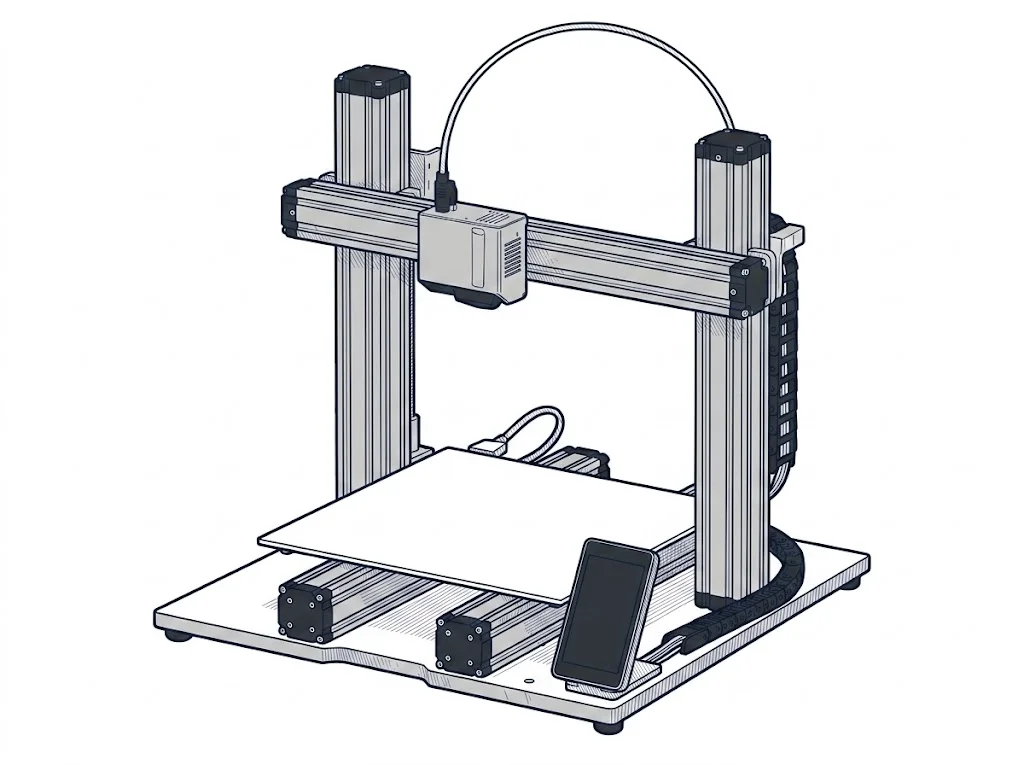 2.0 F250
Snapmaker
F2 · Intermediate
2.0 F250
Snapmaker
F2 · Intermediate
|
|
|---|---|---|
| Identity | ||
| Launch year | 2023 | 2021 |
| Use tier | F2 — Intermediate | F2 — Intermediate |
| Price | ||
| Price (€) | 899 € | ~900–1200 € |
| Price updated on | 06/2026 | — |
| Universal specs | ||
| Dimensions (W×D×H) (cm) | 43.5 × 46.2 × 52.6 cm | — |
| Weight (kg) | 18 kg | — |
| Work area (mm) | 300 × 300 mm | 230 × 250 mm |
| Z-axis height (mm) | 300 mm | 235 mm |
| Power (W) | 1000 W | 320 W |
| Maximum speed | 600 mm/s | — |
| Declared precision | 0.1 mm | 0.05 mm |
| Category specs | ||
| Footprint X×Y (short side) (mm) | 300 mm | 230 mm |
| Build height Z (mm) | 300 mm | 235 mm |
| Kinematics | CoreXY | Cartesian |
| Max nozzle temperature (°C) | 300 °C | 275 °C |
| Max bed temperature (°C) | 120 °C | 100 °C |
| Max print speed (mm/s) | 600 mm/s | — |
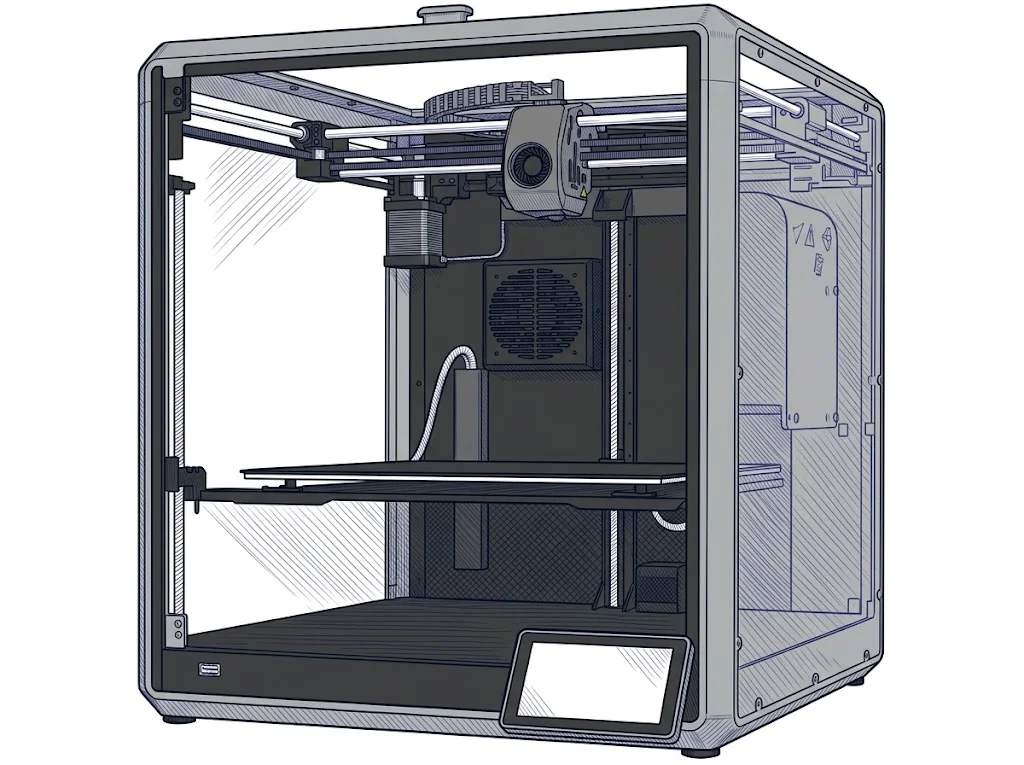
| Enclosed chamber | Yes | No |
| Filament sensor | Yes | Yes |
| Auto bed leveling | Mesh | Mesh |
| Standard nozzle diameter (mm) | 0.4 mm | 0.4 mm |
| Multi-extruder | No | No |
| Native Klipper | Yes | No |
| Input shaper | Yes | No |
| Multicolor printing | No | No |
| Multicolor requires accessory | Yes | No |
| Max colors | 4 | 1 |
| Ecosystem | ||
| Cloud dependency | No | No |
| Software notes | It runs on the Klipper-based Creality OS. Compatible with Creality Print, Cura, and PrusaSlicer, featuring remote control support via Wi-Fi or LAN. | The device utilizes the proprietary Snapmaker Luban software, an integrated environment that intuitively manages file preparation and print process monitoring. Luban offers preset profiles for the most common materials, simplifying the workflow for less experienced operators, while also granting access to advanced parameters for fine-tuning extrusion settings. Alternatively, the machine is fully compatible with popular third-party slicers on the market, such as Ultimaker Cura and PrusaSlicer, provided a custom profile is configured to fully leverage the system's capabilities. |
The differences that matter
- Enclosed chamber → the K1 Max prints ABS and ASA without draft-related warping; the F250 needs an external enclosure.
- Build area 300×300 mm versus 230×250 mm → a large panel fits in one piece on the K1 Max; on the F250 it has to be split and glued.
- Price €899 versus ~€1050 → the K1 Max costs less and includes the enclosure.
- Max colors with add-on: 4 versus 1 → only the K1 Max leaves room to move to multicolor later.
Which one to choose
Choose K1 Max if…
Printing brackets or outdoor covers in ABS or ASA happens inside the K1 Max's enclosed chamber, with no need to insulate the room or fight draft-related warping. The trade-off is staying in Creality's OS ecosystem instead of Snapmaker's Luban.
Choose 2.0 F250 if…
Printing miniatures or fine detail benefits from the F250's finer declared resolution (0.05 mm versus the K1 Max's 0.1 mm). The trade-off is a smaller build plate (230×250 mm versus 300×300 mm) and no enclosure for technical filaments.
Where to buy
Paid link: the price for you does not change. Methodology
Filaments for these printers
The most chosen spools among the materials both printers can print according to their specifications.
- ELEGOO PLA PLA1.75 mm1 kg Check the price on Amazon →
- Bambu Lab PLA PLA1.75 mm1 kg Check the price on Amazon →
- SUNLU PETG (Polyethylene Terephthalate Glycol) PETG (Polyethylene Terephthalate Glycol)1.75 mm1 kg Check the price on Amazon →
- SUNLU PLA PLA1.75 mm1 kg Check the price on Amazon →
- OVERTURE PETG (Polyethylene Terephthalate Glycol) PETG (Polyethylene Terephthalate Glycol)High speed1.75 mm1 kg Check the price on Amazon →
Paid link: the price for you does not change. Methodology
As an Amazon Associate I earn from qualifying purchases.
MakerSpecs is an independent atlas. We don't sell products: the purchase links are the same as on the two product sheets and don't influence the verdict. The sheets have the complete data.