Creality K1 Max vs Qidi Tech X-Max 3
Technical comparison · Fused filament fabrication (FFF/FDM)
Anyone who wants to switch colors without manual swaps looks at the K1 Max, which handles up to four colors with its dedicated accessory; anyone printing bigger single pieces and working with engineering filaments that need higher nozzle temperatures looks at the X-Max 3. The price is similar — this is a technical choice, not a budget one.
| Parameter | ||
|---|---|---|
| Identity | ||
| Launch year | 2023 | 2023 |
| Use tier | F2 — Intermediate | F2 — Intermediate |
| Price | ||
| Price (€) | 899 € | ~799–999 € |
| Price updated on | 06/2026 | — |
| Universal specs | ||
| Dimensions (W×D×H) (cm) | 43.5 × 46.2 × 52.6 cm | 55.3 × 55.3 × 60.1 cm |
| Weight (kg) | 18 kg | 30.2 kg |
| Work area (mm) | 300 × 300 mm | 325 × 325 mm |
| Z-axis height (mm) | 300 mm | 315 mm |
| Power (W) | 1000 W | — |
| Maximum speed | 600 mm/s | 600 mm/s |
| Declared precision | 0.1 mm | — |
| Category specs | ||
| Footprint X×Y (short side) (mm) | 300 mm | 325 mm |
| Build height Z (mm) | 300 mm | 315 mm |
| Kinematics | CoreXY | CoreXY |
| Max nozzle temperature (°C) | 300 °C | 350 °C |
| Max bed temperature (°C) | 120 °C | 120 °C |
| Max print speed (mm/s) | 600 mm/s | 600 mm/s |
| Enclosed chamber | Yes | Yes |
| Filament sensor | Yes | Yes |
| Auto bed leveling | Mesh | Mesh |
| Standard nozzle diameter (mm) | 0.4 mm | 0.4 mm |
| Multi-extruder | No | No |
| Native Klipper | Yes | Yes |
| Input shaper | Yes | Yes |
| Multicolor printing | No | No |
| Multicolor requires accessory | Yes | — |
| Max colors | 4 | 1 |
| Ecosystem | ||
| Cloud dependency | No | No |
| Software notes | It runs on the Klipper-based Creality OS. Compatible with Creality Print, Cura, and PrusaSlicer, featuring remote control support via Wi-Fi or LAN. | The system relies on an architecture based on native Klipper firmware, a configuration that guarantees advanced kinematics management and precise control of accelerations through input shaping algorithms. The local and remote user interface is managed fluidly, allowing full monitoring of print parameters without the need to depend on mandatory external cloud services. For file preparation, the machine supports the main slicing software available on the market, including Qidi Print, OrcaSlicer, and PrusaSlicer, offering optimized profiles to enhance production times and the surface quality of components. Connectivity options include wired network and Wi-Fi, facilitating the integration of the device into local networks of laboratories or digital workshops. |
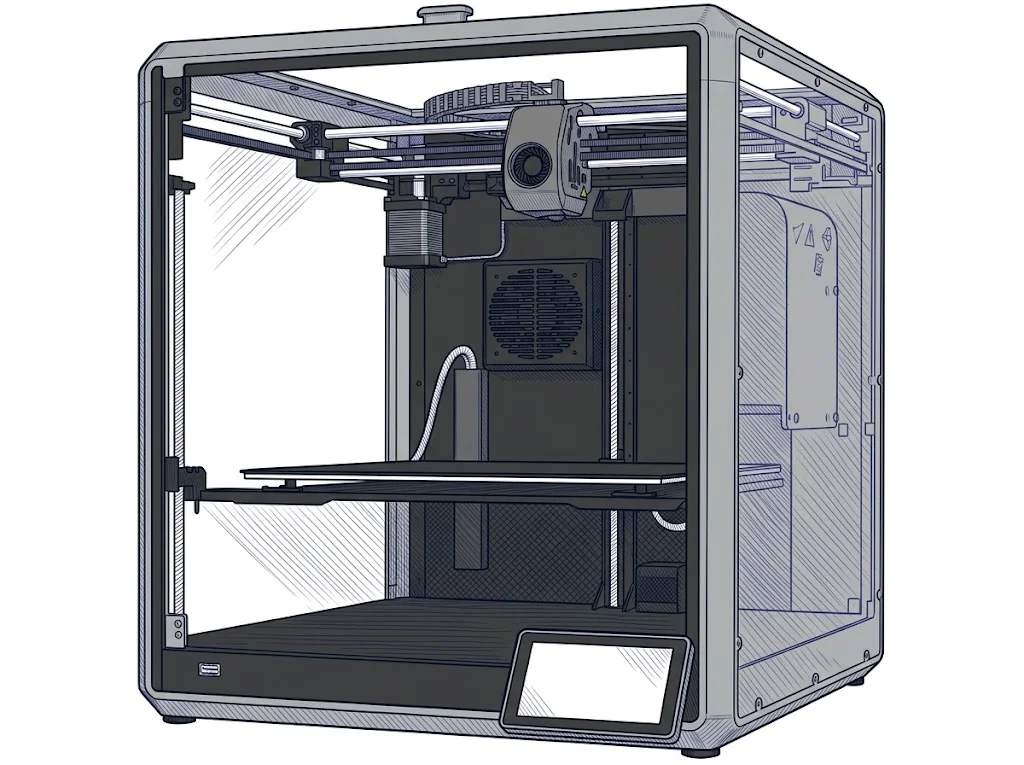
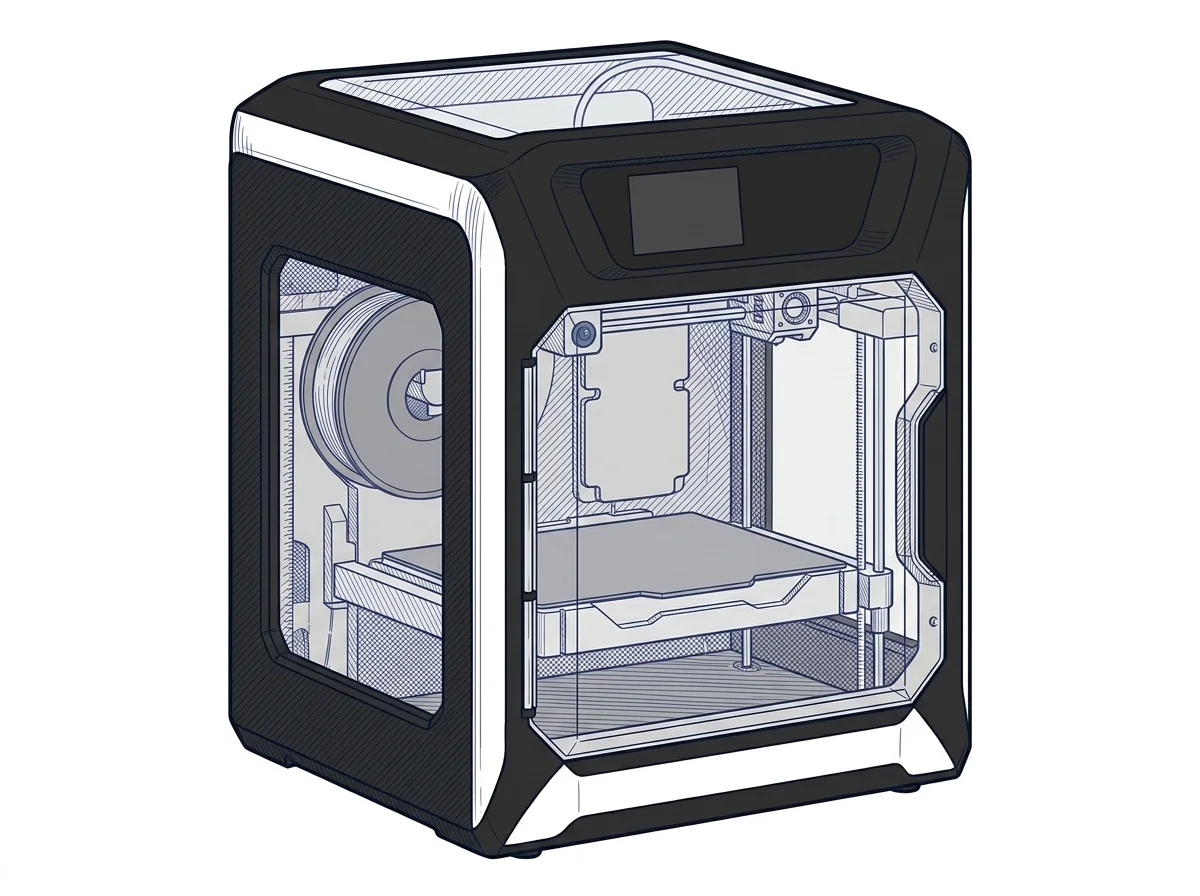
The differences that matter
- Work area: 300×300 mm vs 325×325 mm → the X-Max 3 fits a slightly larger single piece on one bed.
- Rated nozzle temperature: 300 °C vs 350 °C → the X-Max 3 processes more demanding engineering filaments (PC, reinforced nylons).
- Colors handled: up to 4 on the K1 Max with its dedicated accessory, vs 1 on the X-Max 3 → automatic color switching stays a K1 Max advantage.
Which one to choose
Choose K1 Max if…
The K1 Max suits repeated multicolor objects — logos, decorative parts, prototypes with color-coded sections — using its accessory for automatic filament switching. You give up a few centimeters of bed (300×300 mm vs 325×325 mm) and the higher nozzle temperature of the X-Max 3, useful for more demanding engineering filaments.
Choose X-Max 3 if…
The X-Max 3 makes sense for larger single-piece prints in one pass and for engineering filaments like PC or reinforced nylons, thanks to a rated nozzle temperature up to 350 °C. The trade-off is multicolor printing: here it stays manual, without the K1 Max's dedicated accessory.
Where to buy
Paid link: the price for you does not change. Methodology
As an Amazon Associate I earn from qualifying purchases.
Filaments for these printers
The most chosen spools among the materials both printers can print according to their specifications.
- ELEGOO PLA PLA1.75 mm1 kg Check the price on Amazon →
- Bambu Lab PLA PLA1.75 mm1 kg Check the price on Amazon →
- SUNLU PETG (Polyethylene Terephthalate Glycol) PETG (Polyethylene Terephthalate Glycol)1.75 mm1 kg Check the price on Amazon →
- SUNLU PLA PLA1.75 mm1 kg Check the price on Amazon →
- OVERTURE PETG (Polyethylene Terephthalate Glycol) PETG (Polyethylene Terephthalate Glycol)High speed1.75 mm1 kg Check the price on Amazon →
Paid link: the price for you does not change. Methodology
As an Amazon Associate I earn from qualifying purchases.
MakerSpecs is an independent atlas. We don't sell products: the purchase links are the same as on the two product sheets and don't influence the verdict. The sheets have the complete data.