Flashforge CJ270, full-color 3D printing on pre-order: launch price $3,999 · discount code: −$100.
See the CJ270
Reveal the code →
Paid link: the price for you does not change.
Bambu Lab X1E vs Creality K1
Technical comparison · Fused filament fabrication (FFF/FDM)
X1E and K1 are not direct competitors: very different prices (~7.8×). K1 costs less (~€329) and is the entry-level choice; X1E offers more capability at a higher price (~€2550). Judge them by budget, not head-to-head.
| Parameter |
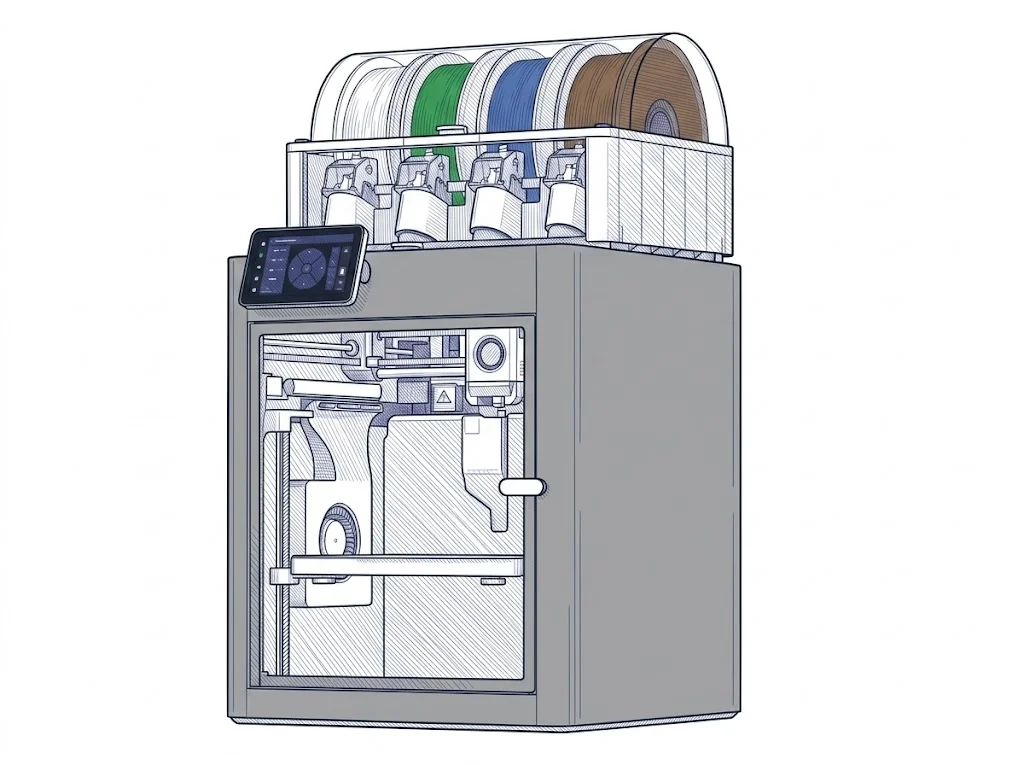 X1E
Bambu Lab
F3 · Advanced
X1E
Bambu Lab
F3 · Advanced
|
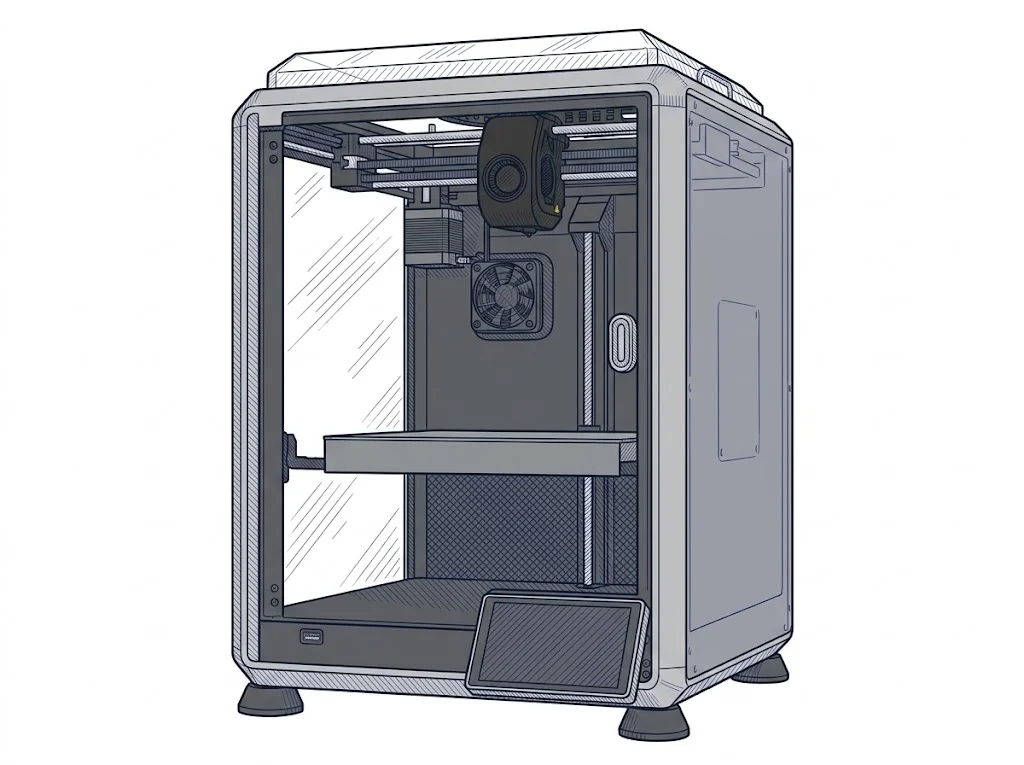 K1
Creality
F2 · Intermediate
K1
Creality
F2 · Intermediate
|
|---|---|---|
| Identity | ||
| Launch year | 2023 | 2023 |
| Use tier | F3 — Advanced | F2 — Intermediate |
| Price | ||
| Price (€) | ~2400–2700 € | 329 € |
| Price updated on | — | 06/2026 |
| Universal specs | ||
| Dimensions (W×D×H) (cm) | 38.9 × 38.9 × 45.7 cm | 35.5 × 35.5 × 48 cm |
| Weight (kg) | 16 kg | 9.6 kg |
| Work area (mm) | 256 × 256 mm | 220 × 220 mm |
| Z-axis height (mm) | 256 mm | 250 mm |
| Power (W) | 1350 W | 350 W |
| Voltage (V) | 100 V | — |
| Maximum speed | 500 mm/s | 600 mm/s |
| Declared precision | 7 μm | 0.1 mm |
| Category specs | ||
| Footprint X×Y (short side) (mm) | 256 mm | 220 mm |
| Build height Z (mm) | 256 mm | 250 mm |
| Kinematics | CoreXY | CoreXY |
| Max nozzle temperature (°C) | 320 °C | 300 °C |
| Max bed temperature (°C) | 120 °C | 100 °C |
| Max print speed (mm/s) | 500 mm/s | 600 mm/s |
| Enclosed chamber | Yes | Yes |
| Filament sensor | Yes | Yes |
| Auto bed leveling | Mesh | Mesh |
| Standard nozzle diameter (mm) | 0.4 mm | 0.4 mm |
| Multi-extruder | No | No |
| Native Klipper | No | Yes |
| Input shaper | Yes | Yes |
| Multicolor printing | Yes | No |
| Multicolor requires accessory | Yes | — |
| Max colors | 16 | — |
| Ecosystem | ||
| Cloud dependency | No | No |
| Software notes | The X1E works with Bambu Studio, Bambu Lab's proprietary slicer, which handles slicing, automatic calibration, and remote monitoring via the Bambu Handy app. Orca Slicer, an open-source Bambu Studio fork with dedicated profiles, is also supported. The firmware is proprietary; Klipper is not natively supported. The printer can run in LAN-only mode, operating fully without an internet connection through the local network. | Pre-installed Klipper firmware with Creality OS interface. Wi-Fi connectivity and built-in 4.3" touch screen. |
The differences that matter
- Price: X1E 2550 € vs K1 329 € — K1 wins (+675%)
- Work area: X1E 256×256 mm vs K1 220×220 mm — X1E wins (+35%)
- Native Klipper: K1 yes, X1E no
- Multicolor printing: X1E yes, K1 no
- Max print speed: X1E 500 mm/s vs K1 600 mm/s — K1 wins (+20%)
Which one to choose
Choose X1E if…
you value work area, multicolor printing and max bed temperature.
Filaments for these printers
The most chosen spools among the materials both printers can print according to their specifications.
- ELEGOO PLA PLA1.75 mm1 kg Check the price on Amazon →
- Bambu Lab PLA PLA1.75 mm1 kg Check the price on Amazon →
- SUNLU PETG (Polyethylene Terephthalate Glycol) PETG (Polyethylene Terephthalate Glycol)1.75 mm1 kg Check the price on Amazon →
- SUNLU PLA PLA1.75 mm1 kg Check the price on Amazon →
- OVERTURE PETG (Polyethylene Terephthalate Glycol) PETG (Polyethylene Terephthalate Glycol)High speed1.75 mm1 kg Check the price on Amazon →
Paid link: the price for you does not change. Methodology
As an Amazon Associate I earn from qualifying purchases.
MakerSpecs is an independent atlas. We don't sell products: this comparison links to both sheets, where you'll find complete data and official links.