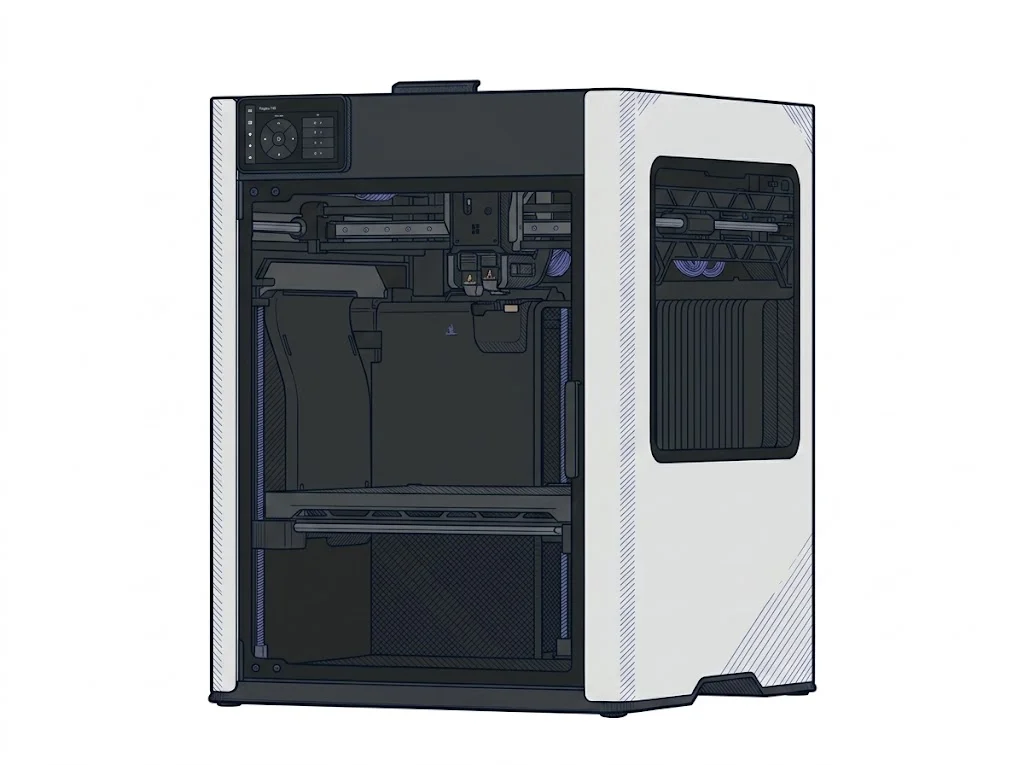
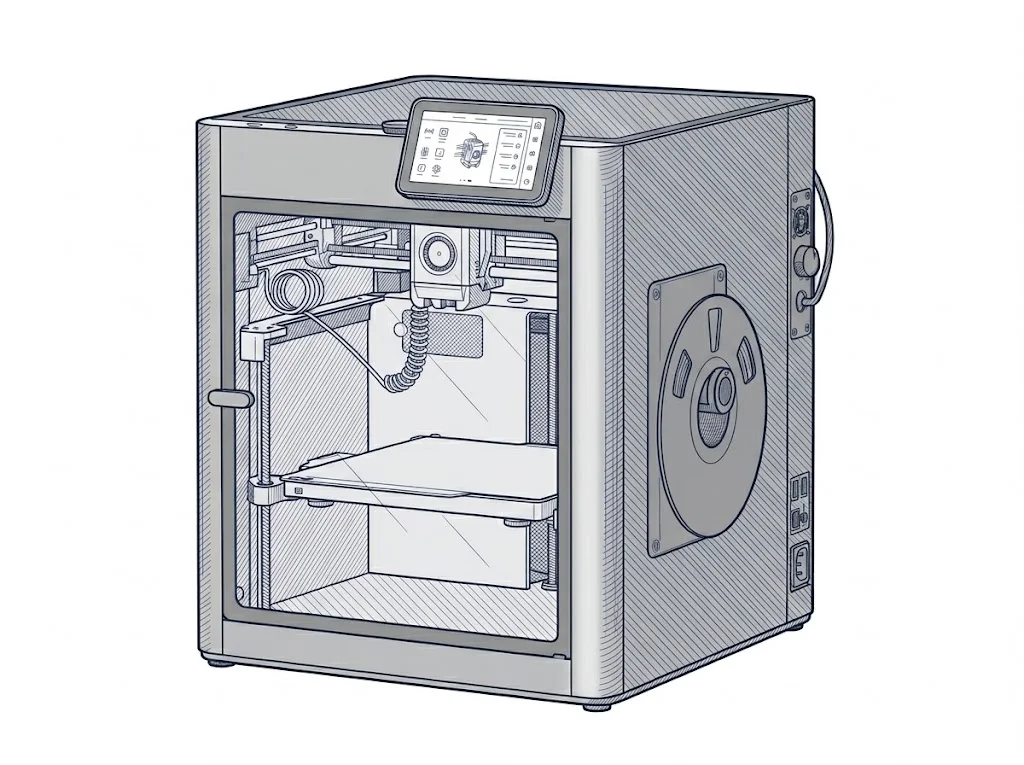
Bambu Lab H2D vs Bambu Lab X1 Carbon
Technical comparison · Fused filament fabrication (FFF/FDM)
The H2D adds a larger build area and the ability to engrave and cut with a laser via Bambu Suite; the X1 Carbon stays a dedicated FDM printer at a lower price. The choice hinges on how much that second process matters, not on FDM print quality itself.
| Parameter | ||
|---|---|---|
| Identity | ||
| Launch year | 2025 | 2022 |
| Use tier | F3 — Advanced | F2 — Intermediate |
| Price | ||
| Price (€) | 1899 € | ~1050–1250 € |
| Universal specs | ||
| Dimensions (W×D×H) (cm) | 49.2 × 51.4 × 62.6 cm | 38.9 × 38.9 × 45.7 cm |
| Weight (kg) | 31 kg | 14.13 kg |
| Work area (mm) | 350 × 320 mm | 256 × 256 mm |
| Z-axis height (mm) | 325 mm | 256 mm |
| Power (W) | 2200 W | 1000 W |
| Maximum speed | 1000 mm/s | 500 mm/s |
| Declared precision | 50 μm | 7 μm |
| Category specs | ||
| Footprint X×Y (short side) (mm) | 320 mm | 256 mm |
| Build height Z (mm) | 325 mm | 256 mm |
| Kinematics | CoreXY | CoreXY |
| Max nozzle temperature (°C) | 350 °C | 300 °C |
| Max bed temperature (°C) | 120 °C | 110 °C |
| Max print speed (mm/s) | 600 mm/s | 500 mm/s |
| Enclosed chamber | Yes | Yes |
| Filament sensor | Yes | Yes |
| Auto bed leveling | Mesh | Mesh |
| Standard nozzle diameter (mm) | 0.4 mm | 0.4 mm |
| Multi-extruder | Yes | No |
| Native Klipper | No | No |
| Input shaper | Yes | Yes |
| Multicolor printing | Yes | Yes |
| Multicolor requires accessory | Yes | Yes |
| Max colors | 4 | 16 |
| Ecosystem | ||
| Cloud dependency | No | No |
| Software notes | The H2D uses Bambu Studio as its official slicer, available for macOS and Windows. Third-party slicers that export standard G-code — including PrusaSlicer, SuperSlicer and Cura — are also compatible, though certain advanced proprietary features (such as automatic dual-nozzle offset calibration and Material CodeSync) are only accessible within the Bambu ecosystem. Remote monitoring and control are handled via Bambu Handy; Bambu Suite manages laser engraving and cutting workflows. | The printer is controlled via Bambu Studio, the proprietary slicer available for Windows, macOS, and Linux, as well as the Bambu Handy mobile app. LAN mode is supported, allowing full local control without an internet connection or cloud account. Remote monitoring via Bambu Cloud is optional. Bambu Studio accepts 3MF, STL, OBJ, and STEP files and includes advanced features such as vibration compensation and flow rate control. |
The differences that matter
- Price: €1899 vs ~€1150 → about €750 more for the H2D.
- Build area and Z height: 350×320×325 mm vs 256×256×256 mm → the H2D prints much larger parts.
- Extra capability: the H2D also handles laser engraving and cutting via Bambu Suite, the X1 Carbon stays FDM-only.
- Colors with accessory: declared up to 16 on the X1 Carbon vs 4 on the H2D, both requiring the AMS.
Which one to choose
Choose H2D if…
Anyone printing parts up to 350×320×325 mm and wanting to engrave or cut with a laser without a second machine gets a nozzle rated to 350 °C on the H2D, useful for technical filaments like carbon-fiber blends. The trade-off is a price about €750 higher than the X1 Carbon and a declared maximum of 4 colors with the AMS.
Choose X1 Carbon if…
Anyone printing FDM parts up to 256×256×256 mm without needing a second process gets the X1 Carbon at about €1150 and up to 16 declared colors with the AMS. You give up the larger build volume, the 350 °C nozzle and the H2D's laser engraving/cutting function.
Where to buy
Paid link: the price for you does not change. Methodology
As an Amazon Associate I earn from qualifying purchases.
Filaments for these printers
The most chosen spools among the materials both printers can print according to their specifications.
- ELEGOO PLA PLA1.75 mm1 kg Check the price on Amazon →
- Bambu Lab PLA PLA1.75 mm1 kg Check the price on Amazon →
- SUNLU PETG (Polyethylene Terephthalate Glycol) PETG (Polyethylene Terephthalate Glycol)1.75 mm1 kg Check the price on Amazon →
- SUNLU PLA PLA1.75 mm1 kg Check the price on Amazon →
- OVERTURE PETG (Polyethylene Terephthalate Glycol) PETG (Polyethylene Terephthalate Glycol)High speed1.75 mm1 kg Check the price on Amazon →
Paid link: the price for you does not change. Methodology
As an Amazon Associate I earn from qualifying purchases.
MakerSpecs is an independent atlas. We don't sell products: the purchase links are the same as on the two product sheets and don't influence the verdict. The sheets have the complete data.