Bambu Lab A1 vs Snapmaker Original 3-in-1 3D Printer
Technical comparison · Fused filament fabrication (FFF/FDM)
A1 leads on the available specs (starting with work area); Original 3-in-1 3D Printer makes sense only for non-technical reasons (availability, support, ecosystem), or if the missing data matters in your case. On the category's overall technical index, A1 scores 33/100 against 0/100 for Original 3-in-1 3D Printer.
| Parameter |
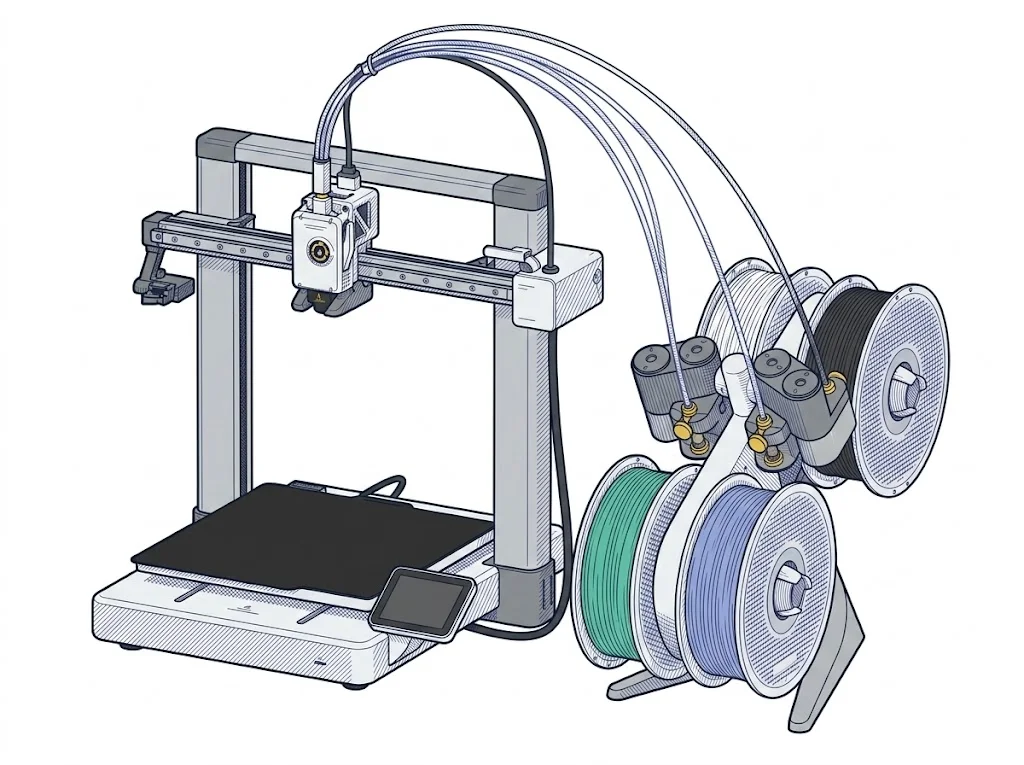 A1
Bambu Lab
F2 · Intermediate
A1
Bambu Lab
F2 · Intermediate
|
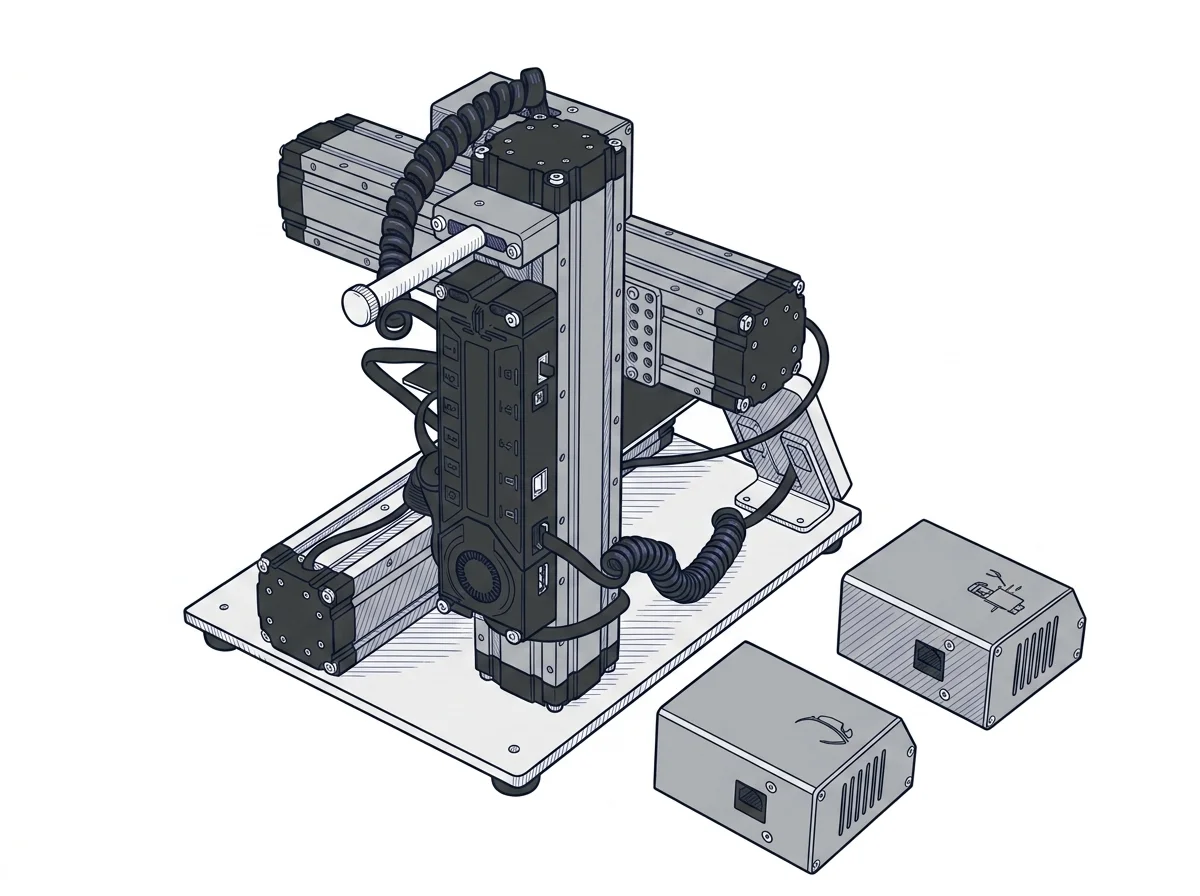 Original 3-in-1 3D Printer
Snapmaker
F2 · Intermediate
Original 3-in-1 3D Printer
Snapmaker
F2 · Intermediate
|
|---|---|---|
| Identity | ||
| Launch year | 2023 | 2017 |
| Use tier | F2 — Intermediate | F2 — Intermediate |
| Price | ||
| Price (€) | 429 € | ~400–850 € |
| Universal specs | ||
| Dimensions (W×D×H) (cm) | 38.5 × 41 × 43 cm | 27.2 × 33.5 × 28.9 cm |
| Weight (kg) | 8.3 kg | 4.5 kg |
| Work area (mm) | 256 × 256 mm | 125 × 125 mm |
| Z-axis height (mm) | 256 mm | 125 mm |
| Power (W) | 1300 W | — |
| Voltage (V) | 220 V | — |
| Maximum speed | 500 mm/s | 100 mm/s |
| Declared precision | — | 0.005 mm |
| Category specs | ||
| Footprint X×Y (short side) (mm) | 256 mm | 125 mm |
| Build height Z (mm) | 256 mm | 125 mm |
| Kinematics | Cartesian | Cartesian |
| Max nozzle temperature (°C) | 300 °C | 250 °C |
| Max bed temperature (°C) | 100 °C | 80 °C |
| Max print speed (mm/s) | 500 mm/s | 100 mm/s |
| Enclosed chamber | False | False |
| Filament sensor | True | False |
| Auto bed leveling | Mesh | — |
| Standard nozzle diameter (mm) | 0.4 mm | 0.4 mm |
| Multi-extruder | False | False |
| Native Klipper | False | False |
| Input shaper | True | False |
| Multicolor printing | True | False |
| Multicolor requires accessory | True | — |
| Max colors | 4 | 1 |
| Ecosystem | ||
| Cloud dependency | No | No |
| Software notes | The A1 works natively with Bambu Studio, Bambu Lab's proprietary slicer available for Windows and macOS, which handles slicing, automatic calibrations, and remote monitoring via the Bambu Handy app. Third-party slicers — including PrusaSlicer, SuperSlicer, and Ultimaker Cura — are supported via standard G-code export, but advanced features such as vibration compensation and active flow control are only available within the Bambu ecosystem. | Natively compatible with Snapmaker Luban, the proprietary software specifically designed to manage the machine's three different functions within a single environment. The printer is based on standard Marlin firmware and supports G-code formats, allowing the use of third-party slicers like Cura or Simplify3D for 3D printing. For CNC and laser operations, it is possible to use external programs such as Autodesk Fusion 360, LaserGRBL, or LightBurn, exporting compatible toolpaths via the interface or USB port. |
The differences that matter
- Work area: A1 256×256 mm vs Original 3-in-1 3D Printer 125×125 mm — A1 wins (+319%)
- Max print speed: A1 500 mm/s vs Original 3-in-1 3D Printer 100 mm/s — A1 wins (+400%)
- Build height Z: A1 256 mm vs Original 3-in-1 3D Printer 125 mm — A1 wins (+105%)
- Max colors: A1 4 vs Original 3-in-1 3D Printer 1 — A1 wins (+300%)
- Price: A1 429 € vs Original 3-in-1 3D Printer 625 € — A1 wins (+46%)
Which one to choose
MakerSpecs is an independent atlas. We don't sell products: this comparison links to both sheets, where you'll find complete data and official links.