Bambu Lab A1 vs Creality K2 SE Combo
Technical comparison · Fused filament fabrication (FFF/FDM)
Choose Bambu Lab A1 if you need a larger build volume and a tightly integrated software ecosystem. Choose Creality K2 SE Combo if you prefer native Klipper firmware and the ability to handle up to 16 colors.
| Parameter | ||
|---|---|---|
| Identity | ||
| Launch year | 2023 | 2026 |
| Use tier | F2 — Intermediate | F2 — Intermediate |
| Price | ||
| Price (€) | 429 € | 499 € |
| Price updated on | — | 06/2026 |
| Universal specs | ||
| Dimensions (W×D×H) (cm) | 38.5 × 41 × 43 cm | 35.5 × 35.5 × 48.2 cm |
| Weight (kg) | 8.3 kg | 10.58 kg |
| Work area (mm) | 256 × 256 mm | 220 × 215 mm |
| Z-axis height (mm) | 256 mm | 245 mm |
| Power (W) | 1300 W | 350 W |
| Voltage (V) | 220 V | — |
| Maximum speed | 500 mm/s | 500 mm/s |
| Declared precision | — | 0.1 mm |
| Category specs | ||
| Footprint X×Y (short side) (mm) | 256 mm | 215 mm |
| Build height Z (mm) | 256 mm | 245 mm |
| Kinematics | Cartesian | Cartesian |
| Max nozzle temperature (°C) | 300 °C | 300 °C |
| Max bed temperature (°C) | 100 °C | 100 °C |
| Max print speed (mm/s) | 500 mm/s | 500 mm/s |
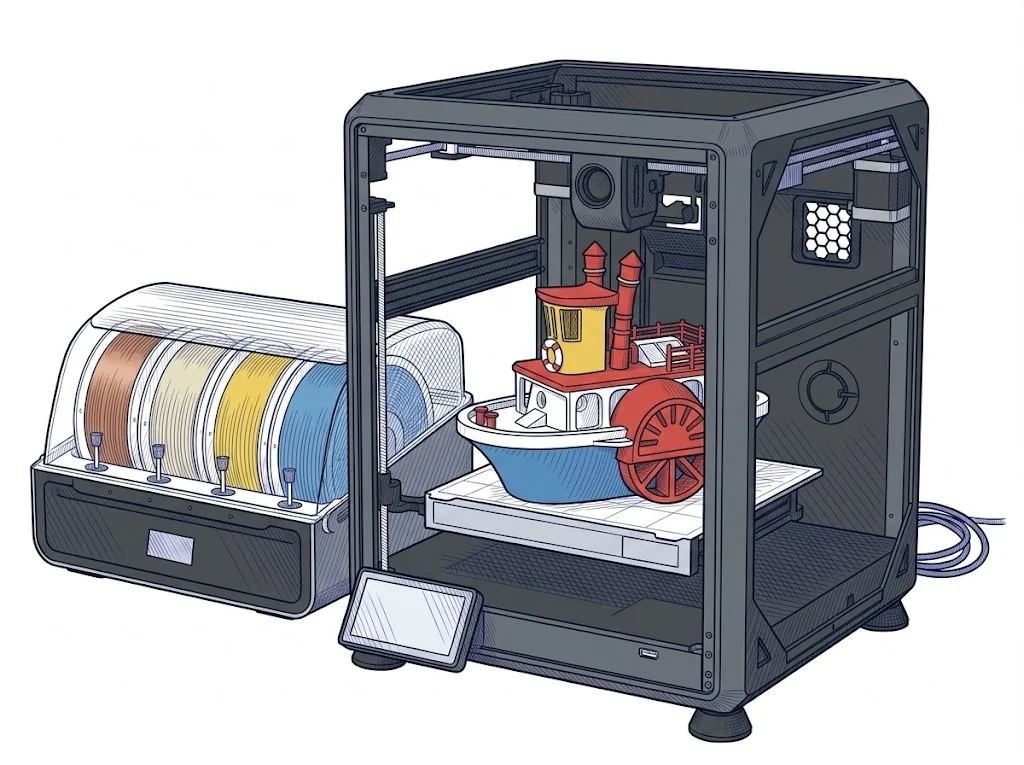
| Enclosed chamber | No | No |
| Filament sensor | Yes | Yes |
| Auto bed leveling | Mesh | Mesh |
| Standard nozzle diameter (mm) | 0.4 mm | 0.4 mm |
| Multi-extruder | No | No |
| Native Klipper | No | Yes |
| Input shaper | Yes | Yes |
| Multicolor printing | Yes | Yes |
| Multicolor requires accessory | Yes | Yes |
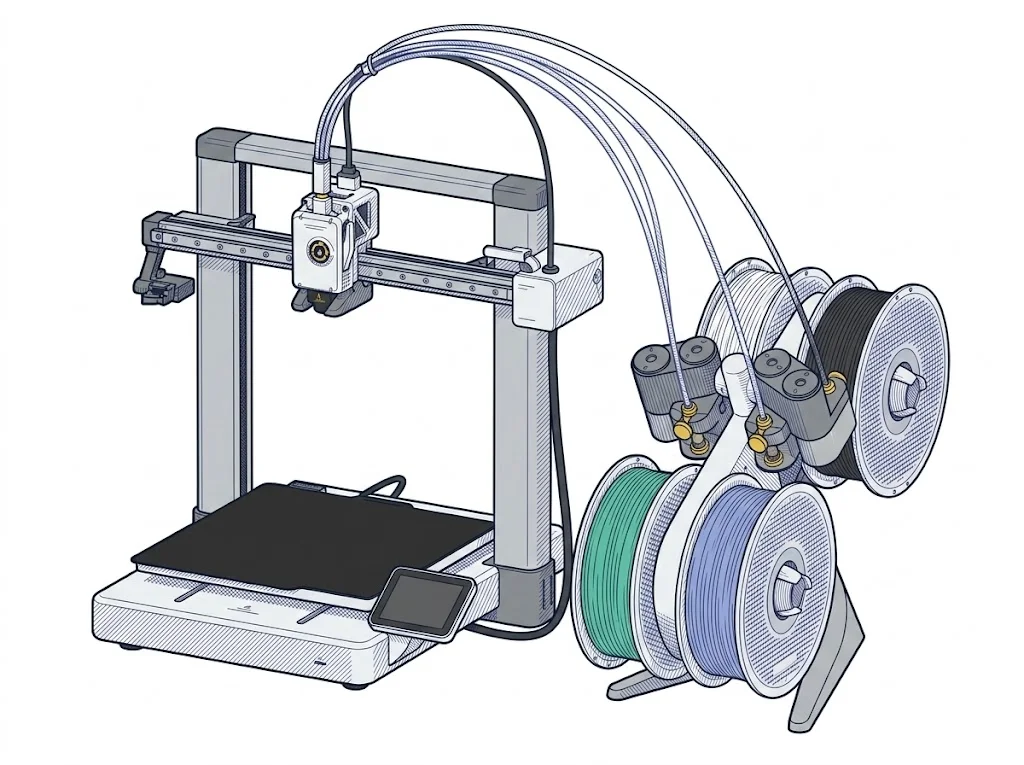
| Max colors | 4 | 16 |
| Ecosystem | ||
| Cloud dependency | No | No |
| Software notes | The A1 works natively with Bambu Studio, Bambu Lab's proprietary slicer available for Windows and macOS, which handles slicing, automatic calibrations, and remote monitoring via the Bambu Handy app. Third-party slicers — including PrusaSlicer, SuperSlicer, and Ultimaker Cura — are supported via standard G-code export, but advanced features such as vibration compensation and active flow control are only available within the Bambu ecosystem. | Natively compatible with Creality Print 6.0 and other third-party slicers. It supports Wi-Fi connectivity and features 8 GB of internal eMMC memory for local storage of G-code and 3MF files. |
The differences that matter
- Build volume: The A1 offers a workspace of 256 × 256 × 256 mm, larger than the 220 × 215 × 245 mm of the K2 SE Combo.
- Multicolor printing: Both require an accessory, but the K2 SE Combo supports up to 16 colors, while the A1 stops at 4.
- Ecosystem and Firmware: The K2 SE Combo uses native Klipper and features 8 GB of internal eMMC memory; the A1 lacks native Klipper and restricts some advanced features to its proprietary Bambu Studio slicer.
- Power and weight: The A1 declares a power draw of 1300 W and weighs 8.3 kg, compared to 350 W and a heavier 10.58 kg for the Creality.
- Generation and Price: The A1 was released in 2023 at 429 €, while the K2 SE Combo is a 2026 model priced at 499 €.
Which one to choose
Choose A1 if…
Choose Bambu Lab A1 if you are looking for a more generous build volume (256 × 256 × 256 mm vs 220 × 215 × 245 mm) and a lower starting price (429 €), relying on the proprietary Bambu Studio software ecosystem for advanced calibrations.
Choose K2 SE Combo if…
Choose Creality K2 SE Combo if you want an open system based on native Klipper, significantly lower peak power consumption (350 W vs 1300 W), and the ability to scale multicolor printing up to 16 filaments simultaneously.
Where to buy
Paid link: the price for you does not change. Methodology
As an Amazon Associate I earn from qualifying purchases.
Filaments for these printers
The most chosen spools among the materials both printers can print according to their specifications.
- ELEGOO PLA PLA1.75 mm1 kg Check the price on Amazon →
- Bambu Lab PLA PLA1.75 mm1 kg Check the price on Amazon →
- SUNLU PETG (Polyethylene Terephthalate Glycol) PETG (Polyethylene Terephthalate Glycol)1.75 mm1 kg Check the price on Amazon →
- SUNLU PLA PLA1.75 mm1 kg Check the price on Amazon →
- OVERTURE PETG (Polyethylene Terephthalate Glycol) PETG (Polyethylene Terephthalate Glycol)High speed1.75 mm1 kg Check the price on Amazon →
Paid link: the price for you does not change. Methodology
As an Amazon Associate I earn from qualifying purchases.
MakerSpecs is an independent atlas. We don't sell products: the purchase links are the same as on the two product sheets and don't influence the verdict. The sheets have the complete data.