Bambu Lab A1 vs Creality Ender-3 V3 SE
Technical comparison · Fused filament fabrication (FFF/FDM)
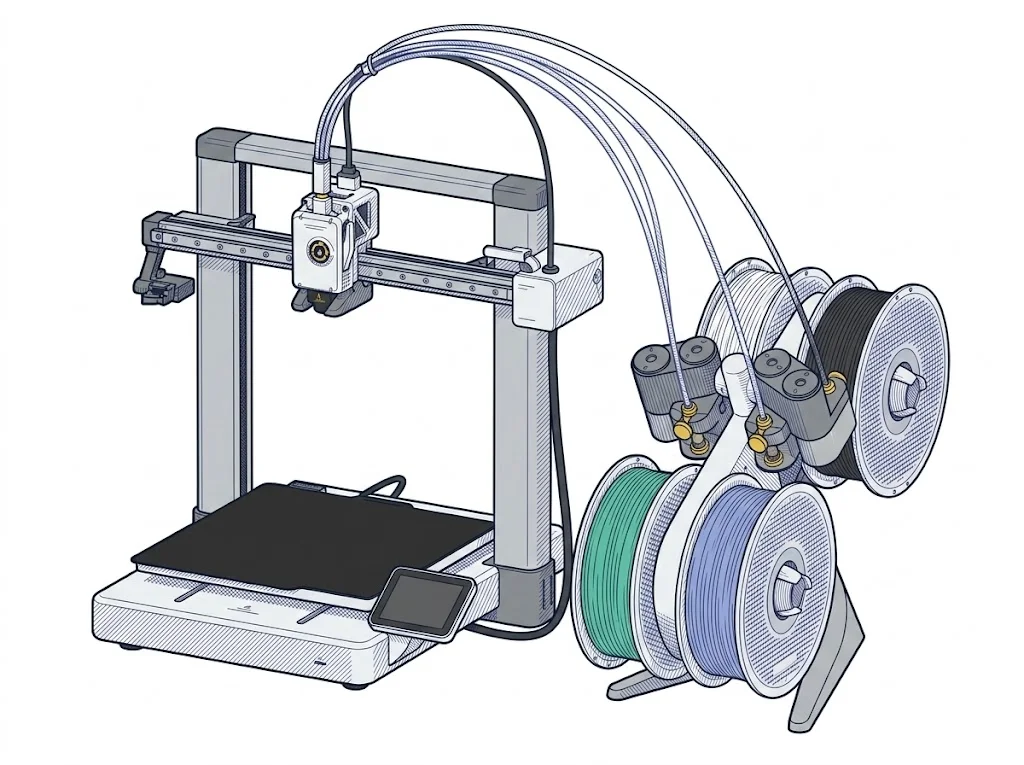
Choosing between the A1 and the Ender-3 V3 SE comes down to multicolor printing and speed: the A1 adds input shaper, a filament sensor and multicolor printing; the Ender-3 V3 SE stays a simpler, cheaper machine.
| Parameter | ||
|---|---|---|
| Awards | — | |
| Identity | ||
| Launch year | 2023 | 2023 |
| Use tier | F2 — Intermediate | F2 — Intermediate |
| Price | ||
| Price (€) | 429 € | ~150–200 € |
| Price updated on | — | 06/2026 |
| Universal specs | ||
| Dimensions (W×D×H) (cm) | 38.5 × 41 × 43 cm | 42 × 36.6 × 49 cm |
| Weight (kg) | 8.3 kg | 7.34 kg |
| Work area (mm) | 256 × 256 mm | 220 × 220 mm |
| Z-axis height (mm) | 256 mm | 250 mm |
| Power (W) | 1300 W | 350 W |
| Voltage (V) | 220 V | 220 V |
| Maximum speed | 500 mm/s | 250 mm/s |
| Declared precision | — | 0.1 ±mm |
| Category specs | ||
| Footprint X×Y (short side) (mm) | 256 mm | 220 mm |
| Build height Z (mm) | 256 mm | 250 mm |
| Kinematics | Cartesian | Cartesian |
| Max nozzle temperature (°C) | 300 °C | 260 °C |
| Max bed temperature (°C) | 100 °C | 100 °C |
| Max print speed (mm/s) | 500 mm/s | 250 mm/s |
| Enclosed chamber | No | No |
| Filament sensor | Yes | No |
| Auto bed leveling | Mesh | Mesh |
| Standard nozzle diameter (mm) | 0.4 mm | 0.4 mm |
| Multi-extruder | No | No |
| Native Klipper | No | No |
| Input shaper | Yes | No |
| Multicolor printing | Yes | No |
| Multicolor requires accessory | Yes | — |
| Max colors | 4 | 1 |
| Ecosystem | ||
| Cloud dependency | No | No |
| Software notes | The A1 works natively with Bambu Studio, Bambu Lab's proprietary slicer available for Windows and macOS, which handles slicing, automatic calibrations, and remote monitoring via the Bambu Handy app. Third-party slicers — including PrusaSlicer, SuperSlicer, and Ultimaker Cura — are supported via standard G-code export, but advanced features such as vibration compensation and active flow control are only available within the Bambu ecosystem. | The printer runs Creality's proprietary Marlin-based firmware. It is compatible with Creality Print and Cura 5.0 or later; Simplify3D support is documented by third-party resellers. Print files are transferred via SD card. Community guides exist for converting to Klipper, but this is not an officially supported configuration and requires manual hardware and firmware intervention. |
MakerSpecs Awards
Nessun riconoscimento in questa fascia.
Best price Intermediate
The lowest list price among intermediate Fused filament fabrication (FFF/FDM) machines: €175. The second cheapest starts at €229. (Excluding manufacturer or retailer discounts.)
How we assign awards →The differences that matter
- Multicolor printing (up to 4 colors with AMS) only on the A1 → the Ender-3 V3 SE stays single-color.
- Declared top speed: up to 500 mm/s on the A1, up to 250 mm/s on the Ender-3 V3 SE → shorter print times on long jobs.
- Filament sensor only on the A1 → a spool running out doesn't interrupt the print in progress, which can happen on the Ender-3 V3 SE.
- Price: the Ender-3 V3 SE costs about €250 less → stays the pick for unhurried single-color printing.
Which one to choose
Choose A1 if…
The A1 suits multicolor parts printed with the AMS and shorter print times on long jobs, with the filament sensor preventing a lost print when a spool runs out mid-job. The trade-off: it costs about €250 more.
Choose Ender-3 V3 SE if…
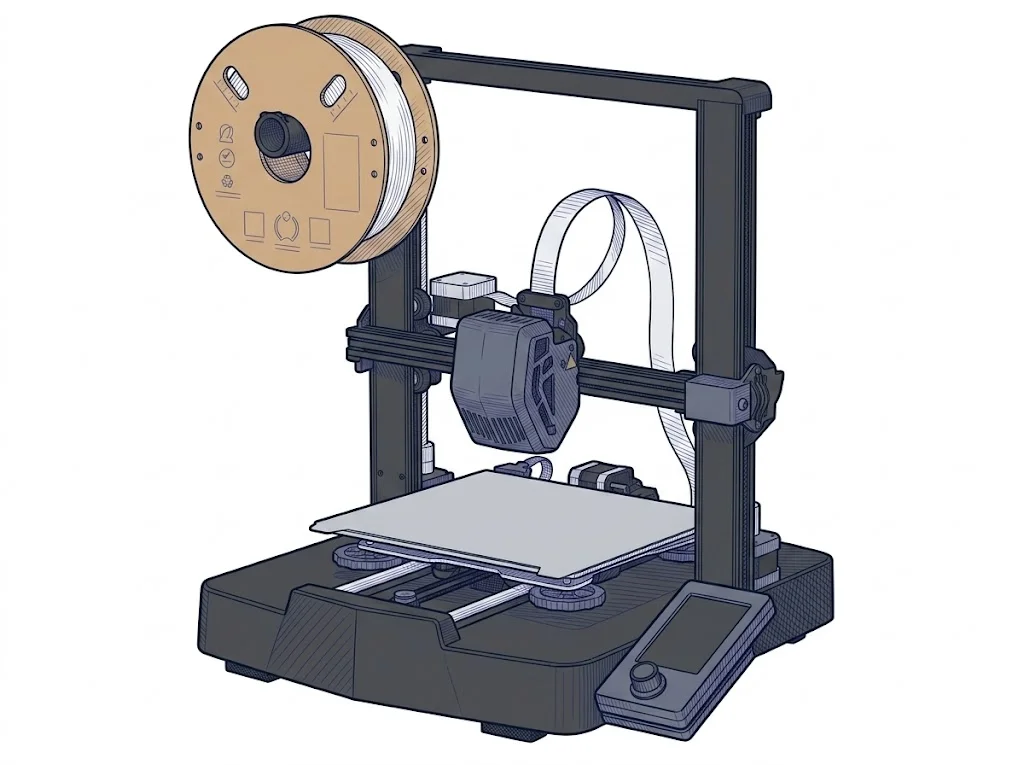
The Ender-3 V3 SE suits single-color functional parts, printed without urgency and on a budget under €200. The trade-off: no multicolor, a lower top speed and no filament sensor — a spool running out mid-print can ruin the job.
Where to buy
Paid link: the price for you does not change. Methodology
As an Amazon Associate I earn from qualifying purchases.
Filaments for these printers
The most chosen spools among the materials both printers can print according to their specifications.
- ELEGOO PLA PLA1.75 mm1 kg Check the price on Amazon →
- Bambu Lab PLA PLA1.75 mm1 kg Check the price on Amazon →
- SUNLU PETG (Polyethylene Terephthalate Glycol) PETG (Polyethylene Terephthalate Glycol)1.75 mm1 kg Check the price on Amazon →
- SUNLU PLA PLA1.75 mm1 kg Check the price on Amazon →
- OVERTURE PETG (Polyethylene Terephthalate Glycol) PETG (Polyethylene Terephthalate Glycol)High speed1.75 mm1 kg Check the price on Amazon →
Paid link: the price for you does not change. Methodology
As an Amazon Associate I earn from qualifying purchases.
MakerSpecs is an independent atlas. We don't sell products: the purchase links are the same as on the two product sheets and don't influence the verdict. The sheets have the complete data.