Atomstack P1 Ultra vs Ortur Laser Master H10 10W
Technical comparison · Diode laser (405–460 nm)
A portable 5 W engraver with a 130 × 130 mm bed and a 10 W machine with a 300 × 300 mm bed: for 75 € more, the size of the parts you can work on changes, and with it the kind of job.
| Parameter | ||
|---|---|---|
| Identity | ||
| Launch year | 2024 | 2024 |
| Use tier | F1 — Entry | F2 — Intermediate |
| Price | ||
| Price (€) | ~250–350 € | ~300–450 € |
| Universal specs | ||
| Dimensions (W×D×H) (cm) | 26.5 × 30.3 × 18.5 cm | 55.8 × 50.7 × 13 cm |
| Weight (kg) | 3 kg | 7.5 kg |
| Work area (mm) | 130 × 130 mm | 300 × 300 mm |
| Z-axis height (mm) | 0 mm | — |
| Power (W) | 24 W | 144 W |
| Voltage (V) | 24 V | 24 V |
| Maximum speed | 180 mm/s | 20000 mm/min |
| Declared precision | 0.01 mm | 0.0125 mm |
| Category specs | ||
| Work area (short side) (mm) | 130 mm | 300 mm |
| Rated power (W) | 5 W | 10 W |
| Source technology | Diode | Diode |
| Max travel speed (mm/s) | 180 mm/s | 333.3 mm/s |
| Max processing speed (mm/s) | 180 mm/s | 333.3 mm/s |
| Max cut depth per material | Balsa wood up to 3-4mm, acrylic up to 2-3mm in multiple passes | 6 mm basswood, 5 mm black acrylic |
| Wavelength (nm) | 455 nm | 445 nm |
| Min resolution (µm) | 10 µm | 12.5 µm |
| Autofocus | No | No |
| Rotary included/compatible | No | No |
| Passthrough | No | No |
| Supported software | LightBurn, Other | Proprietary, LightBurn, Other |
| Fume extraction | Optional filter | — |
| Ecosystem | ||
| Cloud dependency | No | No |
| Software notes | The system offers versatile compatibility and can be controlled either through industry-standard software solutions or via dedicated mobile applications. It fully supports LightBurn for users seeking advanced control over engraving parameters and complex project management, alongside LaserGRBL, an open-source option ideal for Windows environments. Furthermore, the integrated wireless connectivity allows operation through the proprietary smartphone and tablet application, optimizing the workflow for quick engravings directly from graphic files stored on mobile devices without needing a permanent physical computer connection. | The versatility of the Laser Master H10 10W is reflected in its broad software compatibility, designed to adapt to various workflows. Novice users can take advantage of the proprietary Ortur application, recently updated to offer an intuitive interface directly from mobile devices via Wi-Fi connectivity. Professionals and advanced hobbyists benefit from full compatibility with LightBurn and LaserGRBL, the industry-standard software for advanced laser parameter control. In addition to Wi-Fi, the machine offers flexible control options via USB port, SD card reader, and WebUI interface, allowing the equipment to operate independently from a computer during lengthy tasks and eliminating the risk of unexpected interruptions. |
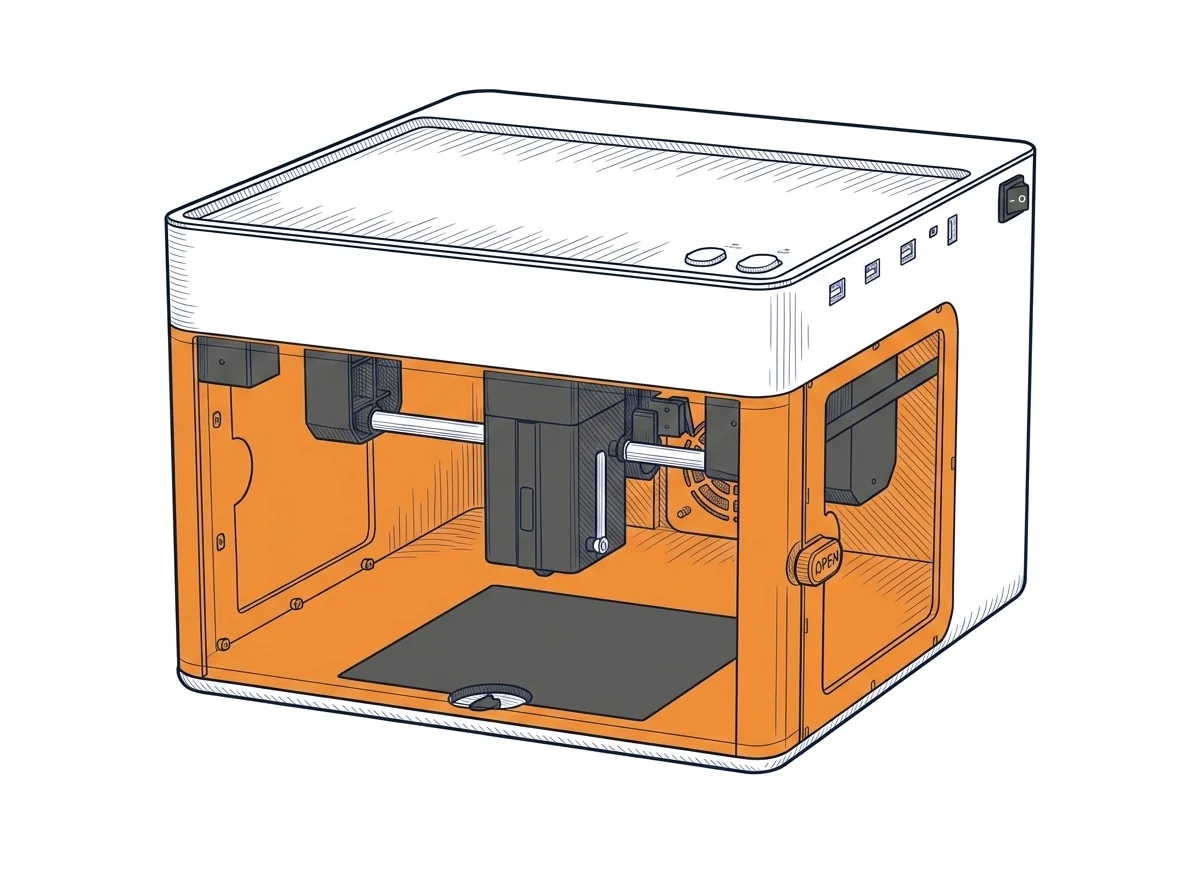
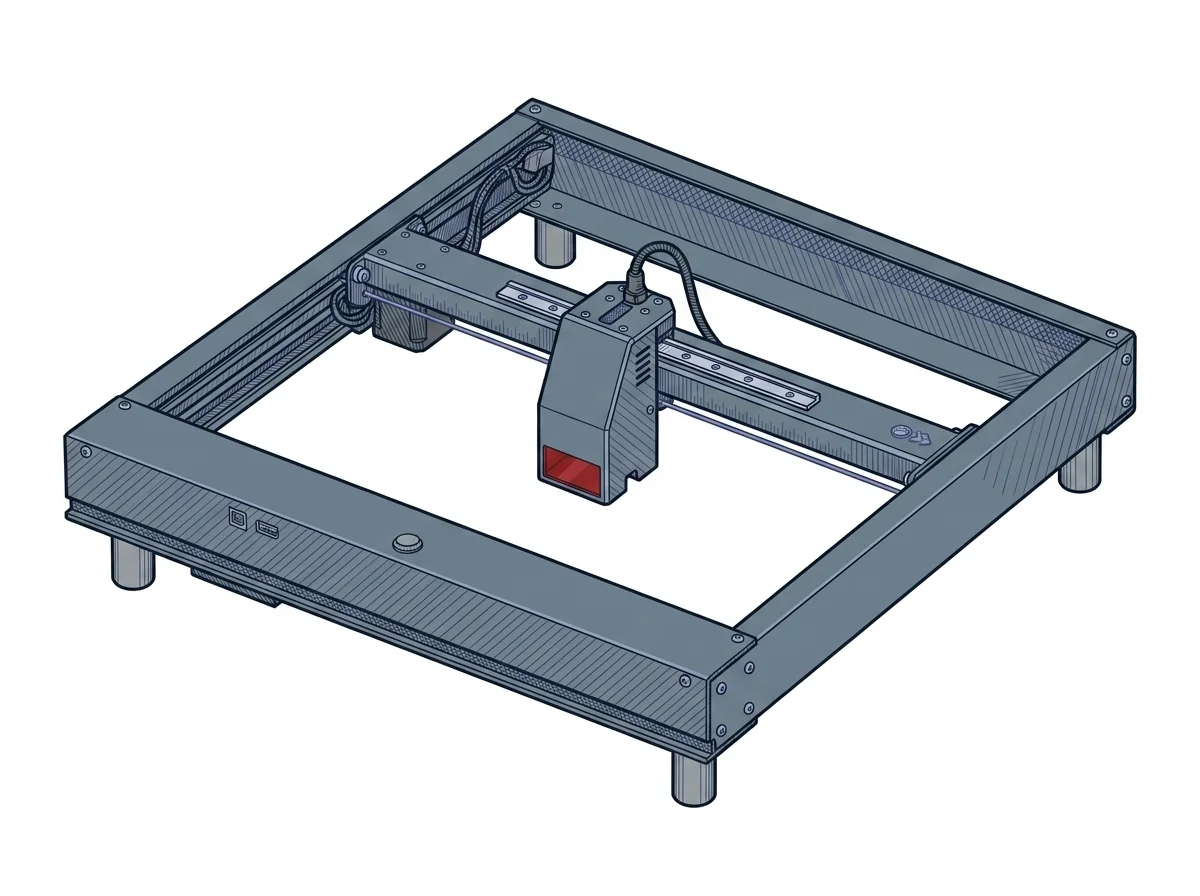
The differences that matter
- Work area → 130 × 130 mm against 300 × 300 mm: a panel fits on the H10 that would have to be worked in sections on the P1.
- Optical power → 5 W against 10 W: the P1 cuts thin balsa and acrylic in several passes; for the H10 the manufacturer declares 6 mm basswood.
- Price → about 300 € against about 375 €: the H10 costs about 75 € more.
- Weight → 3 kg against 7.5 kg: the P1 travels, the H10 stays on the bench.
Which one to choose
Choose P1 Ultra if…
Engraving small objects on the move: it weighs 3 kg and takes up 26.5 × 30.3 cm. For cutting, the manufacturer declares balsa up to 3-4 mm and acrylic 2-3 mm in multiple passes (values declared by the manufacturer): it is mainly an engraver. It costs about 300 €.
Choose Laser Master H10 10W if…
A 300 × 300 mm bed and 10 W: declared cuts of 6 mm basswood and 5 mm black acrylic. It weighs 7.5 kg and takes up 55.8 × 50.7 cm, so it is not a backpack machine. It costs about 75 € more, and can also be driven over USB, SD card and WebUI.
Where to buy
Paid link: the price for you does not change. Methodology
As an Amazon Associate I earn from qualifying purchases.
MakerSpecs is an independent atlas. We don't sell products: the purchase links are the same as on the two product sheets and don't influence the verdict. The sheets have the complete data.