Atomstack Atelier 12W vs Atomstack P1 Ultra
Technical comparison · Diode laser (405–460 nm)
Two compact diode lasers with a work area of about 12-13 cm, but very different working pace: the Atelier is a 12 W galvo, the P1 a 5 W portable. What decides it is how many small pieces you make in an hour, and it costs about €400.
| Parameter | ||
|---|---|---|
| Identity | ||
| Launch year | 2025 | 2024 |
| Use tier | F2 — Intermediate | F1 — Entry |
| Price | ||
| Price (€) | ~600–800 € | ~250–350 € |
| Universal specs | ||
| Dimensions (W×D×H) (cm) | 30 × 30 × 41.5 cm | 26.5 × 30.3 × 18.5 cm |
| Weight (kg) | 3.49 kg | 3 kg |
| Work area (mm) | 120 × 120 mm | 130 × 130 mm |
| Z-axis height (mm) | — | 0 mm |
| Power (W) | 96 W | 24 W |
| Voltage (V) | 24 V | 24 V |
| Maximum speed | 4000 mm/s | 180 mm/s |
| Declared precision | 0.01 mm | 0.01 mm |
| Category specs | ||
| Work area (short side) (mm) | 120 mm | 130 mm |
| Rated power (W) | 12 W | 5 W |
| Source technology | Diode | Diode |
| Max travel speed (mm/s) | 4000 mm/s | 180 mm/s |
| Max processing speed (mm/s) | 4000 mm/s | 180 mm/s |
| Max cut depth per material | — | Balsa wood up to 3-4mm, acrylic up to 2-3mm in multiple passes |
| Wavelength (nm) | 455 nm | 455 nm |
| Min resolution (µm) | — | 10 µm |
| Autofocus | — | No |
| Rotary included/compatible | No | No |
| Passthrough | No | No |
| Supported software | Proprietary, LightBurn | LightBurn, Other |
| Fume extraction | Optional filter | Optional filter |
| Ecosystem | ||
| Cloud dependency | No | No |
| Software notes | The control of the machine is fully compatible with the industry standard LightBurn, ensuring users have access to advanced tools for design, layer management, and vector path optimization directly via USB connection. The proprietary software provided by the manufacturer is also supported, making it ideal for quick engraving and marking operations or for users who prefer a more streamlined interface. The absence of constraints related to cloud architectures ensures full hardware operability even in offline environments, protecting the confidentiality of work files and ensuring the tool's longevity is not dependent on external remote server support. | The system offers versatile compatibility and can be controlled either through industry-standard software solutions or via dedicated mobile applications. It fully supports LightBurn for users seeking advanced control over engraving parameters and complex project management, alongside LaserGRBL, an open-source option ideal for Windows environments. Furthermore, the integrated wireless connectivity allows operation through the proprietary smartphone and tablet application, optimizing the workflow for quick engravings directly from graphic files stored on mobile devices without needing a permanent physical computer connection. |
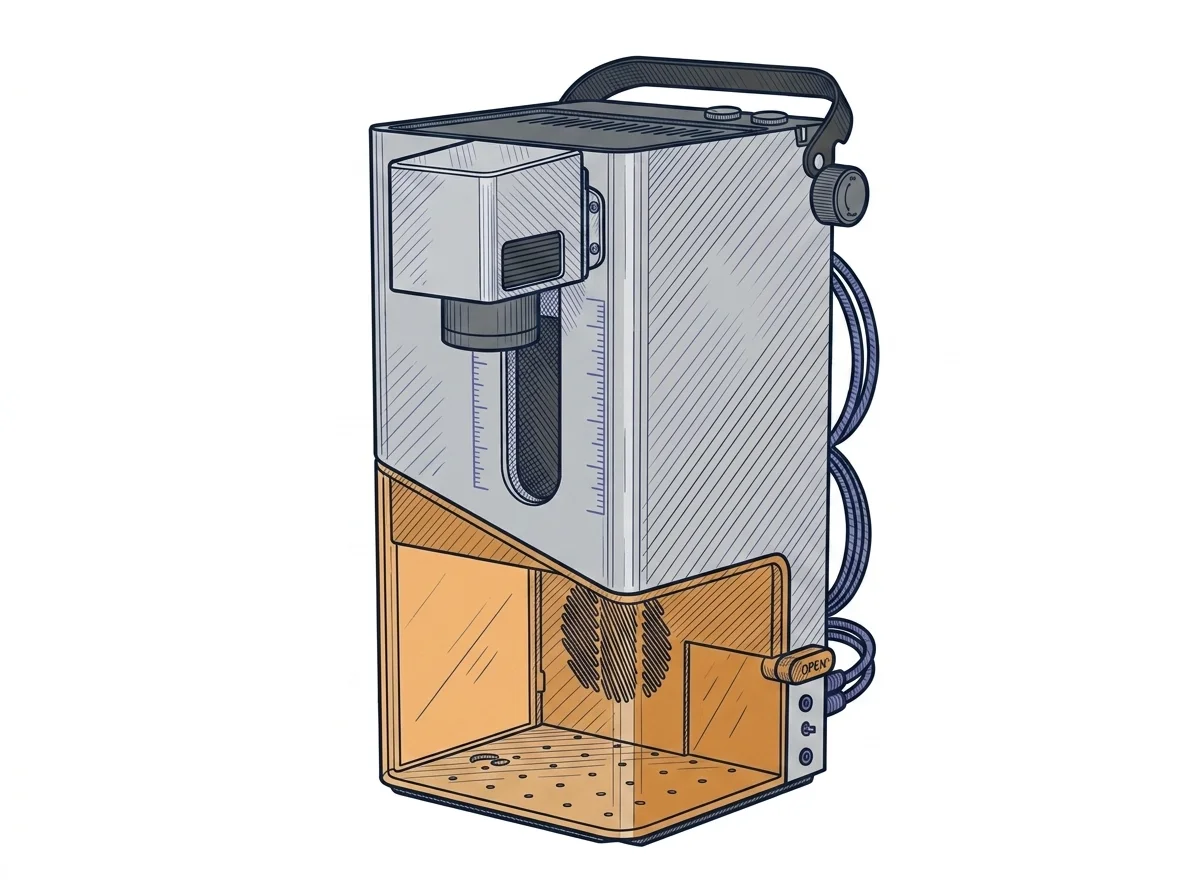
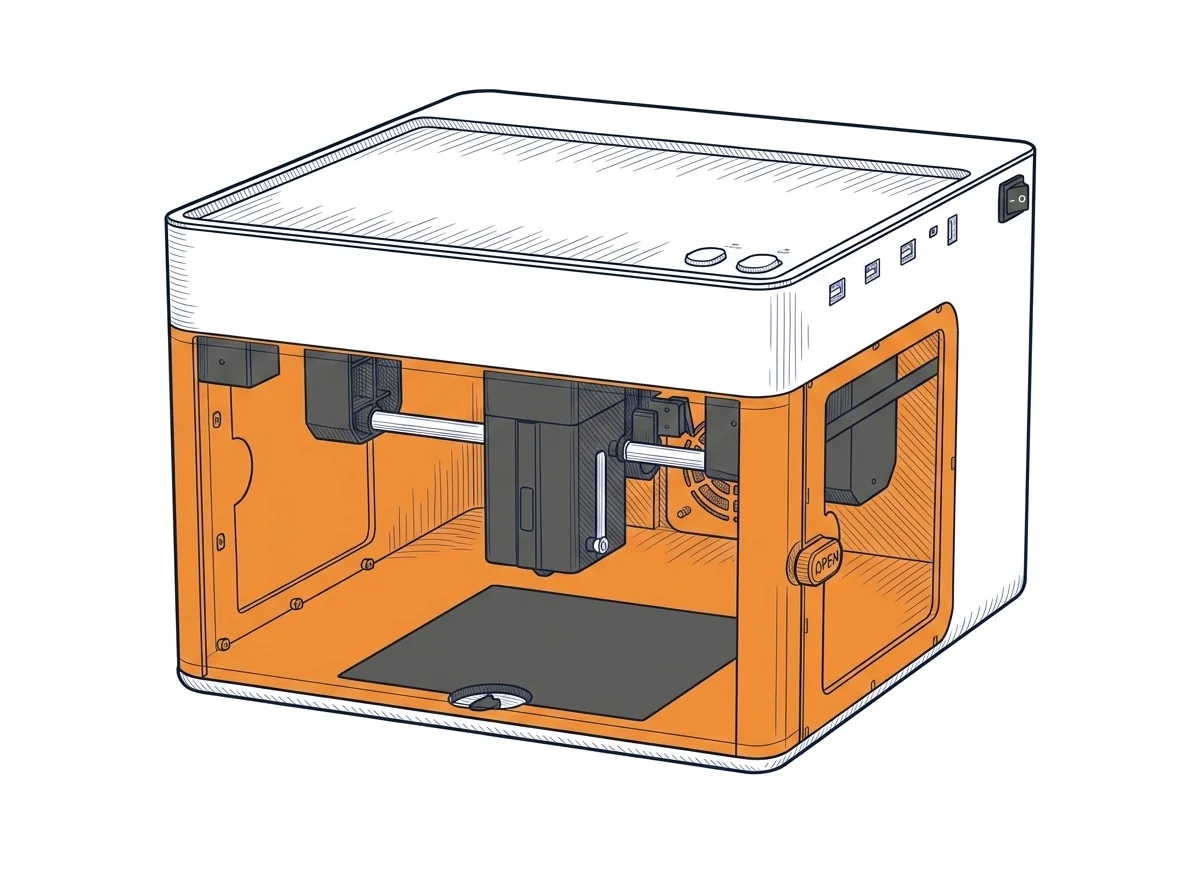
The differences that matter
- Declared power and speed: 12 W up to 240000 mm/min against 5 W up to 10800 mm/min → on the P1 a run of pieces is counted in hours, not minutes.
- Price: about €700 against about €300 → the P1 costs about €400 less.
- Footprint: 30 × 30 × 41.5 cm against 26.5 × 30.3 × 18.5 cm → the P1 fits on a shelf, the Atelier wants a permanent spot.
- Cutting: only for the P1 does the maker state balsa up to 3-4 mm and acrylic up to 2-3 mm, over several passes.
Which one to choose
Choose Atelier 12W if…
You produce runs of small pieces, such as nameplates or gadgets, from LightBurn over USB, and time per piece matters. Declared speed goes up to 4000 mm/s, that is 240000 mm/min. The trade-off: about €400 more, a 120 mm bed against 130 mm and a machine 41.5 cm tall against 18.5 cm.
Choose P1 Ultra if…
You engrave a few pieces at the weekend and want a 3 kg machine you can move and put away. For about €300 you get a 130 × 130 mm bed and, as declared, balsa cuts up to 3-4 mm and acrylic up to 2-3 mm over several passes. The trade-off: 5 W and a declared speed up to 180 mm/s, that is 10800 mm/min, so every piece takes longer.
Where to buy
Paid link: the price for you does not change. Methodology
MakerSpecs is an independent atlas. We don't sell products: the purchase links are the same as on the two product sheets and don't influence the verdict. The sheets have the complete data.