Anycubic Kobra S1 Combo vs Snapmaker J1s
Technical comparison · Fused filament fabrication (FFF/FDM)
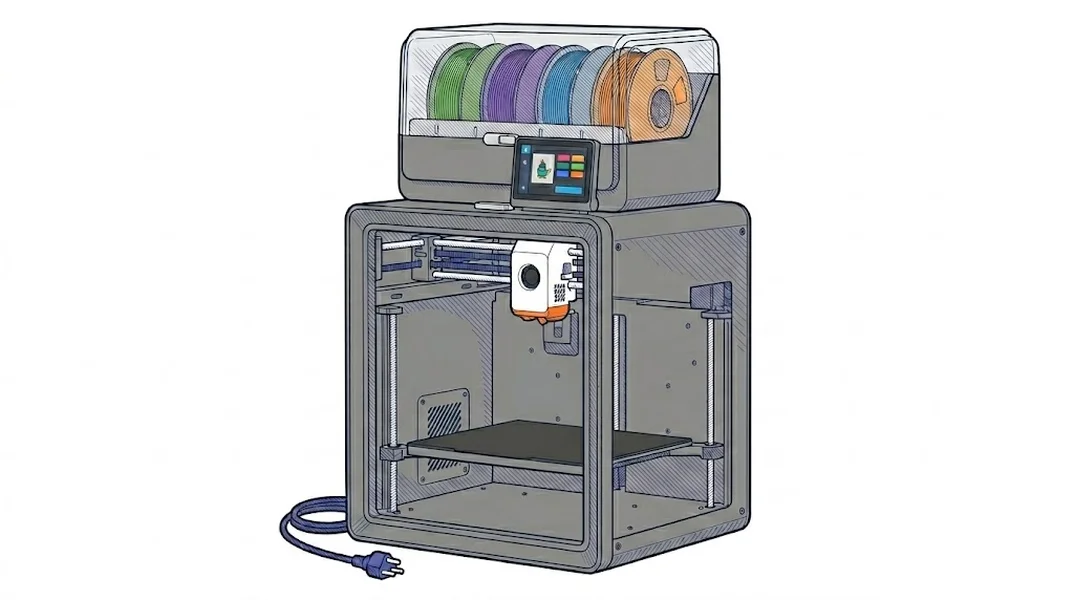
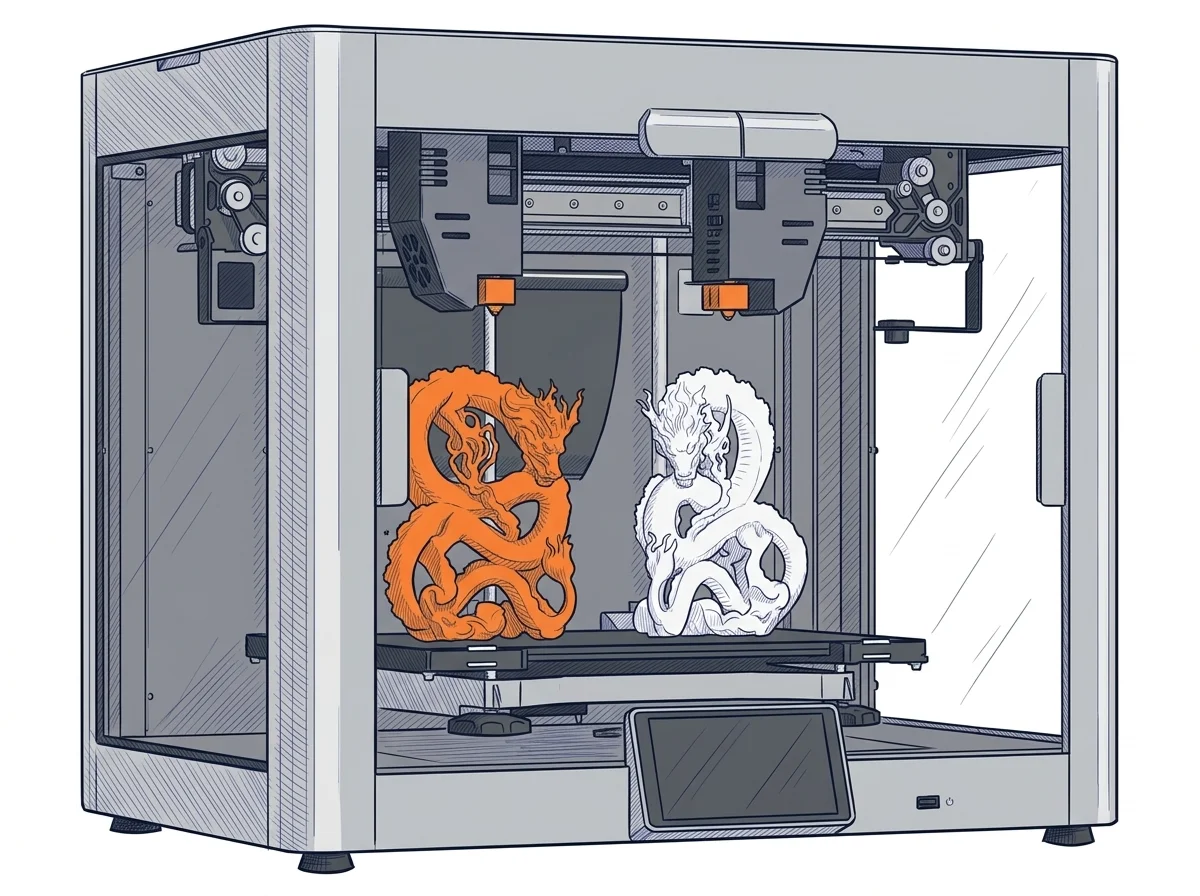
Two enclosed machines with different logic: the Kobra S1 Combo has a single extruder and costs €749, the Snapmaker J1s has two independent extruders (IDEX) and costs around €1,250. The question is whether you need the second extruder.
| Parameter | ||
|---|---|---|
| Identity | ||
| Launch year | 2025 | 2023 |
| Use tier | F2 — Intermediate | F2 — Intermediate |
| Price | ||
| Price (€) | 749 € | ~1100–1400 € |
| Price updated on | 06/2026 | — |
| Universal specs | ||
| Dimensions (W×D×H) (cm) | 48.4 × 48.4 × 59.3 cm | 53.9 × 40.1 × 46.4 cm |
| Weight (kg) | 18 kg | 27.8 kg |
| Work area (mm) | 250 × 250 mm | 300 × 200 mm |
| Z-axis height (mm) | 250 mm | 200 mm |
| Power (W) | — | 400 W |
| Voltage (V) | — | 230 V |
| Maximum speed | 600 mm/s | 350 mm/s |
| Declared precision | 0.05 mm | — |
| Category specs | ||
| Footprint X×Y (short side) (mm) | 250 mm | 200 mm |
| Build height Z (mm) | 250 mm | 200 mm |
| Kinematics | CoreXY | IDEX |
| Max nozzle temperature (°C) | 320 °C | 300 °C |
| Max bed temperature (°C) | 120 °C | 100 °C |
| Max print speed (mm/s) | 600 mm/s | 350 mm/s |
| Enclosed chamber | Yes | Yes |
| Filament sensor | Yes | Yes |
| Auto bed leveling | Mesh | Mesh |
| Standard nozzle diameter (mm) | 0.4 mm | 0.4 mm |
| Multi-extruder | No | Yes |
| Native Klipper | No | No |
| Input shaper | Yes | Yes |
| Multicolor printing | Yes | Yes |
| Multicolor requires accessory | No | No |
| Max colors | — | 2 |
| Ecosystem | ||
| Cloud dependency | No | No |
| Software notes | The printer works with Anycubic Slicer Next, derived from OrcaSlicer and optimized for the Anycubic ecosystem; it supports multi-plate management and object skipping during printing. Remote control and real-time monitoring are available through the Anycubic app (iOS and Android), connecting via LAN or cloud. The proprietary firmware is not currently open source; native Klipper compatibility is not supported. | It comes with the proprietary Snapmaker Luban software, a free, unified application available for Windows, macOS, and Linux. Luban is tailored to fully utilize the independent dual extruders (IDEX), integrating ready-to-use profiles for various print modes (Copy, Mirror, Backup). Compatibility with major third-party slicers, such as Cura or PrusaSlicer, is also ensured via standard G-code export. Direct machine control is facilitated by the integrated Android-based touchscreen display and Wi-Fi connectivity for remote management. |
The differences that matter
- One extruder vs two independent ones → only the J1s runs dual-extruder jobs, with Copy, Mirror and Backup modes.
- Area 250×250 mm vs 300×200 mm → the J1s is 5 cm wider, the S1 is 5 cm deeper and taller.
- €749 vs around €1,250 → the gap pays for IDEX, not for more volume.
- Anycubic Slicer Next and app vs Luban → two different software environments; the J1s also takes Cura and PrusaSlicer through standard G-code.
Which one to choose
Choose Kobra S1 Combo if…
For printing one part at a time on 250×250 mm, up to 250 mm tall, at around €500 less. Bed up to 120 °C and nozzle up to 320 °C (manufacturer's declared values). You accept proprietary firmware without native Klipper, run from Anycubic Slicer Next and the app.
Choose J1s if…
For work that needs two independent extruders, with ready-made Luban profiles for Copy, Mirror and Backup modes. It costs around €500 more, the area is 300×200 mm with 200 mm of height and the bed reaches 100 °C.
Where to buy
Paid link: the price for you does not change. Methodology
Filaments for these printers
The most chosen spools among the materials both printers can print according to their specifications.
- ELEGOO PLA PLA1.75 mm1 kg Check the price on Amazon →
- Bambu Lab PLA PLA1.75 mm1 kg Check the price on Amazon →
- SUNLU PETG (Polyethylene Terephthalate Glycol) PETG (Polyethylene Terephthalate Glycol)1.75 mm1 kg Check the price on Amazon →
- SUNLU PLA PLA1.75 mm1 kg Check the price on Amazon →
- OVERTURE PETG (Polyethylene Terephthalate Glycol) PETG (Polyethylene Terephthalate Glycol)High speed1.75 mm1 kg Check the price on Amazon →
Paid link: the price for you does not change. Methodology
As an Amazon Associate I earn from qualifying purchases.
MakerSpecs is an independent atlas. We don't sell products: the purchase links are the same as on the two product sheets and don't influence the verdict. The sheets have the complete data.