xTool F1 Ultra vs xTool F2 Ultra
Technical comparison · Fiber laser (1064 nm)
Anyone entering fiber laser marking on a lower budget looks at the F1 Ultra; anyone who wants to cut thicker wood and acrylic in fewer passes and work with LightBurn alongside the proprietary software looks at the F2 Ultra. The price nearly doubles.
| Parameter | ||
|---|---|---|
| Identity | ||
| Launch year | 2024 | 2025 |
| Use tier | F2 — Intermediate | F2 — Intermediate |
| Price | ||
| Price (€) | ~3000–3600 € | ~4629–7279 € |
| Universal specs | ||
| Dimensions (W×D×H) (cm) | — | 29.4 × 42.9 × 52.1 cm |
| Weight (kg) | — | 21.6 kg |
| Work area (mm) | 220 × 220 mm | 220 × 220 mm |
| Z-axis height (mm) | — | 150 mm |
| Power (W) | — | 400 W |
| Voltage (V) | — | 230 V |
| Maximum speed | 10000 mm/s | 15000 mm/s |
| Declared precision | — | 0.00482 mm |
| Category specs | ||
| Work area (short side) (mm) | — | 220 mm |
| Rated power (W) | 20.0 W | — |
| Source technology | Fiber | — |
| Max travel speed (mm/s) | — | 24000 mm/s |
| Max processing speed (mm/s) | 10000.0 mm/s | 15000 mm/s |
| Max cut depth per material | 0.4mm brass, 0.3mm stainless steel, 0.2mm aluminum, 15mm wood, 12mm acrylic | Legno: 23mm, Acrilico: 20mm, Acciaio Inox: 2mm, Ottone: 2mm, Alluminio: 1mm (in passaggi multipli) |
| Wavelength (nm) | 455 nm | — |
| Autofocus | — | Yes |
| Rotary included/compatible | No | No |
| Passthrough | — | No |
| Supported software | Proprietary | Proprietary, LightBurn |
| Ecosystem | ||
| Cloud dependency | No | No |
| Software notes | The xTool F1 Ultra is compatible exclusively with xTool Studio (proprietary protocol); LightBurn does not support fiber source features on this machine. xTool Studio includes camera-assisted positioning and the 'Auto Streamline' feature for batch production. The closed ecosystem precludes integration with custom G-code workflows or third-party automation, a significant limitation for makers with advanced production pipelines that require direct control over the firmware. | The operational management of the machine is primarily entrusted to the proprietary software, engineered to fully exploit the dual-source setup and ease the transition between different cutting and engraving parameters. This application offers an intuitive interface enriched with advanced features for vector path optimization and power calibration. For professionals who have already integrated standard workflows into their workshops, compatibility with LightBurn, the industry standard for laser control, is fully guaranteed. This dual software option ensures complete flexibility, allowing less experienced users to get started quickly while enabling specialized technicians to configure complex pulse modulation parameters. |
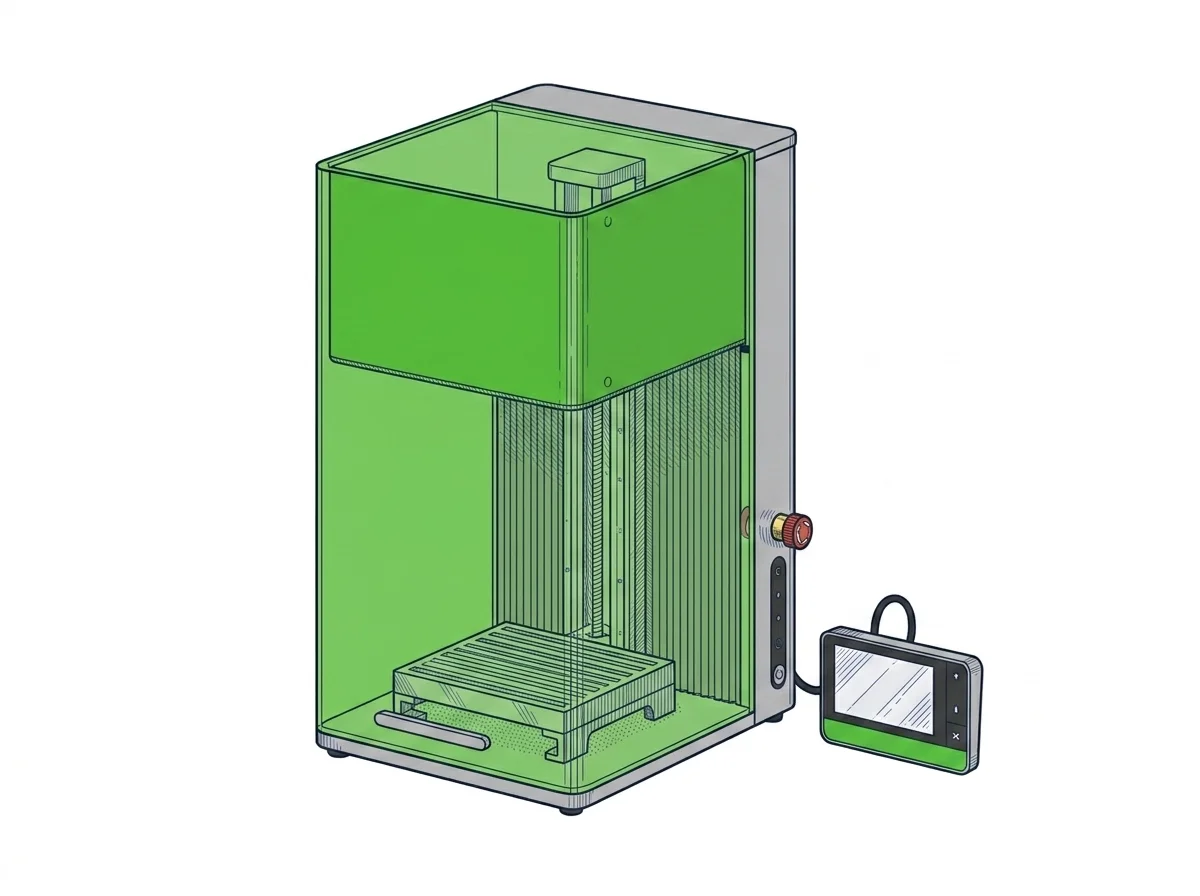
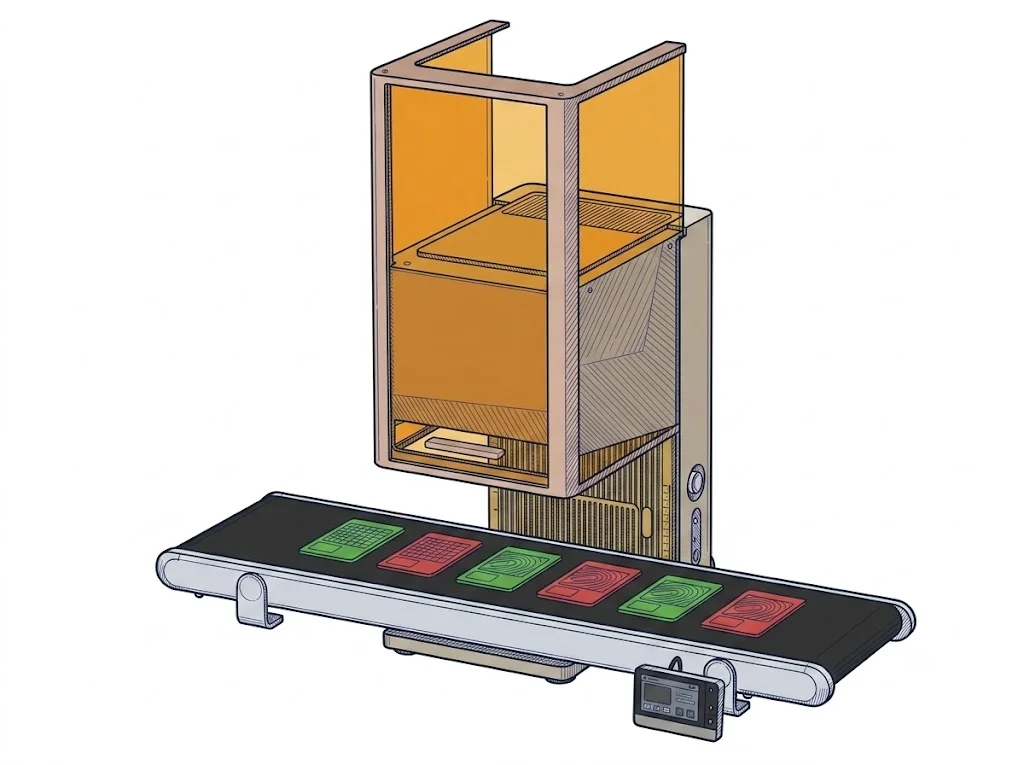
The differences that matter
- Price: €3,300 vs €5,954 → the F2 Ultra costs nearly double.
- Software: the F1 Ultra stays inside proprietary xTool Studio, the F2 Ultra also supports LightBurn → more room for an already-standard workflow.
- Rated cut depth: wood 15 mm vs 23 mm, acrylic 12 mm vs 20 mm → the F2 Ultra cuts thicker stock in fewer passes.
- Autofocus: only the F2 Ultra has it rated → fewer manual adjustments on each material change.
Which one to choose
Choose F1 Ultra if…
The F1 Ultra suits marking metals (brass, stainless steel, aluminum) and cutting wood up to a rated 15 mm or acrylic up to 12 mm, staying inside the proprietary xTool Studio software. You give up LightBurn support for the fiber features, autofocus, and lower rated cut depths than the F2 Ultra.
Choose F2 Ultra if…
The F2 Ultra makes sense for cutting wood up to a rated 23 mm or acrylic up to 20 mm, wanting autofocus, and preferring to work with LightBurn alongside the proprietary software. The trade-off is price, nearly double the F1 Ultra.
Where to buy
Paid link: the price for you does not change. Methodology
MakerSpecs is an independent atlas. We don't sell products: the purchase links are the same as on the two product sheets and don't influence the verdict. The sheets have the complete data.