xTool F1 Ultra vs xTool F2
Technical comparison · Fiber laser (1064 nm)
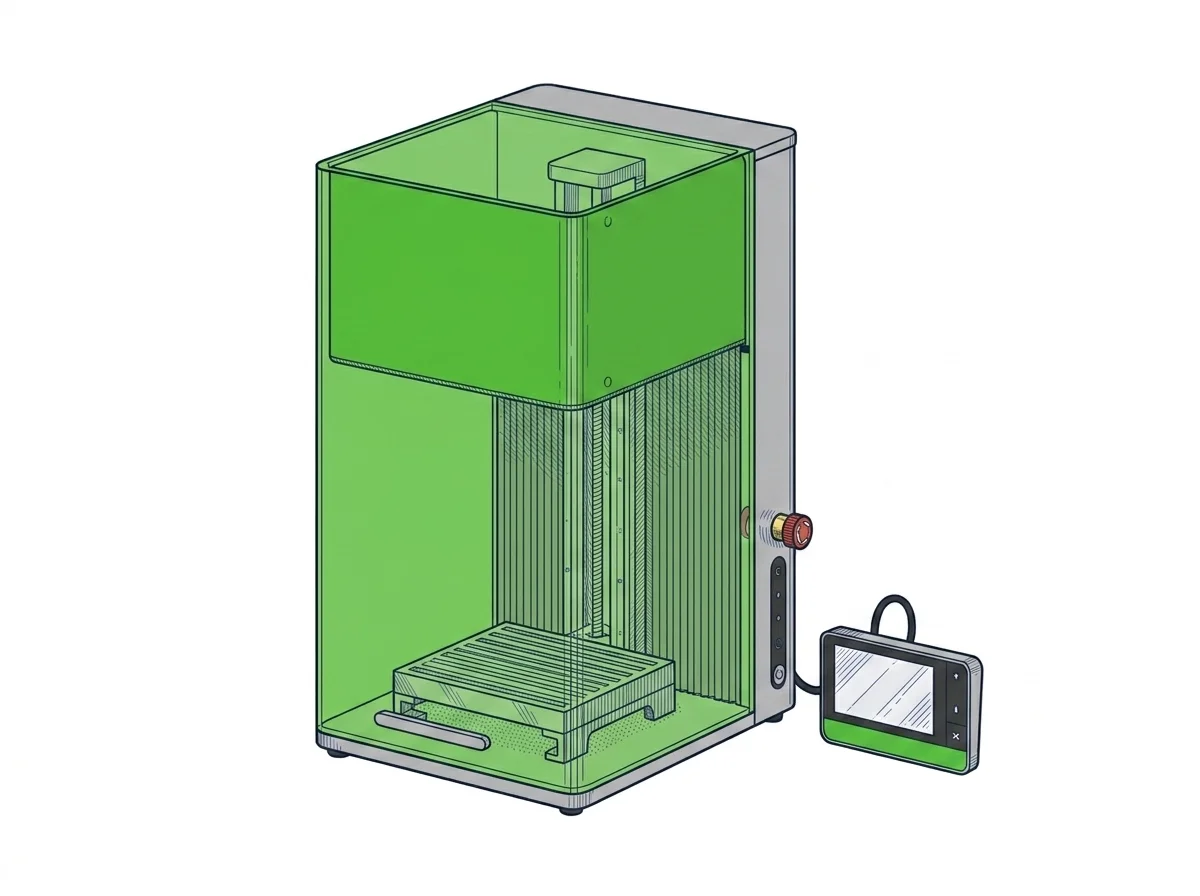
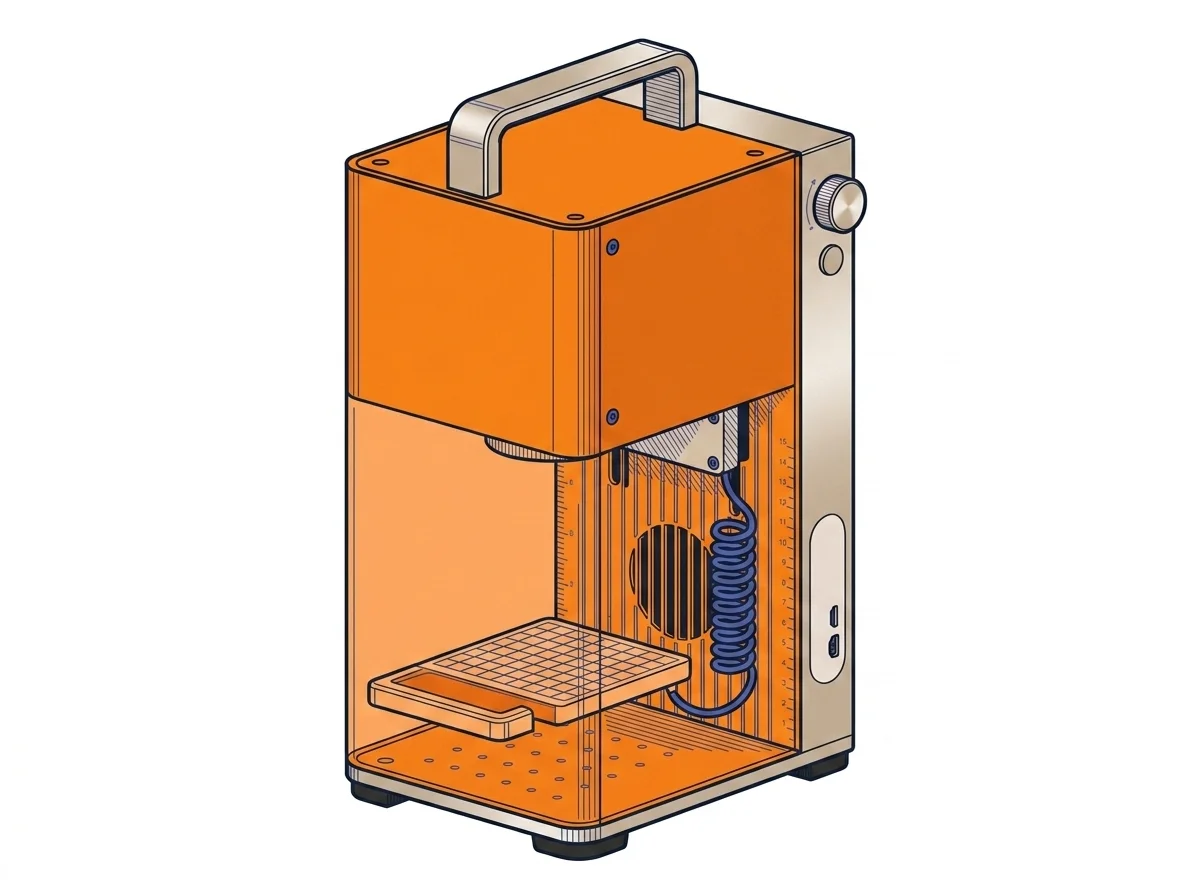
Two xTool engravers with different laser sources: the F1 Ultra uses a fiber laser also built for marking metal, the F2 a diode laser aimed at wood and organic materials, at a much lower price.
| Parameter | ||
|---|---|---|
| Identity | ||
| Launch year | 2024 | 2026 |
| Use tier | F2 — Intermediate | F2 — Intermediate |
| Price | ||
| Price (€) | ~3000–3600 € | ~1500–2000 € |
| Universal specs | ||
| Work area (mm) | 220 × 220 mm | — |
| Maximum speed | 10000 mm/s | 6000 mm/s |
| Category specs | ||
| Rated power (W) | 20.0 W | 15.0 W |
| Source technology | Fiber | Diode |
| Max travel speed (mm/s) | — | 6000.0 mm/s |
| Max processing speed (mm/s) | 10000.0 mm/s | 6000.0 mm/s |
| Max cut depth per material | 0.4mm brass, 0.3mm stainless steel, 0.2mm aluminum, 15mm wood, 12mm acrylic | — |
| Wavelength (nm) | 455 nm | — |
| Autofocus | — | Yes |
| Rotary included/compatible | No | No |
| Supported software | Proprietary | Proprietary |
| Ecosystem | ||
| Cloud dependency | No | No |
| Software notes | The xTool F1 Ultra is compatible exclusively with xTool Studio (proprietary protocol); LightBurn does not support fiber source features on this machine. xTool Studio includes camera-assisted positioning and the 'Auto Streamline' feature for batch production. The closed ecosystem precludes integration with custom G-code workflows or third-party automation, a significant limitation for makers with advanced production pipelines that require direct control over the firmware. | The F2 is only compatible with xTool Creative Space (a proprietary protocol); LightBurn is not officially supported. The integrated camera positioning feature is only available within xTool Creative Space. The simplified interface reduces setup time in on-site scenarios, but precludes integration into existing LightBurn-based workflows and limits access to advanced job queuing and exportable custom material libraries. For a user with multiple machines already running LightBurn, the closed protocol represents a material operational discontinuity. |
The differences that matter
- Price: €3300 vs €1750 → the F1 Ultra costs almost double.
- Laser source: fiber on the F1 Ultra, diode on the F2 → only the former declares marking depth on brass, stainless steel and aluminum.
- Declared power: 20W vs 15W.
- Autofocus: absent on the F1 Ultra, present on the F2 → one less manual step before each job on the F2.
Which one to choose
Choose F1 Ultra if…
Anyone marking brass, stainless steel or aluminum works with the F1 Ultra's fiber laser, declared up to 0.4 mm on brass and 0.3 mm on stainless steel, plus wood (up to 15 mm) and acrylic (up to 12 mm). The trade-off is staying inside xTool's proprietary software only, with no LightBurn support, and a price almost double the F2's.
Choose F2 if…
Anyone working mostly with wood, acrylic and other organic materials, with no need to mark bare metal, saves almost half with the F2. Software here is also proprietary xTool only, but focusing is automatic, which the F1 Ultra doesn't declare.
Where to buy
Paid link: the price for you does not change. Methodology
MakerSpecs is an independent atlas. We don't sell products: the purchase links are the same as on the two product sheets and don't influence the verdict. The sheets have the complete data.