Prusa Research MK4S kit vs Snapmaker U1
Technical comparison · Fused filament fabrication (FFF/FDM)
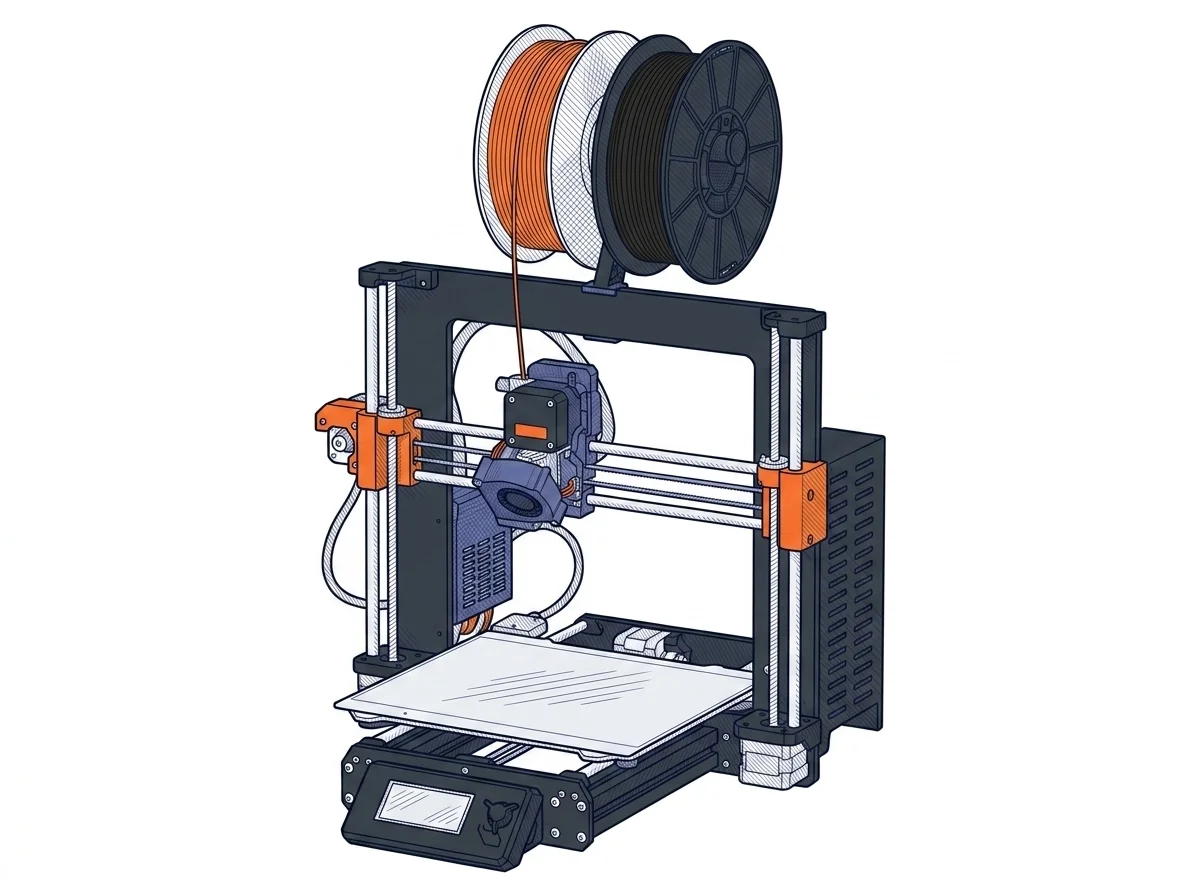
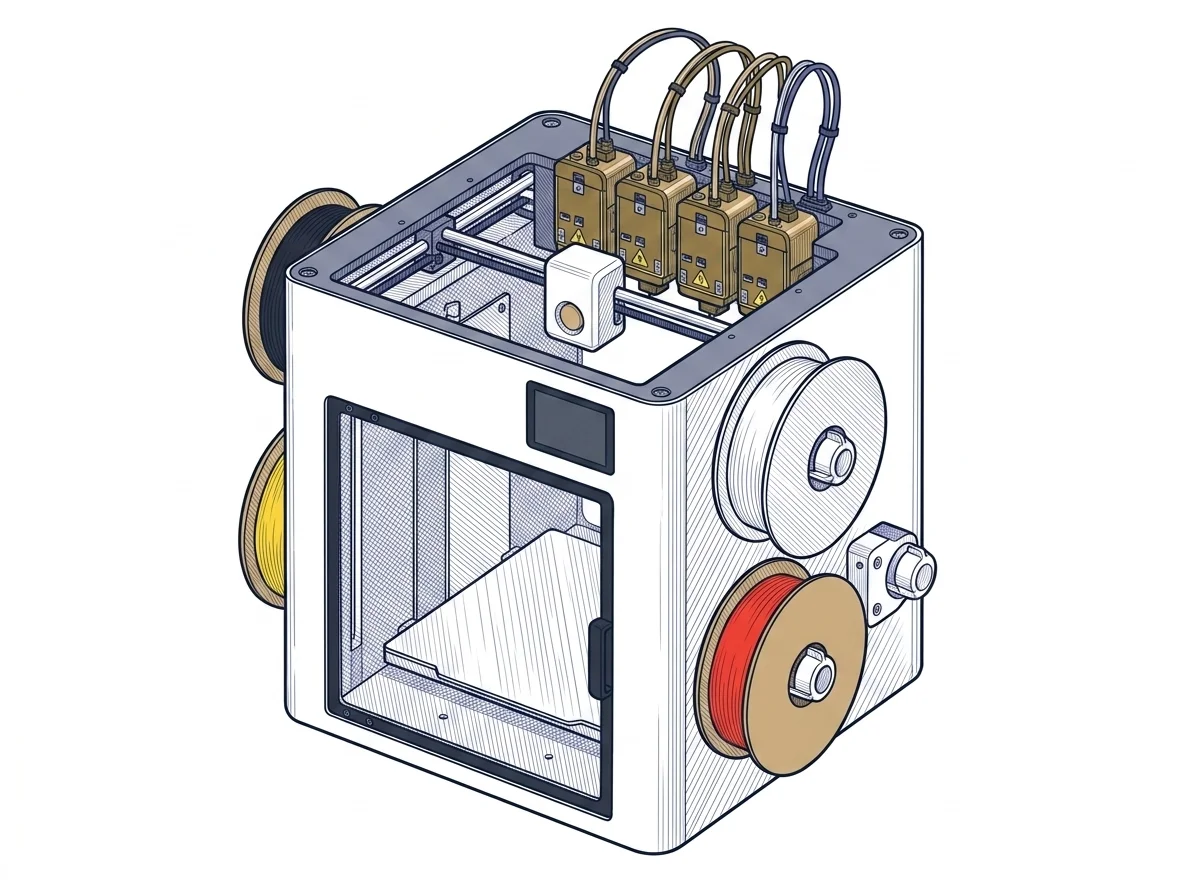
Same class and almost the same price (€819 and €849): the choice is between a single toolhead, with extra colours through an add-on, and four toolheads built in. Build volume and software environment follow from that.
| Parameter | ||
|---|---|---|
| Identity | ||
| Launch year | 2025 | 2026 |
| Use tier | F2 — Intermediate | F2 — Intermediate |
| Price | ||
| Price (€) | 819 € | 849 € |
| Universal specs | ||
| Dimensions (W×D×H) (cm) | 50 × 55 × 40 cm | 58.4 × 49.9 × 73 cm |
| Weight (kg) | 7 kg | 18.2 kg |
| Work area (mm) | 250 × 210 mm | 270 × 270 mm |
| Z-axis height (mm) | 220 mm | 270 mm |
| Power (W) | 240 W | 1150 W |
| Voltage (V) | 230 V | — |
| Maximum speed | 500 mm/s | 500 mm/s |
| Declared precision | — | 0.04 mm |
| Category specs | ||
| Footprint X×Y (short side) (mm) | 250 mm | 270 mm |
| Build height Z (mm) | 220 mm | 270 mm |
| Kinematics | Cartesian | CoreXY |
| Max nozzle temperature (°C) | 290 °C | 300 °C |
| Max bed temperature (°C) | 120 °C | 100 °C |
| Max print speed (mm/s) | 500 mm/s | 500 mm/s |
| Enclosed chamber | No | No |
| Filament sensor | Yes | Yes |
| Auto bed leveling | Mesh | Mesh |
| Standard nozzle diameter (mm) | 0.4 mm | 0.4 mm |
| Multi-extruder | No | Yes |
| Native Klipper | No | Yes |
| Input shaper | Yes | Yes |
| Multicolor printing | Yes | Yes |
| Multicolor requires accessory | Yes | No |
| Max colors | 5 | 4 |
| Ecosystem | ||
| Cloud dependency | No | No |
| Software notes | The MK4S runs proprietary Prusa firmware based on Marlin, not GRBL. It is managed through PrusaSlicer (with over 180 official profiles included), Simplify3D, or Cura with community profiles. Files are loaded via USB, local network, or PrusaConnect and the Prusa mobile app; it is not compatible with LightBurn or LaserGRBL, being a filament printer. The machine can run fully offline with no cloud dependency, and receives regular firmware updates along with pre-tuned profiles for Prusament materials. | The primary software is Snapmaker Orca, an optimized version of the popular OrcaSlicer, which provides native management of the four toolheads and factory-calibrated material profiles. The printer can also be seamlessly managed via the Snapmaker mobile app for remote monitoring, taking advantage of the built-in 1080p camera. The internal firmware is built on Klipper, Moonraker, and Fluidd, which Snapmaker has made open-source, allowing experienced users to customize the machine and integrate it into complex workflows. |
The differences that matter
- One toolhead vs four → on the MK4S extra colours go through an add-on (up to 5); on the U1 through the built-in toolheads (up to 4).
- Build volume 250 × 210 × 220 mm vs 270 × 270 × 270 mm → the U1 takes a part 50 mm taller and 60 mm wider on the short side.
- Bed up to 120 °C vs 100 °C → the MK4S leaves more margin on materials that need a hotter bed.
- Prusa's Marlin-based firmware vs open Klipper → on the U1 you can work on the firmware and Fluidd; on the MK4S you stay with PrusaSlicer and the Prusament profiles.
Which one to choose
Choose MK4S kit if…
Functional parts in one material, printed all the time, on a 7 kg kit machine that is easy to move: the heated bed goes up to 120 °C. It costs €30 less; you accept a smaller build volume and, for multicolour, an add-on to buy.
Choose U1 if…
Multicolour objects, up to four colours, with no add-on: the toolheads swap on their own. The build volume is 270 × 270 × 270 mm and the open Klipper firmware can be customised. It costs €30 more, the bed tops out at 100 °C and the machine weighs 18.2 kg.
Where to buy
Paid link: the price for you does not change. Methodology
Filaments for these printers
The most chosen spools among the materials both printers can print according to their specifications.
- ELEGOO PLA PLA1.75 mm1 kg Check the price on Amazon →
- Bambu Lab PLA PLA1.75 mm1 kg Check the price on Amazon →
- SUNLU PETG (Polyethylene Terephthalate Glycol) PETG (Polyethylene Terephthalate Glycol)1.75 mm1 kg Check the price on Amazon →
- SUNLU PLA PLA1.75 mm1 kg Check the price on Amazon →
- OVERTURE PETG (Polyethylene Terephthalate Glycol) PETG (Polyethylene Terephthalate Glycol)High speed1.75 mm1 kg Check the price on Amazon →
Paid link: the price for you does not change. Methodology
As an Amazon Associate I earn from qualifying purchases.
MakerSpecs is an independent atlas. We don't sell products: the purchase links are the same as on the two product sheets and don't influence the verdict. The sheets have the complete data.