Ortur Laser Master H10 20W vs xTool M1 10W Hybrid Laser Cutter
Technical comparison · Diode laser (405–460 nm)
Laser Master H10 20W and M1 10W Hybrid Laser Cutter are two diode laser (405–460 nm) in a similar class. Choose Laser Master H10 20W if price matters more; choose M1 10W Hybrid Laser Cutter if work area matters more.
| Parameter |
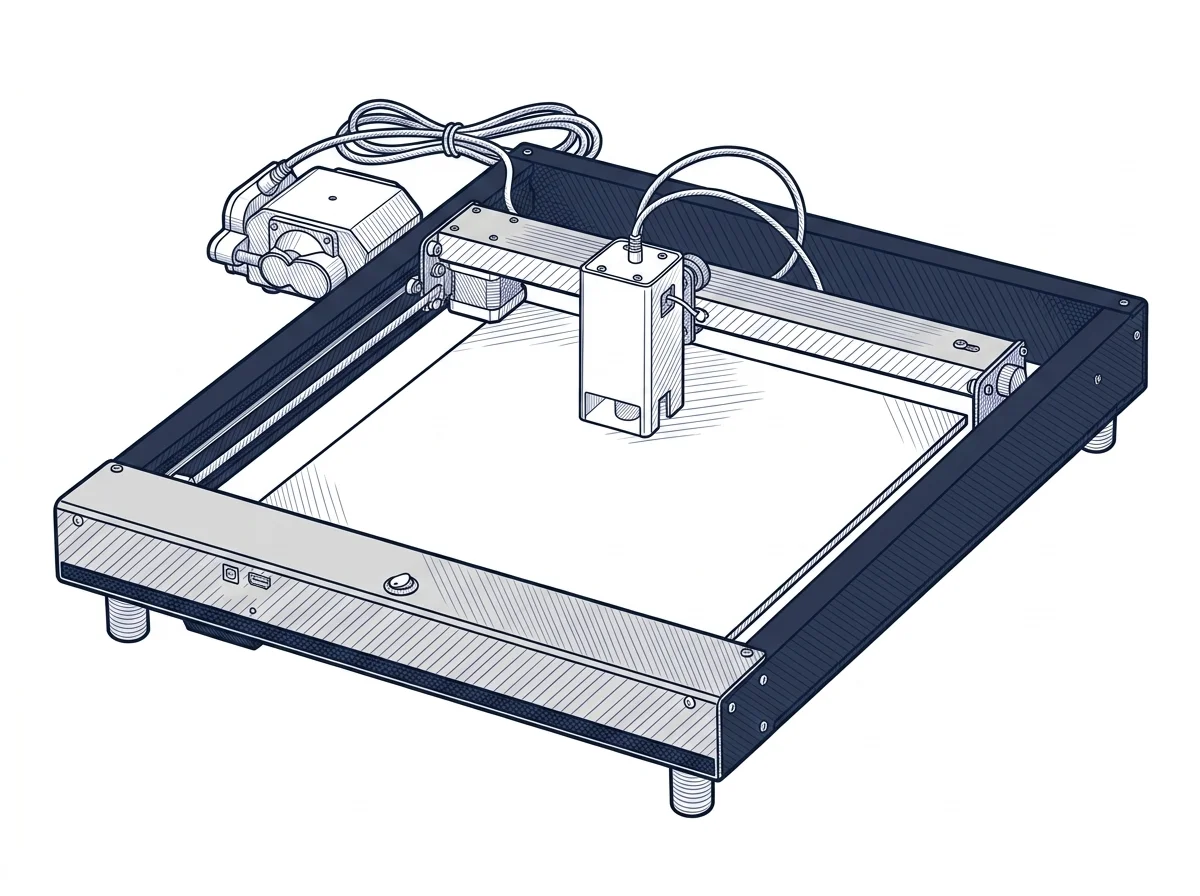 Laser Master H10 20W
Ortur
F2 · Intermediate
Laser Master H10 20W
Ortur
F2 · Intermediate
|
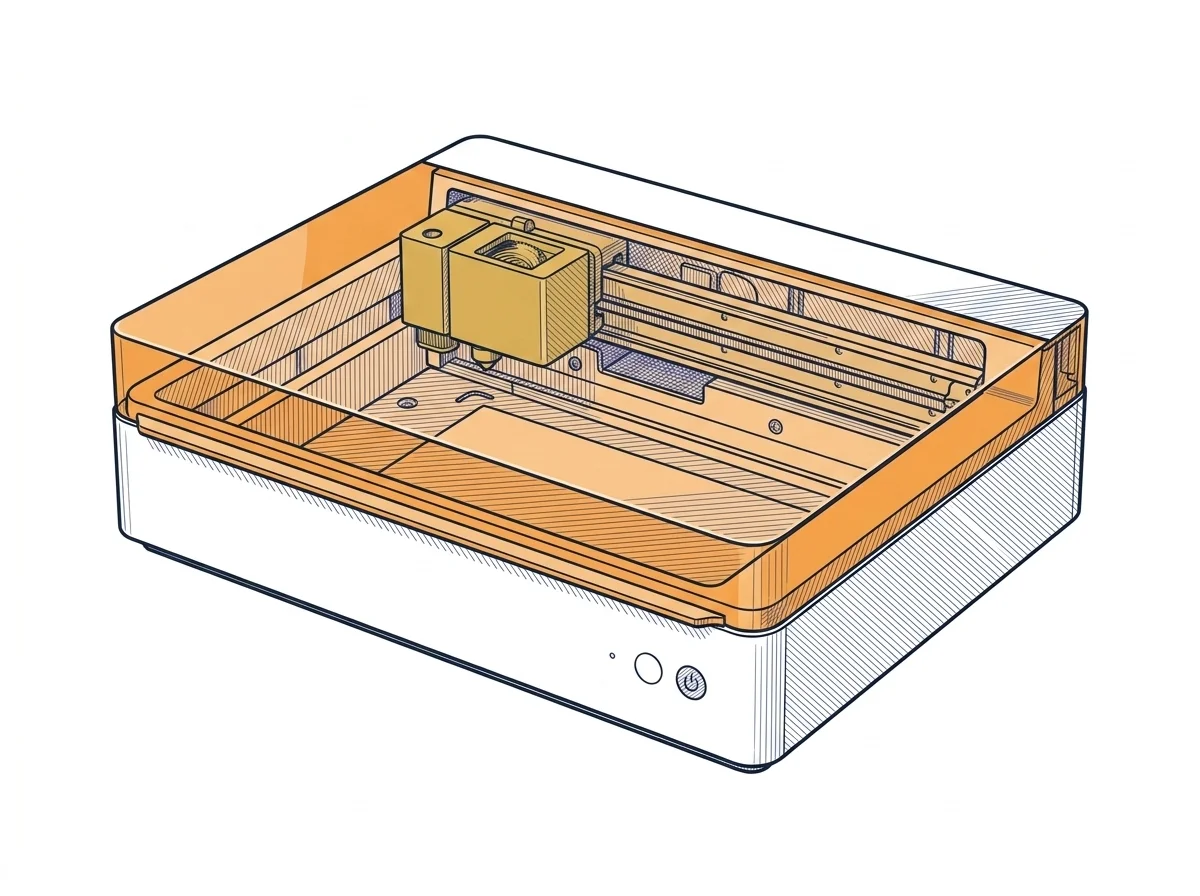 M1 10W Hybrid Laser Cutter
xTool
F2 · Intermediate
M1 10W Hybrid Laser Cutter
xTool
F2 · Intermediate
|
|---|---|---|
| Identity | ||
| Launch year | 2025 | 2022 |
| Use tier | F2 — Intermediate | F2 — Intermediate |
| Price | ||
| Price (€) | ~450–600 € | ~700–900 € |
| Universal specs | ||
| Dimensions (W×D×H) (cm) | — | 55.7 × 45.3 × 23 cm |
| Weight (kg) | — | 10 kg |
| Work area (mm) | 300 × 300 mm | 385 × 300 mm |
| Z-axis height (mm) | — | 16 mm |
| Power (W) | — | 84 W |
| Voltage (V) | — | 240 V |
| Maximum speed | 20000 mm/min | 250 mm/s |
| Declared precision | 0.01 mm | 0.01 mm |
| Category specs | ||
| Work area (short side) (mm) | 300.0 mm | 300 mm |
| Rated power (W) | 20.0 W | 10 W |
| Source technology | Diode | Diode |
| Max travel speed (mm/s) | — | 250 mm/s |
| Max processing speed (mm/s) | 333.33 mm/s | 250 mm/s |
| Max cut depth per material | 12mm Pine, 8mm Plywood, 8mm Black Acrylic | 8 mm basswood |
| Wavelength (nm) | 450 nm | 455 nm |
| Min resolution (µm) | 10.0 µm | 10 µm |
| Autofocus | False | True |
| Rotary included/compatible | False | False |
| Passthrough | False | False |
| Supported software | Proprietary, LightBurn, Other | Proprietary |
| Ecosystem | ||
| Cloud dependency | No | No |
| Software notes | The open protocol GRBL firmware allows for use with three environments: the proprietary Ortur app (free iOS/Android, smartphone control for quick operations), LightBurn (laser diode license ~$60, the de facto standard for advanced workflows with vector management, arrays, and material profiles), and LaserGRBL (free, open-source, Windows, for direct control at no additional cost). The open protocol does not lock the user into the Ortur ecosystem and ensures compatibility with third-party software updates. For repetitive production or complex files, LightBurn remains the recommended choice by the category community. | Control of the device relies exclusively on the proprietary xTool Creative Space (XCS) software. This application is designed to be intuitive and accessible for beginners, integrating features for managing the internal 16-megapixel camera, visual project alignment, and automatic focusing. Unlike many other commercial laser systems, this model does not natively support LightBurn or open-source GRBL-based firmware. Consequently, advanced users accustomed to complex workflows might find the software somewhat restrictive when handling intricate vector files or deep engraving parameters that require highly customized optimization. |
The differences that matter
- Price: Laser Master H10 20W 525 € vs M1 10W Hybrid Laser Cutter 800 € — Laser Master H10 20W wins (+52%)
- Work area: Laser Master H10 20W 300×300 mm vs M1 10W Hybrid Laser Cutter 385×300 mm — M1 10W Hybrid Laser Cutter wins (+28%)
Which one to choose
Choose M1 10W Hybrid Laser Cutter if…
you value work area.
MakerSpecs is an independent atlas. We don't sell products: this comparison links to both sheets, where you'll find complete data and official links.