Lithoz CeraFab System S25 vs Lithoz CeraFab System S320
Technical comparison · 3D printing with clay & ceramics
CeraFab System S320 leads on the available specs (starting with work area); CeraFab System S25 makes sense only for non-technical reasons (availability, support, ecosystem), or if the missing data matters in your case.
| Parameter |
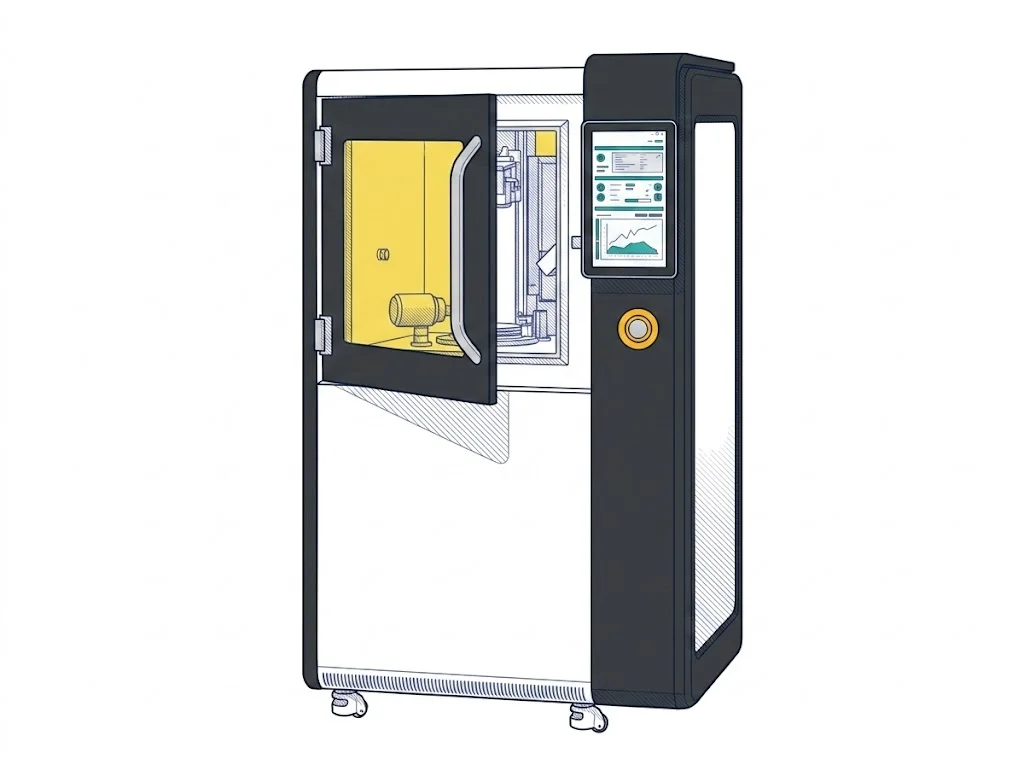 CeraFab System S25
Lithoz
F2 · Intermediate
CeraFab System S25
Lithoz
F2 · Intermediate
|
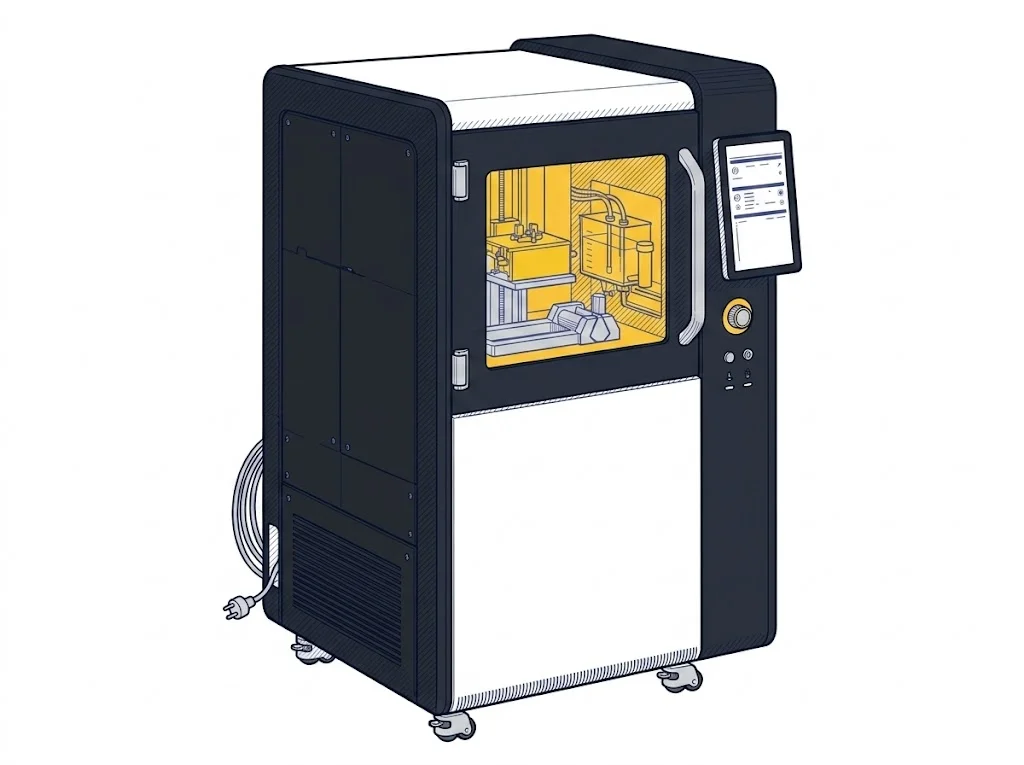 CeraFab System S320
Lithoz
F2 · Intermediate
CeraFab System S320
Lithoz
F2 · Intermediate
|
|---|---|---|
| Identity | ||
| Launch year | — | 2025 |
| Use tier | F2 — Intermediate | F2 — Intermediate |
| Universal specs | ||
| Dimensions (W×D×H) (cm) | 85 × 105 × 178 cm | 85 × 105 × 178 cm |
| Work area (mm) | 64 × 40 mm | 246 × 130 mm |
| Z-axis height (mm) | 320 mm | 320 mm |
| Declared precision | 25 um | 60 um |
| Ecosystem | ||
| Cloud dependency | No | No |
| Software notes | The system uses proprietary slicing software developed by Lithoz, specifically optimized for the rheological and thermal management of photocurable ceramic suspensions. It is not compatible with open-source slicers such as Cura or Slic3r, as the process requires direct control of light exposure parameters and peel plane kinematics for each layer of the component. | The system uses proprietary Lithoz software for file preparation and print process management. The firmware is integrated and optimized exclusively for LCM technology, ensuring precise control of light exposure parameters. It is not compatible with standard open-source slicers like Cura or PrusaSlicer, requiring the use of a dedicated suite for support management and thermal shrinkage compensation. |
The differences that matter
- Work area: CeraFab System S25 64×40 mm vs CeraFab System S320 246×130 mm — CeraFab System S320 wins (+1149%)
Which one to choose
MakerSpecs is an independent atlas. We don't sell products: this comparison links to both sheets, where you'll find complete data and official links.