Elegoo Centauri Carbon vs Prusa Research CORE One+
Technical comparison · Fused filament fabrication (FFF/FDM)
Centauri Carbon and CORE One+ are not direct competitors: very different prices (~3.2×). Centauri Carbon costs less (~€375) and is the entry-level choice; CORE One+ offers more capability at a higher price (~€1199). Judge them by budget, not head-to-head.
| Parameter |
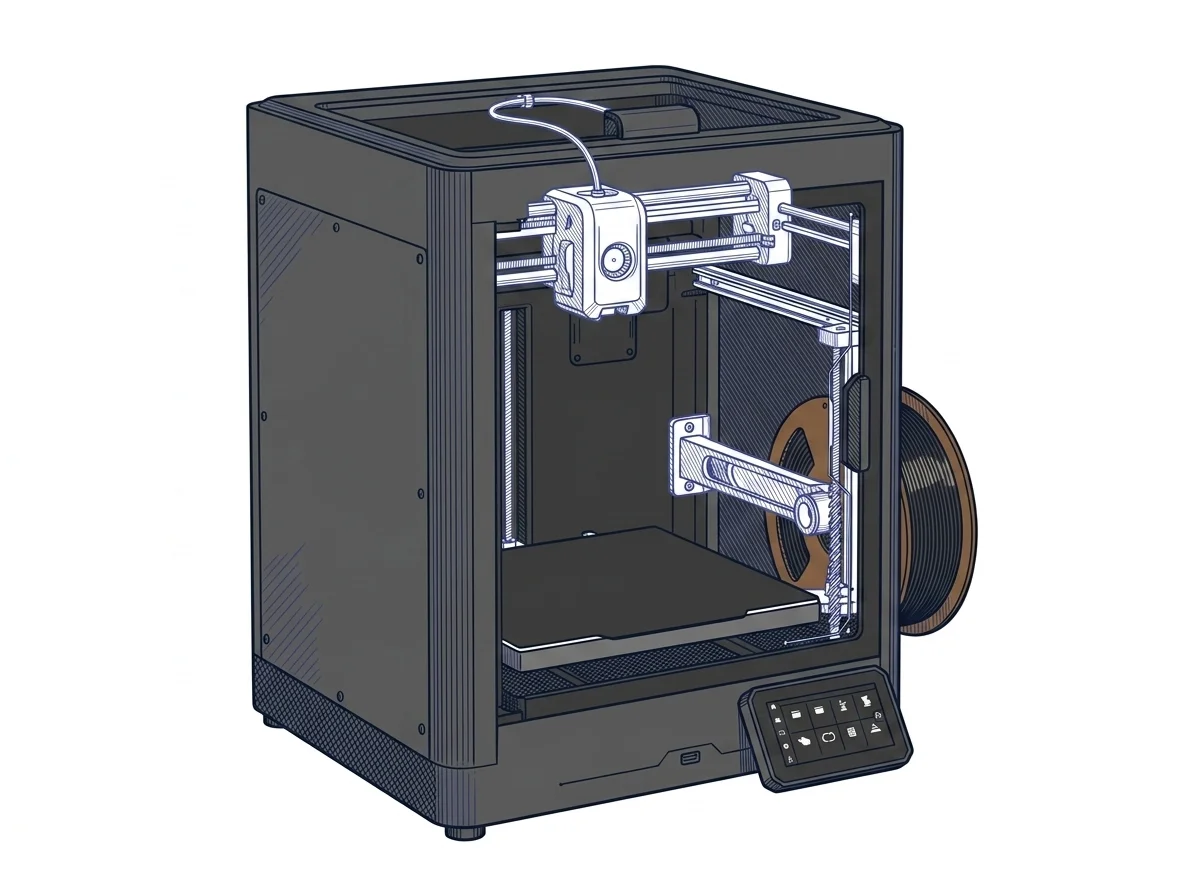 Centauri Carbon
Elegoo
F2 · Intermediate
Centauri Carbon
Elegoo
F2 · Intermediate
|
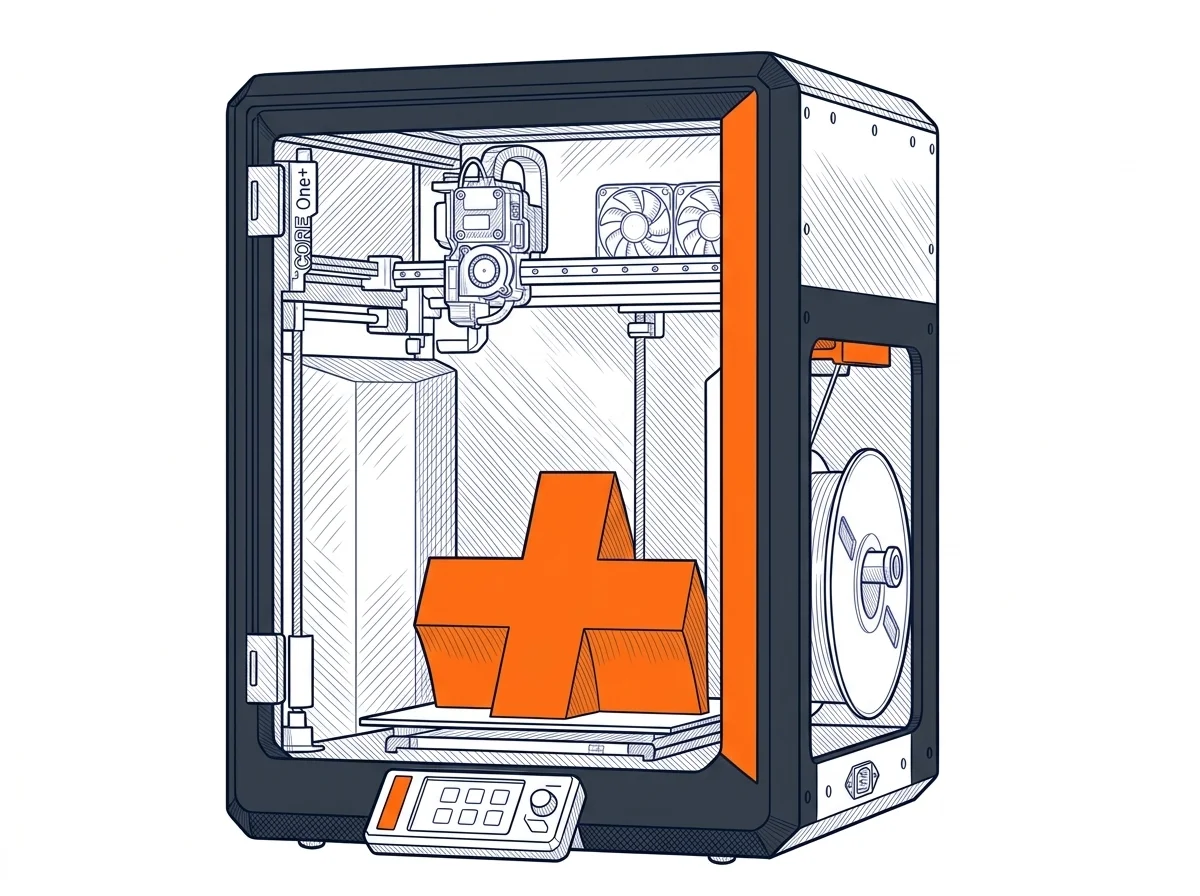 CORE One+
Prusa Research
F2 · Intermediate
CORE One+
Prusa Research
F2 · Intermediate
|
|---|---|---|
| Identity | ||
| Launch year | 2025 | 2026 |
| Use tier | F2 — Intermediate | F2 — Intermediate |
| Price | ||
| Price (€) | ~300–450 € | ~1049–1349 € |
| Universal specs | ||
| Dimensions (W×D×H) (cm) | 39.8 × 40.4 × 49 cm | 41.5 × 44.4 × 55.5 cm |
| Weight (kg) | 17.5 kg | 22.5 kg |
| Work area (mm) | 256 × 256 mm | 250 × 220 mm |
| Z-axis height (mm) | 256 mm | 270 mm |
| Power (W) | 1100 W | 240 W |
| Voltage (V) | — | 230 V |
| Maximum speed | 500 mm/s | — |
| Declared precision | 0.1 ±mm | — |
| Category specs | ||
| Footprint X×Y (short side) (mm) | 256 mm | 220 mm |
| Build height Z (mm) | 256 mm | 270 mm |
| Kinematics | CoreXY | CoreXY |
| Max nozzle temperature (°C) | 320 °C | 290 °C |
| Max bed temperature (°C) | 110 °C | 120 °C |
| Max print speed (mm/s) | 500 mm/s | — |
| Enclosed chamber | True | True |
| Filament sensor | True | True |
| Auto bed leveling | Mesh | Mesh |
| Standard nozzle diameter (mm) | 0.4 mm | 0.4 mm |
| Multi-extruder | False | False |
| Native Klipper | — | False |
| Input shaper | True | True |
| Multicolor printing | True | True |
| Multicolor requires accessory | True | True |
| Max colors | 4 | 5 |
| Ecosystem | ||
| Cloud dependency | No | No |
| Software notes | This printer is natively supported by Elegoo Slicer, a slicing software based on Orca Slicer that provides users with pre-configured, carefully optimized profiles designed to maximize both part detail and overall printing speed. Additionally, the machine's operating system is fully compatible with the most popular and community-endorsed third-party slicing software, such as Orca Slicer and Ultimaker Cura. The versatile onboard connectivity options include standard USB ports and a reliable dual-band Wi-Fi module (operating at 2.4 GHz and 5 GHz). This infrastructure enables effortless remote monitoring and comprehensive control of the printing process via its network interface and the built-in chamber camera, greatly streamlining daily workflow management. | Natively compatible with PrusaSlicer (based on Slic3r, open-source), but it works with any slicer able to generate Marlin-flavored G-code, such as Cura, ideaMaker or Simplify3D. The firmware is a Prusa-modified Marlin 2, fully open: no lock-in to proprietary software or protocols. The user has full control over the machine, but PrusaSlicer is recommended for optimal performance, as it includes exclusive profiles and features like dynamic flow calibration. |
The differences that matter
- Price: Centauri Carbon 375 € vs CORE One+ 1199 € — Centauri Carbon wins (+220%)
- Work area: Centauri Carbon 256×256 mm vs CORE One+ 250×220 mm — Centauri Carbon wins (+19%)
- Max colors: Centauri Carbon 4 vs CORE One+ 5 — CORE One+ wins (+25%)
- Max nozzle temperature: Centauri Carbon 320 °C vs CORE One+ 290 °C — Centauri Carbon wins (+10%)
- Build height Z: Centauri Carbon 256 mm vs CORE One+ 270 mm — CORE One+ wins (+5%)
Which one to choose
Choose Centauri Carbon if…
you value price, work area and max nozzle temperature.
Choose CORE One+ if…
you value max colors, build height z and max bed temperature.
MakerSpecs is an independent atlas. We don't sell products: this comparison links to both sheets, where you'll find complete data and official links.