xTool M1 10W vs xTool M1 Ultra 20W
Technical comparison · Diode laser (405–460 nm)
These are not two versions of the same machine: 10 W against 20 W, and only the Ultra is described as switching between laser, blade cutting and inkjet printing. What you plan to do decides it, not just the price: the Ultra costs about €650 more.
| Parameter | ||
|---|---|---|
| Identity | ||
| Launch year | 2022 | 2024 |
| Use tier | F2 — Intermediate | F2 — Intermediate |
| Price | ||
| Price (€) | ~700–900 € | ~1300–1600 € |
| Universal specs | ||
| Dimensions (W×D×H) (cm) | 55.7 × 45.3 × 23 cm | 62 × 49.8 × 17.8 cm |
| Weight (kg) | 10 kg | 24.44 kg |
| Work area (mm) | 385 × 300 mm | 300 × 300 mm |
| Z-axis height (mm) | 16 mm | — |
| Power (W) | 84 W | — |
| Voltage (V) | 240 V | — |
| Maximum speed | 250 mm/s | 400 mm/s |
| Declared precision | 0.01 mm | — |
| Category specs | ||
| Work area (short side) (mm) | 300 mm | 300 mm |
| Rated power (W) | 10 W | 20 W |
| Source technology | Diode | Diode |
| Max travel speed (mm/s) | 250 mm/s | 400 mm/s |
| Max processing speed (mm/s) | 250 mm/s | 400 mm/s |
| Max cut depth per material | 8 mm basswood | — |
| Wavelength (nm) | 455 nm | 455 nm |
| Min resolution (µm) | 10 µm | — |
| Autofocus | Yes | Yes |
| Rotary included/compatible | No | No |
| Passthrough | No | No |
| Supported software | Proprietary | Proprietary |
| Ecosystem | ||
| Cloud dependency | No | No |
| Software notes | Control of the device relies exclusively on the proprietary xTool Creative Space (XCS) software. This application is designed to be intuitive and accessible for beginners, integrating features for managing the internal 16-megapixel camera, visual project alignment, and automatic focusing. Unlike many other commercial laser systems, this model does not natively support LightBurn or open-source GRBL-based firmware. Consequently, advanced users accustomed to complex workflows might find the software somewhat restrictive when handling intricate vector files or deep engraving parameters that require highly customized optimization. | System management relies primarily on the proprietary xTool Creative Space software, specifically developed to coordinate the machine's multi-function ecosystem. This application allows users to switch easily between laser engraving or cutting, blade die-cutting, and inkjet printing, while managing alignment via integrated sensors. The software is available for major desktop and mobile operating systems and supports both online and offline workflows. Although the interface is optimized to simplify the user experience, professionals accustomed to industry-standard platforms like LightBurn might experience operational limitations, as full support for the multi-tool capabilities strictly requires the manufacturer's official application. |
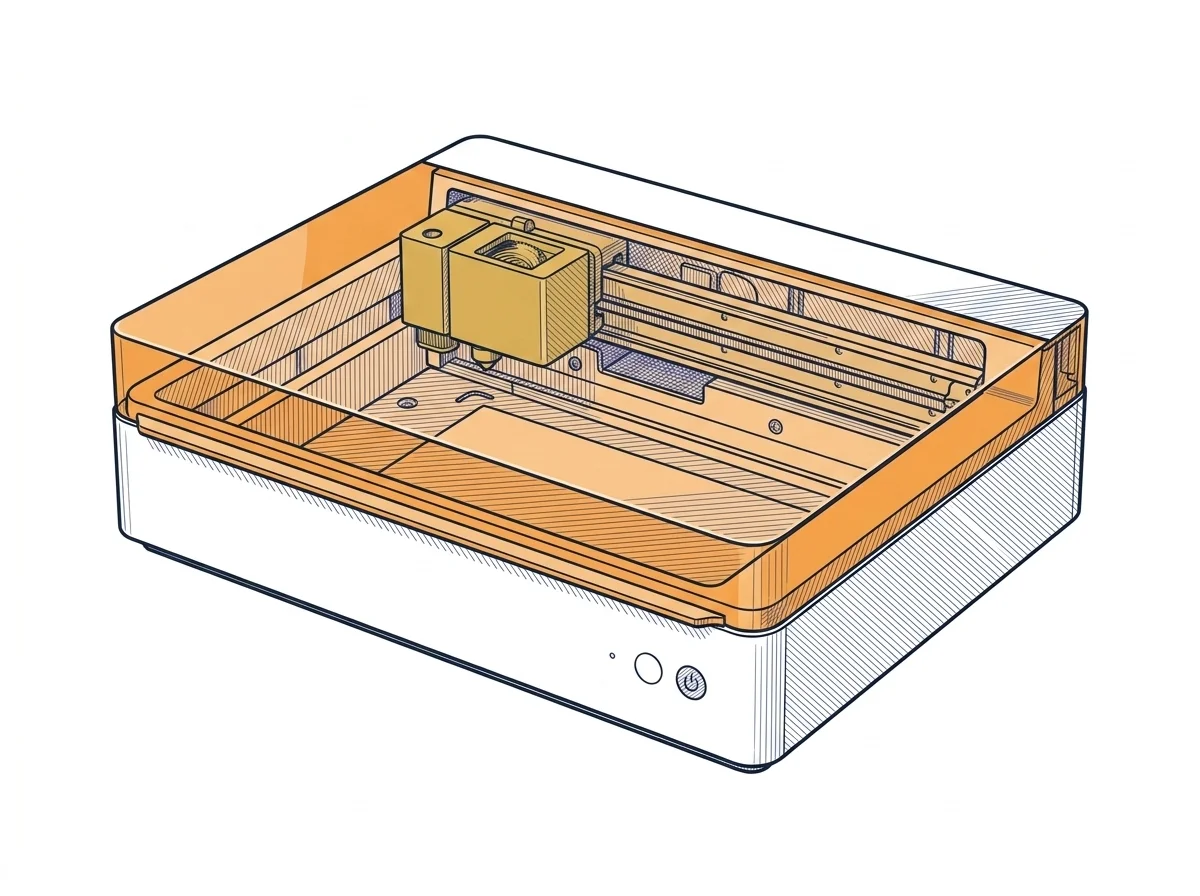
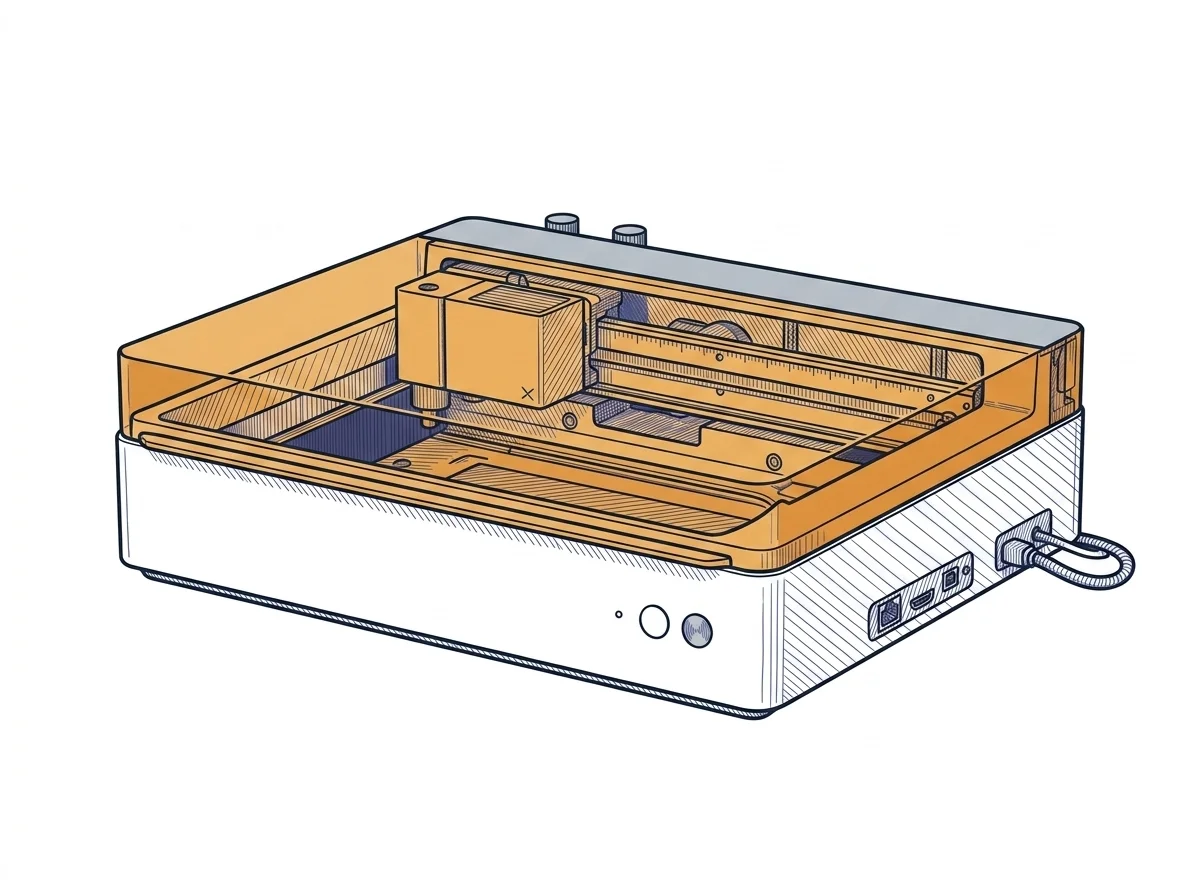
The differences that matter
- Bed: 385 × 300 mm vs 300 × 300 mm → the M1 10W takes pieces up to 385 mm long.
- Weight: 10 kg vs 24.4 kg → the M1 10W can be carried from bench to bench; the Ultra stays where you put it.
- Software: both run only on xTool Creative Space, with no LightBurn → if you already work in LightBurn, neither fits.
Which one to choose
Choose M1 10W if…
Choose the M1 10W to engrave and cut thin material, such as basswood up to 8 mm, on a bed that is longer on one side. It weighs 10 kg and moves easily around the bench. You accept half the power and lower speeds.
Choose M1 Ultra 20W if…
Choose the Ultra 20W if you want the multi-tool machine the maker describes: laser, blade cutting and inkjet printing in the same software. You accept a shorter bed, a machine more than twice as heavy and about €650 more.
Where to buy
Paid link: the price for you does not change. Methodology
As an Amazon Associate I earn from qualifying purchases.
MakerSpecs is an independent atlas. We don't sell products: the purchase links are the same as on the two product sheets and don't influence the verdict. The sheets have the complete data.