xTool D1 Pro 5W Laser Engraver vs xTool M1 Ultra Craft Machine
Technical comparison · Diode laser (405–460 nm)
D1 Pro 5W Laser Engraver and M1 Ultra Craft Machine are not direct competitors: very different prices (~3.1×). D1 Pro 5W Laser Engraver costs less (~€425) and is the entry-level choice; M1 Ultra Craft Machine offers more capability at a higher price (~€1299). Judge them by budget, not head-to-head.
| Parameter |
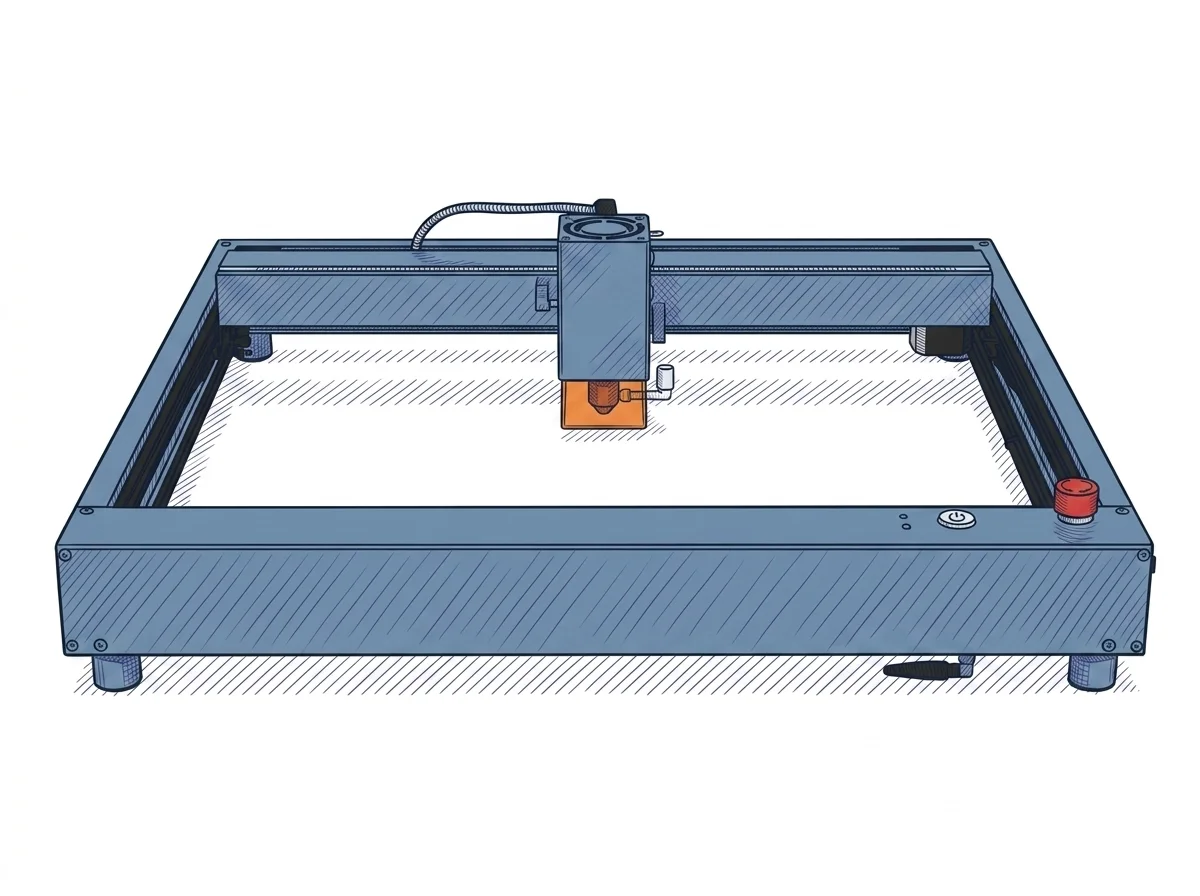 D1 Pro 5W Laser Engraver
xTool
F2 · Intermediate
D1 Pro 5W Laser Engraver
xTool
F2 · Intermediate
|
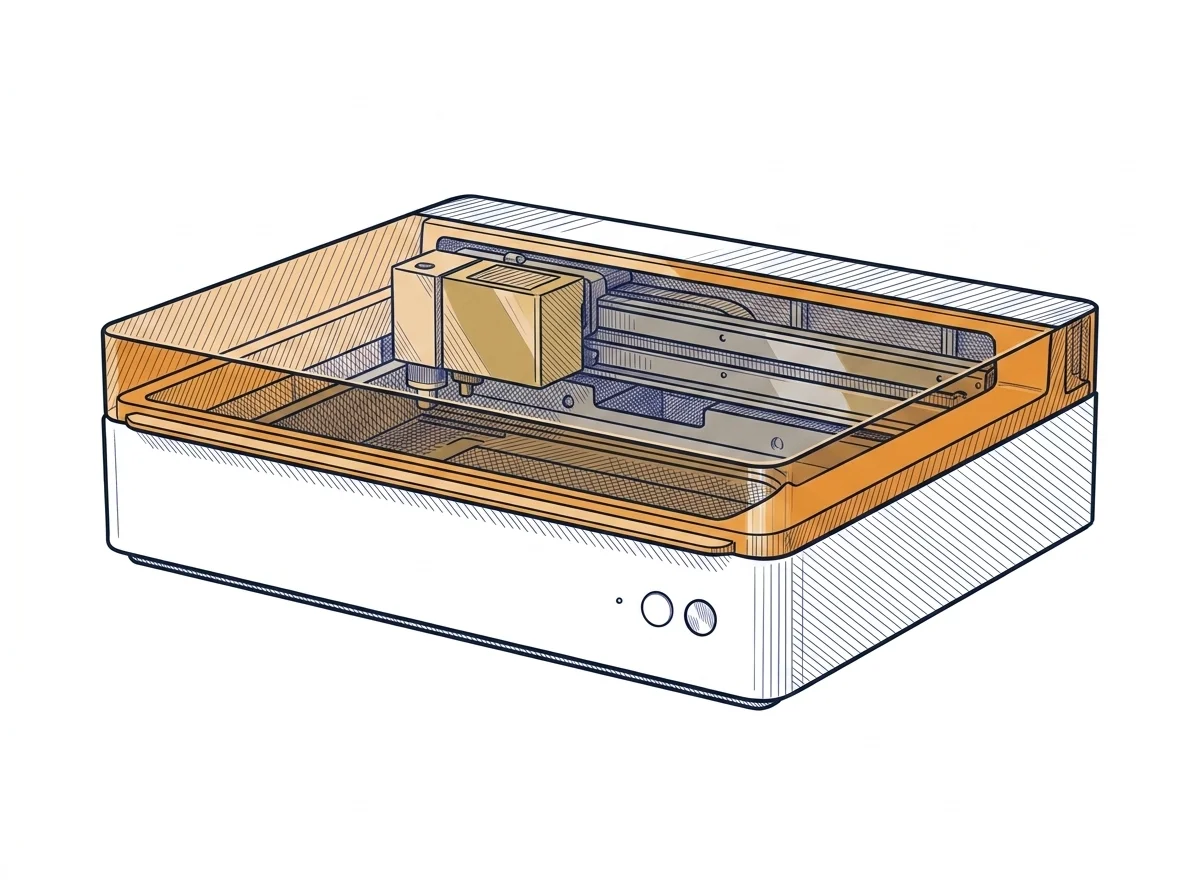 M1 Ultra Craft Machine
xTool
F2 · Intermediate
M1 Ultra Craft Machine
xTool
F2 · Intermediate
|
|---|---|---|
| Identity | ||
| Launch year | 2022 | 2024 |
| Use tier | F2 — Intermediate | F2 — Intermediate |
| Price | ||
| Price (€) | ~350–500 € | 1299 € |
| Universal specs | ||
| Dimensions (W×D×H) (cm) | 60 × 59 × 15 cm | 62 × 49.8 × 17.8 cm |
| Weight (kg) | 5 kg | 12 kg |
| Work area (mm) | 430 × 400 mm | 385 × 300 mm |
| Power (W) | 60 W | 180 W |
| Maximum speed | 400 mm/s | 400 mm/s |
| Declared precision | 0.01 mm | — |
| Category specs | ||
| Work area (short side) (mm) | 400 mm | 300 mm |
| Rated power (W) | 5 W | 10 W |
| Source technology | Diode | Diode |
| Max travel speed (mm/s) | 400 mm/s | 400 mm/s |
| Max processing speed (mm/s) | 400 mm/s | 400 mm/s |
| Wavelength (nm) | 455 nm | 455 nm |
| Min resolution (µm) | 10 µm | — |
| Autofocus | False | True |
| Rotary included/compatible | False | False |
| Passthrough | True | False |
| Supported software | Proprietary, LightBurn | Proprietary |
| Ecosystem | ||
| Cloud dependency | No | No |
| Software notes | The system offers versatile software compatibility, supporting both the proprietary xTool Creative Space (XCS) environment and the industry-standard LightBurn. XCS is a free, intuitive platform ideal for beginners, allowing full project management both online and in a completely offline mode, eliminating cloud dependency. For advanced users requiring sophisticated vector editing and control features, LightBurn represents the ideal choice, integrating via USB or Wi-Fi connection. This dual software option ensures that the machine can evolve alongside the user's skills, covering both straightforward workflows and more complex graphic production and engraving design layouts. | Control is managed exclusively via xTool Creative Space (XCS), the proprietary software compatible with major desktop and mobile operating systems. XCS handles the multi-tool ecosystem, allowing seamless switching from laser cutting setup to blade cutting or inkjet printing within the same project. The software supports standard vector and raster file formats and includes automatic path optimization tools. Due to the complex multi-tool architecture, the system does not offer native compatibility with industry-standard software like LightBurn, binding the user to the manufacturer's official interface, which receives regular updates. |
The differences that matter
- Price: D1 Pro 5W Laser Engraver 425 € vs M1 Ultra Craft Machine 1299 € — D1 Pro 5W Laser Engraver wins (+206%)
- Work area: D1 Pro 5W Laser Engraver 430×400 mm vs M1 Ultra Craft Machine 385×300 mm — D1 Pro 5W Laser Engraver wins (+49%)
Which one to choose
Choose D1 Pro 5W Laser Engraver if…
you value price and work area.
MakerSpecs is an independent atlas. We don't sell products: this comparison links to both sheets, where you'll find complete data and official links.