Prusa Research XL vs Qidi Tech X-CF Pro
Technical comparison · Fused filament fabrication (FFF/FDM)
XL leads on the available specs (starting with work area); X-CF Pro makes sense only for non-technical reasons (availability, support, ecosystem), or if the missing data matters in your case.
| Parameter |
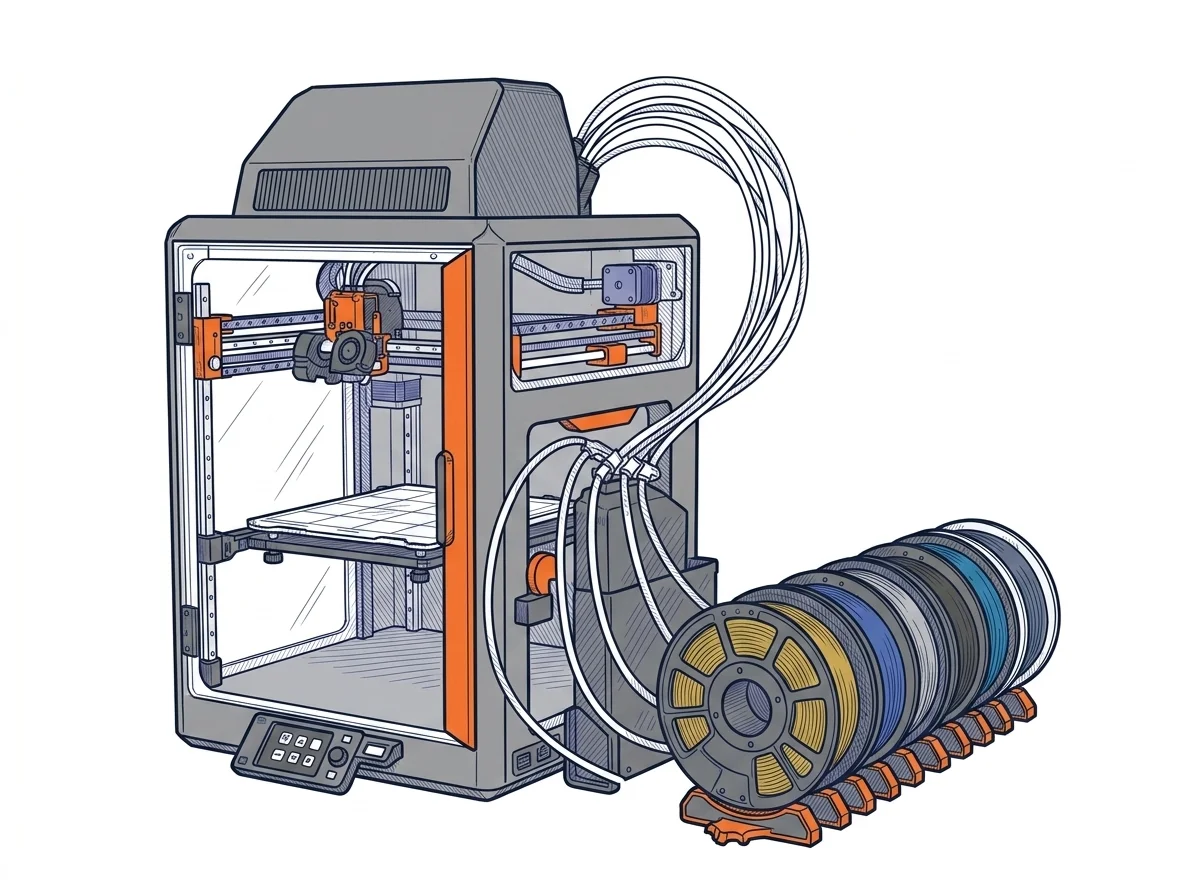 XL
Prusa Research
F2 · Intermediate
XL
Prusa Research
F2 · Intermediate
|
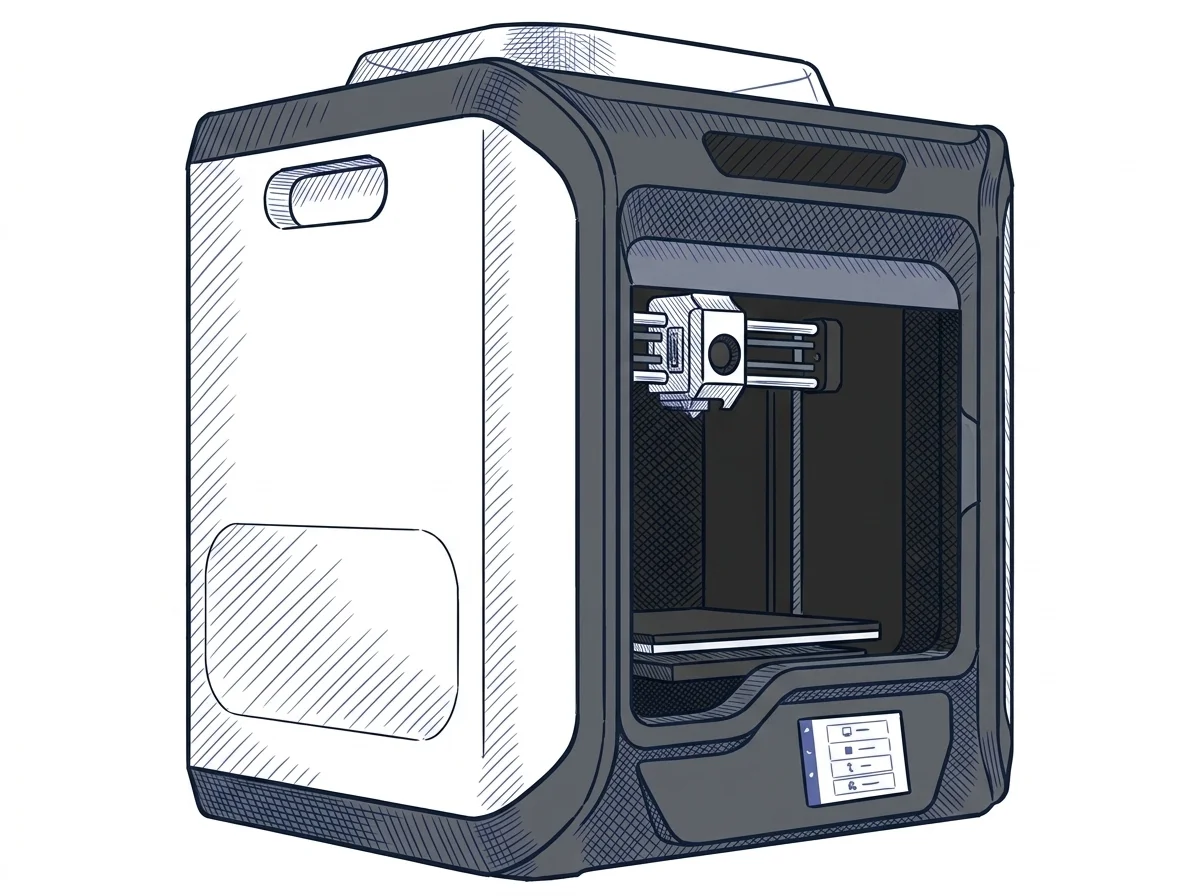 X-CF Pro
Qidi Tech
F2 · Intermediate
X-CF Pro
Qidi Tech
F2 · Intermediate
|
|---|---|---|
| Identity | ||
| Launch year | 2025 | 2021 |
| Use tier | F2 — Intermediate | F2 — Intermediate |
| Price | ||
| Price (€) | ~1700–1900 € | ~1700–1900 € |
| Universal specs | ||
| Dimensions (W×D×H) (cm) | — | 61 × 51.5 × 67.8 cm |
| Weight (kg) | — | 32.5 kg |
| Work area (mm) | 300 × 300 mm | 300 × 250 mm |
| Z-axis height (mm) | 330 mm | 300 mm |
| Power (W) | — | 450 W |
| Voltage (V) | 230 V | — |
| Maximum speed | — | 60 mm/s |
| Declared precision | — | 0.05 mm |
| Category specs | ||
| Footprint X×Y (short side) (mm) | — | 250 mm |
| Build height Z (mm) | — | 300 mm |
| Max nozzle temperature (°C) | — | 350 °C |
| Max bed temperature (°C) | — | 120 °C |
| Max print speed (mm/s) | — | 60 mm/s |
| Enclosed chamber | — | True |
| Filament sensor | — | True |
| Auto bed leveling | — | Mesh |
| Standard nozzle diameter (mm) | — | 0.4 mm |
| Multi-extruder | — | False |
| Native Klipper | — | False |
| Input shaper | — | False |
| Multicolor printing | — | False |
| Max colors | — | 1 |
| Ecosystem | ||
| Cloud dependency | No | No |
| Software notes | Compatible with PrusaSlicer (open source, with material profiles verified and maintained by Prusa Research), OrcaSlicer, and SuperSlicer, as well as any slicer that exports standard G-code. The firmware is based on Prusa Research's open-source Marlin fork, with input shaping support. Unlike Bambu Lab models, which use a partially proprietary protocol and work best with Bambu Studio, the CORE One L accepts generic G-code via USB, SD card, and PrusaConnect. The user is not locked into a single software ecosystem and can freely modify or update the firmware. | The printer is officially supported by QidiPrint, the manufacturer's proprietary slicing software, which includes pre-configured profiles optimized for carbon fiber and nylon printing. The system is also fully compatible with popular third-party slicers, including Ultimaker Cura and Simplify3D, giving users the flexibility to adapt their workflow. Basic connectivity includes Wi-Fi, a wired LAN network, and a USB port for manual file transfer. Although the native Marlin-based firmware lacks advanced network management features like Klipper, the machine can be successfully interfaced with external server systems such as OctoPrint via cable. |
The differences that matter
- Work area: XL 300×300 mm vs X-CF Pro 300×250 mm — XL wins (+20%)
Which one to choose
MakerSpecs is an independent atlas. We don't sell products: this comparison links to both sheets, where you'll find complete data and official links.