Ortur R2 vs xTool S1 20W Laser Cutter
Technical comparison · Diode laser (405–460 nm)
R2 and S1 20W Laser Cutter are two diode laser (405–460 nm) in a similar class. Choose R2 if price matters more; choose S1 20W Laser Cutter if work area matters more.
| Parameter |
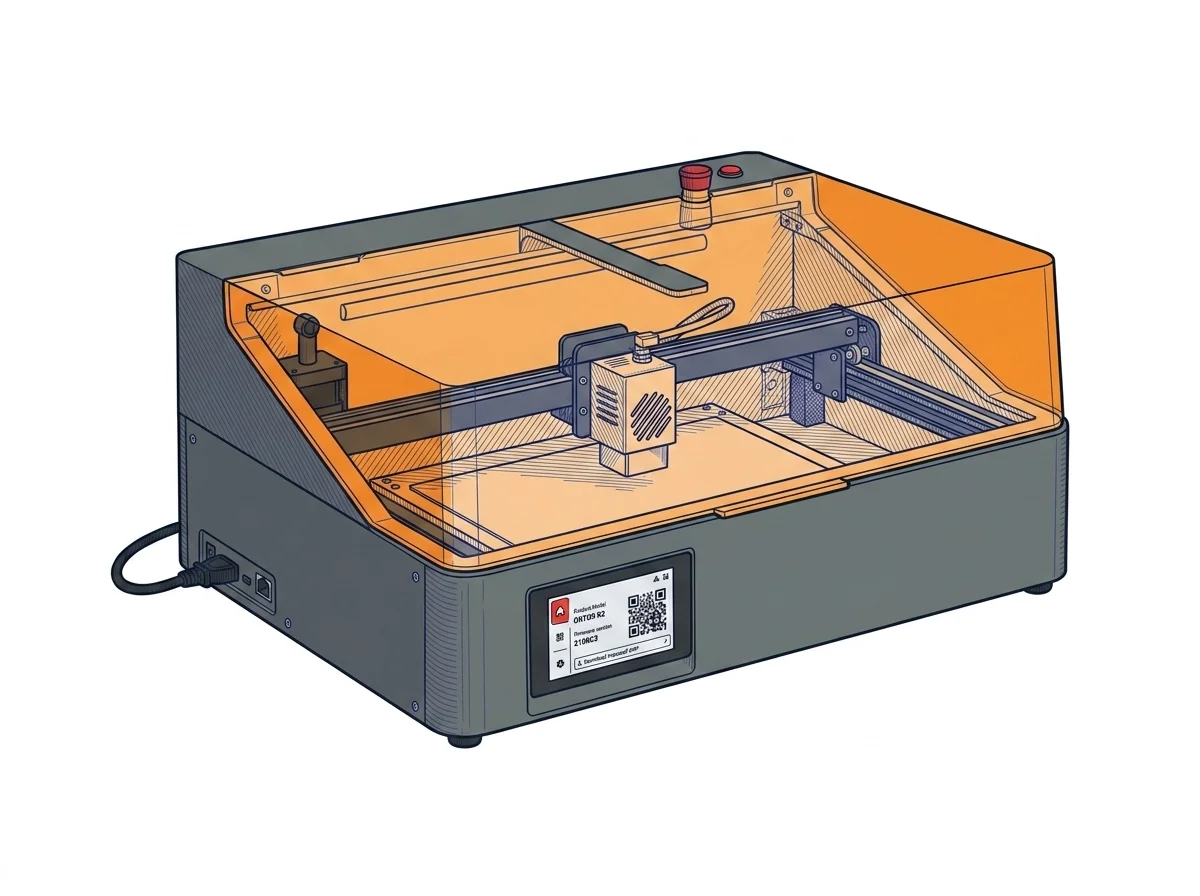 R2
Ortur
F2 · Intermediate
R2
Ortur
F2 · Intermediate
|
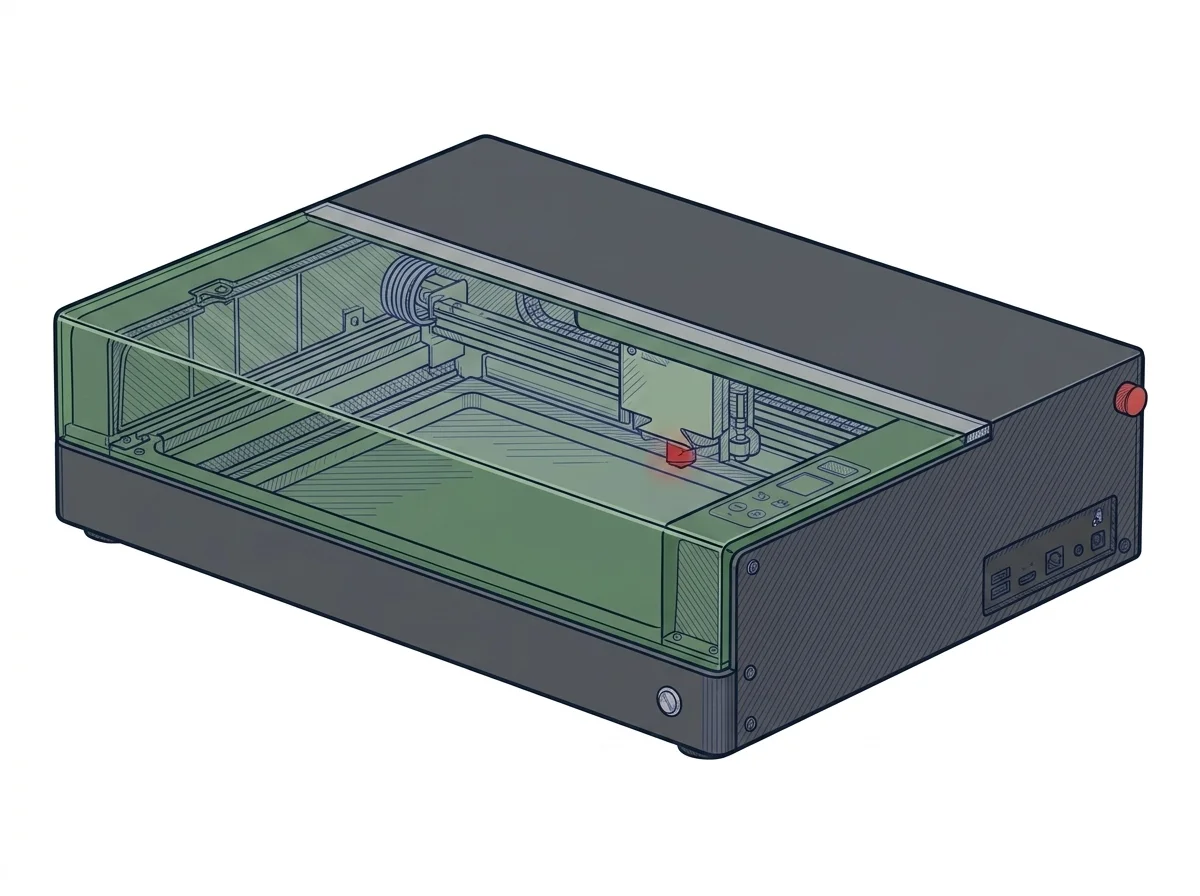 S1 20W Laser Cutter
xTool
F2 · Intermediate
S1 20W Laser Cutter
xTool
F2 · Intermediate
|
|---|---|---|
| Identity | ||
| Launch year | 2025 | 2023 |
| Use tier | F2 — Intermediate | F2 — Intermediate |
| Price | ||
| Price (€) | ~480–600 € | ~1300–1600 € |
| Universal specs | ||
| Dimensions (W×D×H) (cm) | 47 × 40 × 21.4 cm | 76.5 × 56.1 × 18.3 cm |
| Weight (kg) | 10.5 kg | 20 kg |
| Work area (mm) | 300 × 210 mm | 498 × 330 mm |
| Z-axis height (mm) | — | 42 mm |
| Maximum speed | 20000 mm/min | 600 mm/s |
| Declared precision | 0.01 mm | 0.01 mm |
| Category specs | ||
| Work area (short side) (mm) | 210 mm | 330 mm |
| Rated power (W) | 10.0 W | 20 W |
| Source technology | Diode | Diode |
| Max travel speed (mm/s) | 333.33 mm/s | 600 mm/s |
| Max processing speed (mm/s) | 333.33 mm/s | 600 mm/s |
| Max cut depth per material | — | 10 mm wood |
| Wavelength (nm) | 450 nm | 455 nm |
| Min resolution (µm) | 10.0 µm | — |
| Autofocus | False | True |
| Rotary included/compatible | False | False |
| Passthrough | — | True |
| Supported software | Proprietary | Proprietary, LightBurn |
| Ecosystem | ||
| Cloud dependency | No | No |
| Software notes | The Ortur R2 operates exclusively with Ortur's proprietary mobile and desktop app, offering template-based design, sketch-to-engrave, and material-aware presets. No support for LightBurn, LaserGRBL, or any G-code sender; the control board uses a closed protocol. The built-in color touchscreen allows uploading files via USB for offline, PC-free repetition of the last 8 jobs. This simplifies use but prevents custom power/speed curves or integration with external camera systems. | The machine is managed through dual software compatibility that expands the user's operational possibilities. The proprietary program, developed directly by the manufacturer, provides an accessible interface and simplified positioning functions via sensors, facilitating workflow management even for less experienced operators. For professional contexts or advanced customization needs, the unit fully supports LightBurn, the industry standard for laser cutting. This integration allows the management of detailed parameters, complex vectorization, and customized material libraries. The machine operates primarily in local mode via USB connection or Wi-Fi network, reducing dependency on external cloud services and ensuring operational continuity even in the absence of a stable internet connection. |
The differences that matter
- Price: R2 540 € vs S1 20W Laser Cutter 1450 € — R2 wins (+169%)
- Work area: R2 300×210 mm vs S1 20W Laser Cutter 498×330 mm — S1 20W Laser Cutter wins (+161%)
Which one to choose
MakerSpecs is an independent atlas. We don't sell products: this comparison links to both sheets, where you'll find complete data and official links.