Ortur R2 vs Sculpfun G9
Technical comparison · Diode laser (405–460 nm)
R2 leads on the available specs (starting with work area); G9 makes sense only for non-technical reasons (availability, support, ecosystem), or if the missing data matters in your case.
| Parameter |
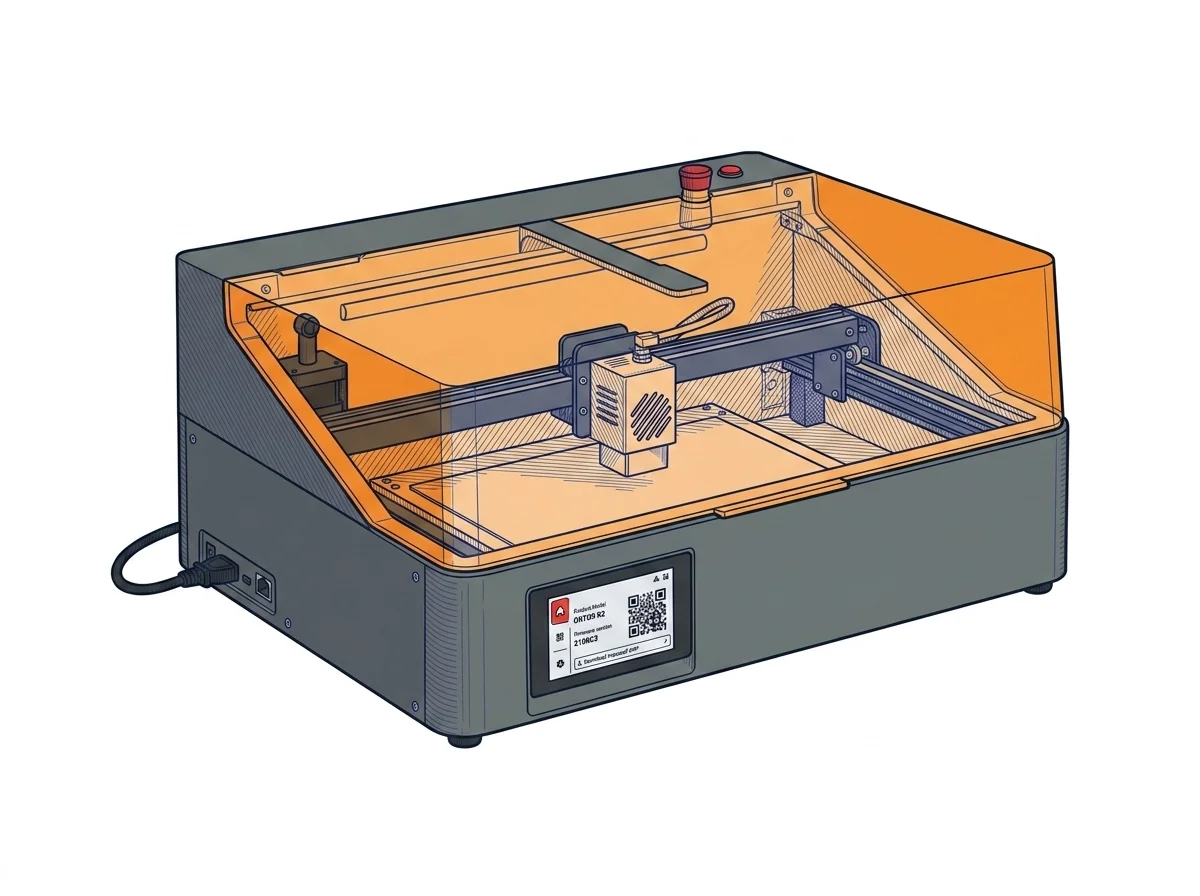 R2
Ortur
F2 · Intermediate
R2
Ortur
F2 · Intermediate
|
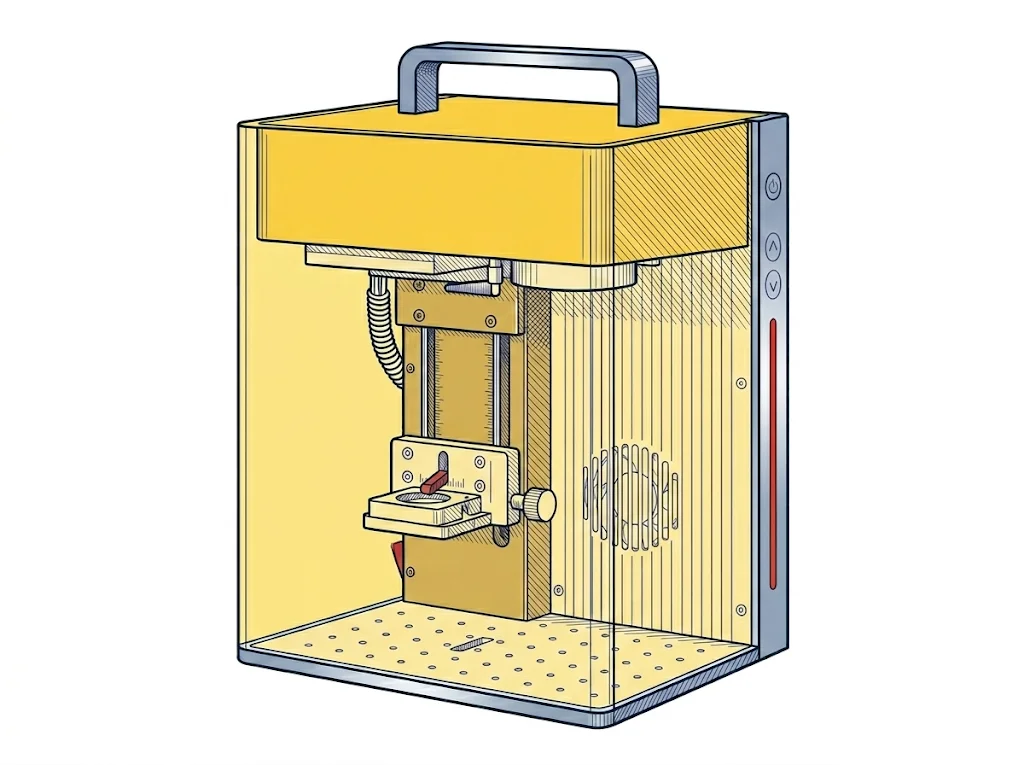 G9
Sculpfun
F2 · Intermediate
G9
Sculpfun
F2 · Intermediate
|
|---|---|---|
| Identity | ||
| Launch year | 2025 | 2024 |
| Use tier | F2 — Intermediate | F2 — Intermediate |
| Price | ||
| Price (€) | ~480–600 € | 899 € |
| Universal specs | ||
| Dimensions (W×D×H) (cm) | 47 × 40 × 21.4 cm | 23 × 19.5 × 32.1 cm |
| Weight (kg) | 10.5 kg | 6.4 kg |
| Work area (mm) | 300 × 210 mm | 105 × 105 mm |
| Power (W) | — | 108 W |
| Voltage (V) | — | 12 V |
| Maximum speed | 20000 mm/min | 5000 mm/s |
| Declared precision | 0.01 mm | 0.0001 mm |
| Category specs | ||
| Work area (short side) (mm) | 210 mm | 105 mm |
| Rated power (W) | 10.0 W | 12 W |
| Source technology | Diode | Diode |
| Max travel speed (mm/s) | 333.33 mm/s | 10000 mm/s |
| Max processing speed (mm/s) | 333.33 mm/s | 5000 mm/s |
| Max cut depth per material | — | 10 mm legno, 6 mm acrilico |
| Wavelength (nm) | 450 nm | 455 nm |
| Min resolution (µm) | 10.0 µm | 10 µm |
| Autofocus | False | True |
| Rotary included/compatible | False | False |
| Passthrough | — | False |
| Supported software | Proprietary | Proprietary, LightBurn |
| Ecosystem | ||
| Cloud dependency | No | No |
| Software notes | The Ortur R2 operates exclusively with Ortur's proprietary mobile and desktop app, offering template-based design, sketch-to-engrave, and material-aware presets. No support for LightBurn, LaserGRBL, or any G-code sender; the control board uses a closed protocol. The built-in color touchscreen allows uploading files via USB for offline, PC-free repetition of the last 8 jobs. This simplifies use but prevents custom power/speed curves or integration with external camera systems. | Compatible with the free proprietary SGD Laser software (optimized for galvo systems and recommended for beginners) and LightBurn (requires a license and is partially supported for advanced features). |
The differences that matter
- Work area: R2 300×210 mm vs G9 105×105 mm — R2 wins (+471%)
- Price: R2 540 € vs G9 899 € — R2 wins (+66%)
Which one to choose
MakerSpecs is an independent atlas. We don't sell products: this comparison links to both sheets, where you'll find complete data and official links.