Ortur Laser Master 2 S2 1.6W vs Ortur Laser Master 3 (LM3) 20W
Technical comparison · Diode laser (405–460 nm)
Laser Master 2 S2 1.6W and Laser Master 3 (LM3) 20W are not direct competitors: very different prices (~4.7×). Laser Master 2 S2 1.6W costs less (~€195) and is the entry-level choice; Laser Master 3 (LM3) 20W offers more capability at a higher price (~€925). Judge them by budget, not head-to-head.
| Parameter |
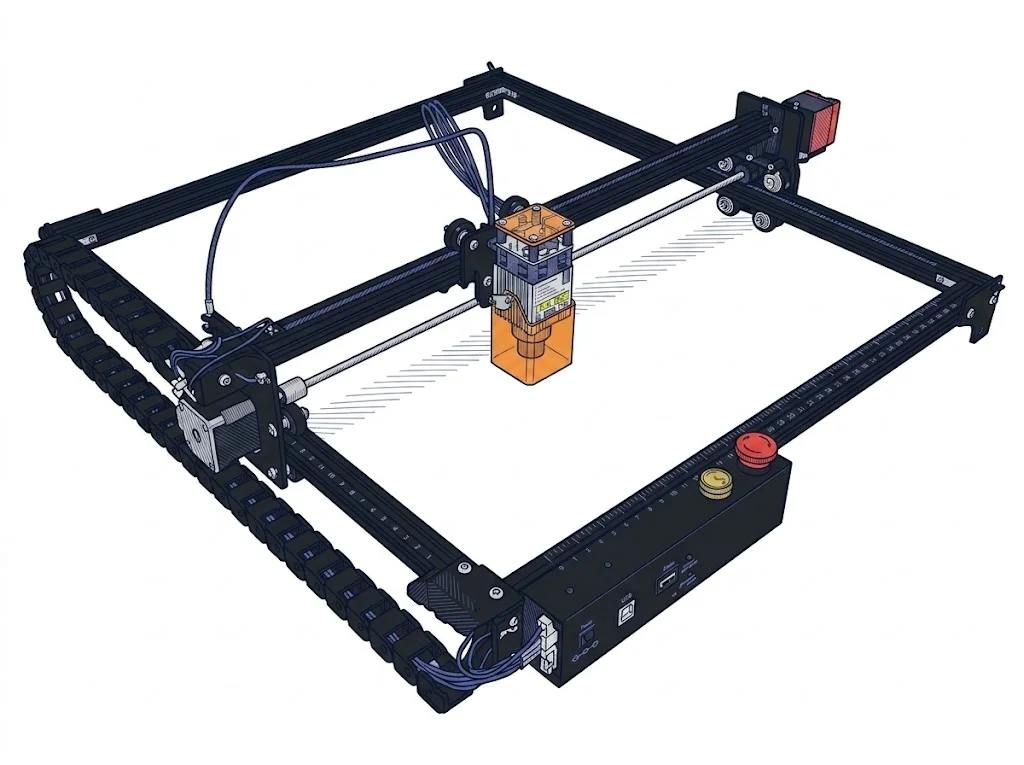 Laser Master 2 S2 1.6W
Ortur
F2 · Intermediate
Laser Master 2 S2 1.6W
Ortur
F2 · Intermediate
|
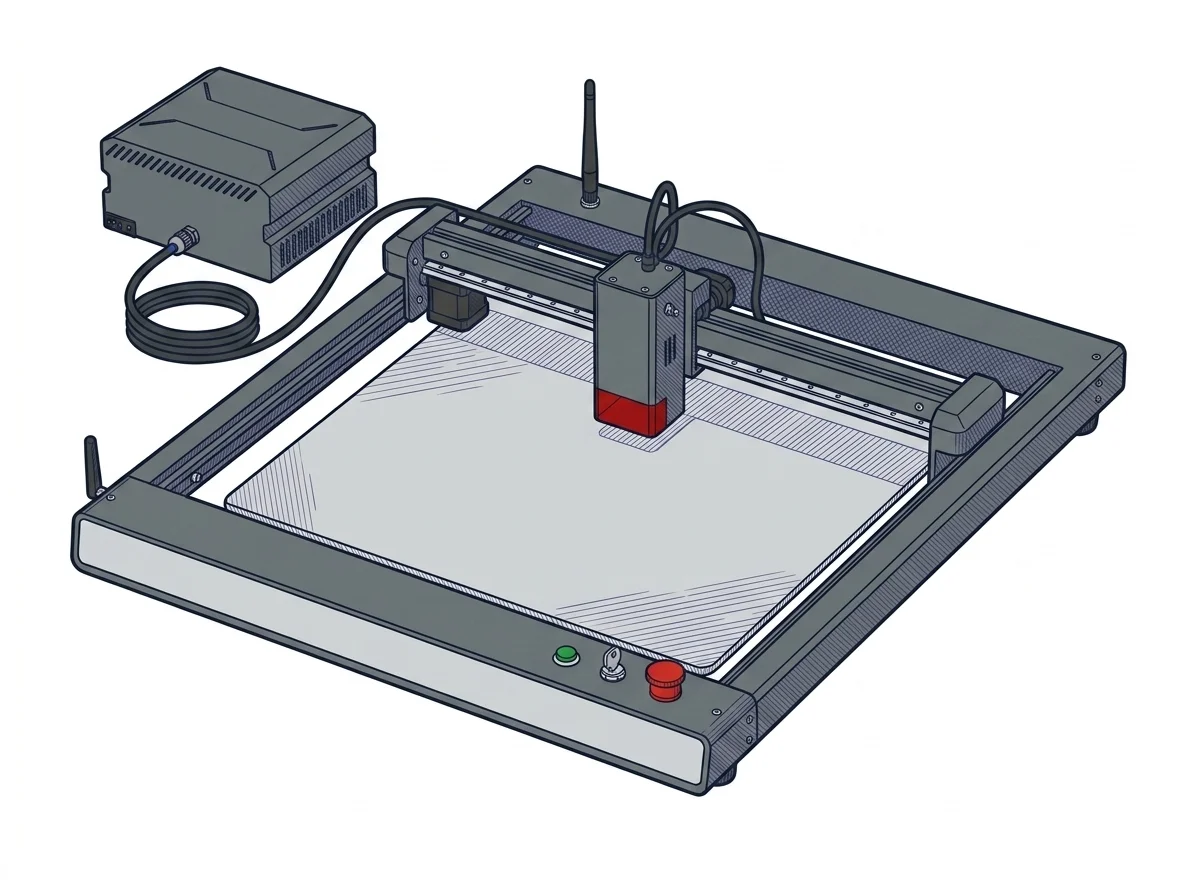 Laser Master 3 (LM3) 20W
Ortur
F2 · Intermediate
Laser Master 3 (LM3) 20W
Ortur
F2 · Intermediate
|
|---|---|---|
| Identity | ||
| Launch year | 2021 | 2023 |
| Use tier | F2 — Intermediate | F2 — Intermediate |
| Price | ||
| Price (€) | ~150–240 € | ~800–1050 € |
| Universal specs | ||
| Dimensions (W×D×H) (cm) | — | 58 × 55 × 15 cm |
| Work area (mm) | 390 × 410 mm | 400 × 380 mm |
| Power (W) | — | 96 W |
| Voltage (V) | — | 24 V |
| Maximum speed | 10000 mm/min | 20000 mm/min |
| Declared precision | — | 0.01 mm |
| Category specs | ||
| Work area (short side) (mm) | 390 mm | 380 mm |
| Rated power (W) | 1.6 W | 20 W |
| Source technology | Diode | Diode |
| Max travel speed (mm/s) | 166.67 mm/s | 333.33 mm/s |
| Max processing speed (mm/s) | 166.67 mm/s | 333.33 mm/s |
| Max cut depth per material | — | 15mm Pine, 10mm Plywood, 8mm Black Acrylic |
| Wavelength (nm) | 450 nm | 445 nm |
| Min resolution (µm) | — | 12.5 µm |
| Autofocus | False | False |
| Rotary included/compatible | False | False |
| Passthrough | True | True |
| Supported software | LightBurn, Other | LightBurn, Other |
| Ecosystem | ||
| Cloud dependency | No | No |
| Software notes | This machine offers complete compatibility with the main control software currently available for diode lasers, thanks to the adoption of the 32-bit GRBL standard protocol and firmware. Users can manage engraving operations using established and well-documented programs such as LightBurn (paid software, ideal for advanced workflows and users of all operational levels) and LaserGRBL (free and open-source, perfect for those operating on Windows systems). The connection typically occurs via a standard USB cable, ensuring stable communication between the host computer and the machine's motherboard while executing the generated toolpath. The use of closed proprietary software is not required, thus offering maximum operational flexibility. | Fully compatible with LightBurn and LaserGRBL via USB or Wi-Fi. It also offers the proprietary Ortur Laser Explorer app for controlling and sending jobs directly from a smartphone. |
The differences that matter
- Price: Laser Master 2 S2 1.6W 195 € vs Laser Master 3 (LM3) 20W 925 € — Laser Master 2 S2 1.6W wins (+374%)
- Work area: Laser Master 2 S2 1.6W 390×410 mm vs Laser Master 3 (LM3) 20W 400×380 mm — Laser Master 2 S2 1.6W wins (+5%)
Which one to choose
Choose Laser Master 2 S2 1.6W if…
you value price and work area.
MakerSpecs is an independent atlas. We don't sell products: this comparison links to both sheets, where you'll find complete data and official links.