Ortur Laser Master 2 Pro S2 5W vs xTool M1 Ultra 20W Craft Machine
Technical comparison · Diode laser (405–460 nm)
Laser Master 2 Pro S2 5W and M1 Ultra 20W Craft Machine are not direct competitors: very different prices (~4.4×). Laser Master 2 Pro S2 5W costs less (~€329) and is the entry-level choice; M1 Ultra 20W Craft Machine offers more capability at a higher price (~€1450). Judge them by budget, not head-to-head.
| Parameter |
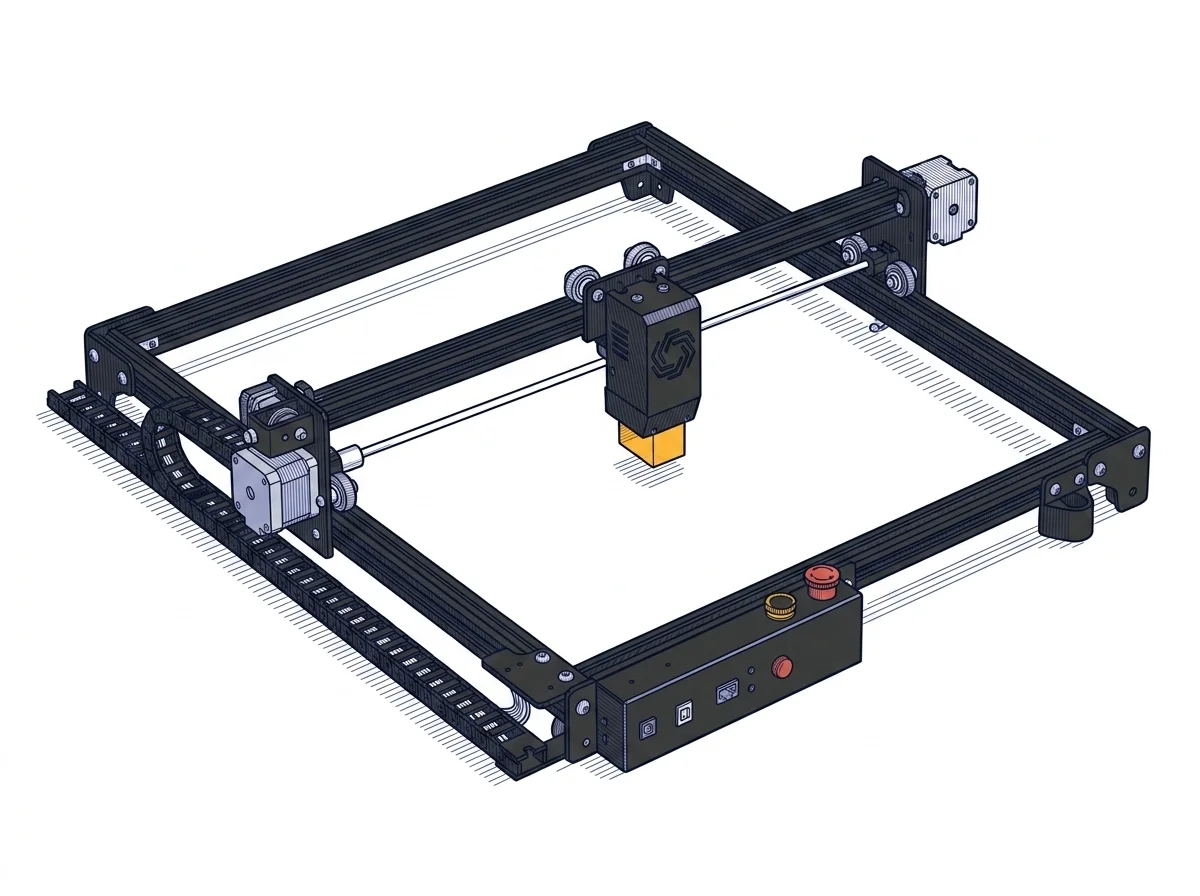 Laser Master 2 Pro S2 5W
Ortur
F2 · Intermediate
Laser Master 2 Pro S2 5W
Ortur
F2 · Intermediate
|
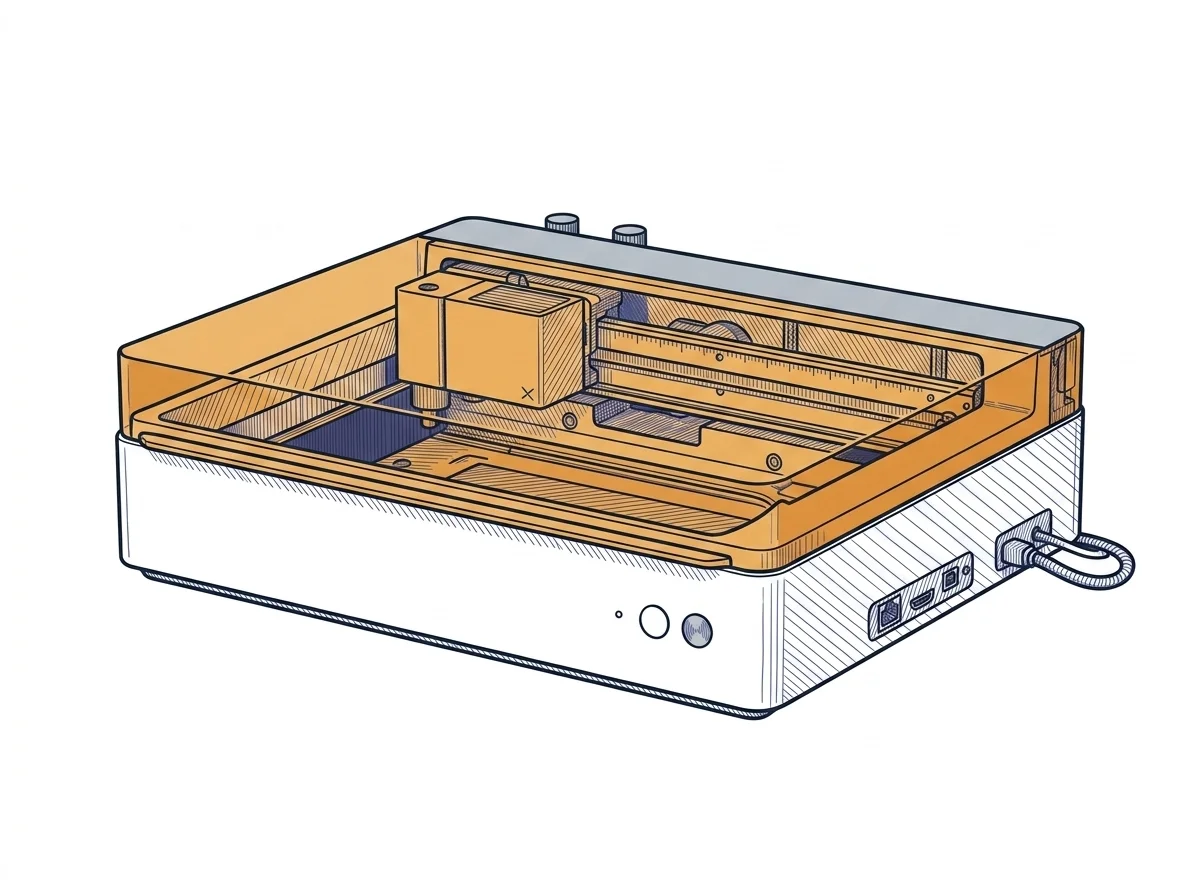 M1 Ultra 20W Craft Machine
xTool
F2 · Intermediate
M1 Ultra 20W Craft Machine
xTool
F2 · Intermediate
|
|---|---|---|
| Identity | ||
| Launch year | 2021 | 2024 |
| Use tier | F2 — Intermediate | F2 — Intermediate |
| Price | ||
| Price (€) | 329 € | ~1300–1600 € |
| Universal specs | ||
| Dimensions (W×D×H) (cm) | 60 × 57 × 13 cm | 62 × 49.8 × 17.8 cm |
| Weight (kg) | 3.5 kg | 24.44 kg |
| Work area (mm) | 400 × 400 mm | 300 × 300 mm |
| Power (W) | 48 W | — |
| Voltage (V) | 24 V | — |
| Maximum speed | 10000 mm/min | 400 mm/s |
| Declared precision | 0.01 mm | — |
| Category specs | ||
| Work area (short side) (mm) | 400 mm | 300 mm |
| Rated power (W) | 5.5 W | 20 W |
| Source technology | Diode | Diode |
| Max travel speed (mm/s) | 250 mm/s | 400 mm/s |
| Max processing speed (mm/s) | 250 mm/s | 400 mm/s |
| Max cut depth per material | Wood: 12 mm, Acrylic: 5 mm | — |
| Wavelength (nm) | 445 nm | 455 nm |
| Min resolution (µm) | 12.5 µm | — |
| Autofocus | False | True |
| Rotary included/compatible | False | False |
| Passthrough | True | False |
| Supported software | LightBurn, Other | Proprietary |
| Ecosystem | ||
| Cloud dependency | No | No |
| Software notes | The operational management of the engraver is guaranteed by full compatibility with the most popular software in the industry, making workflow integration highly flexible. Users can utilize LightBurn, an advanced commercial program that has become the gold standard for those requiring complex editing tools and granular control over cutting parameters. Alternatively, the motherboard natively supports LaserGRBL, a free and open-source software solution, particularly suitable for beginners due to its intuitive interface. The connection between the computer and the machine occurs physically via a standard USB cable, ensuring stable and low-latency data transfer, without any need for an internet connection or reliance on cloud-based platforms. | System management relies primarily on the proprietary xTool Creative Space software, specifically developed to coordinate the machine's multi-function ecosystem. This application allows users to switch easily between laser engraving or cutting, blade die-cutting, and inkjet printing, while managing alignment via integrated sensors. The software is available for major desktop and mobile operating systems and supports both online and offline workflows. Although the interface is optimized to simplify the user experience, professionals accustomed to industry-standard platforms like LightBurn might experience operational limitations, as full support for the multi-tool capabilities strictly requires the manufacturer's official application. |
The differences that matter
- Price: Laser Master 2 Pro S2 5W 329 € vs M1 Ultra 20W Craft Machine 1450 € — Laser Master 2 Pro S2 5W wins (+341%)
- Work area: Laser Master 2 Pro S2 5W 400×400 mm vs M1 Ultra 20W Craft Machine 300×300 mm — Laser Master 2 Pro S2 5W wins (+78%)
Which one to choose
Choose Laser Master 2 Pro S2 5W if…
you value price and work area.
MakerSpecs is an independent atlas. We don't sell products: this comparison links to both sheets, where you'll find complete data and official links.