Elegoo Neptune 4 Max vs Prusa Research MINI+ Enclosure Bundle
Technical comparison · Fused filament fabrication (FFF/FDM)
Neptune 4 Max and MINI+ Enclosure Bundle are two fused filament fabrication (fff/fdm) in a similar class. Choose Neptune 4 Max if work area and build height z matters more; choose MINI+ Enclosure Bundle if price and max bed temperature matters more. On the category's overall technical index, Neptune 4 Max scores 42/100 against 15/100 for MINI+ Enclosure Bundle.
| Parameter |
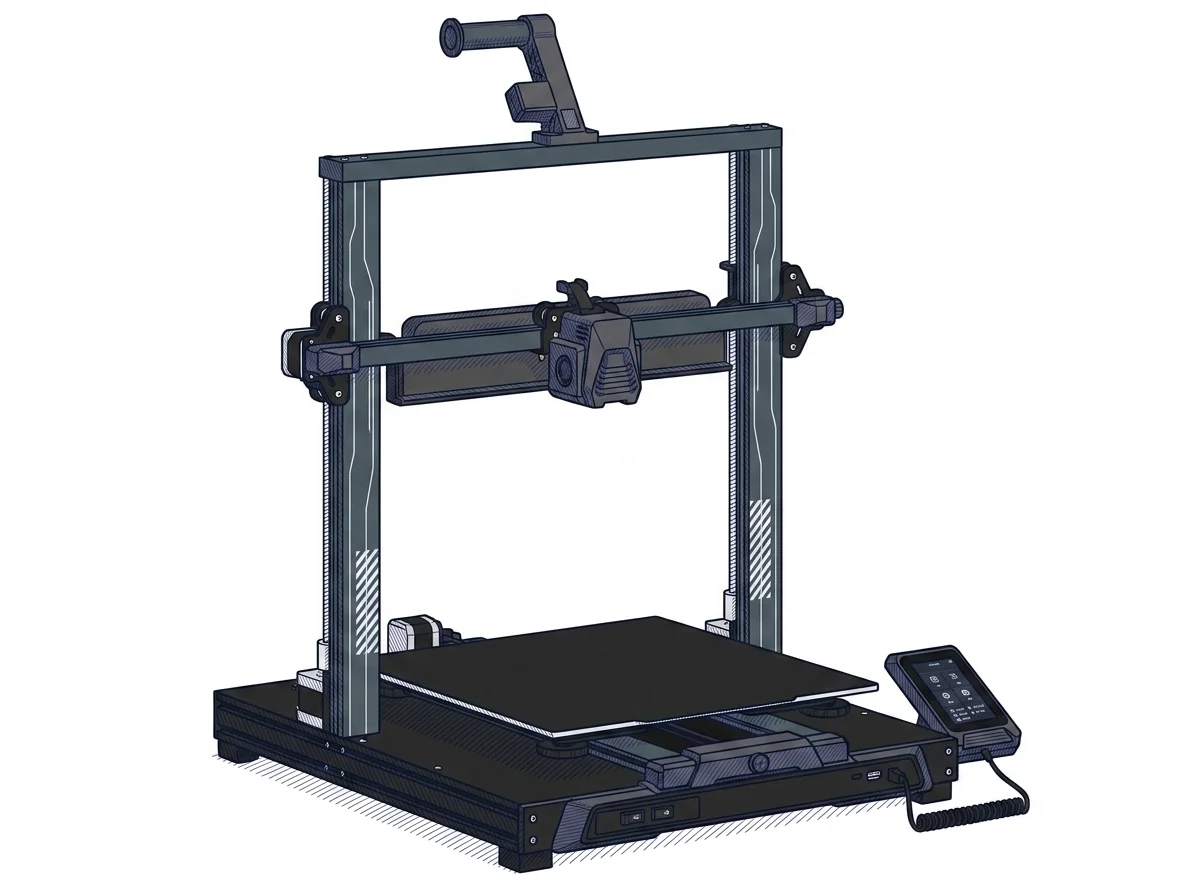 Neptune 4 Max
Elegoo
F2 · Intermediate
Neptune 4 Max
Elegoo
F2 · Intermediate
|
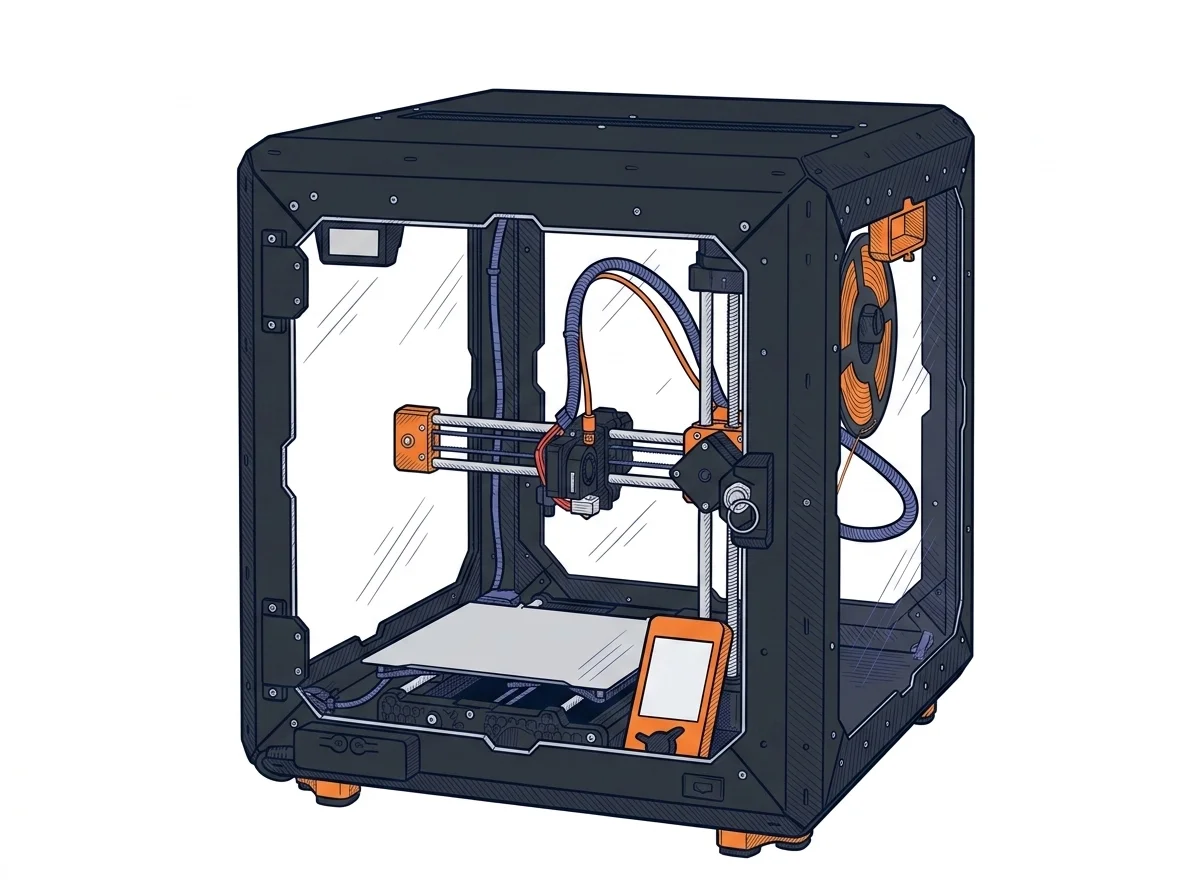 MINI+ Enclosure Bundle
Prusa Research
F2 · Intermediate
MINI+ Enclosure Bundle
Prusa Research
F2 · Intermediate
|
|---|---|---|
| Identity | ||
| Launch year | 2023 | 2020 |
| Use tier | F2 — Intermediate | F2 — Intermediate |
| Price | ||
| Price (€) | 549 € | 509 € |
| Universal specs | ||
| Dimensions (W×D×H) (cm) | 65.8 × 63.2 × 74 cm | 38 × 33 × 38 cm |
| Weight (kg) | 18.1 kg | 4.5 kg |
| Work area (mm) | 420 × 420 mm | 180 × 180 mm |
| Z-axis height (mm) | 480 mm | 180 mm |
| Power (W) | — | 150 W |
| Voltage (V) | — | 230 V |
| Maximum speed | 500 mm/s | 200 mm/s |
| Declared precision | 0.1 mm | 0.05 mm |
| Category specs | ||
| Footprint X×Y (short side) (mm) | 420 mm | 180 mm |
| Build height Z (mm) | 480 mm | 180 mm |
| Kinematics | Cartesian | Cartesian |
| Max nozzle temperature (°C) | 300 °C | 280 °C |
| Max bed temperature (°C) | 85 °C | 100 °C |
| Max print speed (mm/s) | 500 mm/s | 180 mm/s |
| Enclosed chamber | False | False |
| Filament sensor | True | False |
| Auto bed leveling | Mesh | Mesh |
| Standard nozzle diameter (mm) | 0.4 mm | 0.4 mm |
| Multi-extruder | False | False |
| Native Klipper | True | False |
| Input shaper | True | True |
| Multicolor printing | False | False |
| Multicolor requires accessory | False | True |
| Max colors | 1 | — |
| Ecosystem | ||
| Cloud dependency | No | No |
| Software notes | The system relies on an open ecosystem thanks to the motherboard with pre-installed Klipper. Users can manage the machine both through the 4.3-inch capacitive touchscreen interface and via local network using the integrated web interface (Fluidd). Elegoo provides its own customized version of the Cura slicer, but the printer remains fully compatible with most third-party slicers such as PrusaSlicer, OrcaSlicer, and Simplify3D. Native support for Wi-Fi and LAN connectivity facilitates sending and monitoring G-code files without the need for physical media. | PrusaSlicer, with pre-verified profiles for Input Shaper and Pressure Advance, is the reference software, but the machine accepts standard G-code from any compatible slicer, such as Cura or Simplify3D. Remote management runs through Prusa Connect, via Ethernet or the optional ESP Wi-Fi module. The firmware is open-source and runs on the 32-bit Buddy board, not GRBL, and is OTA-updatable: the Prusa ecosystem provides optimized profiles and regular updates, but doesn't restrict the use of alternative software. |
The differences that matter
- Work area: Neptune 4 Max 420×420 mm vs MINI+ Enclosure Bundle 180×180 mm — Neptune 4 Max wins (+444%)
- Build height Z: Neptune 4 Max 480 mm vs MINI+ Enclosure Bundle 180 mm — Neptune 4 Max wins (+167%)
- Max print speed: Neptune 4 Max 500 mm/s vs MINI+ Enclosure Bundle 180 mm/s — Neptune 4 Max wins (+178%)
- Filament sensor: Neptune 4 Max yes, MINI+ Enclosure Bundle no
- Native Klipper: Neptune 4 Max yes, MINI+ Enclosure Bundle no
Which one to choose
Choose Neptune 4 Max if…
you value work area, build height z and max print speed.
Choose MINI+ Enclosure Bundle if…
you value price and max bed temperature.
MakerSpecs is an independent atlas. We don't sell products: this comparison links to both sheets, where you'll find complete data and official links.