Elegoo Centauri Carbon 2 Combo 3D Printer vs Prusa Research CORE One+
Technical comparison · Fused filament fabrication (FFF/FDM)
Centauri Carbon 2 Combo 3D Printer and CORE One+ are two fused filament fabrication (fff/fdm) in a similar class. Choose Centauri Carbon 2 Combo 3D Printer if price matters more; choose CORE One+ if max colors matters more. On the category's overall technical index, Centauri Carbon 2 Combo 3D Printer scores 58/100 against 45/100 for CORE One+.
| Parameter |
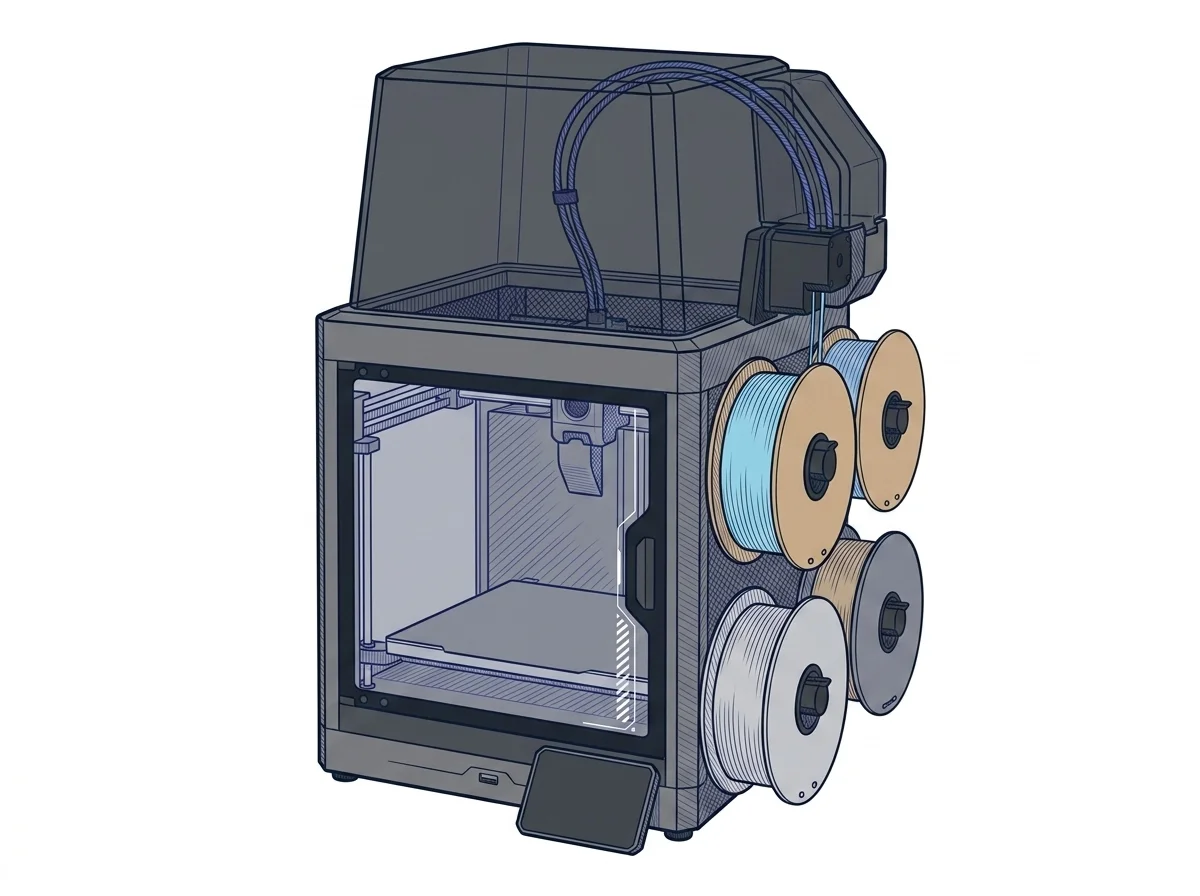 Centauri Carbon 2 Combo 3D Printer
Elegoo
F2 · Intermediate
Centauri Carbon 2 Combo 3D Printer
Elegoo
F2 · Intermediate
|
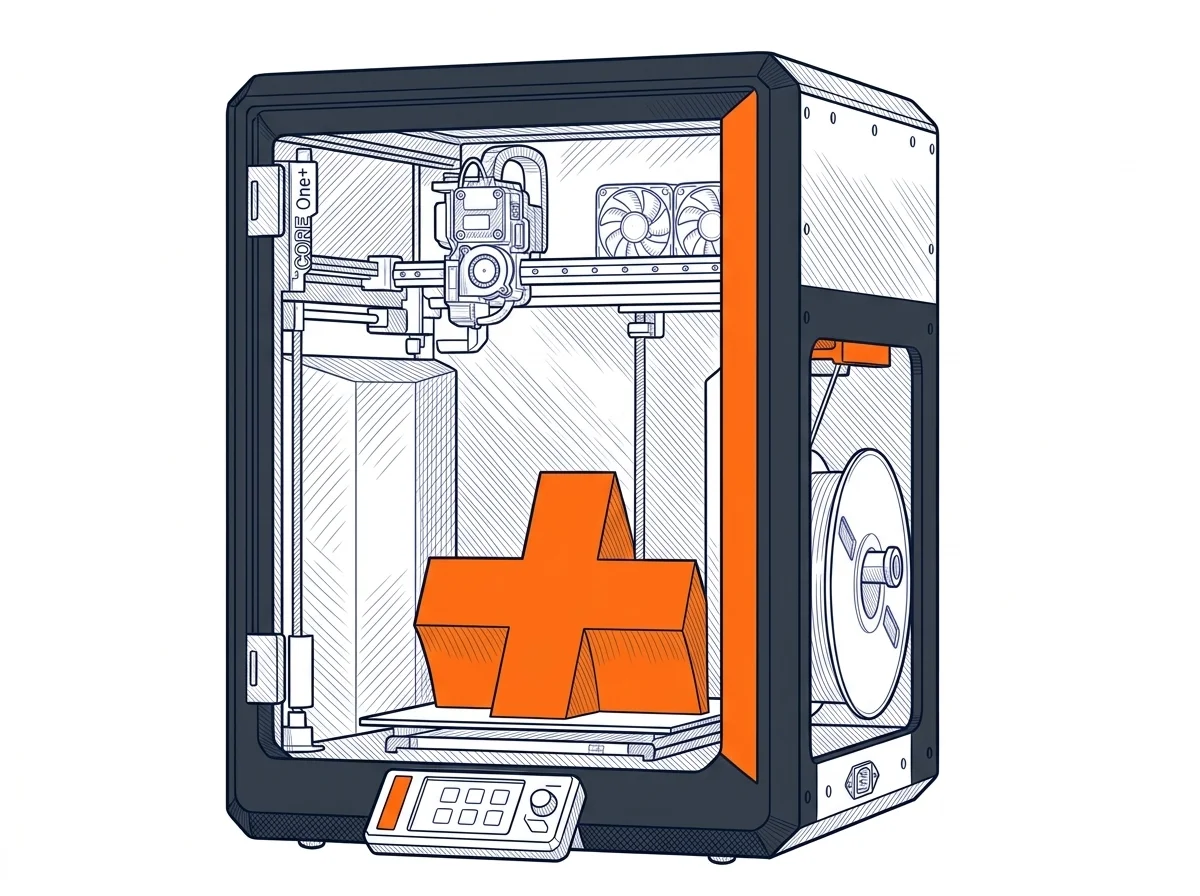 CORE One+
Prusa Research
F2 · Intermediate
CORE One+
Prusa Research
F2 · Intermediate
|
|---|---|---|
| Identity | ||
| Launch year | 2026 | 2026 |
| Use tier | F2 — Intermediate | F2 — Intermediate |
| Price | ||
| Price (€) | 439 € | ~1049–1349 € |
| Universal specs | ||
| Dimensions (W×D×H) (cm) | 50 × 48 × 74.3 cm | 41.5 × 44.4 × 55.5 cm |
| Weight (kg) | 19.35 kg | 22.5 kg |
| Work area (mm) | 256 × 256 mm | 250 × 220 mm |
| Z-axis height (mm) | 256 mm | 270 mm |
| Power (W) | 1100 W | 240 W |
| Voltage (V) | 240 V | 230 V |
| Maximum speed | 500 mm/s | — |
| Declared precision | 0.1 mm | — |
| Category specs | ||
| Footprint X×Y (short side) (mm) | 256 mm | 220 mm |
| Build height Z (mm) | 256 mm | 270 mm |
| Kinematics | CoreXY | CoreXY |
| Max nozzle temperature (°C) | 350 °C | 290 °C |
| Max bed temperature (°C) | 110 °C | 120 °C |
| Max print speed (mm/s) | 500 mm/s | — |
| Enclosed chamber | True | True |
| Filament sensor | True | True |
| Auto bed leveling | Mesh | Mesh |
| Standard nozzle diameter (mm) | 0.4 mm | 0.4 mm |
| Multi-extruder | False | False |
| Native Klipper | — | False |
| Input shaper | True | True |
| Multicolor printing | True | True |
| Multicolor requires accessory | False | True |
| Max colors | 4 | 5 |
| Ecosystem | ||
| Cloud dependency | No | No |
| Software notes | The machine is compatible with major slicing software on the market. The manufacturer recommends using Elegoo Slicer, specifically optimized to leverage the CoreXY kinematics, multi-color printing via the CANVAS system, and vibration compensation algorithms (Input Shaping). Alternatively, popular slicers like Orca Slicer and Cura can be used, offering broad flexibility to users who prefer established workflows. The integrated dual-band Wi-Fi connectivity allows direct transfer of G-code files to the 8 GB internal memory without physical cards, while the internal camera enables remote monitoring and time-lapse video recording, simplifying the management of the printing process even from a distance. | Natively compatible with PrusaSlicer (based on Slic3r, open-source), but it works with any slicer able to generate Marlin-flavored G-code, such as Cura, ideaMaker or Simplify3D. The firmware is a Prusa-modified Marlin 2, fully open: no lock-in to proprietary software or protocols. The user has full control over the machine, but PrusaSlicer is recommended for optimal performance, as it includes exclusive profiles and features like dynamic flow calibration. |
The differences that matter
- Price: Centauri Carbon 2 Combo 3D Printer 439 € vs CORE One+ 1199 € — Centauri Carbon 2 Combo 3D Printer wins (+173%)
- Multicolor requires accessory: CORE One+ yes, Centauri Carbon 2 Combo 3D Printer no
- Max nozzle temperature: Centauri Carbon 2 Combo 3D Printer 350 °C vs CORE One+ 290 °C — Centauri Carbon 2 Combo 3D Printer wins (+21%)
- Work area: Centauri Carbon 2 Combo 3D Printer 256×256 mm vs CORE One+ 250×220 mm — Centauri Carbon 2 Combo 3D Printer wins (+19%)
- Max colors: Centauri Carbon 2 Combo 3D Printer 4 vs CORE One+ 5 — CORE One+ wins (+25%)
Which one to choose
Choose Centauri Carbon 2 Combo 3D Printer if…
you value price, max nozzle temperature and work area.
Choose CORE One+ if…
you value max colors, build height z and max bed temperature.
MakerSpecs is an independent atlas. We don't sell products: this comparison links to both sheets, where you'll find complete data and official links.