Creality K2 Pro Combo vs Prusa Research CORE One+
Technical comparison · Fused filament fabrication (FFF/FDM)
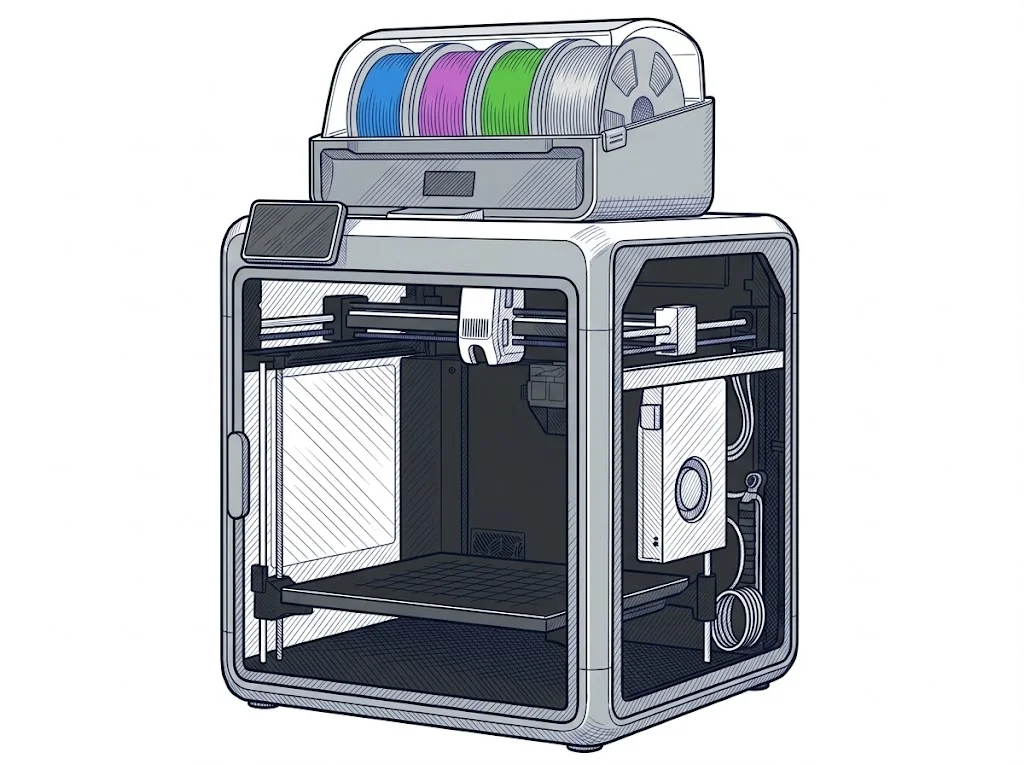
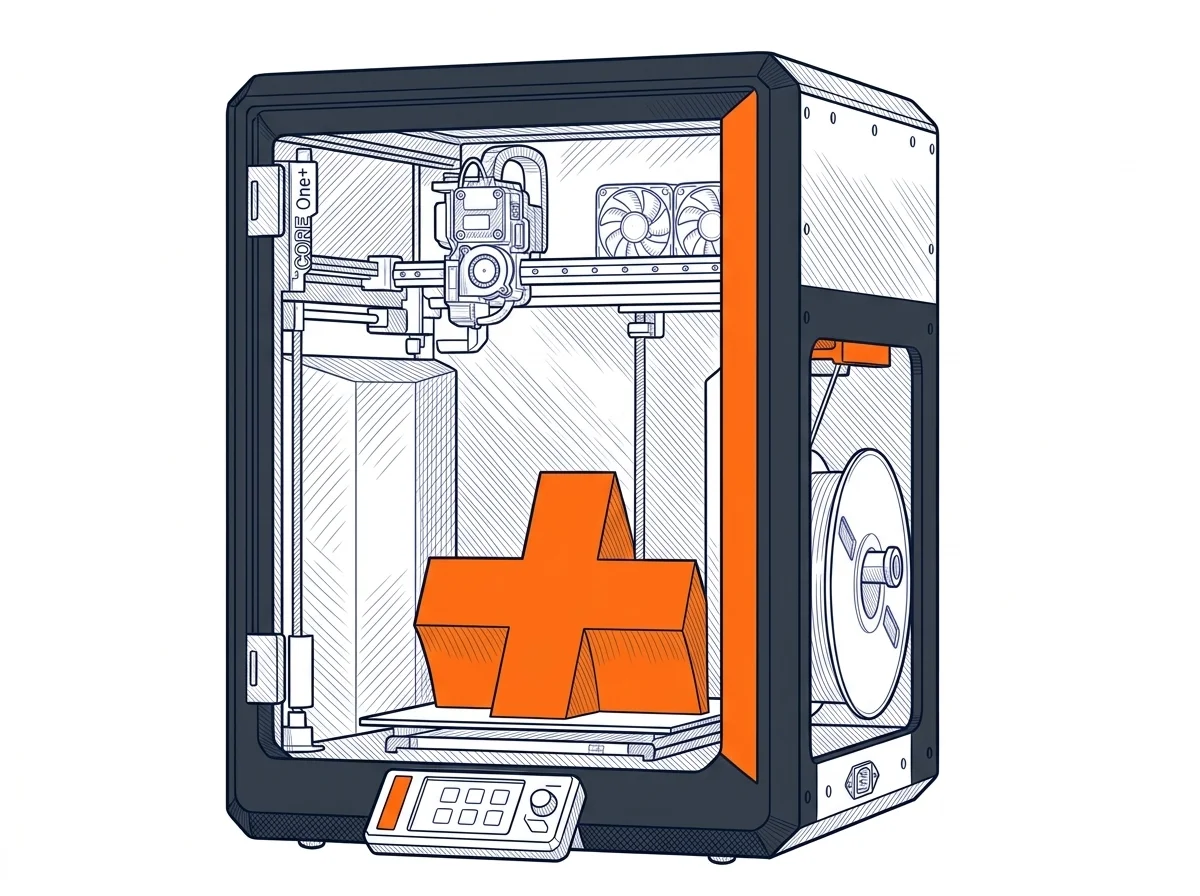
Creality K2 Pro Combo and Prusa CORE One+ both enclose their chamber and sit close in price, but the K2 Pro ships with more native colors and a bigger bed, while the CORE One+ bets on open Marlin firmware and a hotter bed. The gap shows up in what you print and how tied you want to be to one ecosystem.
| Parameter | ||
|---|---|---|
| Identity | ||
| Launch year | 2025 | 2026 |
| Use tier | F3 — Advanced | F2 — Intermediate |
| Price | ||
| Price (€) | 1099 € | ~1049–1349 € |
| Price updated on | 06/2026 | — |
| Universal specs | ||
| Dimensions (W×D×H) (cm) | 44.5 × 50.5 × 85 cm | 41.5 × 44.4 × 55.5 cm |
| Weight (kg) | 23.7 kg | 22.5 kg |
| Work area (mm) | 300 × 300 mm | 250 × 220 mm |
| Z-axis height (mm) | 300 mm | 270 mm |
| Power (W) | 1300 W | 240 W |
| Voltage (V) | 240 V | 230 V |
| Maximum speed | 600 mm/s | — |
| Declared precision | 0.1 ±mm | — |
| Category specs | ||
| Footprint X×Y (short side) (mm) | 300 mm | 220 mm |
| Build height Z (mm) | 300 mm | 270 mm |
| Kinematics | CoreXY | CoreXY |
| Max nozzle temperature (°C) | 300 °C | 290 °C |
| Max bed temperature (°C) | 110 °C | 120 °C |
| Max print speed (mm/s) | 600 mm/s | — |
| Enclosed chamber | Yes | Yes |
| Filament sensor | Yes | Yes |
| Auto bed leveling | Mesh | Mesh |
| Standard nozzle diameter (mm) | 0.4 mm | 0.4 mm |
| Multi-extruder | No | No |
| Native Klipper | Yes | No |
| Input shaper | Yes | Yes |
| Multicolor printing | Yes | Yes |
| Multicolor requires accessory | Yes | Yes |
| Max colors | 16 | 5 |
| Ecosystem | ||
| Cloud dependency | No | No |
| Software notes | Natively managed via Creality Print, it features AI capabilities for first-layer monitoring and print failure detection. It offers comprehensive connectivity via Wi-Fi, Ethernet, and USB, supporting remote control and the Creality Cloud ecosystem. | Natively compatible with PrusaSlicer (based on Slic3r, open-source), but it works with any slicer able to generate Marlin-flavored G-code, such as Cura, ideaMaker or Simplify3D. The firmware is a Prusa-modified Marlin 2, fully open: no lock-in to proprietary software or protocols. The user has full control over the machine, but PrusaSlicer is recommended for optimal performance, as it includes exclusive profiles and features like dynamic flow calibration. |
The differences that matter
- Max colors: 16 on the K2 Pro (built-in multi-toolhead) against 5 on the CORE One+ (with accessory).
- Bed size: 300×300 mm on the K2 Pro against 250×220 mm on the CORE One+.
- Native Klipper only on the K2 Pro; the CORE One+ stays on open Marlin firmware, no proprietary lock-in.
- Max bed temperature: 120°C on the CORE One+ against 110°C on the K2 Pro — relevant for filaments needing more adhesion.
- Price: around €1099 for the K2 Pro against €1199 for the CORE One+.
Which one to choose
Choose K2 Pro Combo if…
With 16 colors via its built-in multi-toolhead system and a 300×300 mm bed, the K2 Pro covers multicolor prototyping and bigger parts with no extra accessories. Native Klipper opens up tuning and community support, and the price stays slightly under the CORE One+.
Choose CORE One+ if…
120°C max bed temperature against the K2 Pro's 110°C matters for materials that need more aggressive adhesion — a margin that on some technical filaments is the difference between a clean first layer and one that lifts. Prusa's open Marlin firmware also doesn't lock the user into a proprietary ecosystem the way Creality's does.
Where to buy
Paid link: the price for you does not change. Methodology
As an Amazon Associate I earn from qualifying purchases.
Filaments for these printers
The most chosen spools among the materials both printers can print according to their specifications.
- ELEGOO PLA PLA1.75 mm1 kg Check the price on Amazon →
- Bambu Lab PLA PLA1.75 mm1 kg Check the price on Amazon →
- SUNLU PETG (Polyethylene Terephthalate Glycol) PETG (Polyethylene Terephthalate Glycol)1.75 mm1 kg Check the price on Amazon →
- SUNLU PLA PLA1.75 mm1 kg Check the price on Amazon →
- OVERTURE PETG (Polyethylene Terephthalate Glycol) PETG (Polyethylene Terephthalate Glycol)High speed1.75 mm1 kg Check the price on Amazon →
Paid link: the price for you does not change. Methodology
As an Amazon Associate I earn from qualifying purchases.
MakerSpecs is an independent atlas. We don't sell products: the purchase links are the same as on the two product sheets and don't influence the verdict. The sheets have the complete data.