Creality K1C vs Elegoo Centauri Carbon 2
Technical comparison · Fused filament fabrication (FFF/FDM)
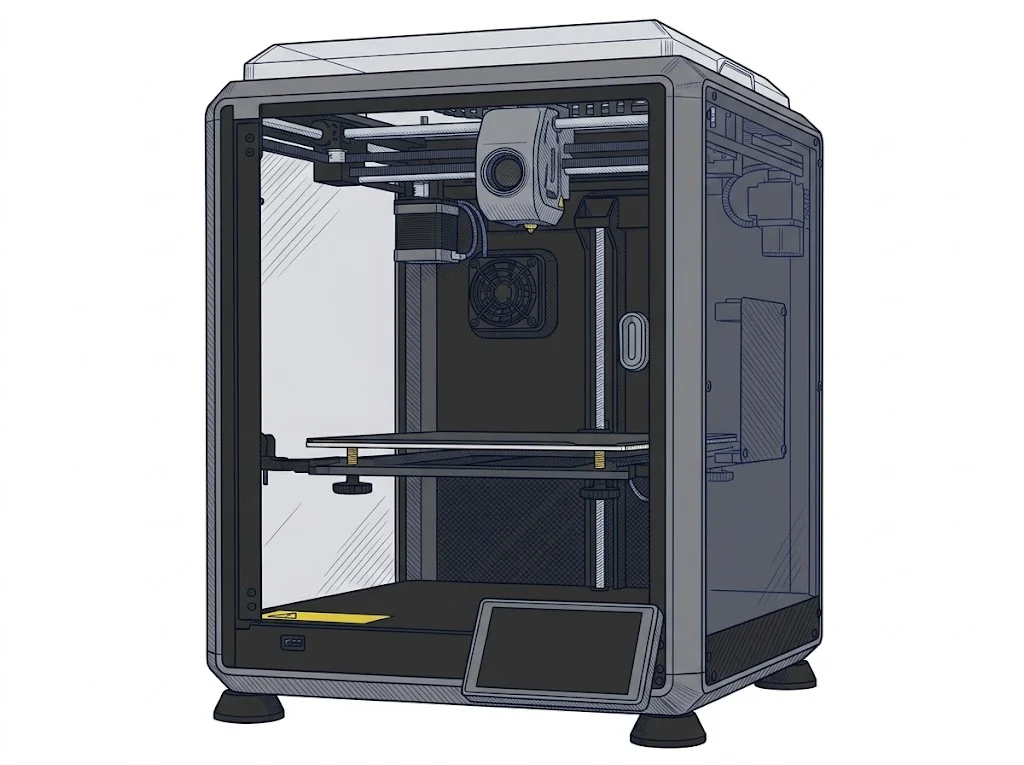
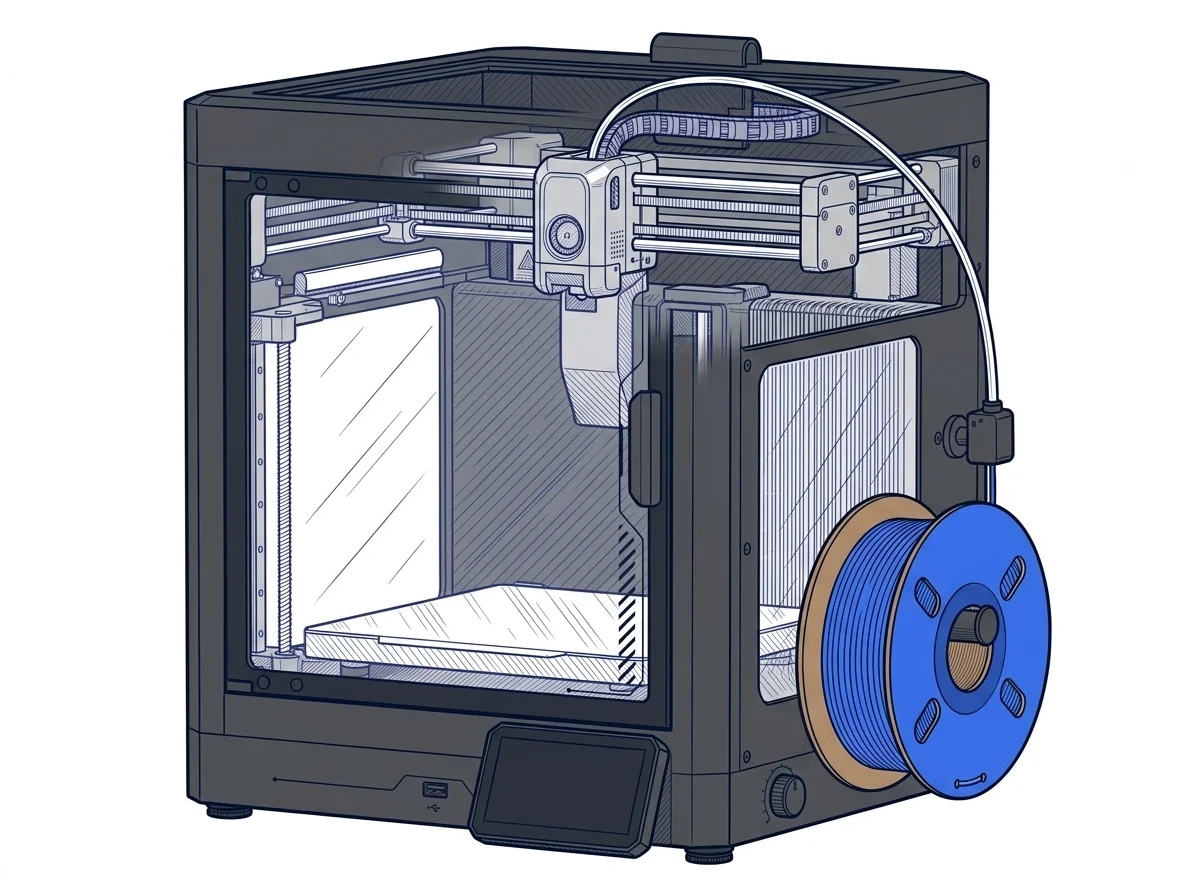
The K1C and Centauri Carbon 2 are two enclosed CoreXY printers with Klipper. What decides it is price: the Centauri Carbon 2, newer and with more volume, costs about €225 less.
| Parameter | ||
|---|---|---|
| Identity | ||
| Launch year | 2024 | 2026 |
| Use tier | F2 — Intermediate | F2 — Intermediate |
| Price | ||
| Price (€) | 599 € | ~349–399 € |
| Universal specs | ||
| Dimensions (W×D×H) (cm) | 35.5 × 35.5 × 48.2 cm | 50 × 48 × 74.3 cm |
| Weight (kg) | 12.4 kg | 19.35 kg |
| Work area (mm) | 220 × 220 mm | 256 × 256 mm |
| Z-axis height (mm) | 250 mm | 256 mm |
| Power (W) | 350 W | 1100 W |
| Maximum speed | 600 mm/s | 500 mm/s |
| Declared precision | 100 μm | 0.1 mm |
| Category specs | ||
| Footprint X×Y (short side) (mm) | 220 mm | 256 mm |
| Build height Z (mm) | 250 mm | 256 mm |
| Kinematics | CoreXY | CoreXY |
| Max nozzle temperature (°C) | 300 °C | 350 °C |
| Max bed temperature (°C) | 100 °C | 110 °C |
| Max print speed (mm/s) | 600 mm/s | 500 mm/s |
| Enclosed chamber | Yes | Yes |
| Filament sensor | Yes | Yes |
| Auto bed leveling | Mesh | Mesh |
| Standard nozzle diameter (mm) | 0.4 mm | 0.4 mm |
| Multi-extruder | No | No |
| Native Klipper | Yes | Yes |
| Input shaper | Yes | Yes |
| Multicolor printing | No | Yes |
| Multicolor requires accessory | Yes | Yes |
| Max colors | 4 | 4 |
| Ecosystem | ||
| Cloud dependency | No | No |
| Software notes | Uses Creality Print, an optimized proprietary slicer. Fully compatible with third-party software such as Orca Slicer and PrusaSlicer. | The proprietary Elegoo OS, built on Klipper architecture, manages full-auto calibration routines and AI-assisted monitoring. The machine is primarily supported by Elegoo Slicer (an Orca Slicer derivative), ensuring optimal control over material profiles and dynamic color changes. Users can also natively use Orca Slicer or export G-code from third-party alternatives like Cura. The intuitive touchscreen and Wi-Fi connectivity enable seamless remote management and direct job queuing over the local network. |
The differences that matter
- About €375 versus €599 → the gap covers a larger bed and color printing.
- 220×220 mm bed versus 256×256 mm → a part over 3 cm wider fits on the Centauri Carbon 2.
- Multicolor with an accessory, up to 4 colors, declared for the Centauri Carbon 2 → color changes within the same part.
Which one to choose
Choose K1C if…
you have little space and print parts within 220 mm, with a manufacturer-declared speed up to 600 mm/s: the K1C takes 35.5 cm per side and weighs 12.4 kg. The trade-off is price, about €225 more, for a smaller bed.
Choose Centauri Carbon 2 if…
you need parts up to 256 mm per side or want to print up to 4 colors with the dedicated accessory, managing the print queue over the network with Elegoo Slicer. You accept a 50×48 cm footprint and about 19 kg.
Where to buy
Paid link: the price for you does not change. Methodology
As an Amazon Associate I earn from qualifying purchases.
Filaments for these printers
The most chosen spools among the materials both printers can print according to their specifications.
- ELEGOO PLA PLA1.75 mm1 kg Check the price on Amazon →
- Bambu Lab PLA PLA1.75 mm1 kg Check the price on Amazon →
- SUNLU PETG (Polyethylene Terephthalate Glycol) PETG (Polyethylene Terephthalate Glycol)1.75 mm1 kg Check the price on Amazon →
- SUNLU PLA PLA1.75 mm1 kg Check the price on Amazon →
- OVERTURE PETG (Polyethylene Terephthalate Glycol) PETG (Polyethylene Terephthalate Glycol)High speed1.75 mm1 kg Check the price on Amazon →
Paid link: the price for you does not change. Methodology
As an Amazon Associate I earn from qualifying purchases.
MakerSpecs is an independent atlas. We don't sell products: the purchase links are the same as on the two product sheets and don't influence the verdict. The sheets have the complete data.