Bambu Lab P2S vs Elegoo OrangeStorm Giga
Technical comparison · Fused filament fabrication (FFF/FDM)
P2S and OrangeStorm Giga are not direct competitors: very different prices (~6.1×). P2S costs less (~€519) and is the entry-level choice; OrangeStorm Giga offers more capability at a higher price (~€3150). Judge them by budget, not head-to-head.
| Parameter |
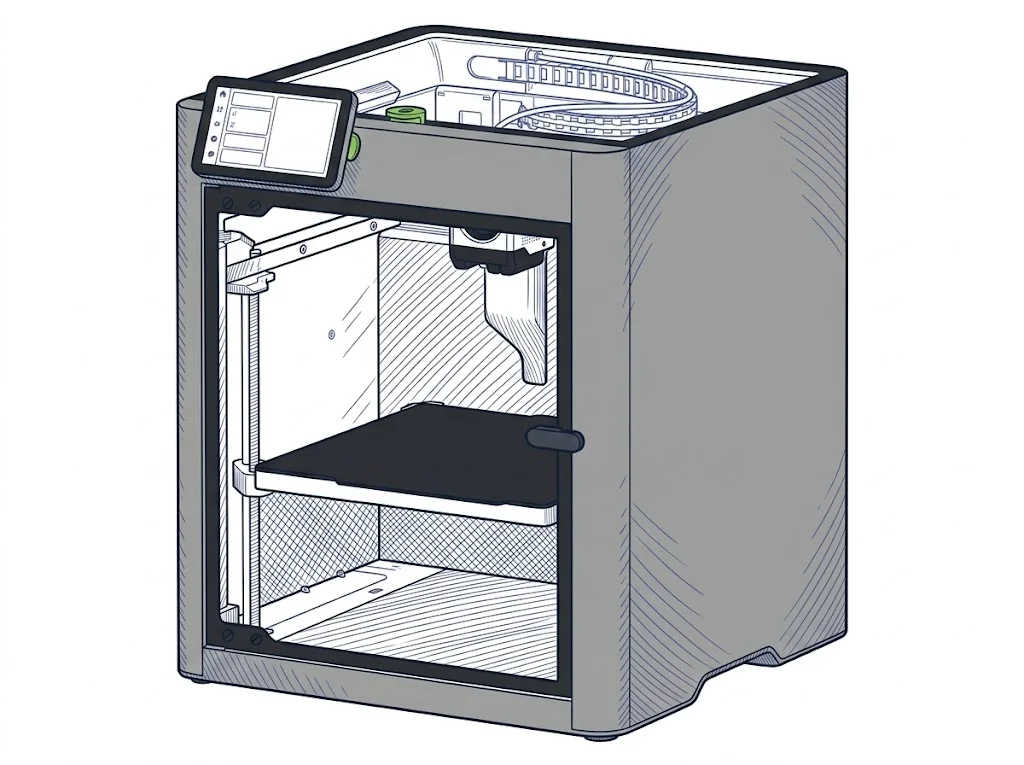 P2S
Bambu Lab
F2 · Intermediate
P2S
Bambu Lab
F2 · Intermediate
|
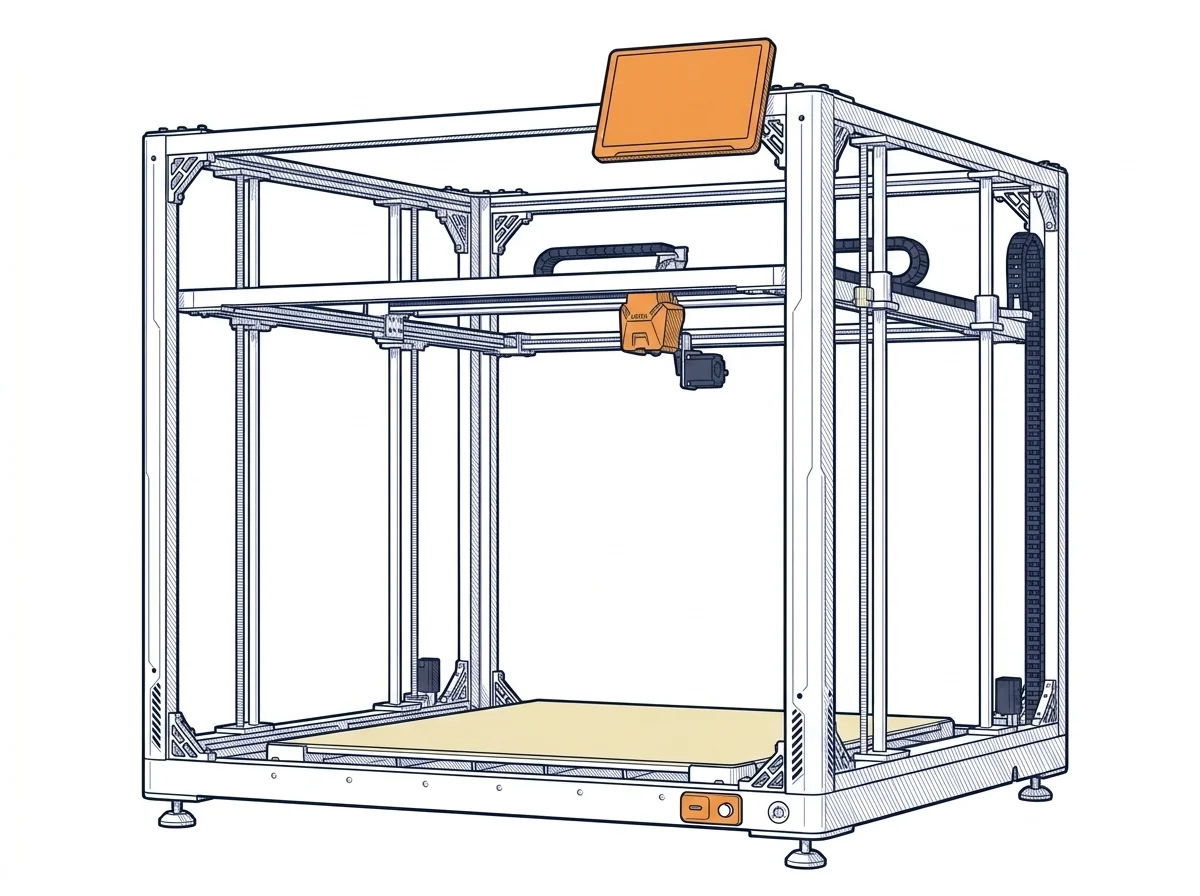 OrangeStorm Giga
Elegoo
F3 · Advanced
OrangeStorm Giga
Elegoo
F3 · Advanced
|
|---|---|---|
| Awards | — | |
| Identity | ||
| Launch year | 2025 | 2024 |
| Use tier | F2 — Intermediate | F3 — Advanced |
| Price | ||
| Price (€) | 519 € | ~2800–3500 € |
| Universal specs | ||
| Dimensions (W×D×H) (cm) | 39.2 × 40.6 × 47.8 cm | 122.4 × 120.4 × 142.5 cm |
| Weight (kg) | 14.9 kg | 104 kg |
| Work area (mm) | 256 × 256 mm | 800 × 800 mm |
| Z-axis height (mm) | 256 mm | 1000 mm |
| Power (W) | 1200 W | 1530 W |
| Voltage (V) | — | 230 V |
| Maximum speed | 600 mm/s | 300 mm/s |
| Declared precision | — | 0.1 mm |
| Category specs | ||
| Footprint X×Y (short side) (mm) | 256 mm | 800 mm |
| Build height Z (mm) | 256 mm | 1000 mm |
| Kinematics | CoreXY | Cartesian |
| Max nozzle temperature (°C) | 300 °C | 300 °C |
| Max bed temperature (°C) | 110 °C | 100 °C |
| Max print speed (mm/s) | 600 mm/s | 300 mm/s |
| Enclosed chamber | True | False |
| Filament sensor | True | True |
| Auto bed leveling | Mesh | Mesh |
| Standard nozzle diameter (mm) | 0.4 mm | 0.6 mm |
| Multi-extruder | False | False |
| Native Klipper | False | True |
| Input shaper | True | True |
| Multicolor printing | True | False |
| Multicolor requires accessory | True | True |
| Max colors | 20 | 4 |
| Ecosystem | ||
| Cloud dependency | No | No |
| Software notes | The official slicer is Bambu Studio, available for macOS, Windows, and Linux. The printer also accepts standard G-code exported from third-party slicers such as PrusaSlicer, SuperSlicer, and Cura, though certain advanced Bambu-specific features — including RFID-based filament detection and some automatic calibration modes — are only available within Bambu Studio. Remote control is handled via the Bambu Handy mobile app and desktop app; push notifications require cloud connectivity. | The system is powered by Klipper-based firmware, processed by a 64-bit quad-core SoC, enabling speeds up to 300 mm/s. Connectivity is comprehensive, offering USB, Ethernet, and Wi-Fi ports for the remote management of massive G-code files. The user interface is accessible via a generous 10.1-inch capacitive touchscreen, which is detachable from the chassis for comfortable positioning. The machine is best managed using the Elegoo Cura slicer but supports standard STL and OBJ formats, allowing broad workflow flexibility without any dependence on cloud platforms. |
MakerSpecs Awards
P2S
Nessun riconoscimento in questa fascia.
OrangeStorm Giga
Largest work area Advanced
The largest work area among advanced Fused filament fabrication (FFF/FDM) machines: 6400 cm².
How we assign awards →The differences that matter
- Price: P2S 519 € vs OrangeStorm Giga 3150 € — P2S wins (+507%)
- Work area: P2S 256×256 mm vs OrangeStorm Giga 800×800 mm — OrangeStorm Giga wins (+877%)
- Build height Z: P2S 256 mm vs OrangeStorm Giga 1000 mm — OrangeStorm Giga wins (+291%)
- Max print speed: P2S 600 mm/s vs OrangeStorm Giga 300 mm/s — P2S wins (+100%)
- Max colors: P2S 20 vs OrangeStorm Giga 4 — P2S wins (+400%)
Which one to choose
Choose OrangeStorm Giga if…
you value work area, build height z and native klipper. It is the one with the largest build area in its class.
MakerSpecs is an independent atlas. We don't sell products: this comparison links to both sheets, where you'll find complete data and official links.