Bambu Lab P1P vs Qidi Tech X-CF Pro
Technical comparison · Fused filament fabrication (FFF/FDM)
P1P and X-CF Pro are not direct competitors: very different prices (~3.3×). P1P costs less (~€550) and is the entry-level choice; X-CF Pro offers more capability at a higher price (~€1800). Judge them by budget, not head-to-head.
| Parameter |
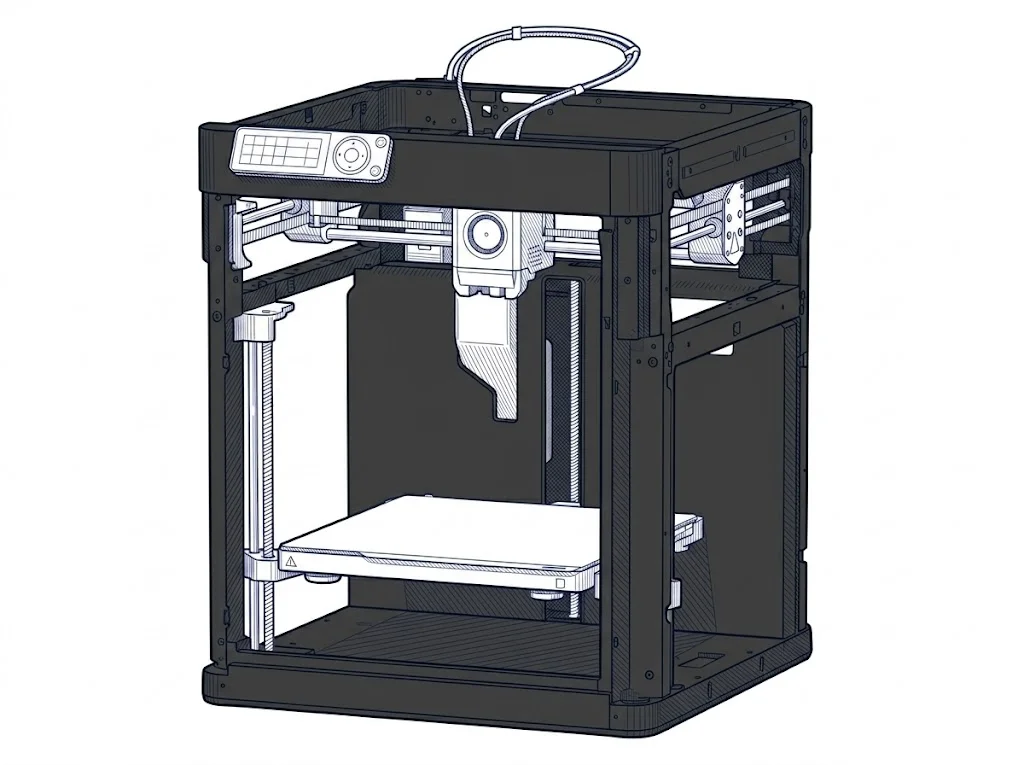 P1P
Bambu Lab
F2 · Intermediate
P1P
Bambu Lab
F2 · Intermediate
|
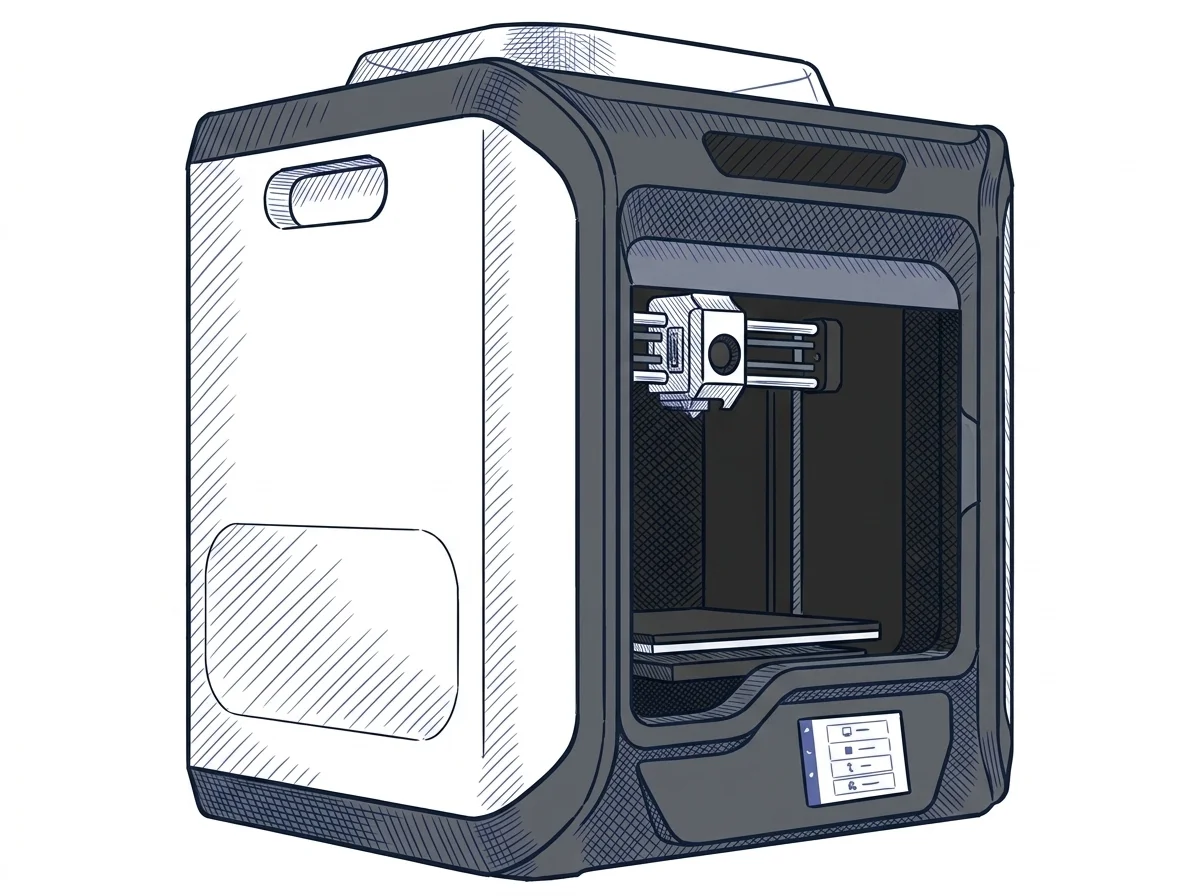 X-CF Pro
Qidi Tech
F2 · Intermediate
X-CF Pro
Qidi Tech
F2 · Intermediate
|
|---|---|---|
| Identity | ||
| Launch year | 2022 | 2021 |
| Use tier | F2 — Intermediate | F2 — Intermediate |
| Price | ||
| Price (€) | ~500–600 € | ~1700–1900 € |
| Universal specs | ||
| Dimensions (W×D×H) (cm) | 38.6 × 38.9 × 45.8 cm | 61 × 51.5 × 67.8 cm |
| Weight (kg) | 9.65 kg | 32.5 kg |
| Work area (mm) | 256 × 256 mm | 300 × 250 mm |
| Z-axis height (mm) | 256 mm | 300 mm |
| Power (W) | 1000 W | 450 W |
| Voltage (V) | 100 V | — |
| Maximum speed | 500 mm/s | 60 mm/s |
| Declared precision | — | 0.05 mm |
| Category specs | ||
| Footprint X×Y (short side) (mm) | 256 mm | 250 mm |
| Build height Z (mm) | 256 mm | 300 mm |
| Kinematics | CoreXY | — |
| Max nozzle temperature (°C) | 300 °C | 350 °C |
| Max bed temperature (°C) | 100 °C | 120 °C |
| Max print speed (mm/s) | 500 mm/s | 60 mm/s |
| Enclosed chamber | False | True |
| Filament sensor | True | True |
| Auto bed leveling | Mesh | Mesh |
| Standard nozzle diameter (mm) | 0.4 mm | 0.4 mm |
| Multi-extruder | False | False |
| Native Klipper | False | False |
| Input shaper | True | False |
| Multicolor printing | True | False |
| Multicolor requires accessory | True | — |
| Max colors | 16 | 1 |
| Ecosystem | ||
| Cloud dependency | No | No |
| Software notes | The P1P works with Bambu Studio, Bambu Lab's proprietary slicing software available for Windows, macOS, and Linux, and with the Bambu Handy mobile app for remote monitoring and print management. Cloud connectivity is optional: the printer also supports a LAN-only mode for users who prefer to operate without connecting to external servers. It is not natively compatible with open-source firmware such as Klipper, nor with third-party slicers like PrusaSlicer or OrcaSlicer without unofficial profiles. | The printer is officially supported by QidiPrint, the manufacturer's proprietary slicing software, which includes pre-configured profiles optimized for carbon fiber and nylon printing. The system is also fully compatible with popular third-party slicers, including Ultimaker Cura and Simplify3D, giving users the flexibility to adapt their workflow. Basic connectivity includes Wi-Fi, a wired LAN network, and a USB port for manual file transfer. Although the native Marlin-based firmware lacks advanced network management features like Klipper, the machine can be successfully interfaced with external server systems such as OctoPrint via cable. |
The differences that matter
- Price: P1P 550 € vs X-CF Pro 1800 € — P1P wins (+227%)
- Max print speed: P1P 500 mm/s vs X-CF Pro 60 mm/s — P1P wins (+733%)
- Max colors: P1P 16 vs X-CF Pro 1 — P1P wins (+1500%)
- Enclosed chamber: X-CF Pro yes, P1P no
- Input shaper: P1P yes, X-CF Pro no
Which one to choose
Choose X-CF Pro if…
you value enclosed chamber, build height z and max nozzle temperature.
MakerSpecs is an independent atlas. We don't sell products: this comparison links to both sheets, where you'll find complete data and official links.