Atomstack Swift Mini Laser Engraver vs xTool D1 Pro 5W Laser Engraver
Technical comparison · Diode laser (405–460 nm)
Swift Mini Laser Engraver and D1 Pro 5W Laser Engraver are two diode laser (405–460 nm) in a similar class. Choose Swift Mini Laser Engraver if price matters more; choose D1 Pro 5W Laser Engraver if work area matters more.
| Parameter |
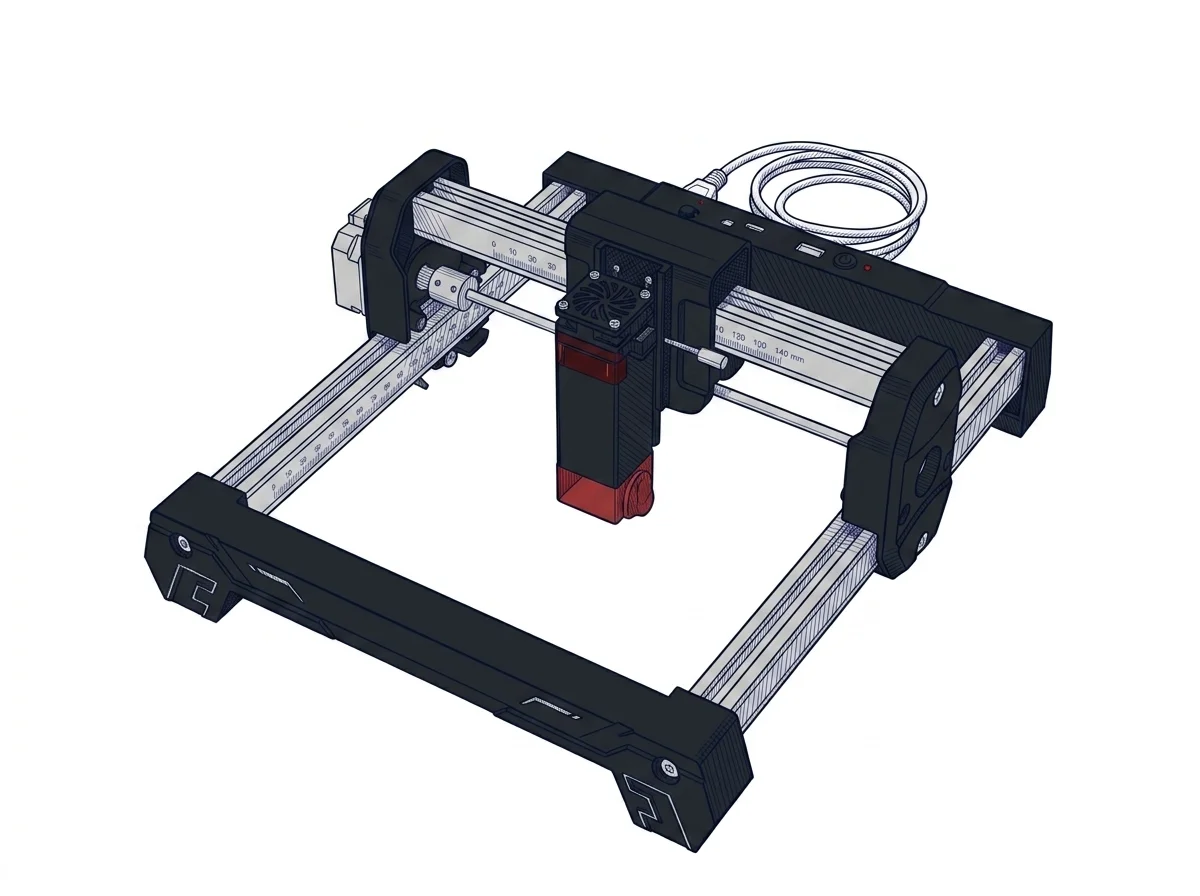 Swift Mini Laser Engraver
Atomstack
F1 · Entry
Swift Mini Laser Engraver
Atomstack
F1 · Entry
|
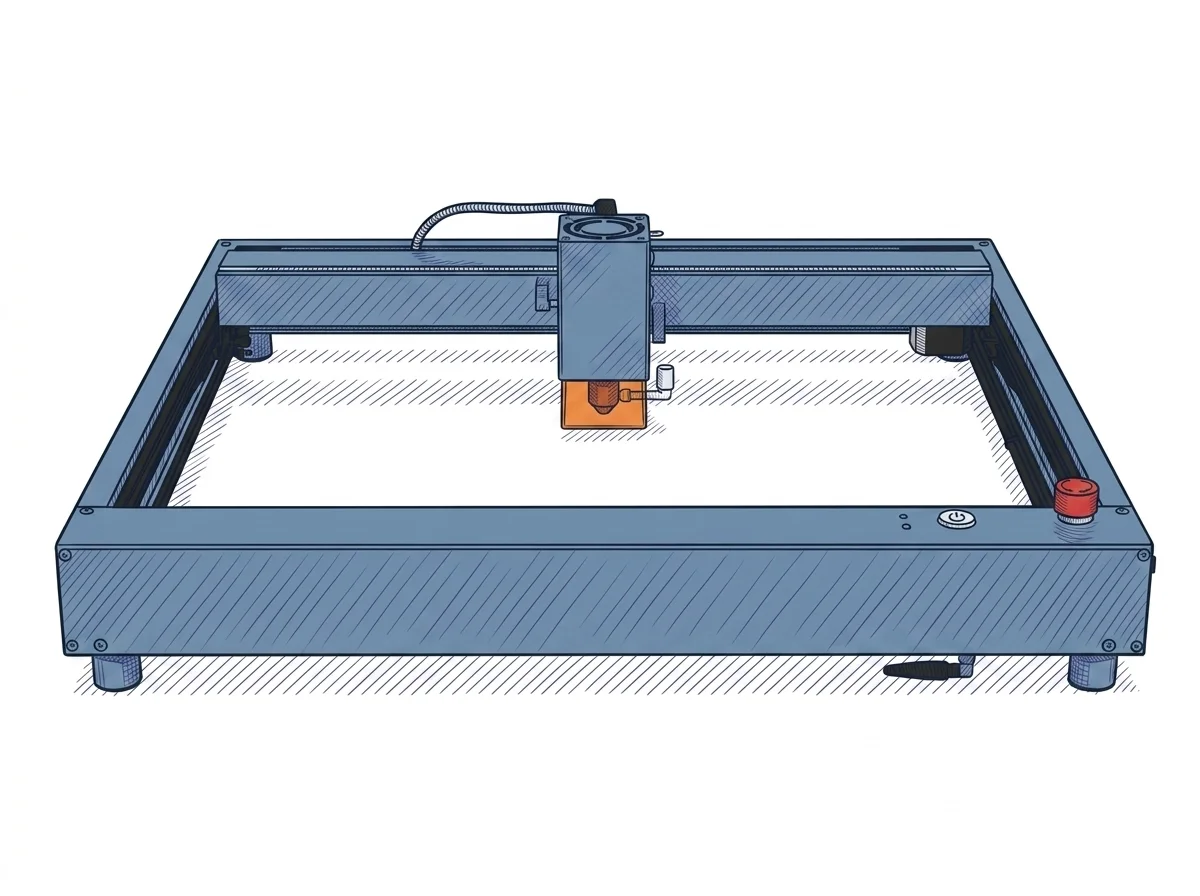 D1 Pro 5W Laser Engraver
xTool
F2 · Intermediate
D1 Pro 5W Laser Engraver
xTool
F2 · Intermediate
|
|---|---|---|
| Identity | ||
| Launch year | 2025 | 2022 |
| Use tier | F1 — Entry | F2 — Intermediate |
| Price | ||
| Price (€) | ~120–220 € | ~350–500 € |
| Universal specs | ||
| Dimensions (W×D×H) (cm) | — | 60 × 59 × 15 cm |
| Weight (kg) | — | 5 kg |
| Work area (mm) | 135 × 145 mm | 430 × 400 mm |
| Power (W) | — | 60 W |
| Maximum speed | 166.67 mm/s | 400 mm/s |
| Declared precision | 0.1 mm | 0.01 mm |
| Category specs | ||
| Work area (short side) (mm) | 135 mm | 400 mm |
| Rated power (W) | 3 W | 5 W |
| Source technology | Diode | Diode |
| Max travel speed (mm/s) | 166.67 mm/s | 400 mm/s |
| Max processing speed (mm/s) | 166.67 mm/s | 400 mm/s |
| Wavelength (nm) | 445 nm | 455 nm |
| Min resolution (µm) | 40 µm | 10 µm |
| Autofocus | False | False |
| Rotary included/compatible | False | False |
| Passthrough | False | True |
| Supported software | Proprietary, LightBurn | Proprietary, LightBurn |
| Ecosystem | ||
| Cloud dependency | No | No |
| Software notes | The device stands out for its excellent software flexibility, tailored for both novices and more experienced users. The proprietary AtomStack Studio app, compatible with mobile devices, integrates AI-based features such as text-to-image generation, making the creative process straightforward. Connectivity is ensured via Wi-Fi, direct hotspot, and USB cable. For those who desire more granular control over processing parameters, the Swift Mini maintains full compatibility with LightBurn, the industry-standard laser engraving software for PC, thus offering a scalable learning curve. | The system offers versatile software compatibility, supporting both the proprietary xTool Creative Space (XCS) environment and the industry-standard LightBurn. XCS is a free, intuitive platform ideal for beginners, allowing full project management both online and in a completely offline mode, eliminating cloud dependency. For advanced users requiring sophisticated vector editing and control features, LightBurn represents the ideal choice, integrating via USB or Wi-Fi connection. This dual software option ensures that the machine can evolve alongside the user's skills, covering both straightforward workflows and more complex graphic production and engraving design layouts. |
The differences that matter
- Price: Swift Mini Laser Engraver 170 € vs D1 Pro 5W Laser Engraver 425 € — Swift Mini Laser Engraver wins (+150%)
- Work area: Swift Mini Laser Engraver 135×145 mm vs D1 Pro 5W Laser Engraver 430×400 mm — D1 Pro 5W Laser Engraver wins (+779%)
Which one to choose
MakerSpecs is an independent atlas. We don't sell products: this comparison links to both sheets, where you'll find complete data and official links.