Atomstack Swift Mini Laser Engraver vs Ortur Laser Master 2 Pro S2 5W
Technical comparison · Diode laser (405–460 nm)
Swift Mini Laser Engraver and Laser Master 2 Pro S2 5W are two diode laser (405–460 nm) in a similar class. Choose Swift Mini Laser Engraver if price matters more; choose Laser Master 2 Pro S2 5W if work area matters more.
| Parameter |
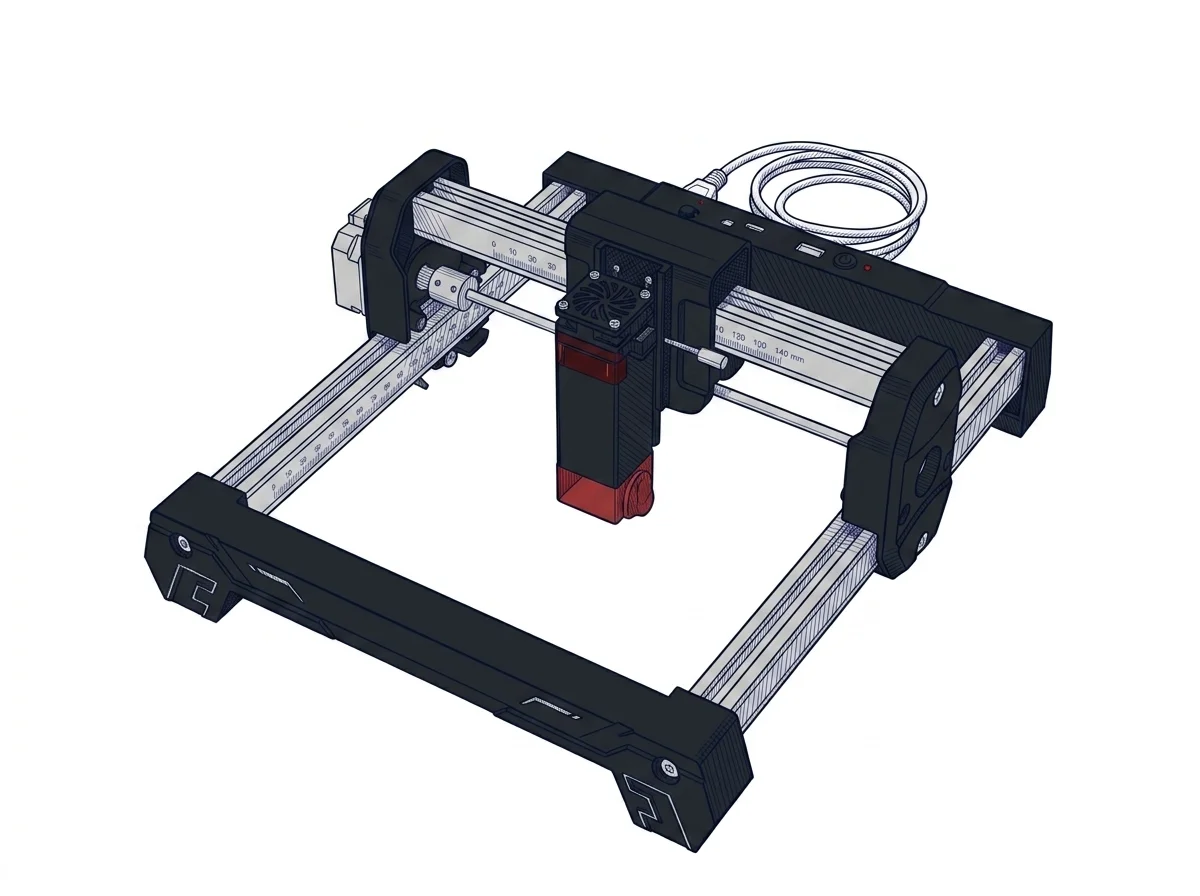 Swift Mini Laser Engraver
Atomstack
F1 · Entry
Swift Mini Laser Engraver
Atomstack
F1 · Entry
|
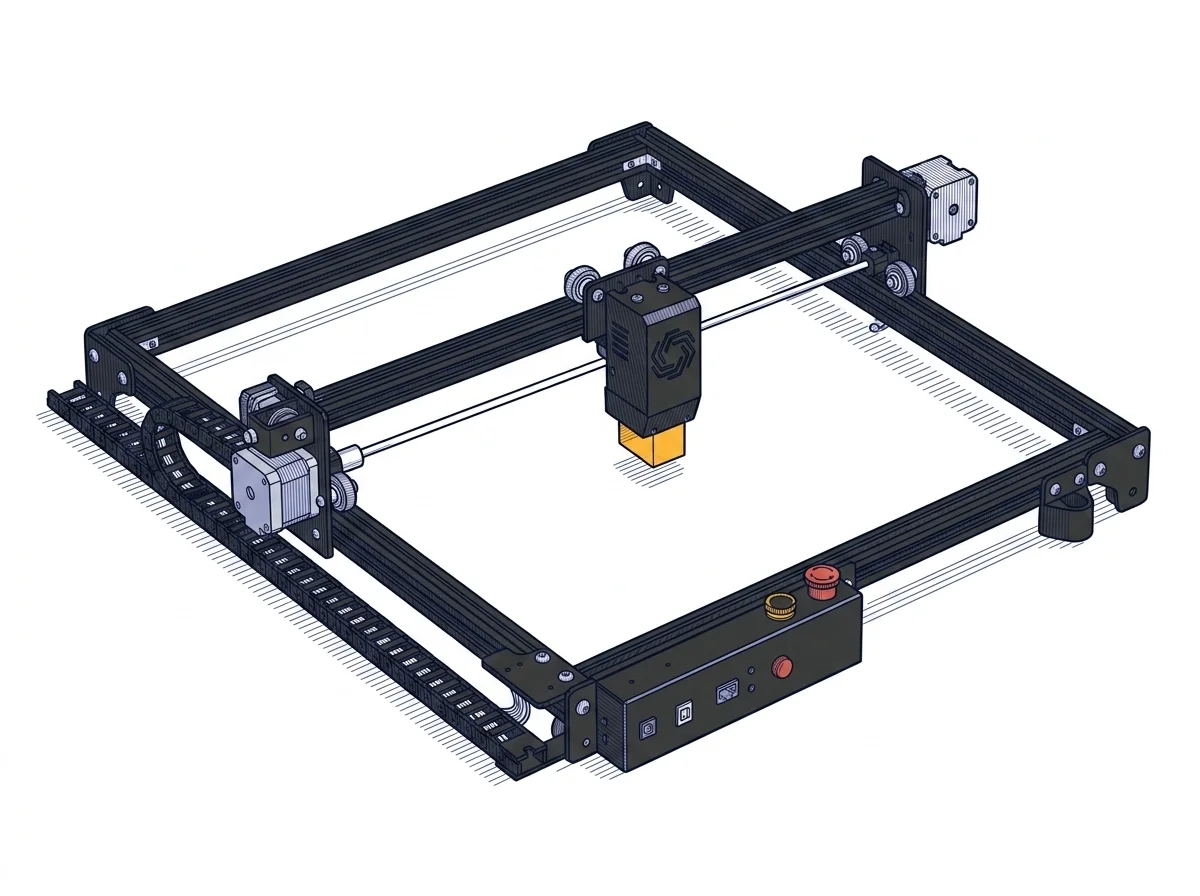 Laser Master 2 Pro S2 5W
Ortur
F2 · Intermediate
Laser Master 2 Pro S2 5W
Ortur
F2 · Intermediate
|
|---|---|---|
| Identity | ||
| Launch year | 2025 | 2021 |
| Use tier | F1 — Entry | F2 — Intermediate |
| Price | ||
| Price (€) | ~120–220 € | 329 € |
| Universal specs | ||
| Dimensions (W×D×H) (cm) | — | 60 × 57 × 13 cm |
| Weight (kg) | — | 3.5 kg |
| Work area (mm) | 135 × 145 mm | 400 × 400 mm |
| Power (W) | — | 48 W |
| Voltage (V) | — | 24 V |
| Maximum speed | 166.67 mm/s | 10000 mm/min |
| Declared precision | 0.1 mm | 0.01 mm |
| Category specs | ||
| Work area (short side) (mm) | 135 mm | 400 mm |
| Rated power (W) | 3 W | 5.5 W |
| Source technology | Diode | Diode |
| Max travel speed (mm/s) | 166.67 mm/s | 250 mm/s |
| Max processing speed (mm/s) | 166.67 mm/s | 250 mm/s |
| Max cut depth per material | — | Wood: 12 mm, Acrylic: 5 mm |
| Wavelength (nm) | 445 nm | 445 nm |
| Min resolution (µm) | 40 µm | 12.5 µm |
| Autofocus | False | False |
| Rotary included/compatible | False | False |
| Passthrough | False | True |
| Supported software | Proprietary, LightBurn | LightBurn, Other |
| Ecosystem | ||
| Cloud dependency | No | No |
| Software notes | The device stands out for its excellent software flexibility, tailored for both novices and more experienced users. The proprietary AtomStack Studio app, compatible with mobile devices, integrates AI-based features such as text-to-image generation, making the creative process straightforward. Connectivity is ensured via Wi-Fi, direct hotspot, and USB cable. For those who desire more granular control over processing parameters, the Swift Mini maintains full compatibility with LightBurn, the industry-standard laser engraving software for PC, thus offering a scalable learning curve. | The operational management of the engraver is guaranteed by full compatibility with the most popular software in the industry, making workflow integration highly flexible. Users can utilize LightBurn, an advanced commercial program that has become the gold standard for those requiring complex editing tools and granular control over cutting parameters. Alternatively, the motherboard natively supports LaserGRBL, a free and open-source software solution, particularly suitable for beginners due to its intuitive interface. The connection between the computer and the machine occurs physically via a standard USB cable, ensuring stable and low-latency data transfer, without any need for an internet connection or reliance on cloud-based platforms. |
The differences that matter
- Work area: Swift Mini Laser Engraver 135×145 mm vs Laser Master 2 Pro S2 5W 400×400 mm — Laser Master 2 Pro S2 5W wins (+717%)
- Price: Swift Mini Laser Engraver 170 € vs Laser Master 2 Pro S2 5W 329 € — Swift Mini Laser Engraver wins (+94%)
Which one to choose
MakerSpecs is an independent atlas. We don't sell products: this comparison links to both sheets, where you'll find complete data and official links.