Atomstack Atelier 12W vs xTool M2 Color Craft 20W
Technical comparison · Diode laser (405–460 nm)
Atelier 12W and M2 Color Craft 20W sit in the same category (diode laser (405–460 nm)). Atelier 12W is ahead on: price. M2 Color Craft 20W is ahead on: work area.
| Parameter |
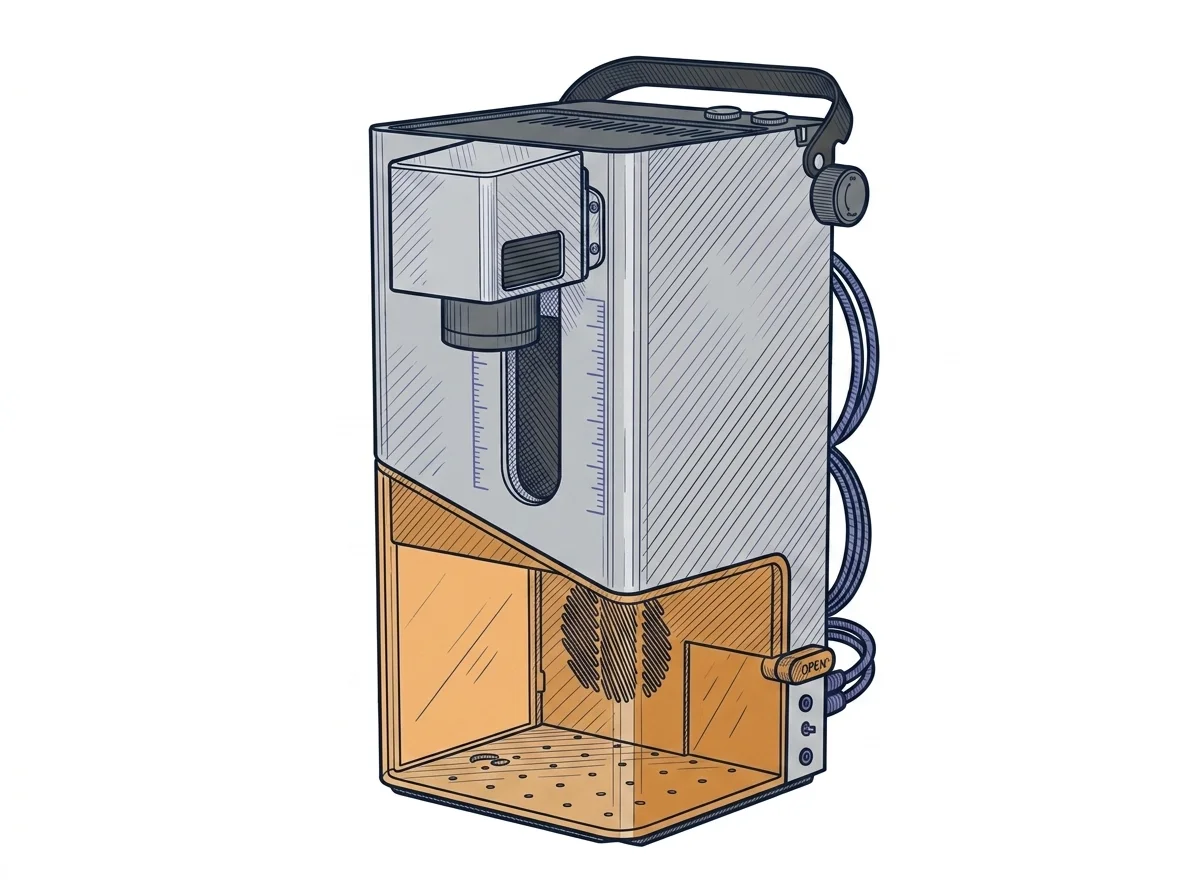 Atelier 12W
Atomstack
F2 · Intermediate
Atelier 12W
Atomstack
F2 · Intermediate
|
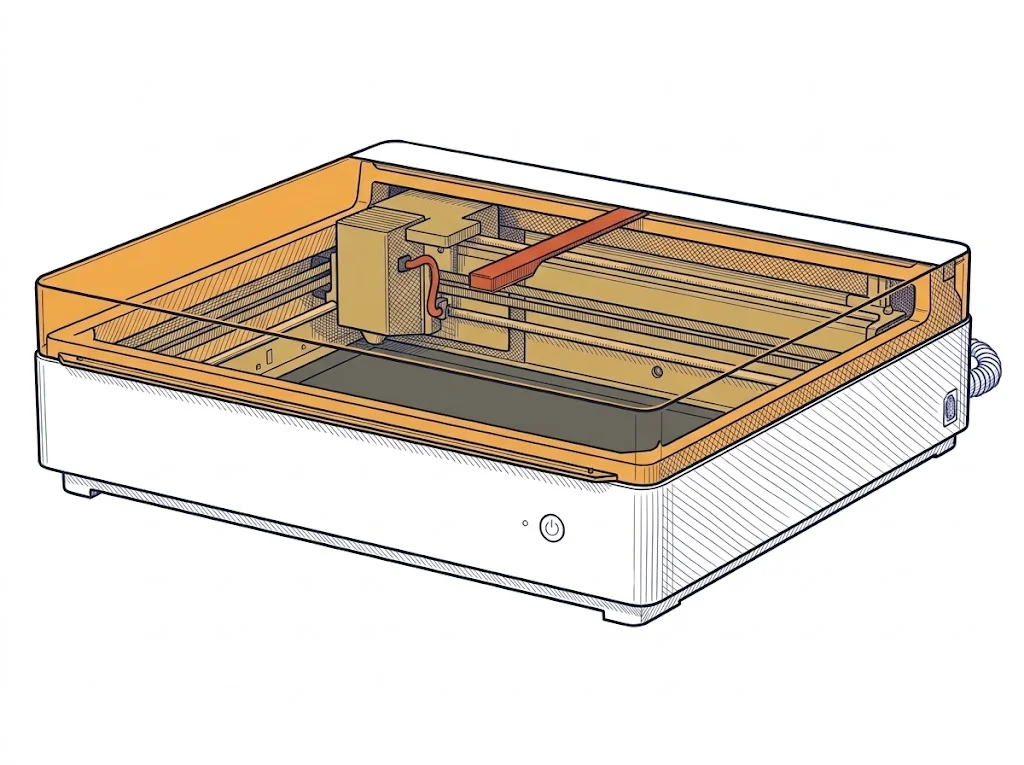 M2 Color Craft 20W
xTool
F2 · Intermediate
M2 Color Craft 20W
xTool
F2 · Intermediate
|
|---|---|---|
| Identity | ||
| Launch year | 2025 | 2024 |
| Use tier | F2 — Intermediate | F2 — Intermediate |
| Price | ||
| Price (€) | ~600–800 € | 1057.75 € |
| Universal specs | ||
| Dimensions (W×D×H) (cm) | 30 × 30 × 41.5 cm | 61 × 56.9 × 18 cm |
| Weight (kg) | 3.49 kg | 12.3 kg |
| Work area (mm) | 120 × 120 mm | 426 × 320 mm |
| Power (W) | 96 W | 200 W |
| Voltage (V) | 24 V | — |
| Maximum speed | 4000 mm/s | 600 mm/s |
| Declared precision | 0.01 mm | 0.2 mm |
| Category specs | ||
| Work area (short side) (mm) | 120 mm | 320 mm |
| Rated power (W) | 12 W | 20 W |
| Source technology | Diode | Diode |
| Max travel speed (mm/s) | 4000 mm/s | — |
| Max processing speed (mm/s) | 4000 mm/s | 600 mm/s |
| Max cut depth per material | — | Basswood: 10 mm/pass. Black Acrylic: 8 mm/pass. |
| Wavelength (nm) | 455 nm | — |
| Autofocus | — | Yes |
| Rotary included/compatible | No | Yes |
| Passthrough | No | — |
| Supported software | Proprietary, LightBurn | Proprietary |
| Fume extraction | Optional filter | — |
| Ecosystem | ||
| Cloud dependency | No | No |
| Software notes | The control of the machine is fully compatible with the industry standard LightBurn, ensuring users have access to advanced tools for design, layer management, and vector path optimization directly via USB connection. The proprietary software provided by the manufacturer is also supported, making it ideal for quick engraving and marking operations or for users who prefer a more streamlined interface. The absence of constraints related to cloud architectures ensures full hardware operability even in offline environments, protecting the confidentiality of work files and ensuring the tool's longevity is not dependent on external remote server support. | Machine operation is managed through the proprietary xTool Creative Space (also known as xTool Studio) software, developed by the manufacturer and fully compatible with both Windows and macOS operating systems. The user interface is designed to facilitate project preparation and the configuration of cutting and engraving parameters. The system supports importing files in the most common vector and raster formats, including SVG, DXF, JPG, JPEG, PNG, and BMP. The physical connection between the computer and the engraver is established via a USB port, with the option to utilize a wireless Wi-Fi connection. For this specific model, the manufacturer currently does not declare any native compatibility with third-party laser control software such as LightBurn or RDWorks. |
The differences that matter
- Work area: Atelier 12W 120×120 mm vs M2 Color Craft 20W 426×320 mm
- Price: Atelier 12W 700 € vs M2 Color Craft 20W 1057.75 €
Which one to choose
MakerSpecs is an independent atlas. We don't sell products: this comparison links to both sheets, where you'll find complete data and official links.